Turn your phone into a professional USB webcam or wireless IP camera! Connect external cameras via OTG and enjoy 2-way audio, RTSP streaming, and SBS mode.
USB Camera Pro v13.1.1 APK (Full Version)
| App Name | USB Camera Pro |
|---|---|
| Publisher | 沈垚 / ShenYao China |
| Genre | Video Players & Editors |
| Size | 85M |
| Latest Version | 13.1.1 |
| MOD Info | Full Version |
| Get it On |

|
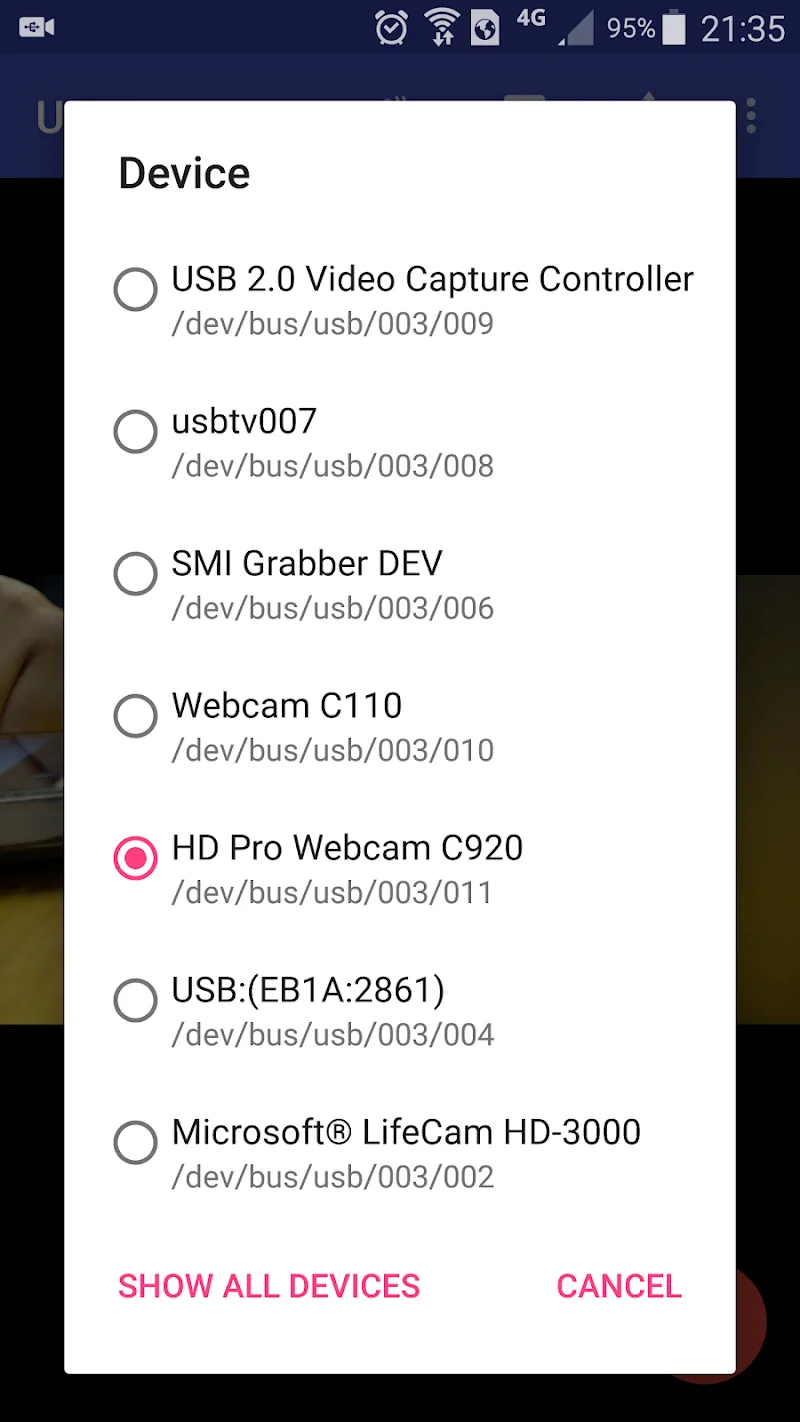
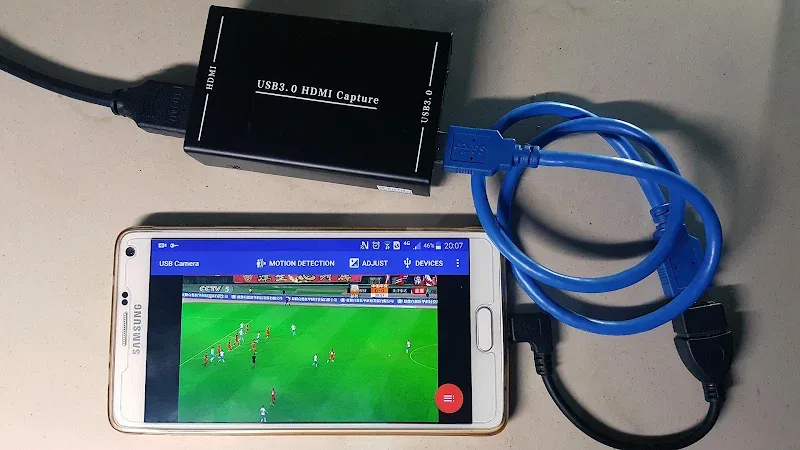
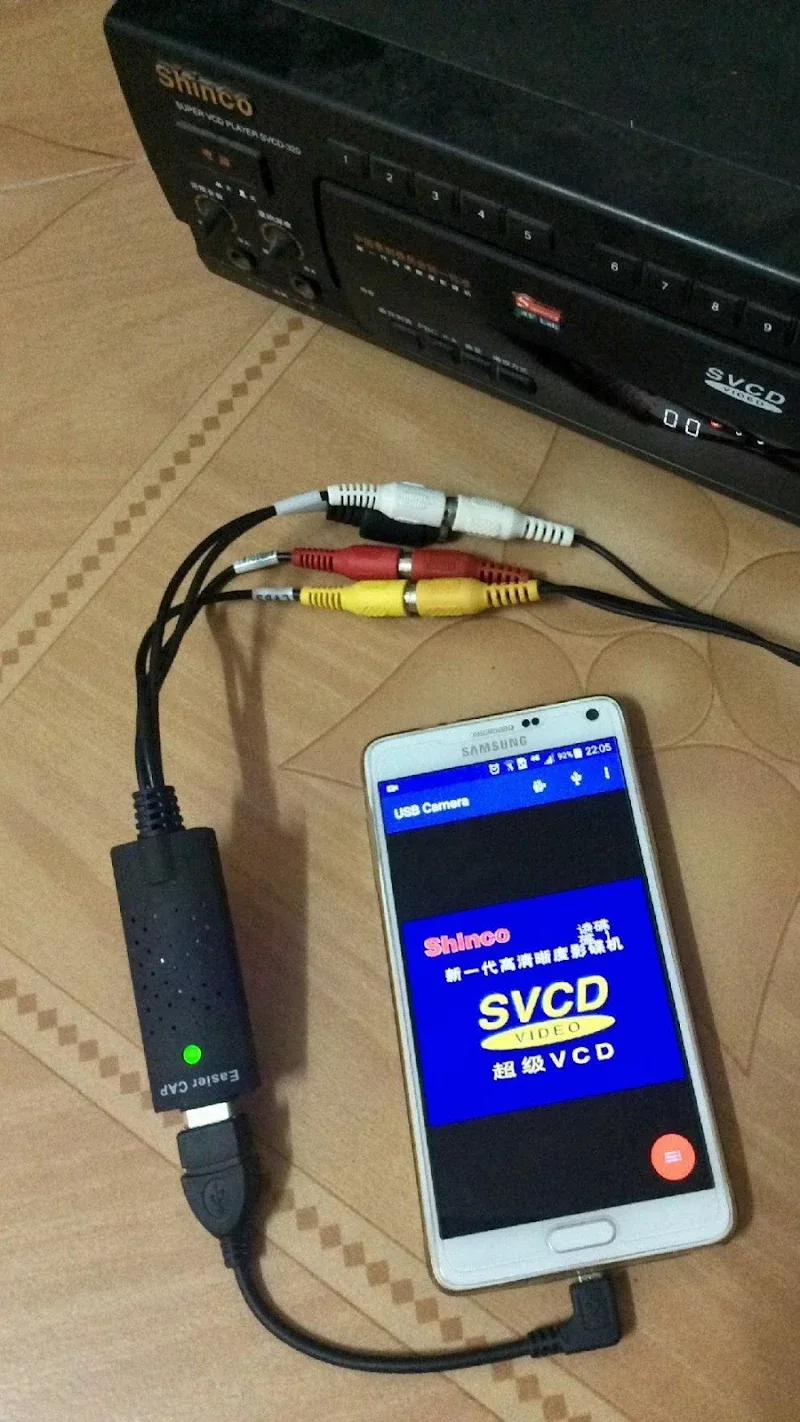
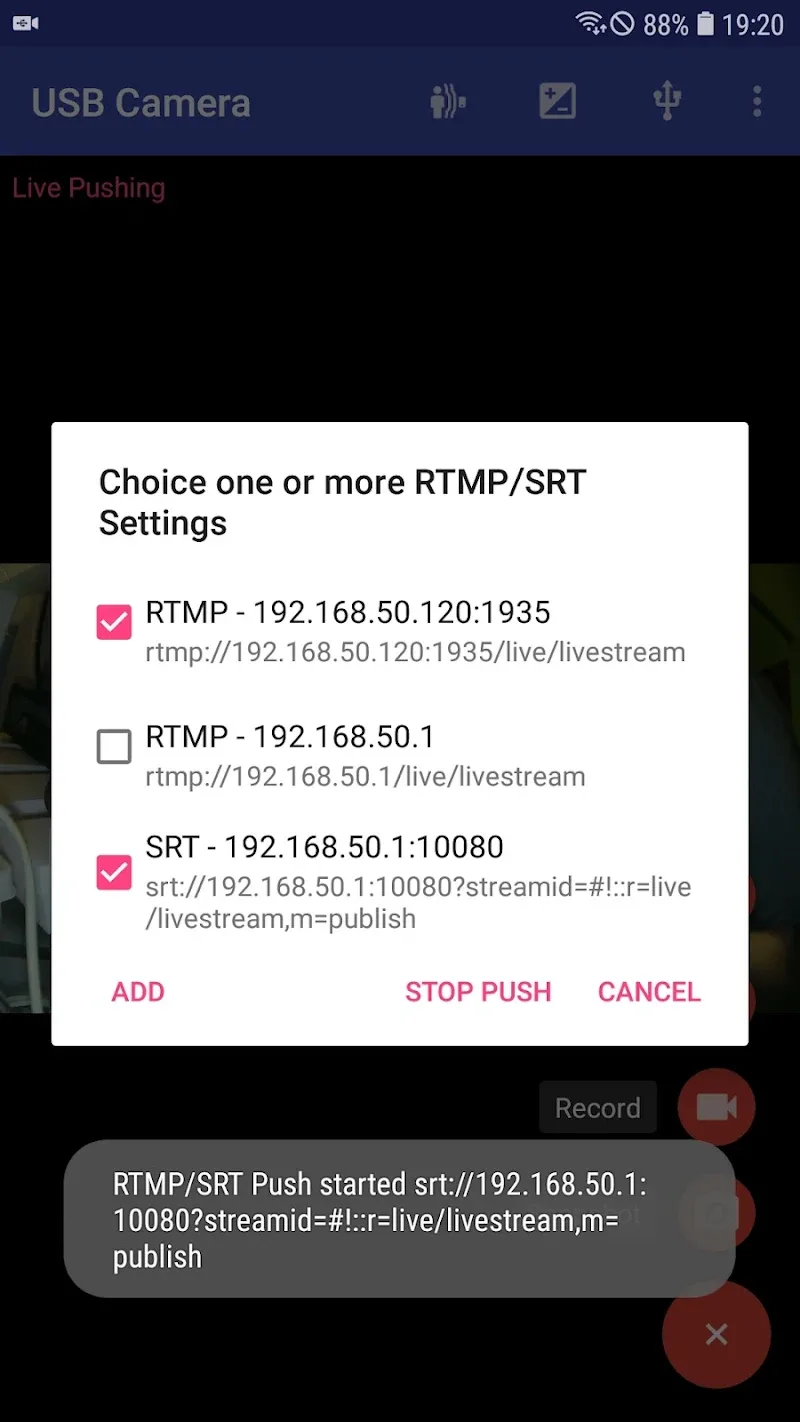
This build provides the Full Version of the software, unlocking all professional-grade features without the need for additional purchases. USB Camera Pro MOD APK enables immediate access to advanced connectivity options for external webcams and IP camera functionality.
What’s Modified in USB Camera Pro
- The Full Version is unlocked, providing access to all premium features and professional recording capabilities.
Version 12.1.1 has a file size of 85M with the package name com.shenyaocn.android.usbcamerapro, and since this file is re-signed, it cannot be installed over an existing version from the official store.
About USB Camera Pro
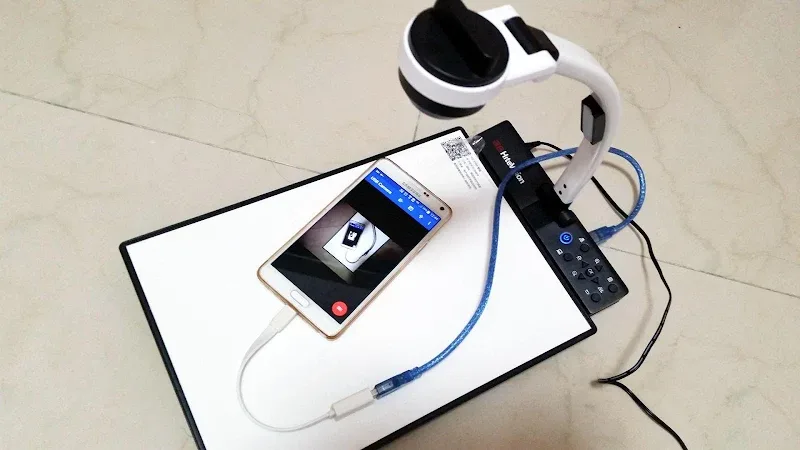
This application is a tool for connecting high-end smartphones to professional imaging hardware, so users can have pro-level video and audio connections. Using the UVC (USB Video Class) standard, the smartphone is made to see external video signals as native inputs. This standard allows the app to work with more than just webcams, it can also work with other USB connected imaging hardware such as endoscopes and microscopes. Using USB-OTG, users can connect professional imaging hardware and avoid the limitations of the smartphone’s built-in mobile lenses. The app can provide a level of precision and quality in photography that cannot be met with a standard smartphone camera. The app also allows users to manage external memory cards, so users can capture large files without using the smartphone’s memory. The app can be very useful for capturing imagery in the field and saving to external memory instantly, so it does not clog the mobile’s internal memory.
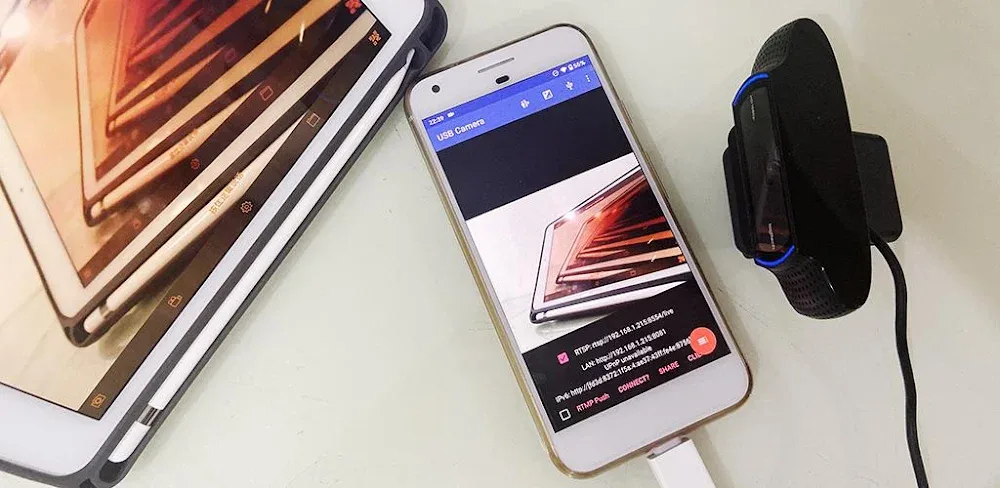
An important function of the software is to turn a mobile device into a wireless IP camera. This is made possible by RTSP and embedded HTTP servers. In conjunction with the servers, the phone becomes a surveillance hub, and the camera feed can be viewed on a web browser or monitoring software on the same local area network. This feature can be helpful in constructing quick and easy temporary security or surveillance systems. The focus of this software is to create a flexible and dependable system for wireless remote surveillance. Using RTSP makes it possible to integrate with existing security systems and gives it a wide variety of uses. The flexibility of the system to allow multiple devices on the same network to access the stream makes it more efficient for security teams or family monitoring.
The application features professional-grade audio management. It has an intelligent audio source detection mechanism across multiple channels like system audio, output audio and input audio. Along with this, the application has a two way audio conversion mechanism, which allows for real time communications using connected hardware. This is especially useful for baby monitoring or situations where instructions have to be given remotely and verbal feedback is required. This application allows users to capture the surrounding using the camera’s microphone and respond using the phone’s microphone. Users can also use wired and wireless audio hardware like Bluetooth headsets. These hardware can be used as remote shutters to take photos and to start/stop recording videos. These controls can enhance physical control to digital interface and are often missing in traditional camera applications.
The application offers a Side-by-Side (SBS) mode for users who require specific visual outputs. SBS mode is a viewing mode that, among other uses, allows for integration with dual-lens viewing systems (e.g., Virtual Reality Headsets). Although the focus of the application is on providing a range of viewing modes, the application provides control over the video stream’s technical parameters. Users are allowed to set parameters such as the frame rate (FPS) and resolution of the capture. Users are even allowed to set parameters such as the video bitrate. Pushing these parameters to extreme levels (e.g., low bitrate, low resolution) may be useful for long-term video captures (e.g., surveillance). The high-performance engine that is built into the application is created to provide consistency over long durations, even when extreme or professional parameters are set. Therefore, the application is geared toward long-term, stable recording for professional uses.
USB Camera Pro MOD APK allows users to upgrade their smartphone to professionally edit videos, record audio and manage external storage via OTG. This APK can support users to construct a mobile production studio and assist in documenting complicated industrial inspections. The use of DSLR cameras via UVC can satisfy the needs for high-quality mobile video capturing applications for live streaming, thus supporting the professional needs of medical image capturing. Unlike other video capturing applications, USB Camera Pro provides users with flexibility to capture what they want and how they want it and especially assist users in configuring and setting up and continually managing a high quality video capturing session. The professional features and functions it provides can satisfy the needs to handle different audio inputs and support high quality video capturing.
Key features
- USB/OTG Connectivity
- Wireless IP Camera Integration
- RTSP protocol support
- HTTP server support
- Two-Way Audio conversion
- Side-by-Side (SBS) Mode
- Adjustable FPS settings
- Adjustable resolution settings
- Adjustable bitrate settings
- Bluetooth headphone support
- External headset support
- Remote snapshots
- Remote video recording
- Multi-tasking
- UVC standard support
- External storage management via OTG
- DSLR camera input support
Related MOD APKs
FAQ
What does USB Camera Pro MOD APK unlock?
This USB Camera Pro 12.1.1 build provides the Full Version. It behaves like the 沈垚 / ShenYao China release, and all features are ready once you finish the installation.
What is the latest version of USB Camera Pro MOD APK?
Build 12.1.1 matches the 沈垚 / ShenYao China release from May 28, 2026. We don’t keep older versions here. Update by installing this build over your current app. If a signature conflict occurs, uninstall your old version first.
Is USB Camera Pro MOD APK safe to download?
This USB Camera Pro 12.1.1 release is the 沈垚 / ShenYao China app with the Full Version enabled. 33 users rated it 3.6. It does not require root. Expect a Play Protect warning, and always download from this page.
Can I use USB Camera Pro MOD APK on PC or iPhone?
This Android package does not work on iPhone or iPad. You can run the 85M APK on a PC using an emulator like BlueStacks or LDPlayer; simply install the software and drag the file inside.
USB Camera Pro v13.1.1 APK (Full Version)
Download (85M)You are now ready to download USB Camera Pro for free. Here are some notes:
- Please read our MOD Info and installation instructions carefully for the game & app to work properly
- Downloading via 3rd party software like IDM, ADM (Direct link) is currently blocked for abuse reasons.
3.6/5 (39 votes)