Play all video formats smoothly in one powerful player with HD playback, subtitles, gesture controls, and smart media management.

Video Player All Format MOD APK V2.6.0 (Premium Unlocked)
| App Name | Video Player All Format |
|---|---|
| Publisher | iMediaStar |
| Genre | Video Players & Editors |
| Size | 30 MB |
| Latest Version | 2.6.0 |
| MOD Info | Premium Unlocked |
| Get it On |

|
This modified version of Video Player All Format MOD APK provides users with the premium features of the application unlocked by default. It allows for full access to the player’s advanced management and playback tools without the restrictions found in the standard release.
What’s Modified in Video Player All Format
- Premium Unlocked: Grants full access to the premium feature set within the application.
This build is version 2.6.0 with a file size of 30 MB and uses the package name com.elift.hdplayer; because it is a modified version, it is re-signed and cannot be installed over an official version from the store.
About Video Player All Format
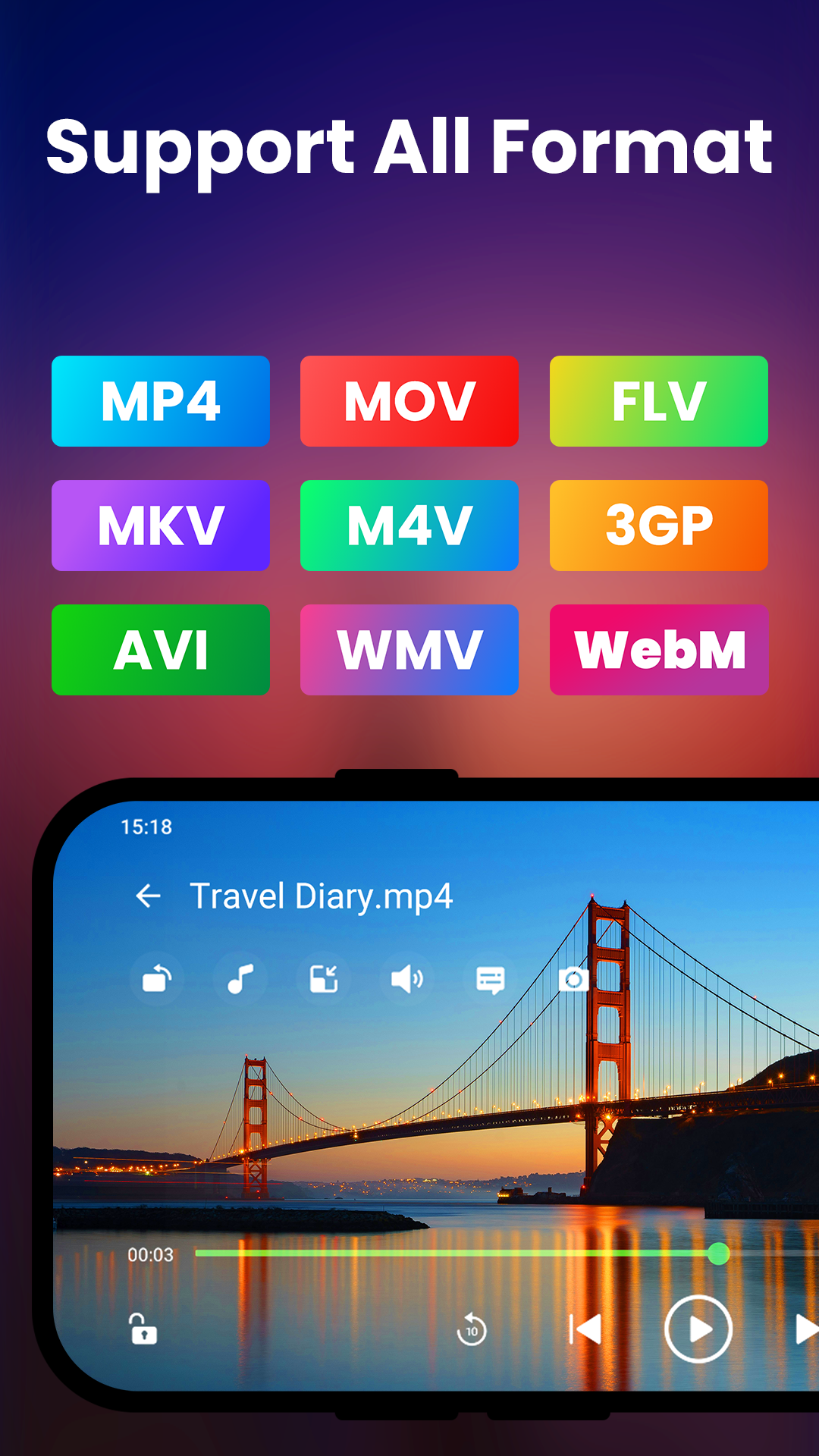
Video Player All Format MOD APK is a powerful media player for users that need an advanced level of control with their media players. Most users will have issues playing a certain media file on their mobile device due to file format incompatibility. Video Player All Format MOD APK is able to fix this by supporting almost all media file formats. The player is able to do this without needing any external codecs or plug-ins. The app is able to auto detect video files and set it up to be played automatically. So users are able to play a newly added video file right away.
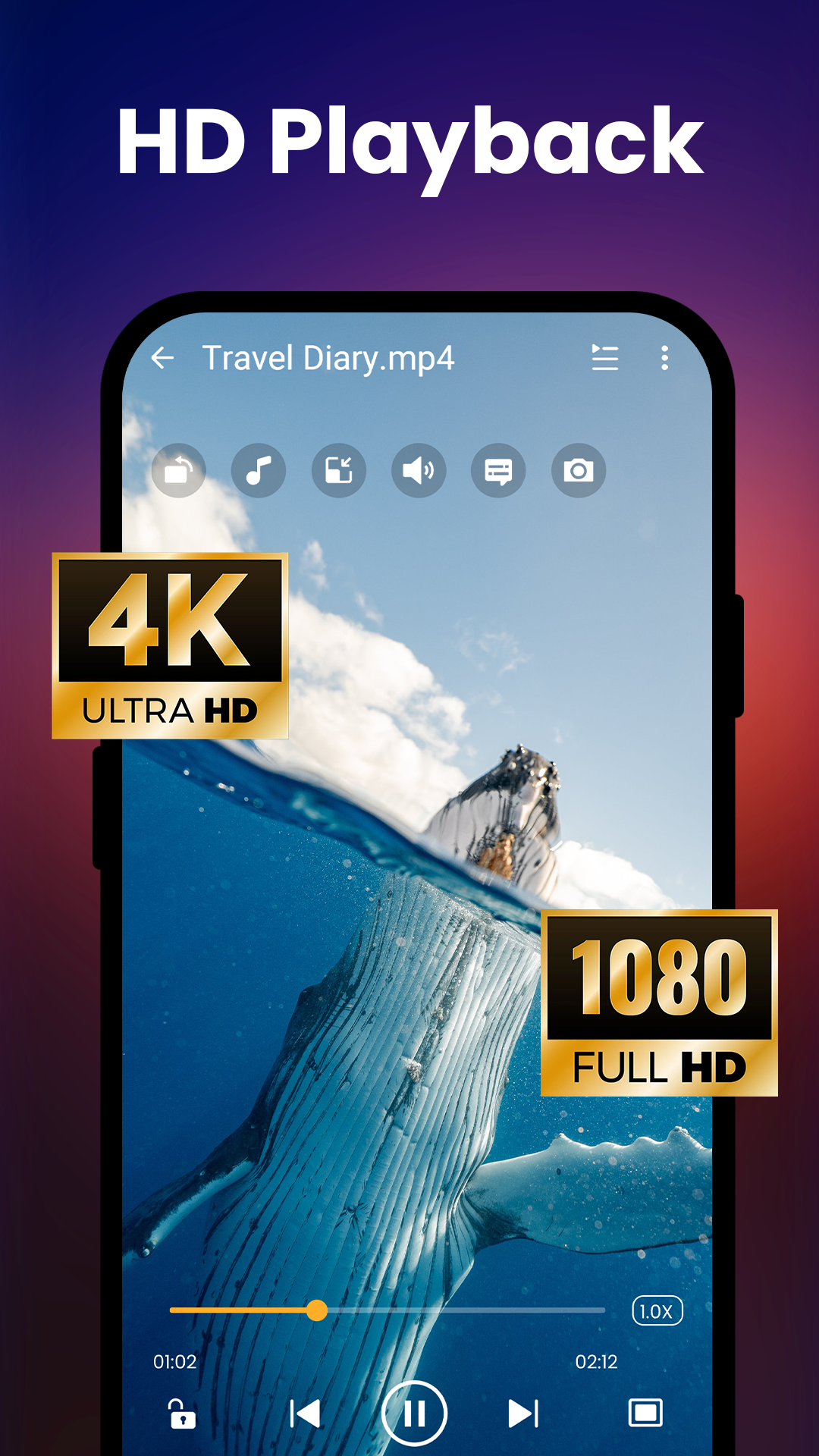
The application has up-to-date coding to support playback of HD, Full HD, and 4K video content. When viewing content in high definition on a mobile device, the device’s hardware may experience thermal throttling or other hardware issues. To reduce the load on the mobile device’s CPU, the application uses hardware-accelerated video decoding. This also improves the mobile device’s battery life. Viewers can watch long videos in 4K without the mobile device overheating.
The application reduces distractions by eliminating all controls other than essential gesture controls. Users can adjust the volume and brightness by swiping left or right, respectively. Users can seek forward or backward in a video by swiping left or right. Users can control textual content of the video (such as subtitles or credits) by swiping up or down. The application supports a variety of subtitles and provides tools to adjust synchronization of subtitles. Users can also control other settings such as video playback speed and video track selection. The application also supports downloads of user-defined trackers to play videos stored on the mobile device.
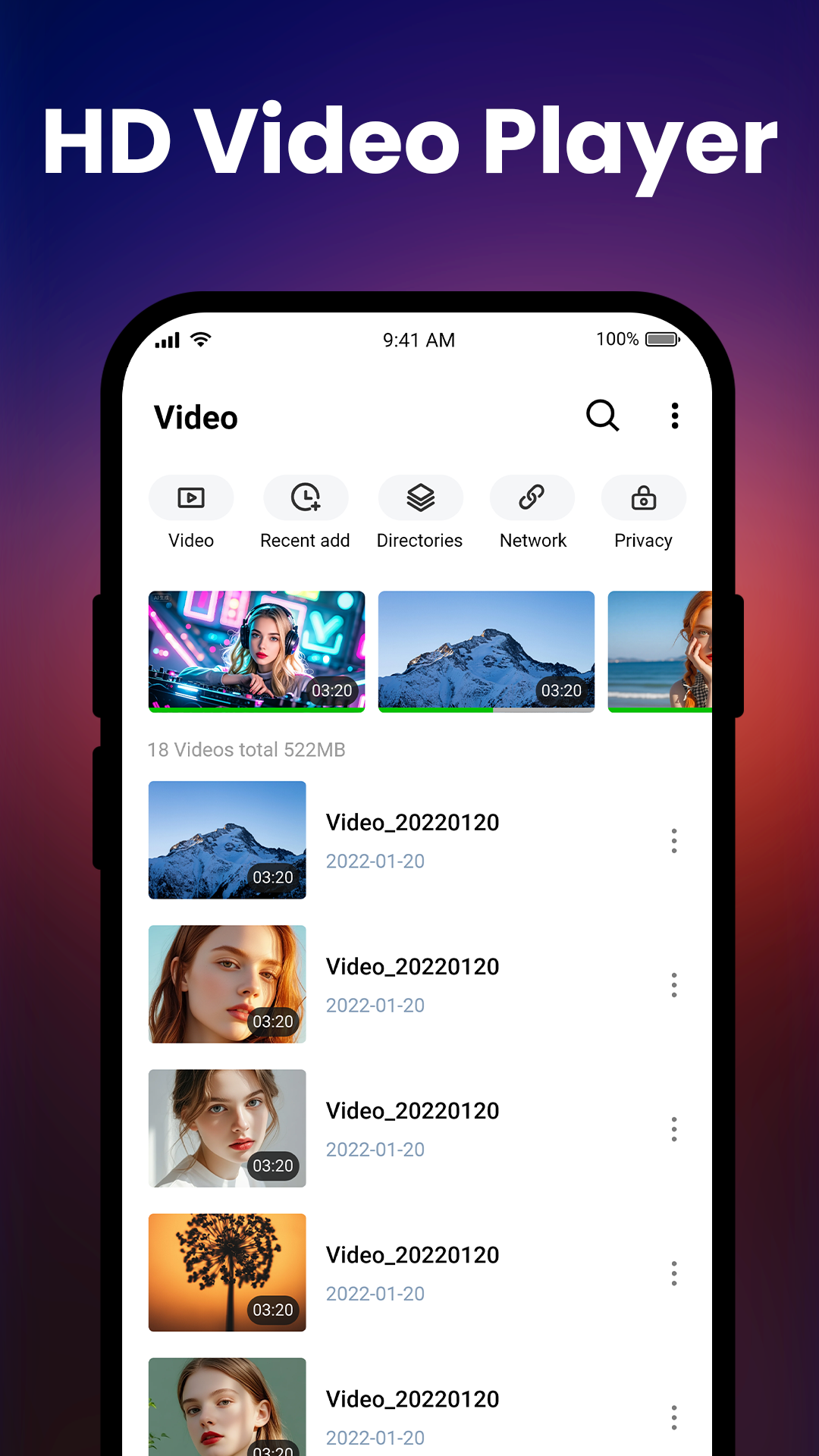
The application goes beyond playing videos, and very thoughtfully organizes a user’s media files. Upon opening the app for the first time, it retrieves an exhaustive list of all the videos available on the device and all attached memory cards. This allows the app to bypass the need for the user to search for media files located in lengthy and hard to decipher directory pathnames. Once all the media files are found and cataloged, users can create playlists to further organize media files by their preference. Further, users can mark their favorite videos for one click access from the home screen. All these features lead to a highly customizable media management system and an easy to use digital media library.
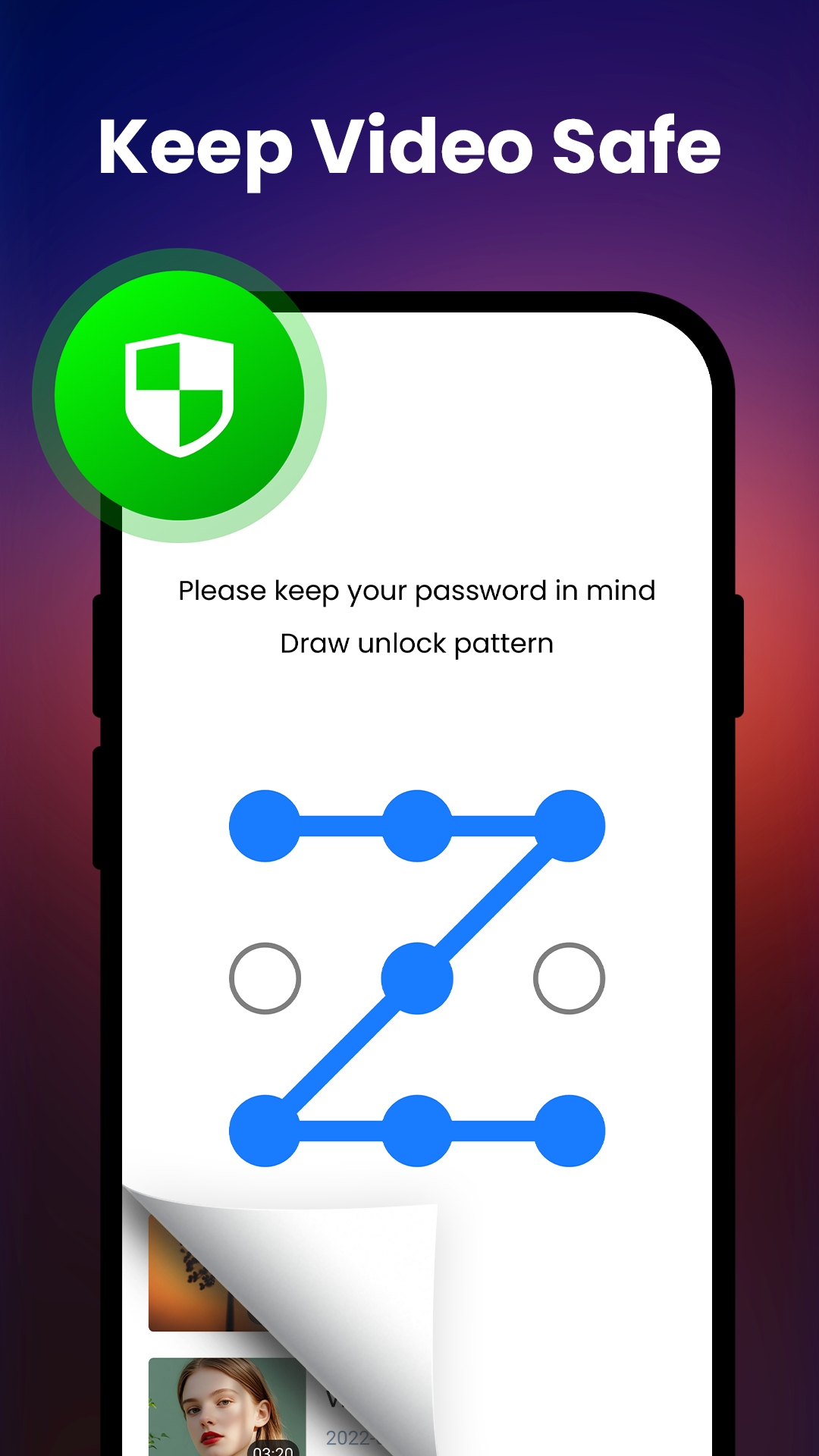
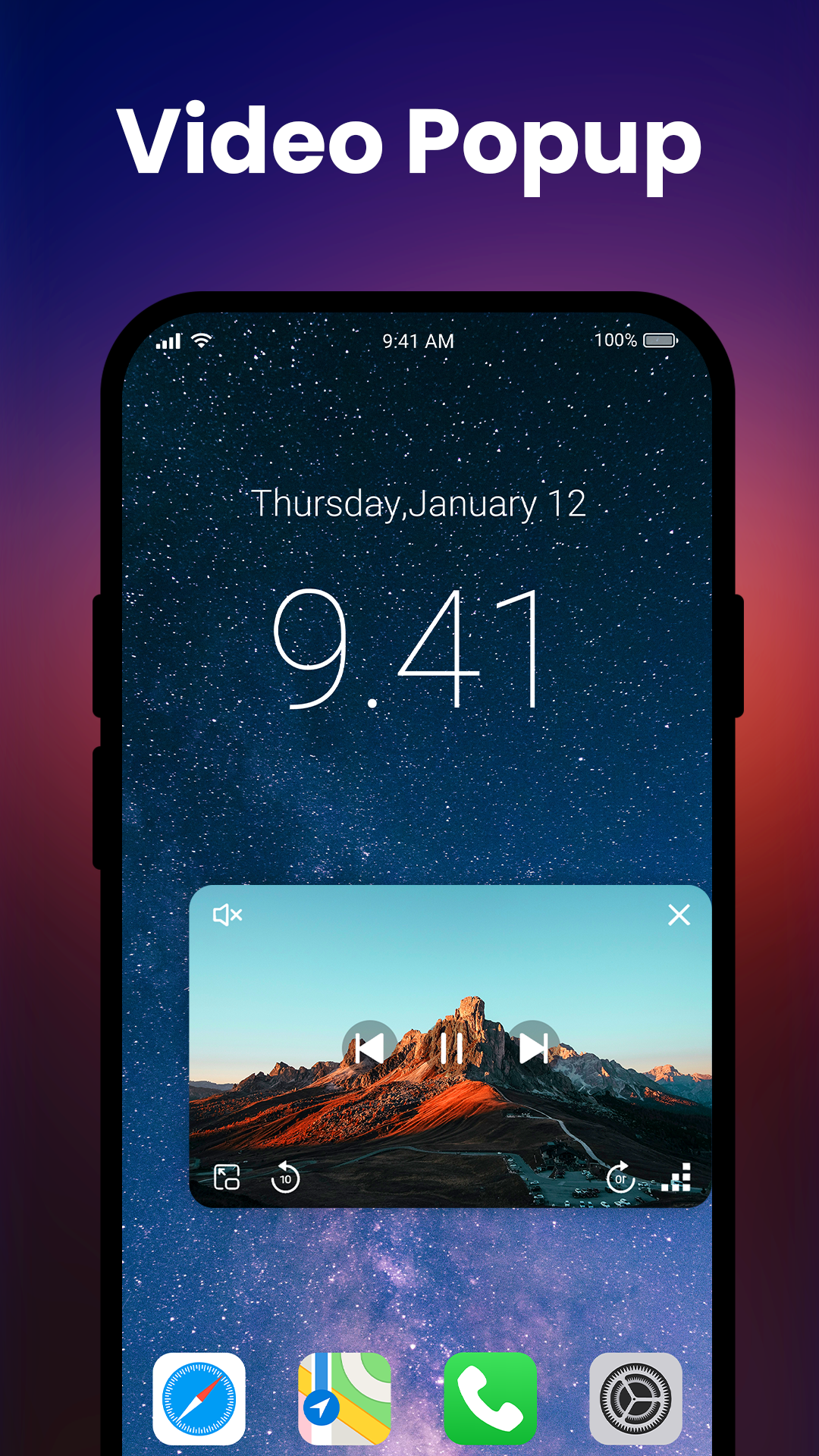
The app offers various playback modes to satisfy the requirements of users who are constantly shifting between different tasks. The modes also support users in performing other tasks while still utilizing the app. A distinctive feature of this app is background video playback. It is similar to a stand-alone audio or video player since it enables users to play the audio portion of a video even when the app is not in use. For instances where users need to access other app features or perform other tasks while using the app, the floating window mode is ideal. This mode supports true multitasking, for instance, a user can access a Web site and at the same time utilize the app to play a tutorial video. From a security perspective, the app contains a feature that enables a user to move a video to a secured, private folder. Only the user can access the video in the folder. This ensures that the user can protect his/her videos from other users of the device.
The creators of the application put emphasis on user experience and interface design in order to increase performance and load times on all types of devices. User experience is further enhanced by a simple, easy to use, and intuitive design. The application’s focus on user experience extends to the area of media library organization and design. It can be very frustrating to interact with an application that takes a long time to load media library thumbnails and cover art. The application, in addition to library organization features, provides the end user the ability to efficiently manage, design, and update their visual media library. The application is geared towards users with large library sizes as well as users that prefer a more polished and efficient design and organization of their media libraries.
Key features
- Support for MP4, MKV, AVI, and MOV video formats
- HD, Full HD, and 4K ultra playback support
- Hardware acceleration for improved performance
- Smart gesture controls for volume, brightness, and seeking
- Subtitle support with manual synchronization tools
- Automatic video detection and library organization
- Custom playlist creation and management
- Background playback and pop-up window modes
- Secure private folder for sensitive media protection
- Lightweight design for fast loading and navigation
Related MOD APKs
- HD Camera for Android: 4K Cam
- Music Player-Music, Mp3 Player
- Passport Photo: ID Photo Maker
- CapCut – Video Editor
FAQ
Is Premium unlocked in Video Player All Format MOD APK?
This 2.6.0 version of Video Player All Format features Premium Unlocked. It functions the same as the iMediaStar release, and all modifications become active as soon as you finish the installation.
What is the latest version of Video Player All Format MOD APK?
The 2.6.0 build corresponds to the iMediaStar update from April 24, 2026. We don’t keep older versions here. Install this new version over your current one to update; if you see a signature conflict, you must uninstall the previous app first.
Is Video Player All Format MOD APK safe to download?
This 2.6.0 build of Video Player All Format on MODYOLO is the iMediaStar app with Premium Unlocked. It has a 4.7 rating from 34 users. It does not require root. You might see a Play Protect warning, so always download from this page.
Does Video Player All Format MOD APK remove the watermark?
This build includes Premium Unlocked. Since Video Player All Format limits watermark removal to Pro, check the export screen to verify the feature is active once you finish installing.
Video Player All Format MOD APK V2.6.0 (Premium Unlocked)
Download (30 MB )You are now ready to download Video Player All Format for free. Here are some notes:
- Please read our MOD Info and installation instructions carefully for the game & app to work properly
- Downloading via 3rd party software like IDM, ADM (Direct link) is currently blocked for abuse reasons.
4.7/5 (34 votes)