Compress, resize, and optimize videos instantly. Reduce file size, save storage, share faster, and keep high-quality HD videos easily.

Video Resizer & Compressor MOD APK V3.1 (Pro / Paid Unlocked)
| App Name | Video Resizer & Compressor |
|---|---|
| Publisher | Envobyte Ltd. |
| Genre | Video Players & Editors |
| Size | 67 MB |
| Latest Version | 3.1 |
| MOD Info | Pro / Paid Unlocked |
| Get it On |

|

This version of Video Resizer & Compressor MOD APK provides a Pro and Paid Unlocked experience, removing restrictions on premium features. It allows users to access the full suite of optimization tools for managing video file sizes and resolutions without additional costs.
What’s Modified in Video Resizer & Compressor
- Pro / Paid Unlocked features are enabled in this build to provide full access to all compression and resolution tools.
This build is version 3.1 with a file size of 67 MB and uses the package name com.video.resizer.compressor; it is re-signed and cannot be installed over the original version from the store.
About Video Resizer & Compressor
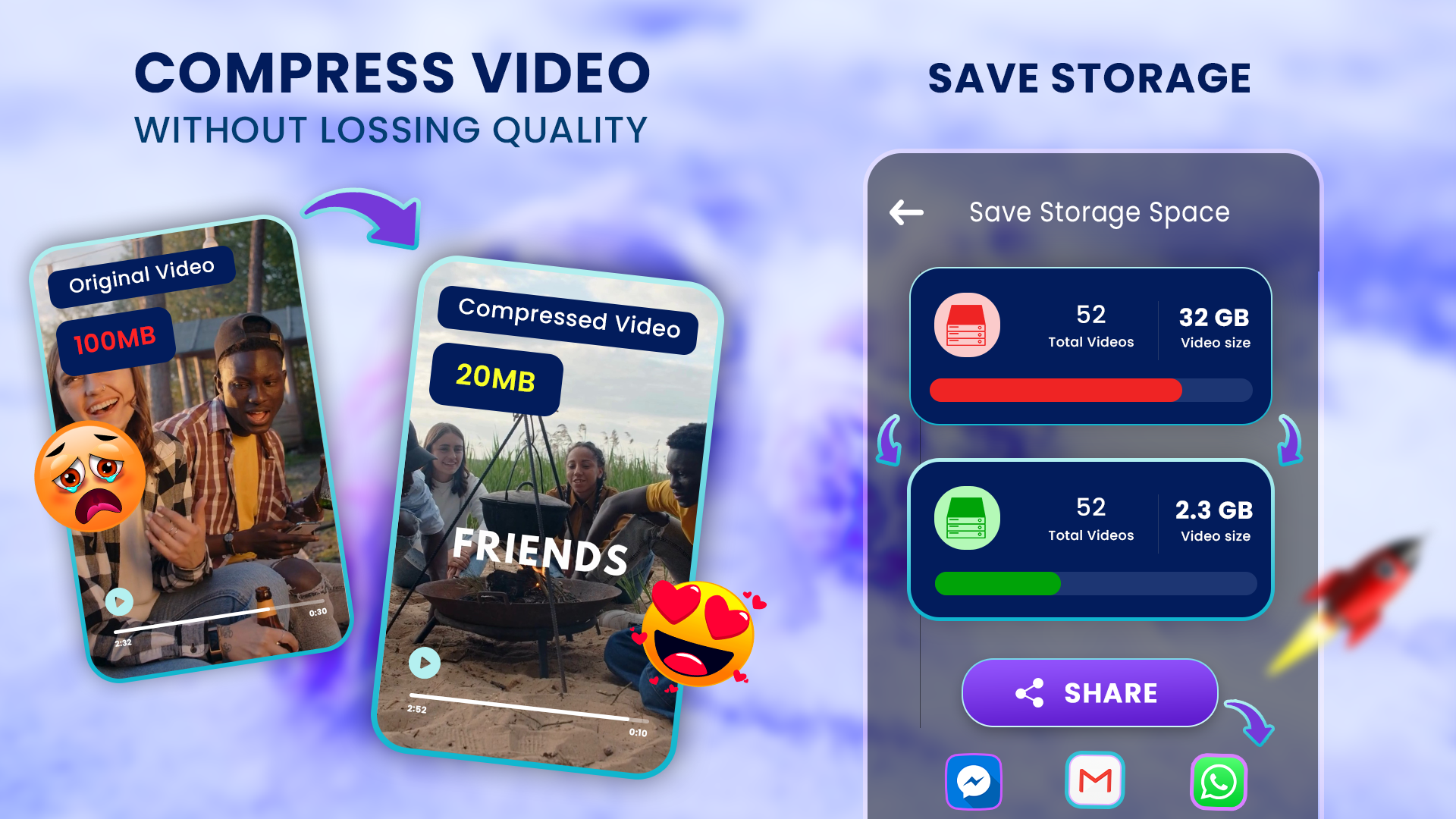
Video Resizer & Compressor is a powerful tool that helps you manage your mobile device’s storage by reducing the size of the video files that you can’t otherwise manage due to the large file sizes. When you capture high definition, and even 4K videos, the files take up a significant amount of space on your device and can affect the overall performance of the device and prevent you from capturing additional videos. This tool helps you resolve those issues, and reduce the size of the video files, without compromising the quality of the files. The tool identifies the best areas in the files to reduce the size of the files by applying compression. This is beneficial when you capture long events, such as lectures or meetings, and you don’t have enough space to capture the entire event. The intention of the tool is to help you capture long events and provide a way to reduce the file size without significantly affecting the quality of the files. Users of the tool can decide the level of compression that they want to apply. The compression helps to reduce the file size and free up space on the user’s mobile device. Users can capture and store a large number of events without using an external storage device.
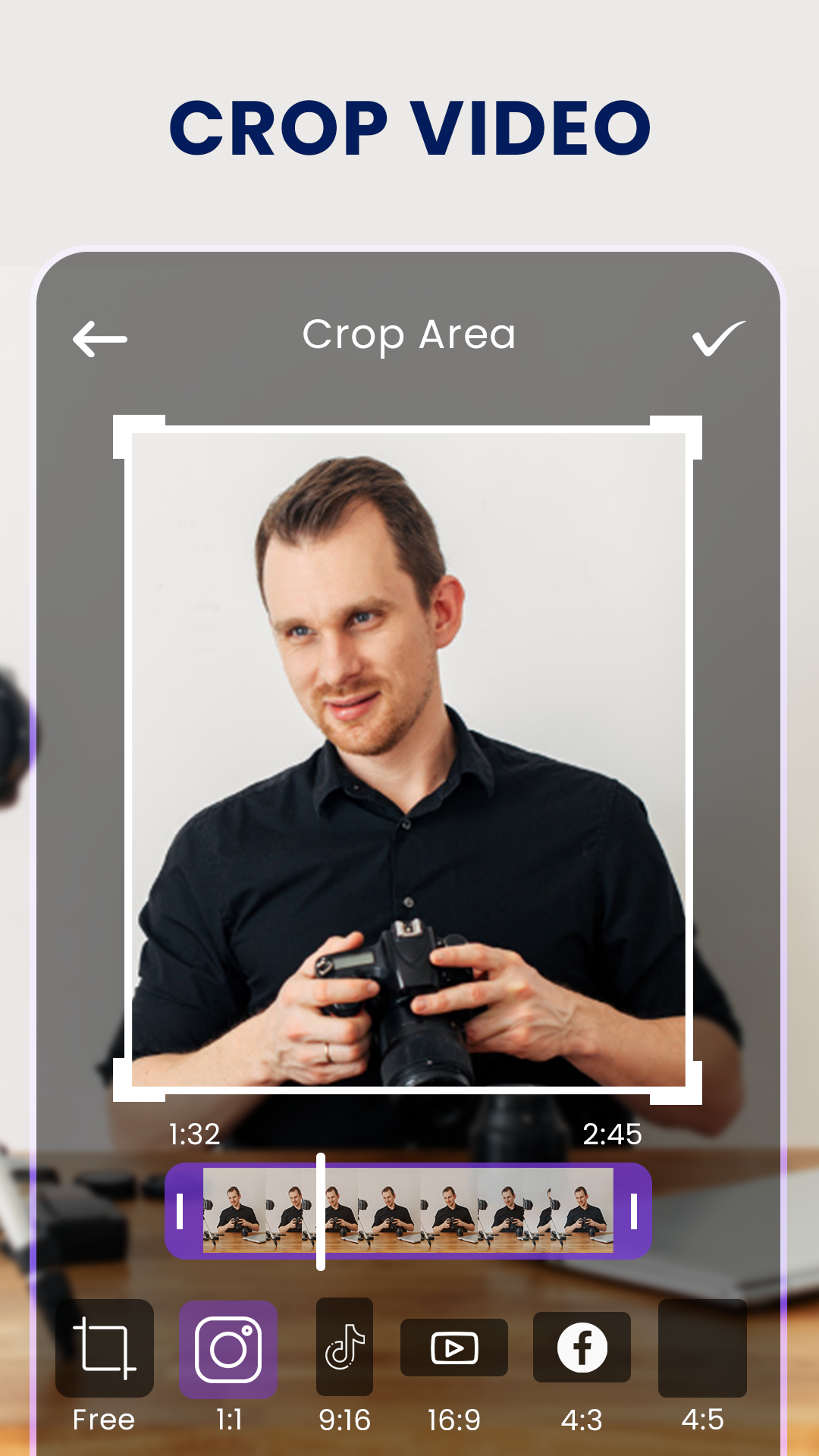
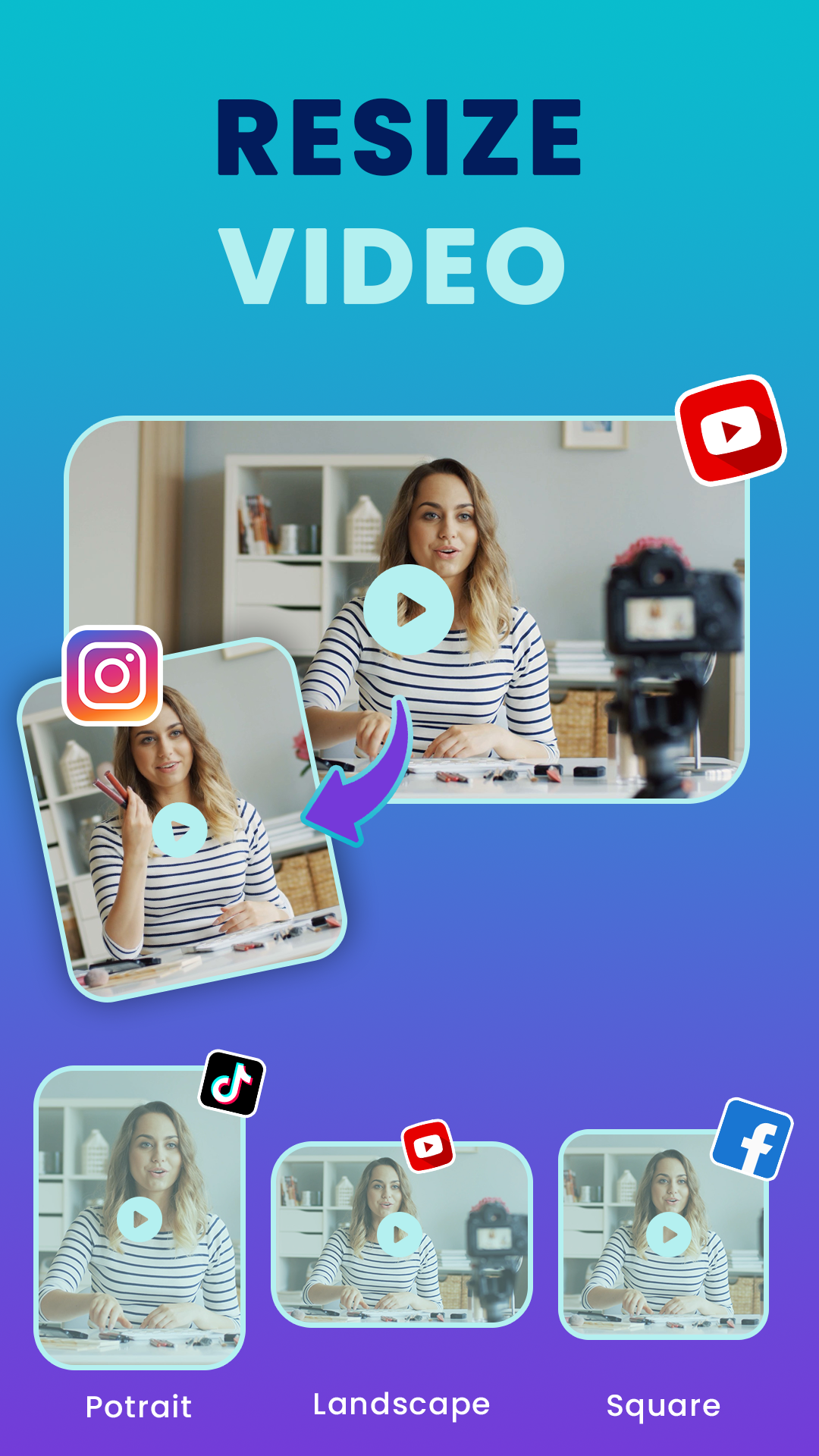
Users can upload, downscale and/or optimize their video files for various platforms by utilizing the resolution options provided by the software. The software provides resolution options as low as 144p (or 240line) up to 1080p and provides specific optimizations for 4K videos. The software allows users to control the resolution of their videos at a finer level. As such, a user can export a large 4K video to a smaller 720p video, or in a different scenario, a user can apply an optimizations to a 4K video to represent the 4K video in a smaller, less large, file size. The software is beneficial to video content creators by allowing the video content creators to adjust their videos for specific viewing platforms. For example, a video content creator can adjust the resolution of a video for a large, high fidelity desktop display, or adjust a video for a low resolution, small, display such as a mobile phone.
There are a handful of built in presets for compression modes (high, medium, low). High priority is given to speed and small file size (at the cost of quality) when using high or medium compression. These modes are ideally suited for footage that does not require extensive detail. The high and medium presets use the same encoding engine, thus the overall speed of the application. The high and medium compression modes utilize the same encoding engine, and the high mode just uses more optimized settings. The presets aim to automate the compression process. The presets are implemented in a modular fashion, and so as to ease the complicated nature of compressing video. A typical workflow consists of loading the video to be compressed, setting the parameters, and initiating compression. The application is optimized to support intensive operations, and thus supports 4K encoding. Due to the nature of 4K footage, other applications may use significant system resources, causing a computer to freeze or hang. This application aims to be as lightweight as possible, and have the least impact on system resources.
Users that work with large volumes of video content will find the Batch Video Compress tool to be a large improvement in terms of workflow. Instead of compressing videos one at a time, users can now compress a selection of videos with the same settings. This feature can be very useful to vloggers and content creators. Many social media platforms including Instagram, Facebook, and Tik Tok allow users to post videos that are combinatig clips of a longer video. Users of the application can now process large numbers of clips that they have created for the day. The batch compressor gives users the ability to process a set of clips and adjust the resolution and quality of the clips uniformly. The processor can also automatically adjust video settings to achieve a file size constraint.
In addition to color correction, the app offers audio enhancement features. Audio streams in video files are large and decrease quality and increase file size. The app removes unnecessary audio streams and condenses the file size without reducing the quality. The app offers a preview mode where users can view the original file and the edited file side-by-side. Users can also play the files back-to-back. Since the ultimate goal of processing a video file is to get a file that meets the user’s quality standards, the preview mode is helpful to see if the file size is small enough. Preview mode is helpful to see if the essential aspects of the file (i.e. the audio stream) are not lost. Preview mode provides the reassurance that the audio and video are not distorted. Preview mode is quality control and assures users that the essential parts of the file (the audio stream and the audio/video synchronicity) are not compromised.
The Video Resizer & Compressor MOD APK allows users to compress videos on their Android devices. By using this application, users can effectively bypass size constraints on various social platforms and share larger videos. Faster upload speeds and smaller file sizes allow users to post videos to various social media platforms including YouTube, Instagram, TikTok, and others. Users can also simplify the process of sending large videos via email and various messaging applications like WhatsApp and Telegram. The effects of using the Video Resizer & Compressor MOD APK are broad and encompass all users. Students can more effectively post lectures and lessons. Users in the workplace can easily post and send work presentations. Furthermore, this application can help users in the gaming community post and send game highlights. Because the application is so simple to use, the end-user does not need prior knowledge of video compression and data uploads to take advantage of the application.
Key features
- Smart Video Compression for reducing file size with minimal quality loss
- Resolution resizing options ranging from 144p to 4K
- High, medium, and low compression modes
- Batch Video Compression for processing multiple files at once
- Custom File Size Control for targeting specific output sizes
- Audio Optimization to maintain clear sound during compression
- Preview Before Saving to verify output quality
Related MOD APKs
FAQ
Is Premium unlocked in Video Resizer & Compressor MOD APK?
In this 3.1 build of Video Resizer & Compressor, Pro and Paid Unlocked are enabled. Other features match the Envobyte Ltd. version, and these modifications work as soon as you install the app.
What is the latest version of Video Resizer & Compressor MOD APK?
The current 3.1 build matches the Envobyte Ltd. release from May 9, 2026. We don’t keep older versions here. To update, install this file over the old one; if a signature conflict occurs, uninstall the previous app first.
Is Video Resizer & Compressor MOD APK safe to download?
This Video Resizer & Compressor 3.1 version from Envobyte Ltd. features Pro and Paid Unlocked. 39 individuals rated it 4.6 here. It does not require root. Expect a Play Protect alert during installation, but always download from this page to get the correct file.
Does Video Resizer & Compressor MOD APK remove the watermark?
This version provides Pro and Paid Unlocked. Since Video Resizer & Compressor includes watermark removal in its premium tier, you should check the export screen to verify the feature is active after installation.
Video Resizer & Compressor MOD APK V3.1 (Pro / Paid Unlocked)
Download (67 MB)You are now ready to download Video Resizer & Compressor for free. Here are some notes:
- Please read our MOD Info and installation instructions carefully for the game & app to work properly
- Downloading via 3rd party software like IDM, ADM (Direct link) is currently blocked for abuse reasons.
4.6/5 (39 votes)