Convert video to MP3 instantly! Extract high-quality audio, trim songs, create ringtones, and enjoy fast audio conversion anytime.

Video to Mp3 - Audio Converter MOD APK V1.6.2 (Premium Unlocked)
| App Name | Video to Mp3 - Audio Converter |
|---|---|
| Publisher | Easyelife |
| Genre | Video Players & Editors |
| Size | 19 MB |
| Latest Version | 1.6.2 |
| MOD Info | Premium Unlocked |
| Get it On |

|
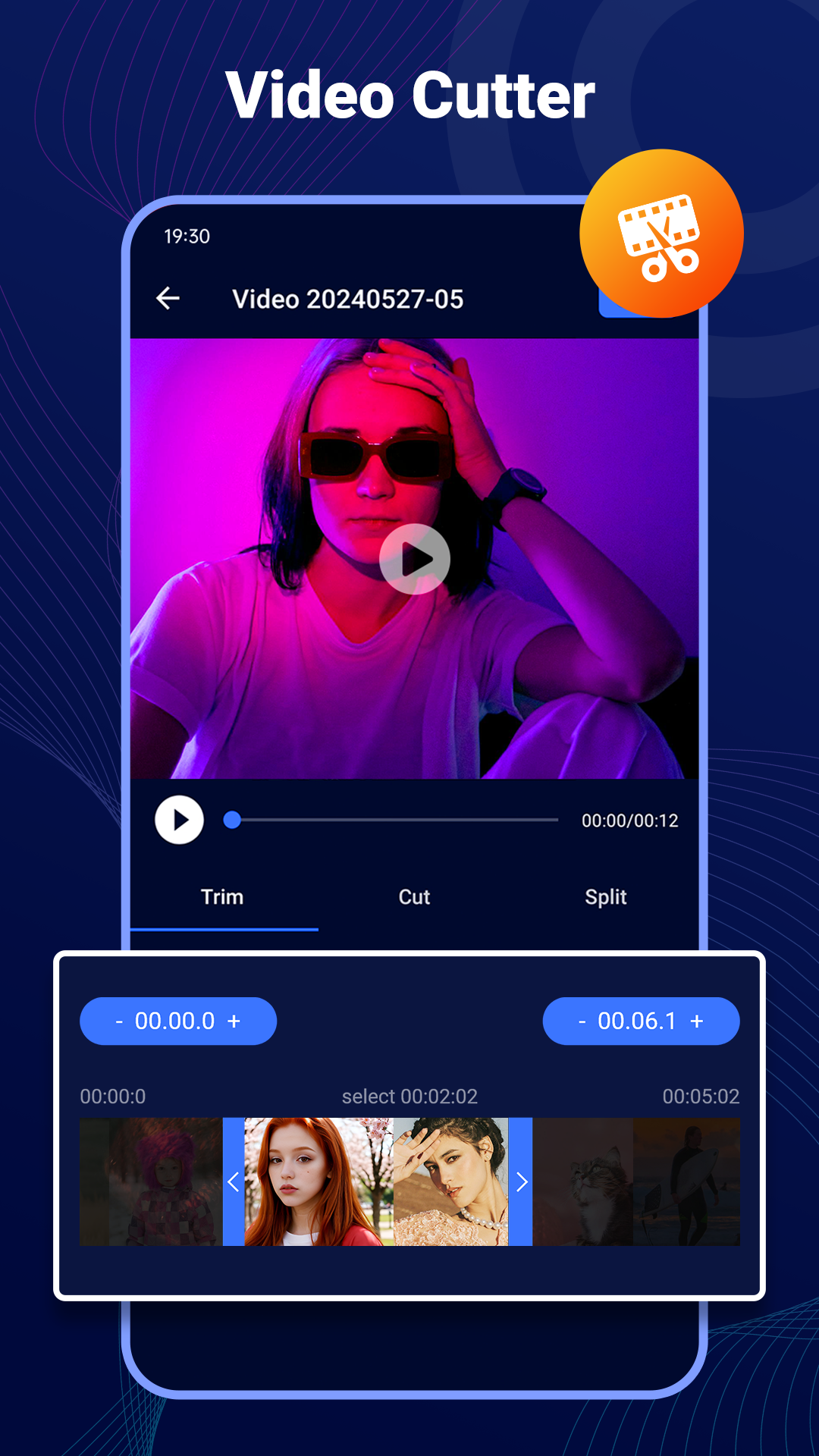
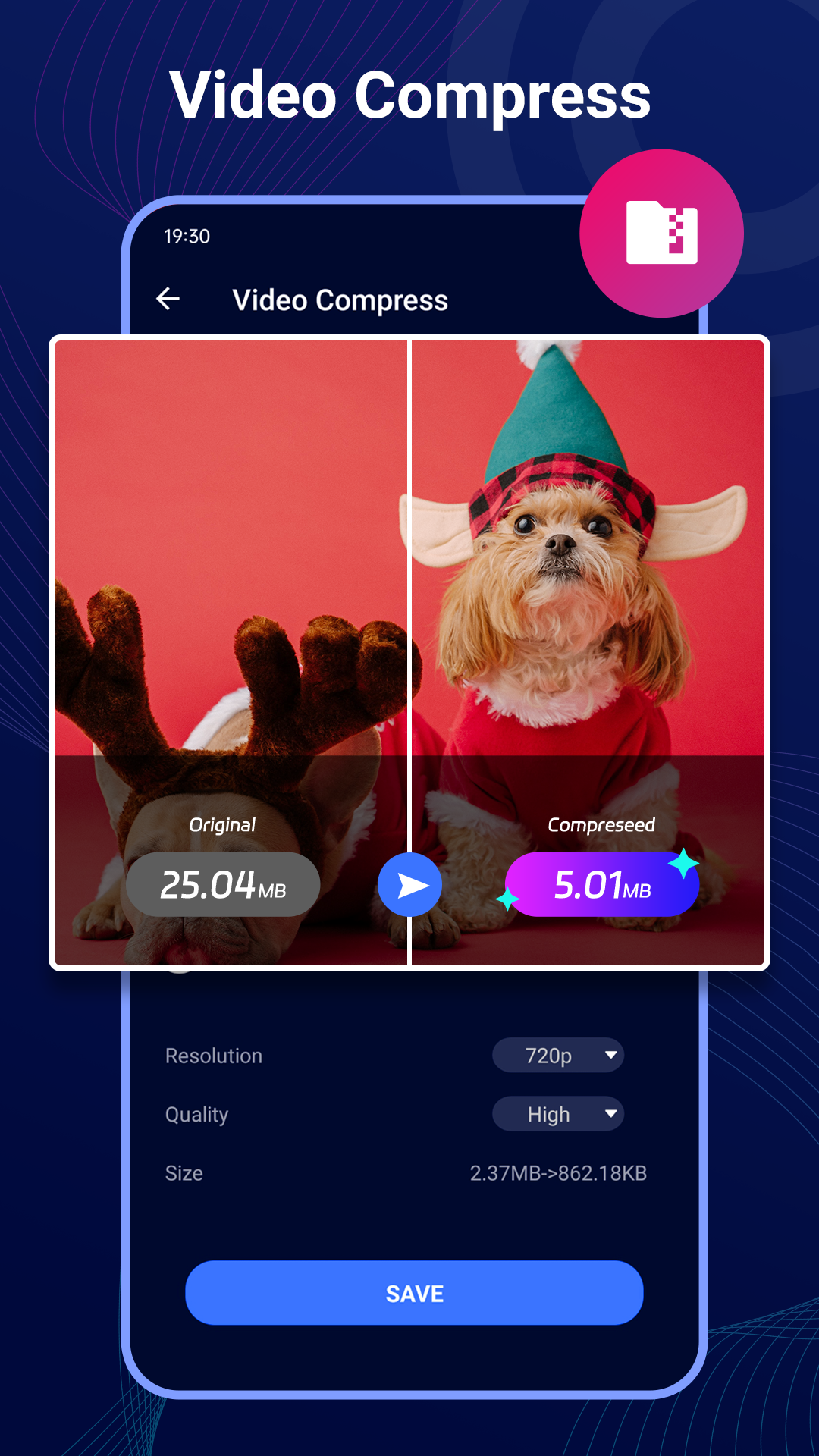
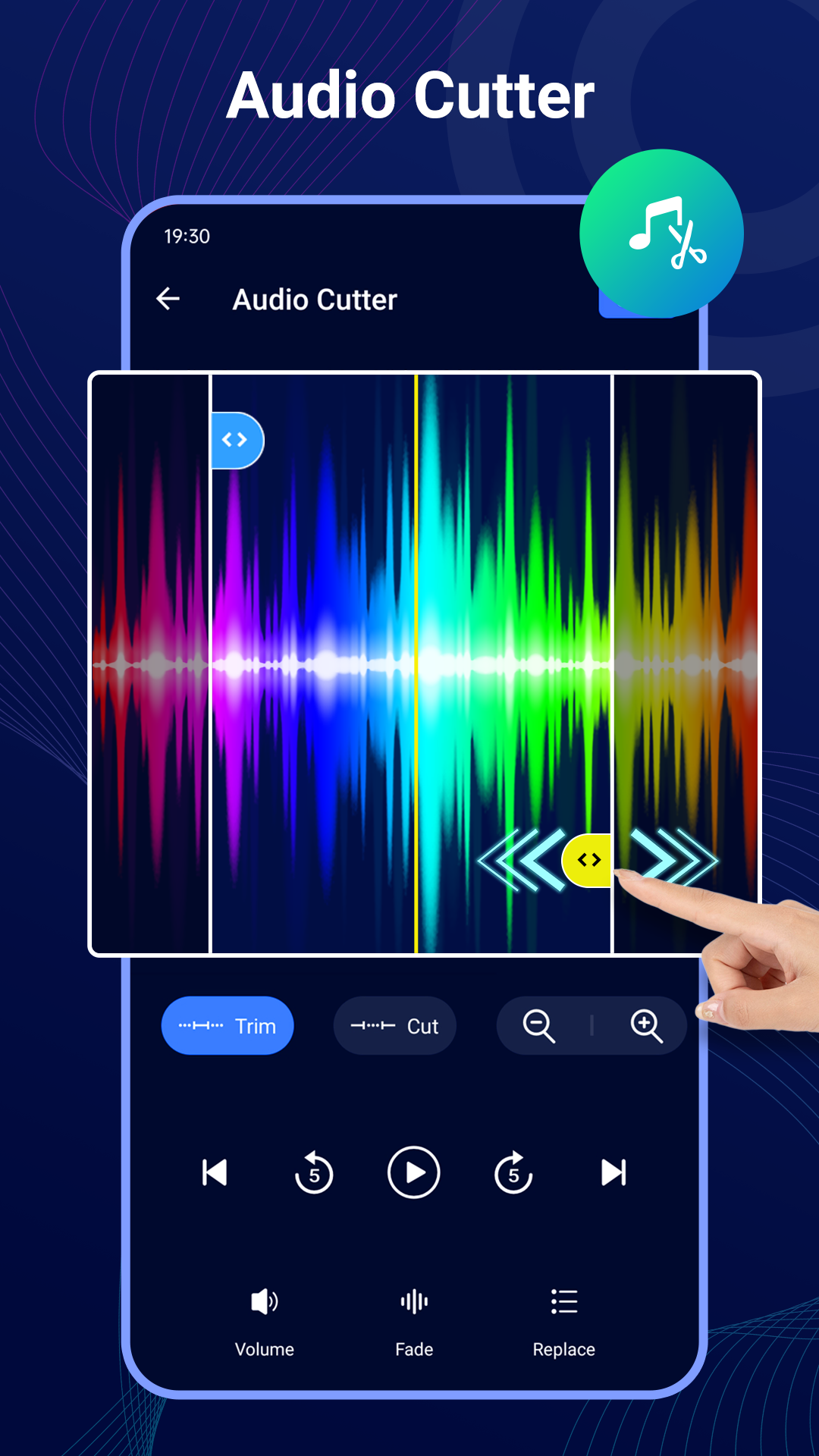
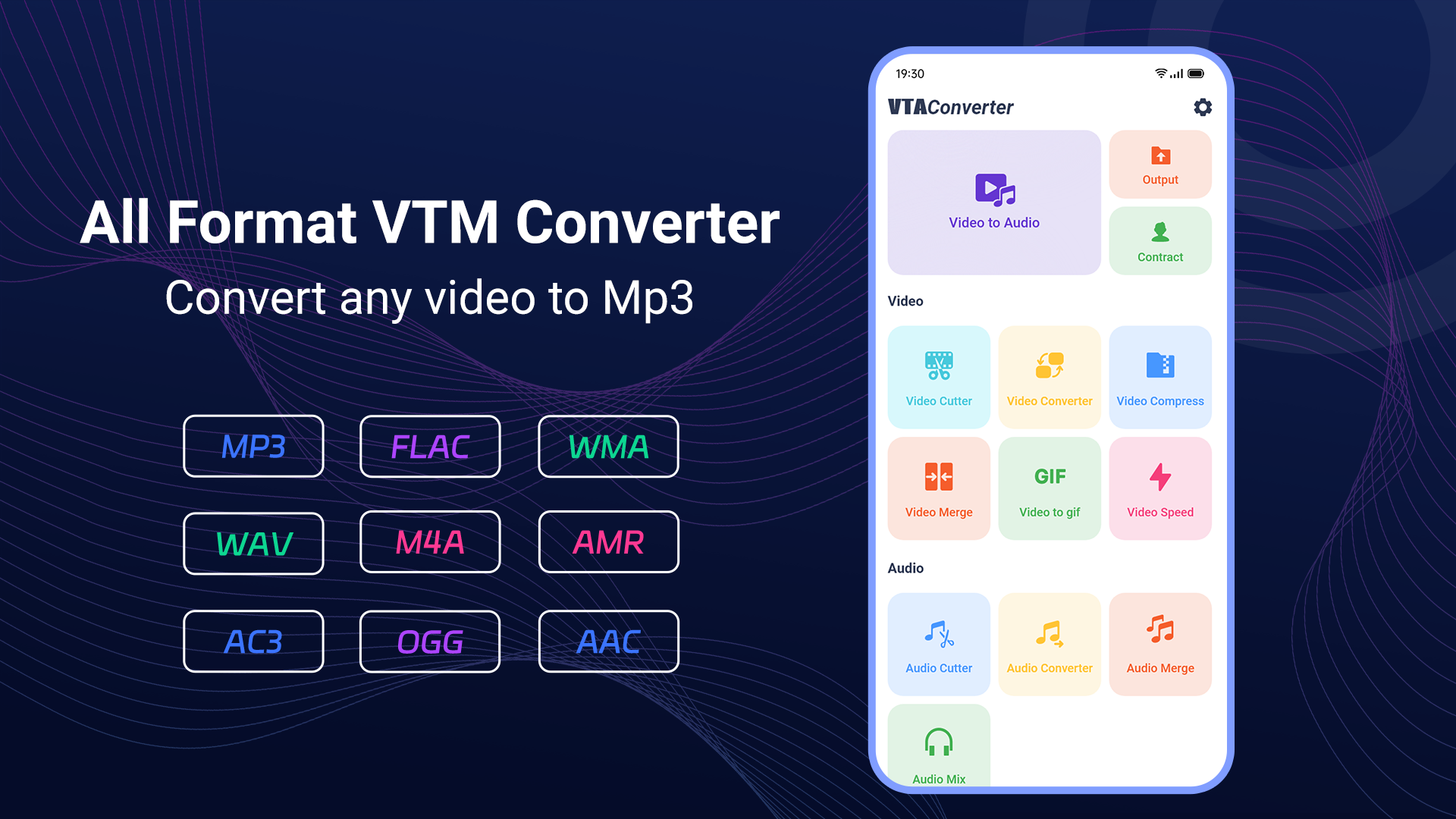
Turn your favorite videos into high-quality MP3 audio files with Video to Mp3 – Audio Converter MOD APK — the fast, simple, and powerful audio extraction app for music lovers, creators, and everyday users. Whether you want to convert music videos, lectures, podcasts, interviews, or movie clips into audio, this app makes the process smooth and effortless.
Easily extract MP3 audio from videos in just a few taps and enjoy your favorite sounds offline anytime, anywhere. Designed with speed, simplicity, and performance in mind, Video to Mp3 – Audio Converter MOD APK supports multiple video formats and delivers crystal-clear audio output without compromising quality.
Perfect for creating music playlists, ringtones, voice recordings, motivational audio, podcast clips, or saving audio from personal videos. The app offers advanced audio customization tools so you can trim, cut, merge, and organize files exactly how you want.
Whether you are a student saving lecture audio, a content creator editing sound clips, or simply someone who enjoys listening to music offline, this app gives you everything needed in one powerful package.
Key Features
– Fast video to MP3 conversion
– Extract audio from HD videos
– High-quality MP3 output
– Supports multiple video formats
– Built-in audio cutter and trimmer
– Create custom ringtones
– Simple and user-friendly interface
– Lightweight and fast performance
– Share converted audio instantly
– Save and organize audio files easily
– Background conversion support
– Batch video conversion support
– Offline audio playback
– Audio preview before saving
– Rename and manage converted files
– Dark mode friendly interface
– Optimized for phones and tablets
Why Choose Video to Mp3 – Audio Converter MOD APK?
Video to Mp3 – Audio Converter MOD APK is built for users who want professional-quality audio extraction without complicated tools. Unlike heavy editing software, this app keeps things clean, fast, and efficient while still offering advanced functionality.
The smart conversion engine ensures quick processing speeds while maintaining excellent sound quality. From music lovers converting songs to creators extracting audio for editing projects, the app is designed to meet every audio conversion need.
Enjoy smooth performance, elegant design, and reliable conversions every time. Convert videos into portable audio files that can be played on any device, shared with friends, or used for creative projects.
Perfect For
– Music lovers
– Podcast listeners
– Students and online learners
– Content creators
– Video editors
– Social media creators
– Audiobook listeners
– Offline audio collection building
– Creating ringtone collections
Supported Uses
– Convert music videos to MP3
– Extract voice from recordings
– Save lecture audio
– Create custom ringtones
– Convert reels and clips into audio
– Extract podcast episodes
– Save motivational speeches
– Create offline playlists
Smooth & Easy Workflow
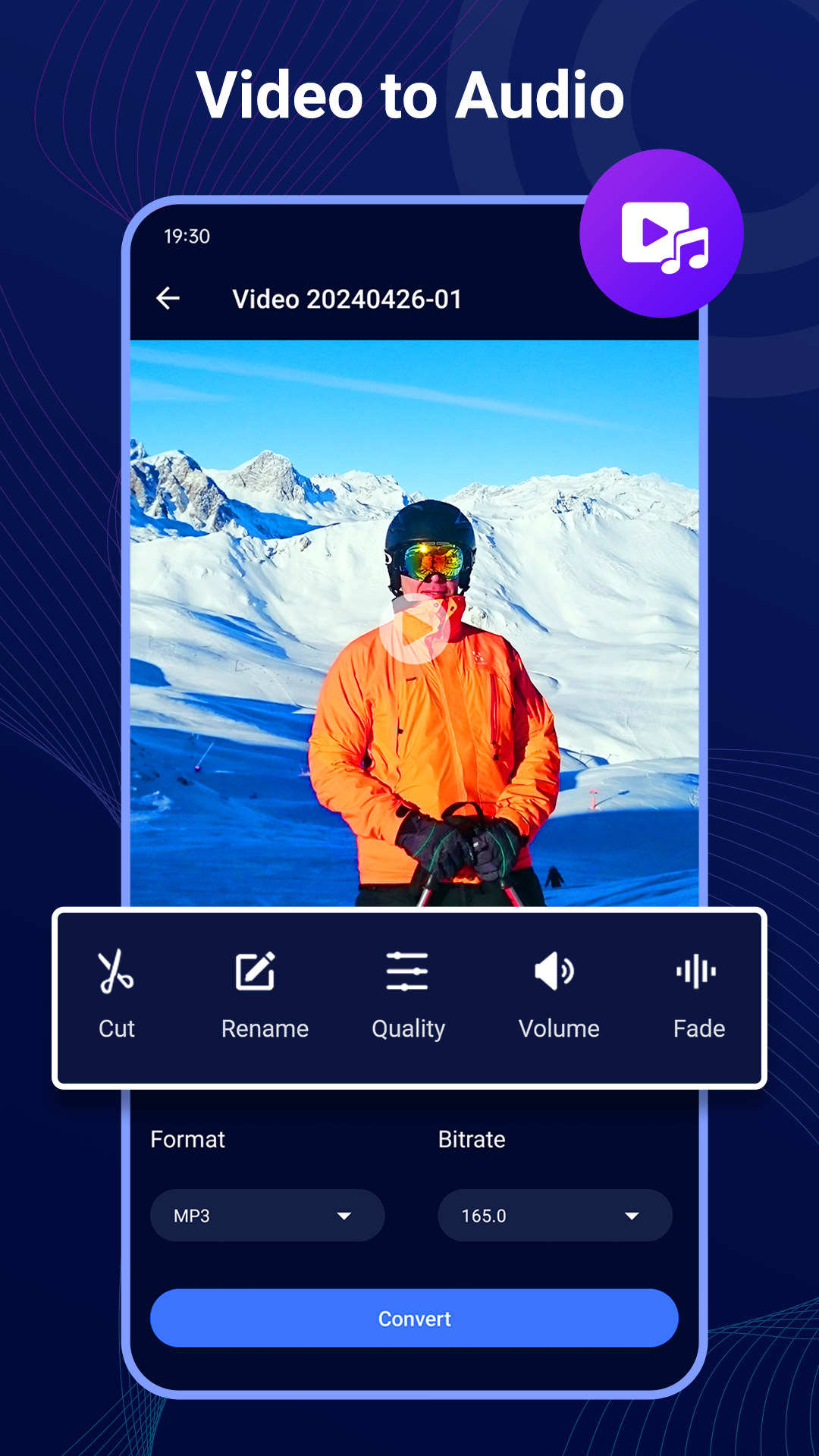
3168. Select your video file
3169. Choose MP3 or audio format
3170. Trim or customize audio
3171. Tap convert
3172. Save and enjoy instantly
The app is optimized for fast processing and low storage usage, giving users a seamless experience even with large video files.
Download Video to Mp3 – Audio Converter MOD APK today and enjoy fast, reliable, and high-quality audio conversion right from your device. Transform videos into music, ringtones, podcasts, and more with one simple app built for speed and convenience.
Video to Mp3 - Audio Converter MOD APK V1.6.2 (Premium Unlocked)
Download (19 MB )You are now ready to download Video to Mp3 - Audio Converter for free. Here are some notes:
- Please read our MOD Info and installation instructions carefully for the game & app to work properly
- Downloading via 3rd party software like IDM, ADM (Direct link) is currently blocked for abuse reasons.
4.6/5 (59 votes)