Transform your phone into a pro studio! VoxBox Audio Editor MOD APK offers multi-track editing, voice effects, and precision cutting for perfect sound every time.

VoxBox Audio Editor v9.7.7 MOD APK (Premium Unlocked)
| App Name | VoxBox Audio Editor |
|---|---|
| Publisher | Audio Editing & Tools |
| Genre | Music & Audio |
| Size | 57.2M |
| Latest Version | 9.7.7 |
| MOD Info | Premium Unlocked |
| Get it On |

|
VoxBox Audio Editor MOD APK provides access to premium features that are typically restricted in the standard version. By unlocking the premium tier, users can utilize the full suite of audio tools without the limitations found in the free build. This modification allows for the use of all professional editing features and effects included in the application.
What’s Modified in VoxBox Audio Editor
- The premium features of the application are fully unlocked, providing unrestricted access to all professional tools and effects.
This build is version 9.4.8 with a file size of 52M and package name com.zaza.beatbox; it is a re-signed file and therefore cannot be installed over a version obtained from the store.
About VoxBox Audio Editor
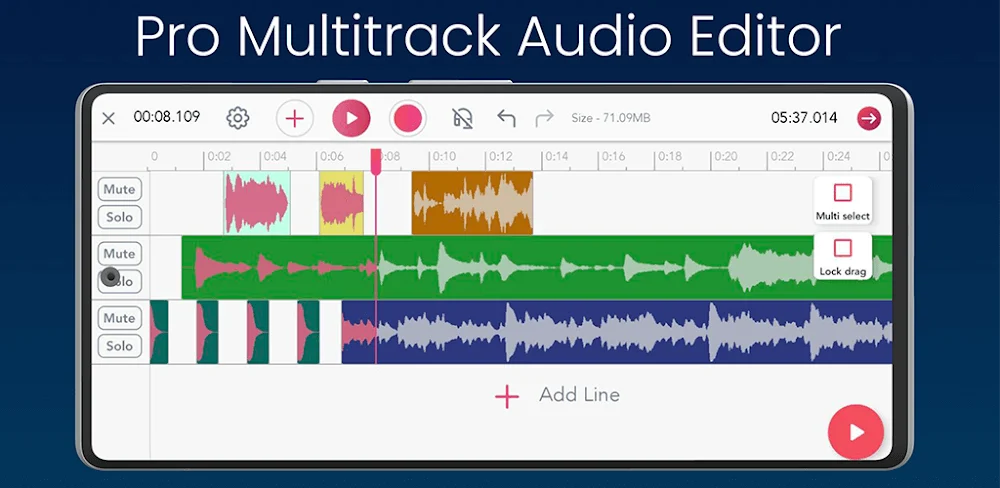
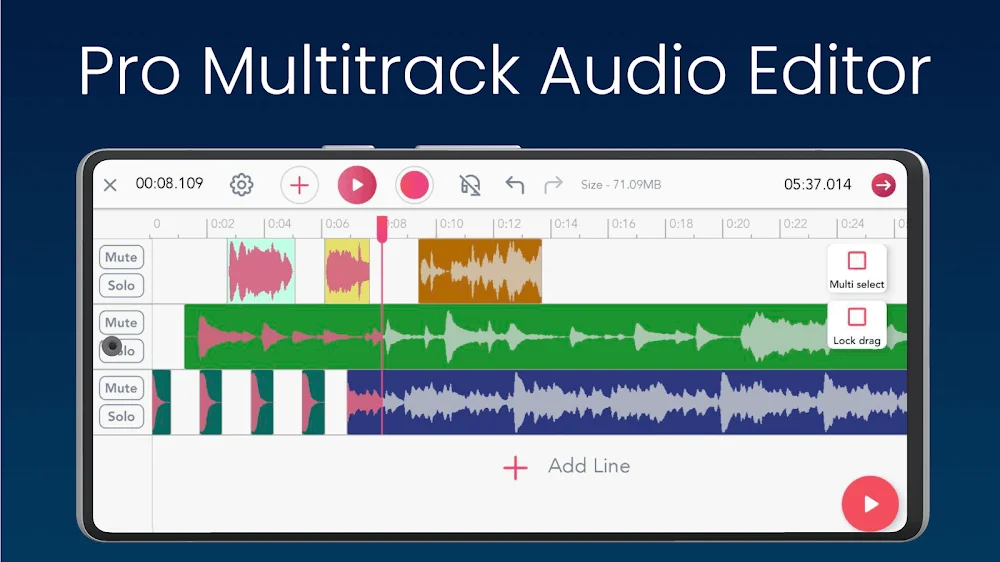
The heart and soul of VoxBox Audio Editor MOD APK is its multi-track editing system. This is the primary interface for all audio production tasks. Traditionally, the pursuit of projects like song production or podcasting has required the use of multiple layers of audio. By using different tracks for beats, vocals and background soundscapes, users are able to mix all elements without tracks interfering with one another. Each element is distinct and editable. The audio production system allows users to control the relative levels of individual audio components to make sure the elements in the final mix are clear and balanced. VoxBox Audio Editor allows audio producers to bring their ideas to life by laying out different elements of a production, like a backing track, a voiceover and/or sound effects and adjusting the components of each layer before the final mix.
Editing is accomplished through a timeline-based module. The module displays a waveform that the user can navigate via touch gestures. The timeline is zoomable, thus allowing for extreme granularity when trimming or cutting. Zooming is necessary for precise edits where the user might need to cut out a syllable, or even a minor background noise. Transitions between audio clips need to be smooth. Therefore, the application provides millisecond precision. Users can perform splits at chosen positions on the waveform. This allows users to break a recording into segments that they can rearrange as they see fit. This level of precision is necessary for podcasters to edit out mistakes, or for singers to align vocal tracks to a particular beat. The visual representation of the entire project allows the user to obtain a big-picture overview of the project and zoom into extremely small details to perform precise cuts.
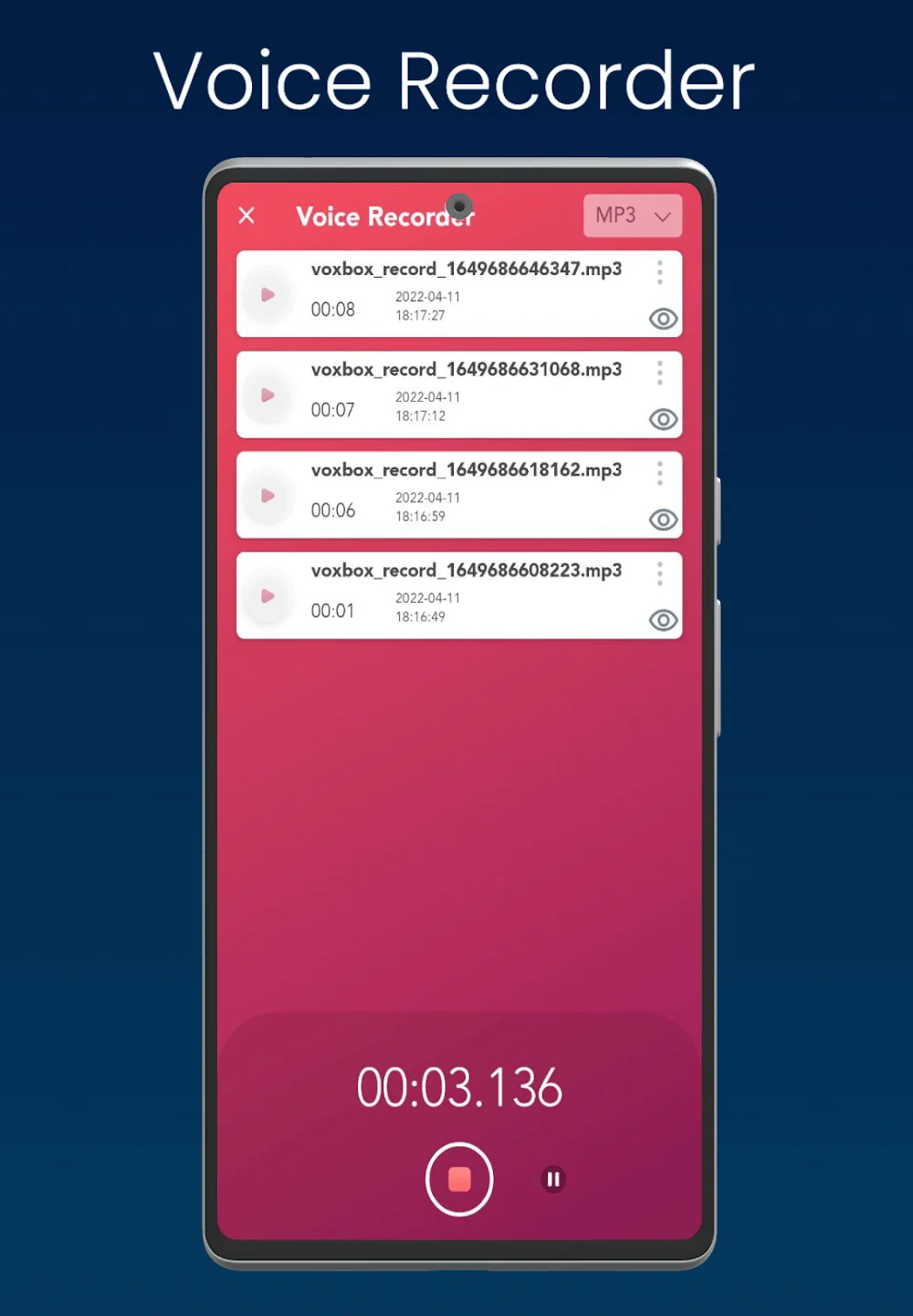
The high-fidelity voice recorder is integrated directly into the workspace to improve the ease and efficiency of the production process. This voice recorder can capture vocal performances as well as environmental sounds, giving creators more ways to use this device. Recordings can be made and placed on the timeline using the punch-in technique. Using this method, creators can record new vocal segments directly where they are needed in an existing production. Along with the recording tools, a module that alters and changes voices is included. This gives creators various voices and styles to use for projects, narration, and other creative pieces. Using this module, creators can change their voice to give them the freedom to explore different tones and pitches. The tools used for changing and capturing audio are integrated to seamlessly morph user-generated audio into various styles and tones.
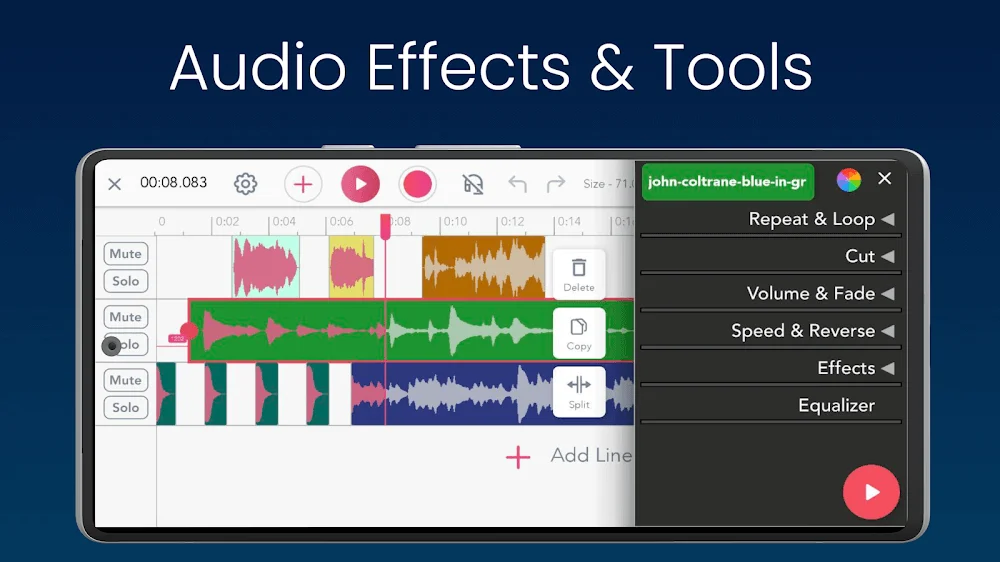
Post-production tasks are completed using a library of effects and filters. The application includes effects such as reverb and echo to provide spatial depth and add texture to audio files. The application also includes an equalizer to adjust frequency levels of a track. This function is used to either increase the clarity of a recording (i.e. boosting the high frequencies), or to enhance the low frequencies (i.e. to provide a bigger and better bass response). These effects and filters are processed through a real time processing engine, meaning the user is immediately provided with feedback on the effects applied. The real time feedback is useful for the user to gauge the accuracy of the sound design adjustments. Since the effects are applied non-destructively, the user is able to remove or modify the filters at any point in time.
Intuitive mechanics make it easy to learn while still accommodating complex editing needs. First, users load audio resources to the multi-track timeline. From here, there are many options for editing without permanently altering the audio (i.e. non-destructive editing). Users can cut, copy, and paste audio segments as well as move them around to change their position in the audio. Users can also use gestures to split clips, adjust the volume of each track, and create fade in and fade out markers to easily add transitions. One of the major problems with mobile applications for audio engineering is portability due to the many controls needed. However, by using a touch based interface, the developers made this application more portable. The integration of foam and rubber gaskets to dampen vibrations and mounting the devices in protected enclosures helps reduce outside noise and improve the quality of the captured audio. Users of all experience levels can quickly understand the system due to good design and organization of the interface, and can work on their audio projects with little to no hassle.
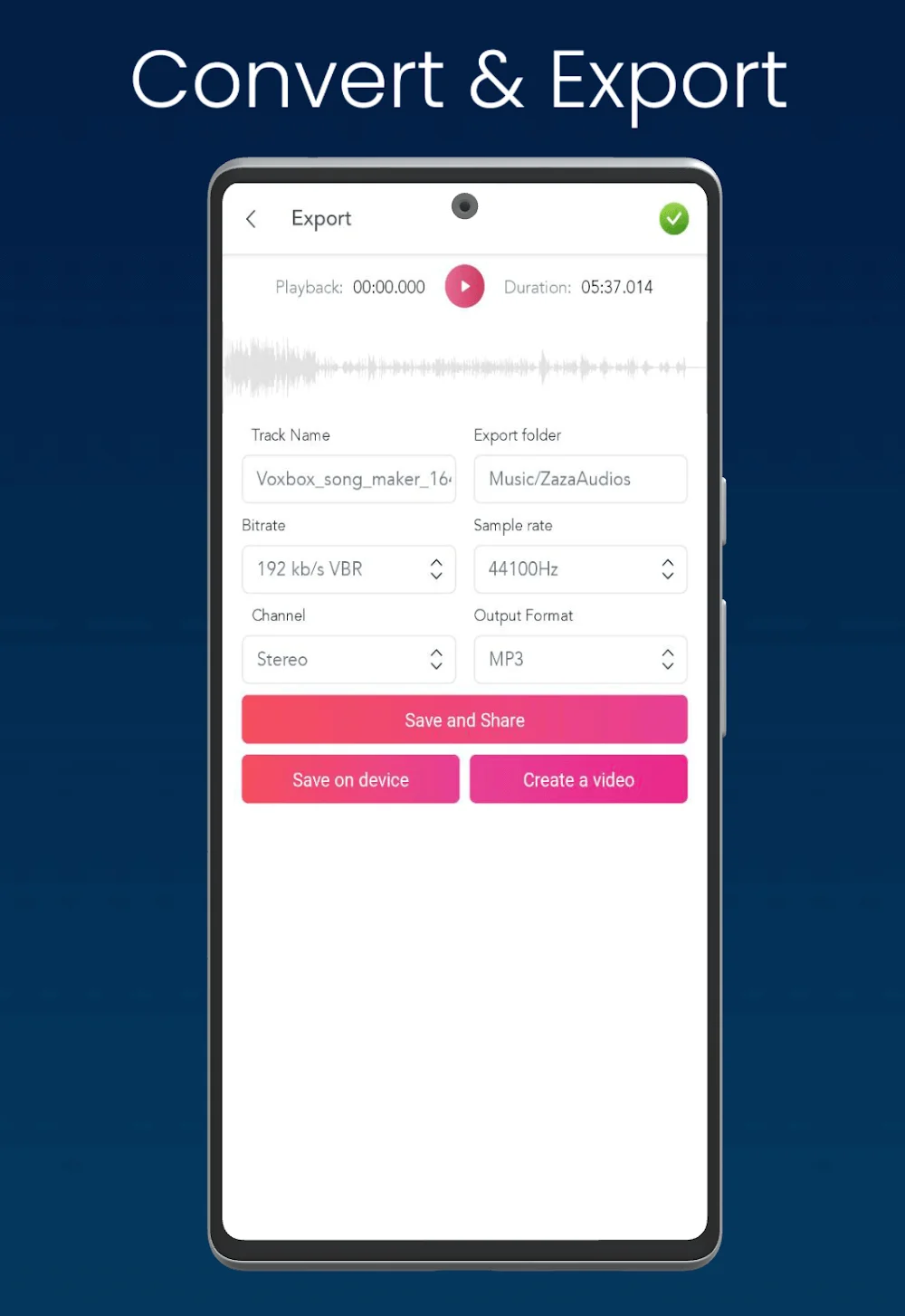
Lastly, the application offers an advanced export engine that allows users to output projects in a variety of professional audio formats. This engine also transforms a multi-track project into a single, high-bitrate file for professional distribution. Audio professionals need to be able to move projects between a variety of devices. The wide format support of the export module helps facilitate this. Each project has different and often many specifications and the final file must contain the appropriate frame rate and technical specs for distribution. Ultimately the export module focuses on achieving output specifications to make the application more suitable for the professional audio and video production space.
Key features
- Multi-Track Editing
- Zoomable Timeline
- Frame-Accurate Cutting
- Professional Voice Changer
- High-Fidelity Voice Recorder
- Reverb and Echo Effects
- EQ Adjustments
- Wide Format Support
- Non-Destructive Workflow
- Fade-In and Fade-Out
- High-Bitrate Export
Related MOD APKs
FAQ
Is Premium unlocked in VoxBox Audio Editor MOD APK?
This 9.4.8 version of VoxBox Audio Editor features Premium Unlocked. It functions similarly to the Audio Editing & Tools release, with all modifications active immediately after you install.
What is the latest version of VoxBox Audio Editor MOD APK?
Version 9.4.8 matches the Audio Editing & Tools release from August 22, 2026. We don’t keep older versions here. Update by installing this file from this page over your current app; if you see a signature error, uninstall the previous version first.
Is VoxBox Audio Editor MOD APK safe to download?
This VoxBox Audio Editor 9.4.8 build on MODYOLO is the Audio Editing & Tools original app with Premium Unlocked. 30 users gave it a 3.8/5 rating here. It does not require root. Expect a Play Protect alert during installation, so always download from this page.
Can I use VoxBox Audio Editor MOD APK on PC or iPhone?
This Android file will not work on iPhone or iPad. To use the 52M app on PC or Mac, install an emulator like BlueStacks or LDPlayer and drag the package into the software.
VoxBox Audio Editor v9.7.7 MOD APK (Premium Unlocked) Download
Download (57.2M)You are now ready to download VoxBox Audio Editor for free. Here are some notes:
- Please read our MOD Info and installation instructions carefully for the game & app to work properly
- Downloading via 3rd party software like IDM, ADM (Direct link) is currently blocked for abuse reasons.
3.8/5 (30 votes)