Cast web videos, local movies, and photos to your TV! Enjoy high-quality streaming on Chromecast, Roku, and Smart TVs with the powerful Web Video Cast MOD APK app.

Web Video Cast v6.1.1 MOD APK (Premium Unlocked)
| App Name | Web Video Cast |
|---|---|
| Publisher | InstantBits Inc |
| Genre | Video Players & Editors |
| Size | 45.8M |
| Latest Version | 6.1.1 |
| MOD Info | Premium Unlocked |
| Get it On |

|
This version of the application provides users with the Premium Unlocked status, enabling access to all professional features without the usual paywalls. By utilizing Web Video Cast MOD APK, the standard limitations on the interface and casting tools are removed to allow for a more comprehensive media experience.
What’s Modified in Web Video Cast
- The Premium Unlocked modification grants full access to all features typically reserved for paid subscribers.
This version 6.0.0 build has a file size of 57M and uses the package name com.instantbits.cast.webvideo; it is a re-signed file and cannot be installed over an existing version from the official store.
About Web Video Cast
The software allows users to wirelessly stream video from their phone to a larger display. Web Video Cast MOD APK works by identifying video streams within webpages, and in a similar fashion to screen mirroring, sends the stream to a receiving device, which in this case is any device on the same local network. This makes Web Video Cast MOD APK a strong addition to home entertainment, as it bridges the gap between hardware and software. This process is quite different from basic screen mirroring as it doesn’t stream the phone’s screen, but rather, the video stream. Doing it this way allows for video playback in its original aspect ratio and reduces the processing load on the mobile device. Essentially this helps reduce battery drain, as Web Video Cast MOD APK allows the TV to do the heavy lifting in processing the video stream.
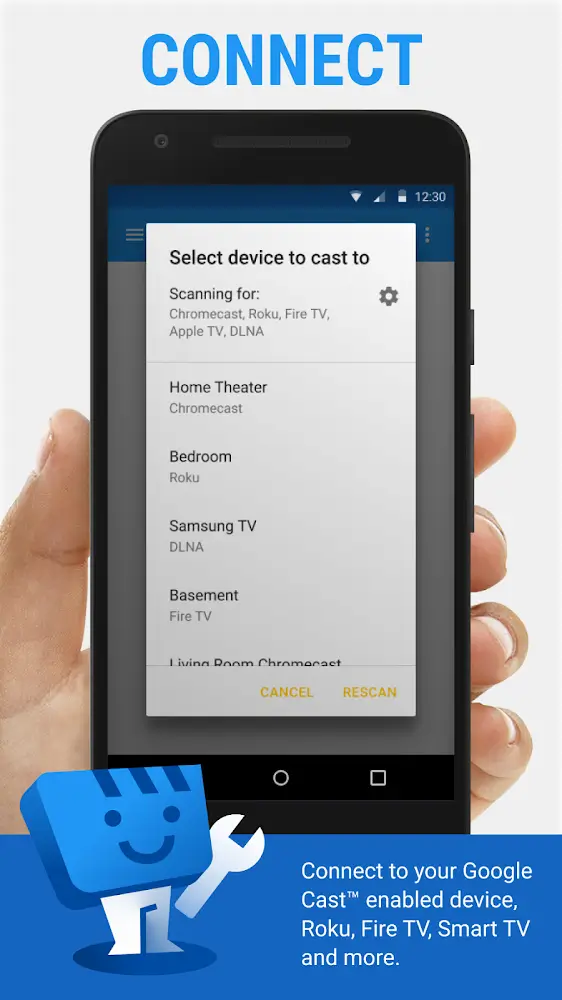
Users appreciate how broad the application’s hardware compatibility is, as the app can work with multiple devices without needing specialized adapters. The application works with Google Chromecast, Roku, Amazon Fire TV, and Apple TV. The application also works with smart TVs with DLNA. For households who game and use gaming consoles for media, the application also works with PlayStation 4 and Xbox One. Users can utilize their existing home theater hardware to display web content, removing the need to spend money on HDMI conversion hardware.
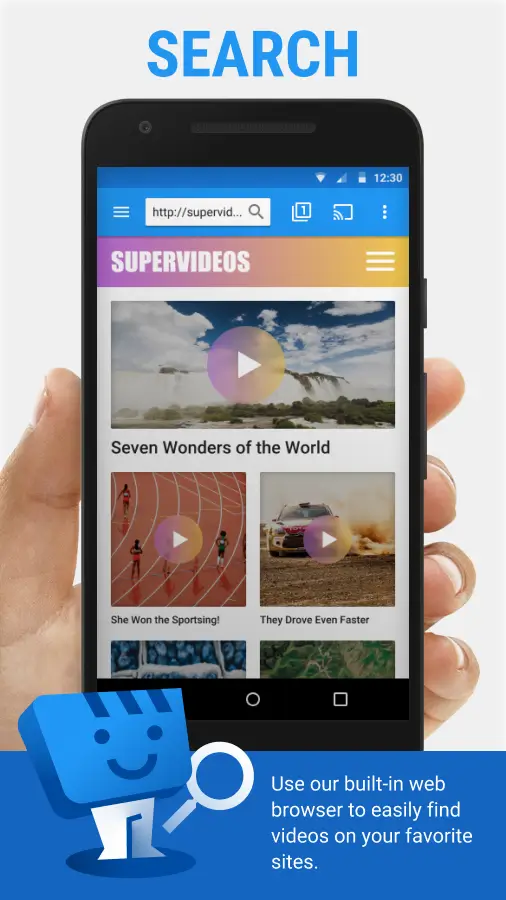
Having an integrated browser makes finding and casting online videos simpler and quicker. Sometimes links on web pages contain media the browser cannot access. In those cases, the browser gives the user the option to cast the web page. For international and foreign language films and broadcasts, the application can also provide users subtitle files. These files can be loaded by the user from the user’s computer, or the application can find subtitle files from the internet and synchronize the subtitle files to the media.
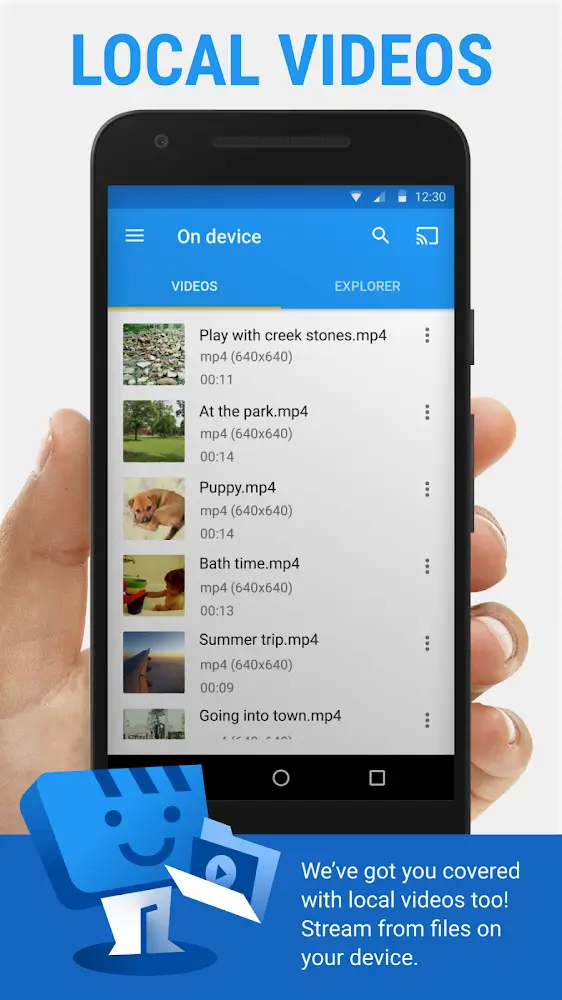
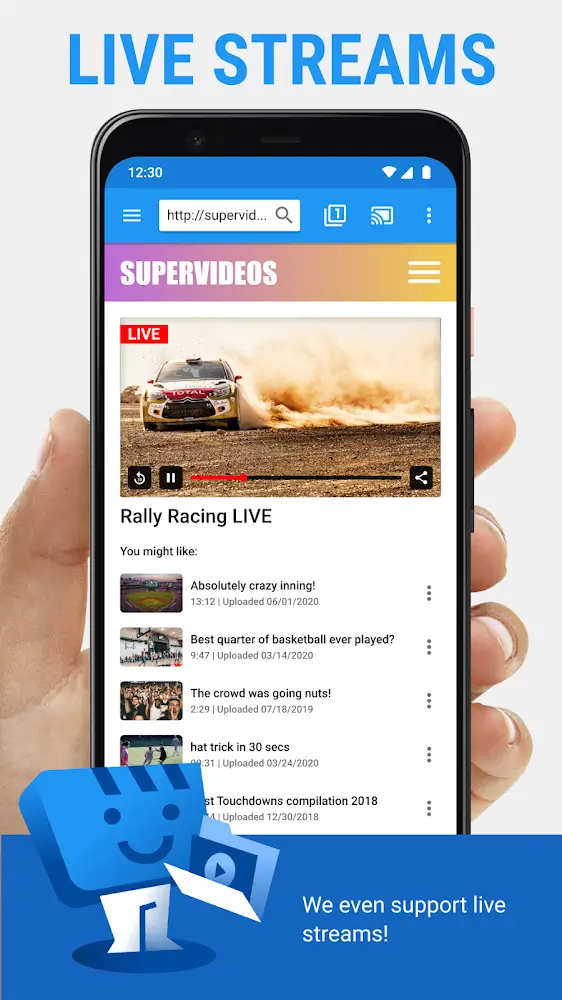
The application provides additional features for media management and live broadcasts on devices other than web browsers. It can stream media files (photos, videos, music) stored on the device or external SD card. Therefore, it can use the television to display the user’s memories and music. The application supports IPTV by loading M3U8 playlists. This integrates live broadcasts to the application, including local and international television channels. This brings all the television and web video contents to a single application, improving the convenience and ease of users to manage their entertainment.
The application seeks to provide the best possible video quality. It supports various resolutions, including 720p, 1080p and 4K, if the source media allows and the television display supports it. The application incorporates ad and pop-up blocker. These features are designed to protect the users from annoying advertisements and possibly malicious links. With these features, the application seeks to serve its purpose of allowing its users to focus on their intended content, and not on redirecting or accidental clicking advertisement links.
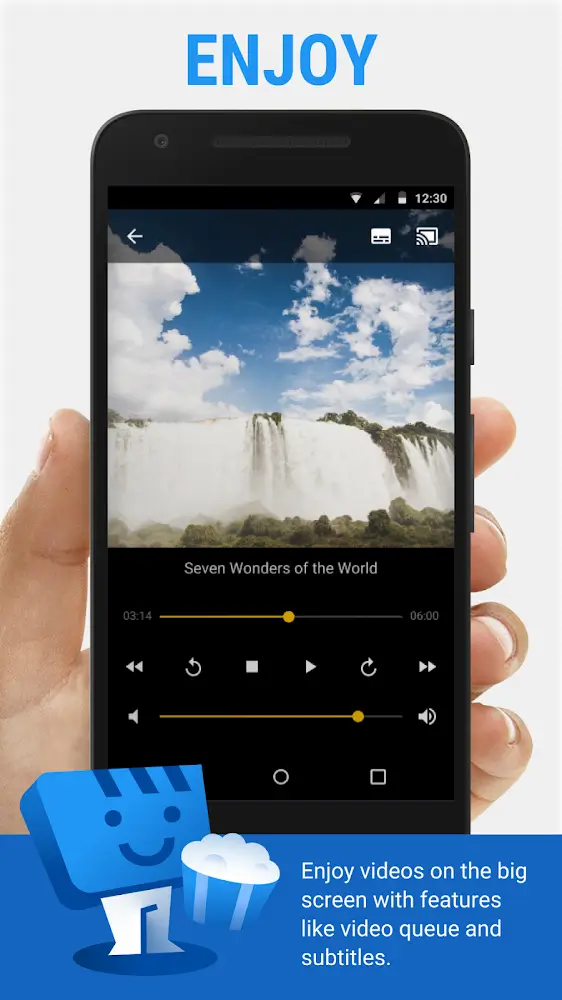
Once a video is being cast, the application interface functions as a dedicated remote control. Users can control video playback and manage volume from their mobile devices. The application performs all the background work such as transcoding and transmitting the video. Transcoding is important because sometimes the receiving device doesn’t support the format of the video being streamed. In that case, the application performs the transcoding and streaming of the video. The application creates a smooth and user-friendly experience for users to control their home theater from their mobile device.
Key features
- Stream to Many Devices including Chromecast, Roku, and Fire TV
- Built-In Web Browser for direct video discovery
- Cast Personal Media from local storage and SD cards
- Streaming With Subtitles with local file and web search support
- IPTV Support for M3U8 playlists
- HD Quality support for 4K, 1080p, and 720p
- Ad Blocker & Security tools to reduce pop-ups
- Smartphone Remote Control for playback management
- Automatic Transcoding and Transmitting for device compatibility
Related MOD APKs
FAQ
Is Premium unlocked in Web Video Cast MOD APK?
This 6.0.0 build of Web Video Cast features Premium Unlocked. It functions like the InstantBits Inc release, and the modifications are active as soon as you install the app.
What is the latest version of Web Video Cast MOD APK?
Version 6.0.0 matches the InstantBits Inc release from June 8, 2026. We don’t keep older versions here. Update by installing this file over your current app. If a signature conflict occurs, uninstall the older version first.
Is Web Video Cast MOD APK safe to download?
This Web Video Cast 6.0.0 build from InstantBits Inc has Premium Unlocked. 384 users gave it a 3.7/5 rating. It does not require root. A Play Protect warning is expected, so always download from this page.
Does Web Video Cast MOD APK remove the watermark?
This build has Premium Unlocked. Watermark-free exports are Pro features in Web Video Cast, so check the export screen after installation to confirm.
Web Video Cast v6.1.1 MOD APK (Premium Unlocked)
Download (45.8M)You are now ready to download Web Video Cast for free. Here are some notes:
- Please read our MOD Info and installation instructions carefully for the game & app to work properly
- Downloading via 3rd party software like IDM, ADM (Direct link) is currently blocked for abuse reasons.
3.7/5 (385 votes)