Elevate your enjoyment of Xtreme Television with Xtreme IPTV MOD APK! Unparalleled playback quality. Multi-format support. Smart sorting. All television programmes in one application. For the ultimate television experience!


Elevate your enjoyment of Xtreme Television with Xtreme IPTV MOD APK! Unparalleled playback quality. Multi-format support. Smart sorting. All television programmes in one application. For the ultimate television experience!
| App Name | Xtream IPTV |
|---|---|
| Publisher | Mind Cube Apps |
| Genre | Video Players & Editors |
| Size | 55 MB |
| Latest Version | 2.0.16 |
| MOD Info | Premium Unlocked |
| Get it On |

|
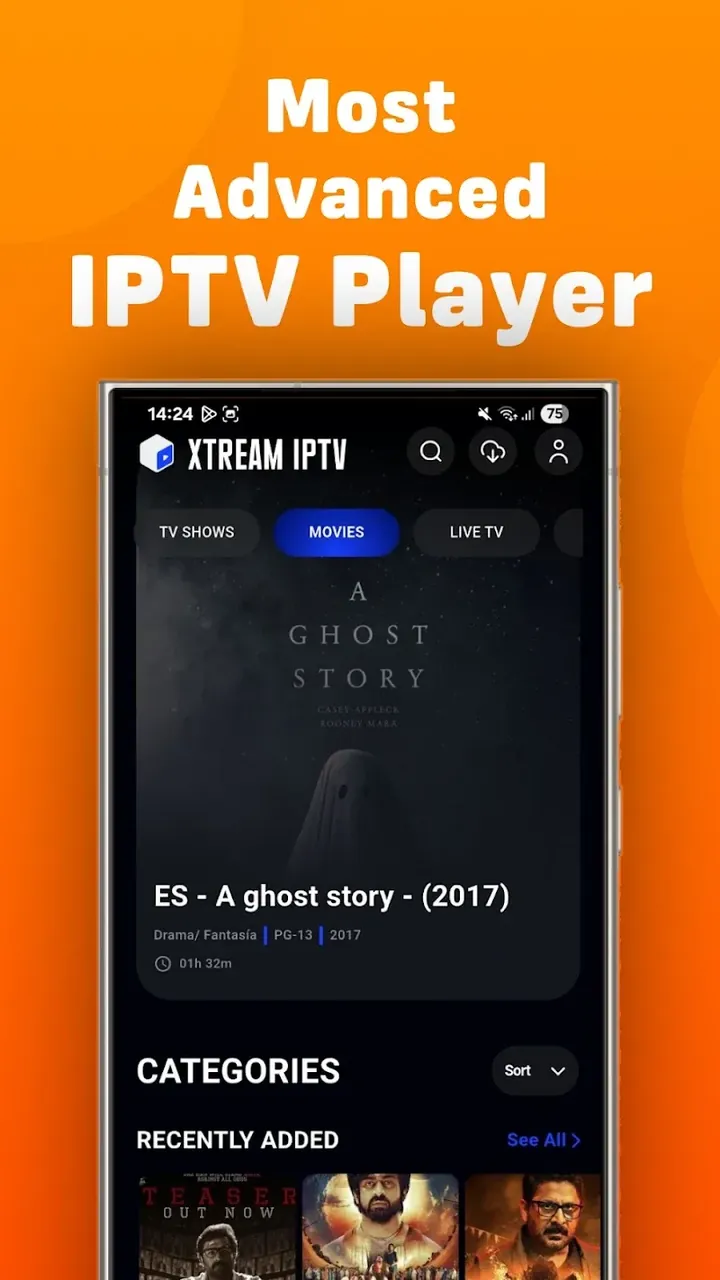
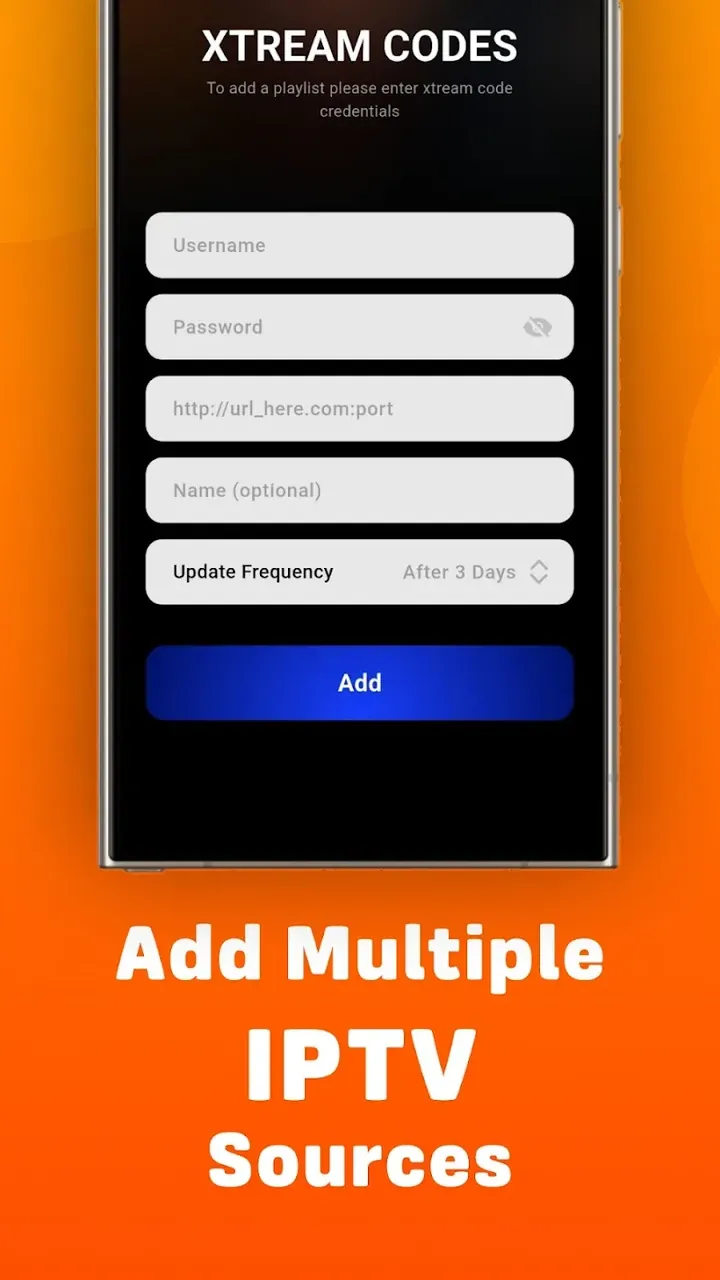
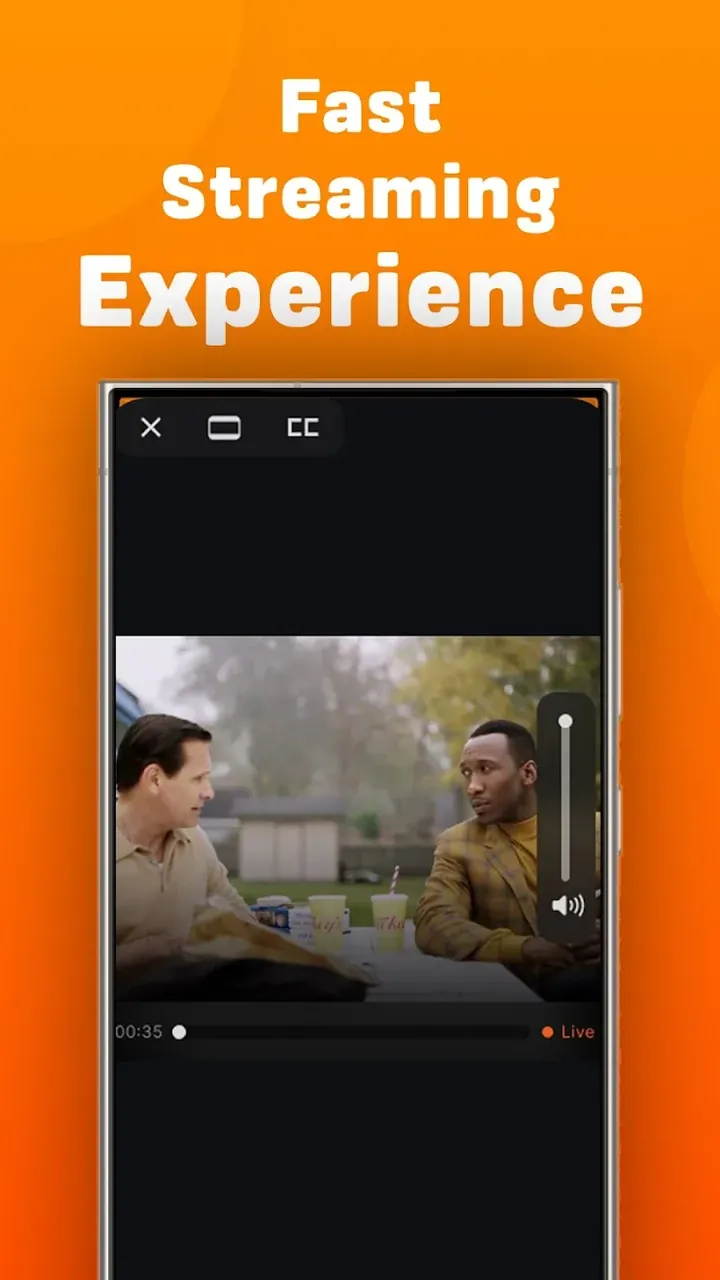
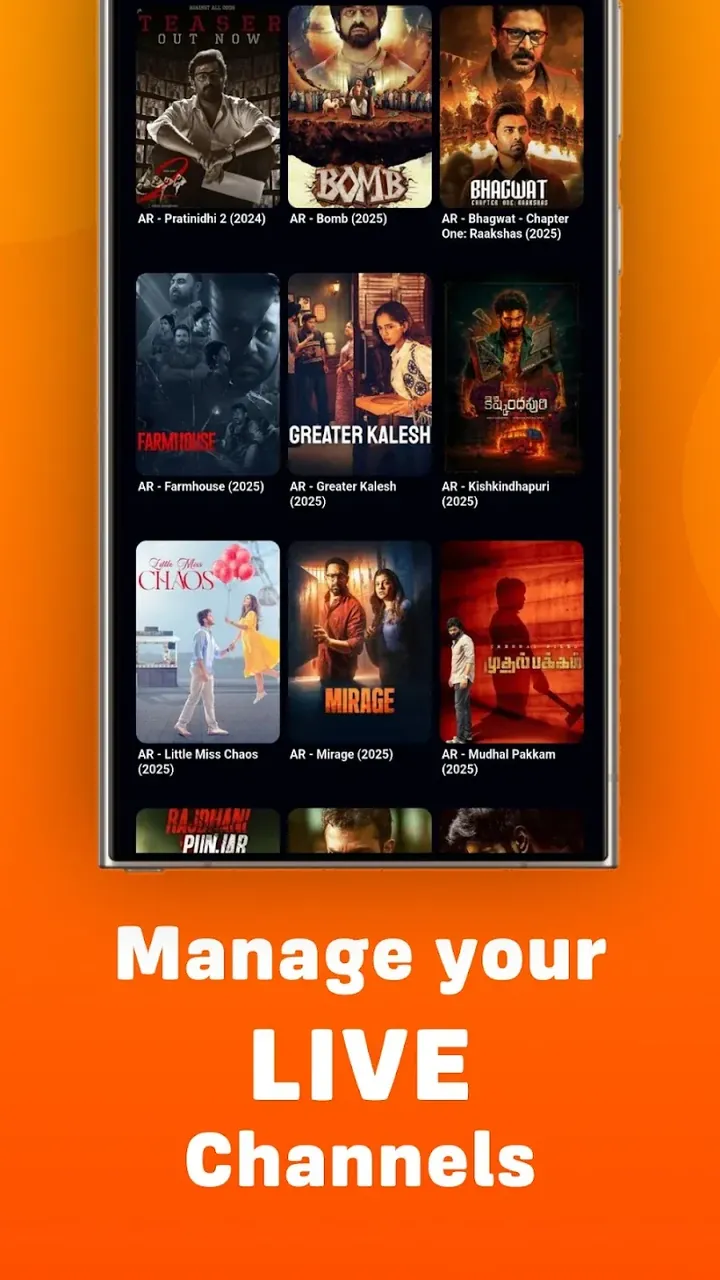
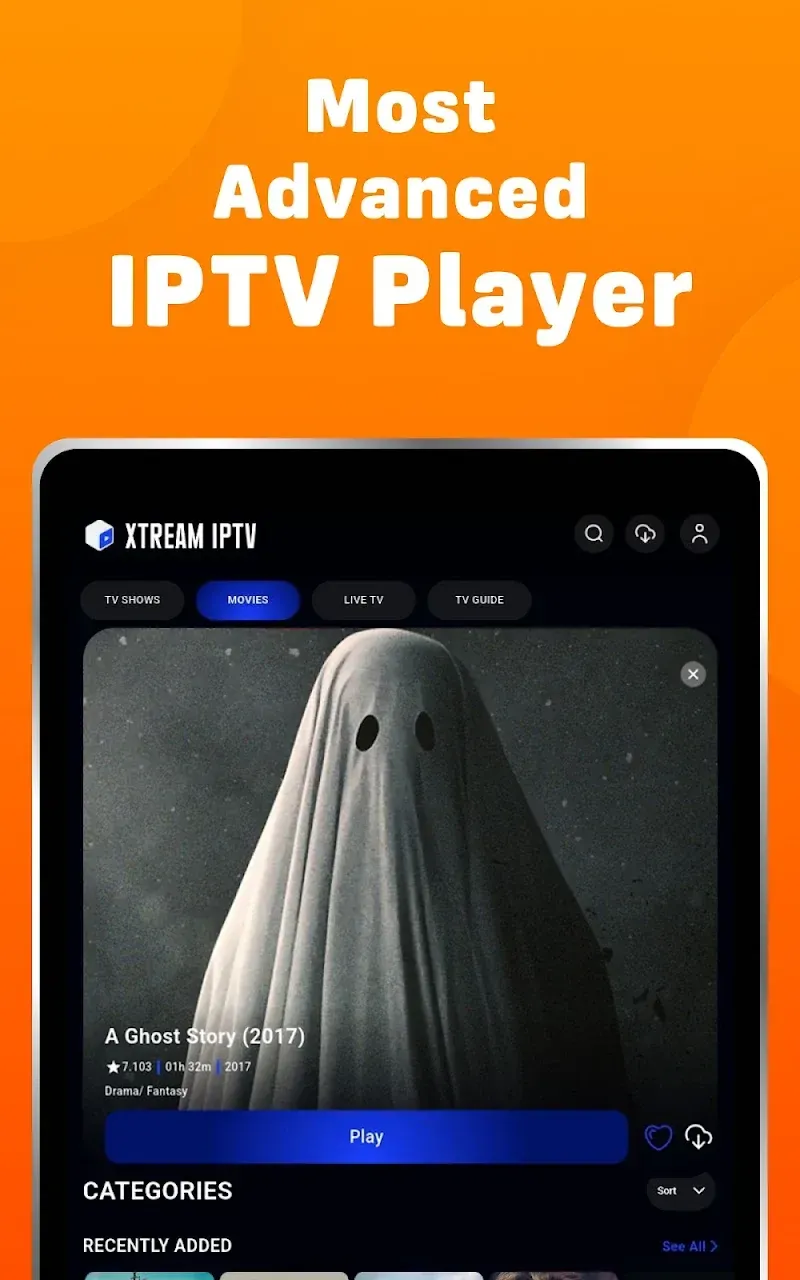
This build provides a version where the premium features are fully unlocked for the user. Xtream IPTV MOD APK removes restrictions that might otherwise limit access to the full suite of streaming tools and interface options. By using this modification, viewers can access the complete player experience without additional purchases.
This release is version 2.0.16, has a file size of 55 MB, and uses the package name com.mca.iptvplayer.new; because the file is re-signed with a different certificate, it cannot be installed as an update over the official store version.
The world of digital entertainment is constantly changing. Traditional methods of broadcasting are becoming obsolete. This application is designed to give users the flexibility to consume digital content how they see fit. Whether users want to watch a live event, or if they want to view previously recorded content, this application enables users to do just that. The application is built with mainstream consumers in mind and is designed to fit the needs of those who are more voracious consumers of digital media. Users of the application are given the flexibility to configure the application for streamlined performance based on their individual needs and preferences. To make the transition to digital media as seamless as possible, this application focuses on the core needs of the consumer while keeping the design simple.
Processing different types of digital streams is one of the main challenges with developing a media player. We’ve designed our software to address this problem by interpreting the most common streaming and playlist formats used by other media players (i.e. M3U and M3U8). This means that our users don’t have to convert other media source formats and don’t have to use other apps to interpret media sources. If a user provides us with a streaming link or with a local playlist, our app takes care of the rest, including decoding the playlist and presenting it to the user. The app can achieve a superior streaming experience because it takes care of interpreting the streaming links (which sometimes may be unstable or in wrong format) and allows the user to focus on the content. In order for the player to be able to cover different streams available out there, it needed to cover specific formats and prevent the need for other plugins or external software updates.
Another important aspect of this player is organization. Large playlists can be difficult to navigate. To fix this, the application includes a content sorting system. This system groups channels and media files. Users can see their content organized in different ways, such as by name, type, time added or time broadcast. With this sorting system in place, users can more easily scroll through their content to find the shows or events they want. The application uses a background sorting algorithm to further organize the user interface. This algorithm works similarly to the one previously mentioned, but does so based on viewing habits, rather than time. Because of this, the user interface changes to show different content based on what the user is most interested in. This leads to preferred content being faster to find than with a traditional list based player. The intelligent sorting of content and media also applies to how information is shown visually, and makes the most important information relevant, while keeping the layout clear, even if it has to manage hundreds of channels.
The playback engine provides a set of controls to provide the user with authority over their viewing experience. One such feature is Quick Resume. Quick Resume lets a user leave the application and come back to it at a later time and have the application remember the state the user last left it in. This is highly useful in the case of long-form content, or in case of a live broadcast. The engine also manages transitions in an attempt to provide a lag-less and buffer-less experience. In conjunction with this, the engine manages streaming activity and attempts to avoid interruptions while the user switches between different channels or media files. The player, along with an appropriate hardware and high-speed connection, can handle and stream 4K and HD content. Likewise, the player manages transitions in an attempt to provide a continuous stream and avoids black-screens and pauses that are unavoidable while switching between different video sources.
Aside from playback, the application offers numerous options to assist users in organizing their entertainment library. Perhaps the most important of these options is the ability to create a favorites list, where users can save certain channels or playlists to be accessed at a later time. With this feature, users can create a customized, most relevant, collection of entertainment. The application strives to be user friendly, by allowing its usage on other devices aside smartphones, including tablets and Androids based TVs. This ensures that the user has flexibility in terms of what device they use to enjoy the entertainment. The design focuses on removing the complex user interfaces that are present in several of the available alternatives. The design team focuses more on creating a user interface that reflects the utility of the IPTV service. The service strives to fulfill the user request of having the content in less than 2 minutes as opposed to the traditional 10-15 minutes it takes to set up and use IPTV apps.
The Xtream IPTV MOD APK uses the internal logic to back the interface with processing. With an M3U link, the engine alters the data and structures it in a way that makes it easier to browse. This involves the application of one or more sorting algorithms. With regard to network settings, the player is capable of adjusting its data intake based on the current network conditions. Essentially, the system takes a good snapshot of the network and then alters its intake and output to maintain consistent quality of service. It is a closed system designed with the user in the center of everything. Although incredibly simple to use, the system is deep and powerful, enabling the user to intuitively manipulate their content in a myriad of ways. Within the system, the player has the ability to retain a consistent frame rate and audio quality when streaming high-definition content, even if the bandwidth is limited.
Related MOD APKs
Is Premium unlocked in Xtream IPTV MOD APK?
This Xtream IPTV 2.0.16 build features Premium Unlocked. It functions similarly to the Mind Cube Apps version, with all modifications active immediately after you finish the installation on your device.
What is the latest version of Xtream IPTV MOD APK?
Version 2.0.16 matches the Mind Cube Apps release from June 10, 2026. We don’t keep older versions here. Install this file over your current app to update. If you see a signature error, you should uninstall the previous version first.
Is Xtream IPTV MOD APK safe to download?
This Xtream IPTV 2.0.16 build from Mind Cube Apps includes Premium Unlocked. 24 people gave it a 3 rating. It does not require root. Ignore Play Protect warnings during setup, but always download from this page.
Does Xtream IPTV MOD APK remove the watermark?
This version provides Premium Unlocked. Since removing watermarks is a Pro feature in Xtream IPTV, you should check the export screen after you finish installing to verify.
You are now ready to download Xtream IPTV for free. Here are some notes: