MX Player is a great movie and video entertainment application. Users will be able to watch high-quality and influential players.

MX Player TV v1.57.0G APK + MOD (Optimized/No ADS)
| App Name | MX Player TV |
|---|---|
| Publisher | MX Media (formerly J2 Interactive) |
| Genre | Entertainment |
| Size | 12M |
| Latest Version | 1.57.0G |
| MOD Info | Optimized/No ADS |
| Get it On |

|
MOD Info
Ads patched/disabled
Ad permissions disabled
Audience network disabled/removed
Location removed by Dev(not Geo location)
*If Setup Closes 1st Run Just Relaunch
VPN May Be Needed For Some Users
This MX Player TV MOD APK provides a streamlined viewing experience by patching advertisements and disabling ad-related permissions. The build removes tracking components such as the audience network and location services to optimize performance on Android TV devices.
What’s Modified in MX Player TV
- Advertisements have been patched and disabled throughout the application.
- Advertising permissions have been disabled to prevent background ad activity.
- The Audience Network has been disabled and removed from the build.
- Location services have been removed by the developer, excluding geo-location.
- The application has been optimized for better general performance.
- If the setup process closes during the first run, users should relaunch the application.
- A VPN may be required for certain users to access specific content libraries.
Version 1.38.0G has a file size of 12M and uses the package name com.mxtech.videoplayer.television; because this file is re-signed, it cannot be installed over a copy from the store.
About MX Player TV
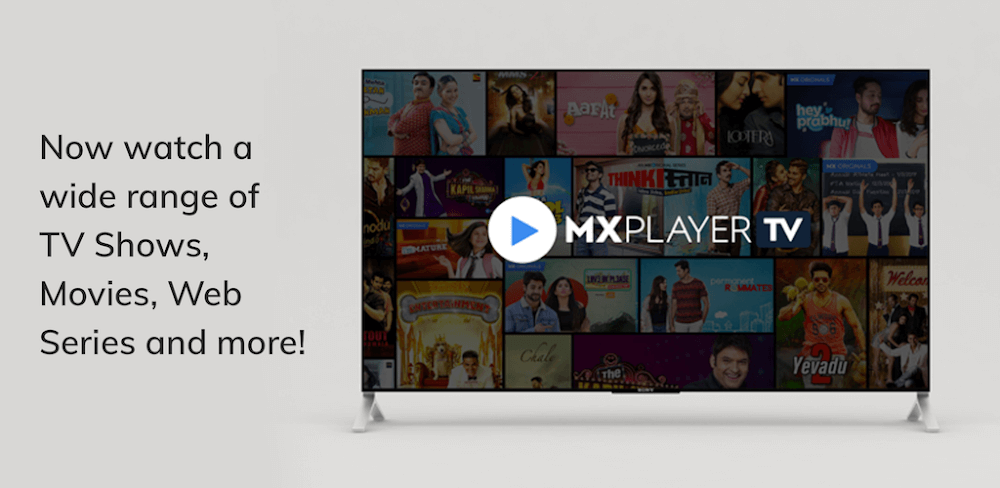
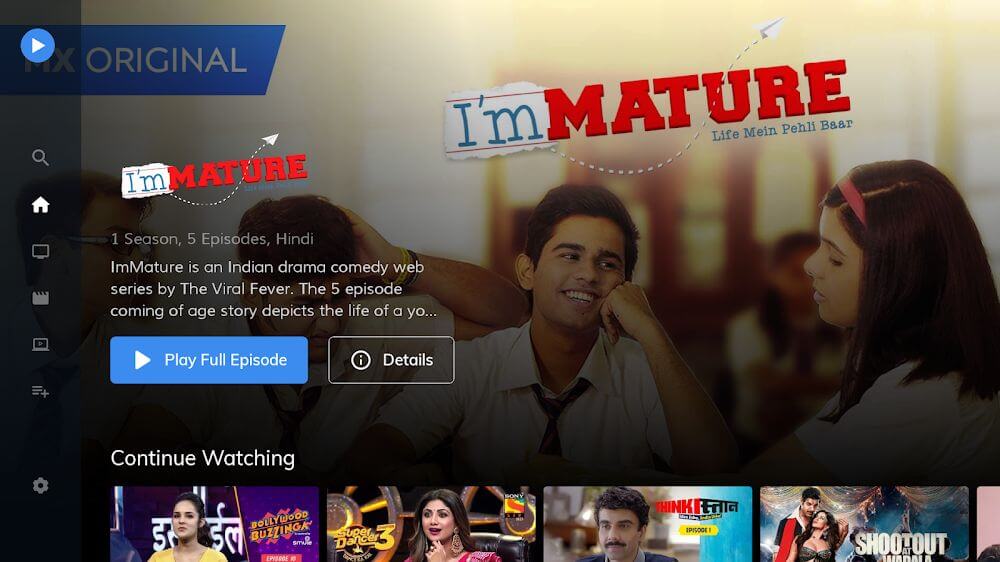
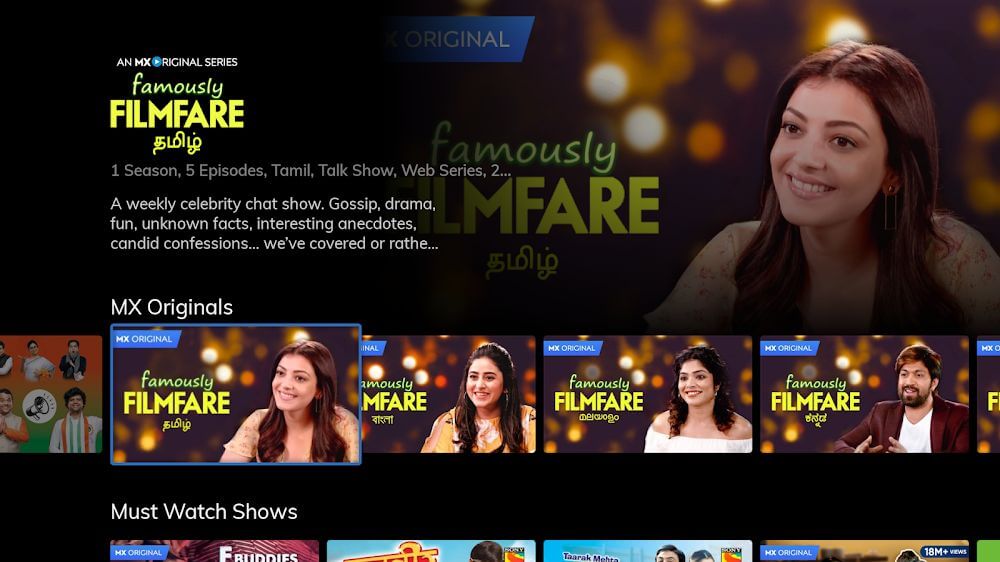
MX Player TV (Announced as MX Media) has developed a specialized entertainment application for the Android TV platform. A powerful video player and streaming service, MX Player TV provides a library of original content for users. The platform specifically caters to the language of Hindi and other regional languages by providing thousands of movies of TV shows from top creators. As a streaming and local video file service, MX Player TV’s dual service model allows it to act as a central content viewing service for users that want to consume content through various media sources.
With hardware-based acceleration as one of the key technical features of the application, MX Player TV’s hardware acceleration system runs on 3-decoders: HW, HW+ and SW. Each are optimized for a given type of media file and standard of encoding. The application can enhance both image and audio qualities of video files by employing the right decoder to a given media file. The application also employs multi-core processors, distributing workloads of video data for smoother, 60 frames/second video output on high-definition TVs.
The versatile media player on this application can play a variety of external media file formats. The library supports MP4, MKV, DVD and other file formats, allowing users to stream their own movies from their storage. Additionally, the application can act as a video player for other applications. Viewing content from other sources using this application is equivalent to using popular PC media player applications like Media Player Classic, Splash and VLC. This means the application can be used to take advantage of complex decoding and user interfaces in a media player.
The application also includes a powerful subtitle management system that allows flexibility in the user experience. The developers included support for different subtitle formats to support users watching content in different languages. Users are able to place subtitles in the video player and then change the subtitles to their preference. This includes the ability to change the size of text. Having flexibility in size is important for subtitles so reading is easier by not blocking elements of the video and important characters. The flexibility in the management of subtitles demonstrates a user experience that is customizable for different languages and flexibility in meeting different requirements.
The design focuses on simplicity and ease of use, with navigation that requires minimal thought. During presentation, to keep each part of the screen from being cluttered by excess controls, buttons have been hidden and will appear only when controls are interacted with. Many of the primary controls have been implemented using simple sliders and gestures. As an example, users can control the brightness and volume of the device by sliding vertically on certain sections of the screen. Similarly, gestures and swipes have been implemented to control zoom. This type of control scheme is intended to allow for rapid (yet simple) control over the viewing environment without the need to navigate through deep, hierarchical menus.
A dedicated child lock helps to provide a safe and controlled viewing environment. Young children tend to tap commands on the screen and/or remote controls creating unintended calls or clearing data on the device. The child lock button captures these taps and prevents commands and data entry from being recorded. Thus, kids can safely view their preferred programming without concern of triggering unintended device functions or commands. Along with the sophistication of the playback engine and a massive library of content, this application is an excellent selection for families looking to implement a safe and feature rich entertainment solution for family viewing.
Key features
- Support for MP4, MKV, and DVD video formats
- Hardware acceleration using HW, HW+, and SW decoders
- Multi-core processor utilization for enhanced video processing speed
- Adjustable subtitle support with resizing and format compatibility
- Gesture-based controls for brightness, volume, and zooming
- Child lock mode to prevent accidental touches and unwanted commands
- Streaming of exclusive original content with a focus on Hindi
- 60FPS frame rate support for smooth video playback
Related MOD APKs
FAQ
Does MX Player TV MOD APK remove ads?
Yes, this MX Player TV 1.38.0G build includes Optimized and No ADS features. It functions just like the MX Media (formerly J2 Interactive) version, but with these adjustments active immediately after you complete the installation.
What is the latest version of MX Player TV MOD APK?
This 1.38.0G build matches the MX Media (formerly J2 Interactive) version from August 3, 2025. We don’t keep older versions here. Update by installing this file over your current app. If you see a signature error, you must delete the old version before reinstalling this one.
Is MX Player TV MOD APK safe to download?
This MX Player TV 1.38.0G release is the MX Media (formerly J2 Interactive) app with Optimized and No ADS modifications. 12 people gave it a 3.6 rating. It does not require root. Ignore Play Protect warnings during setup, but always download from this page to ensure you get this specific build.
Can I use MX Player TV MOD APK on PC or iPhone?
Since this is for Android, you cannot use it on iPhone or iPad. To use the 12M file on a computer, install an emulator like BlueStacks or LDPlayer. Once the software is ready, simply drag the APK into it.
MX Player TV v1.57.0G MOD APK (Optimized/No ADS) Download
Download (12M)You are now ready to download MX Player TV for free. Here are some notes:
- Please read our MOD Info and installation instructions carefully for the game & app to work properly
- Downloading via 3rd party software like IDM, ADM (Direct link) is currently blocked for abuse reasons.
3.7/5 (13 votes)