Computer Launcher Pro turns your Android into a PC-style desktop with Windows-like UI, Start Menu, Taskbar, themes, and powerful customization tools.

Computer Launcher Pro MOD APK V15.4 (Premium Unlocked)
| App Name | Computer Launcher Pro |
|---|---|
| Publisher | Pro Themes and Launchers |
| Genre | Personalization |
| Size | 16 MB |
| Latest Version | 15.4 |
| MOD Info | Premium Unlocked |
| Get it On |

|
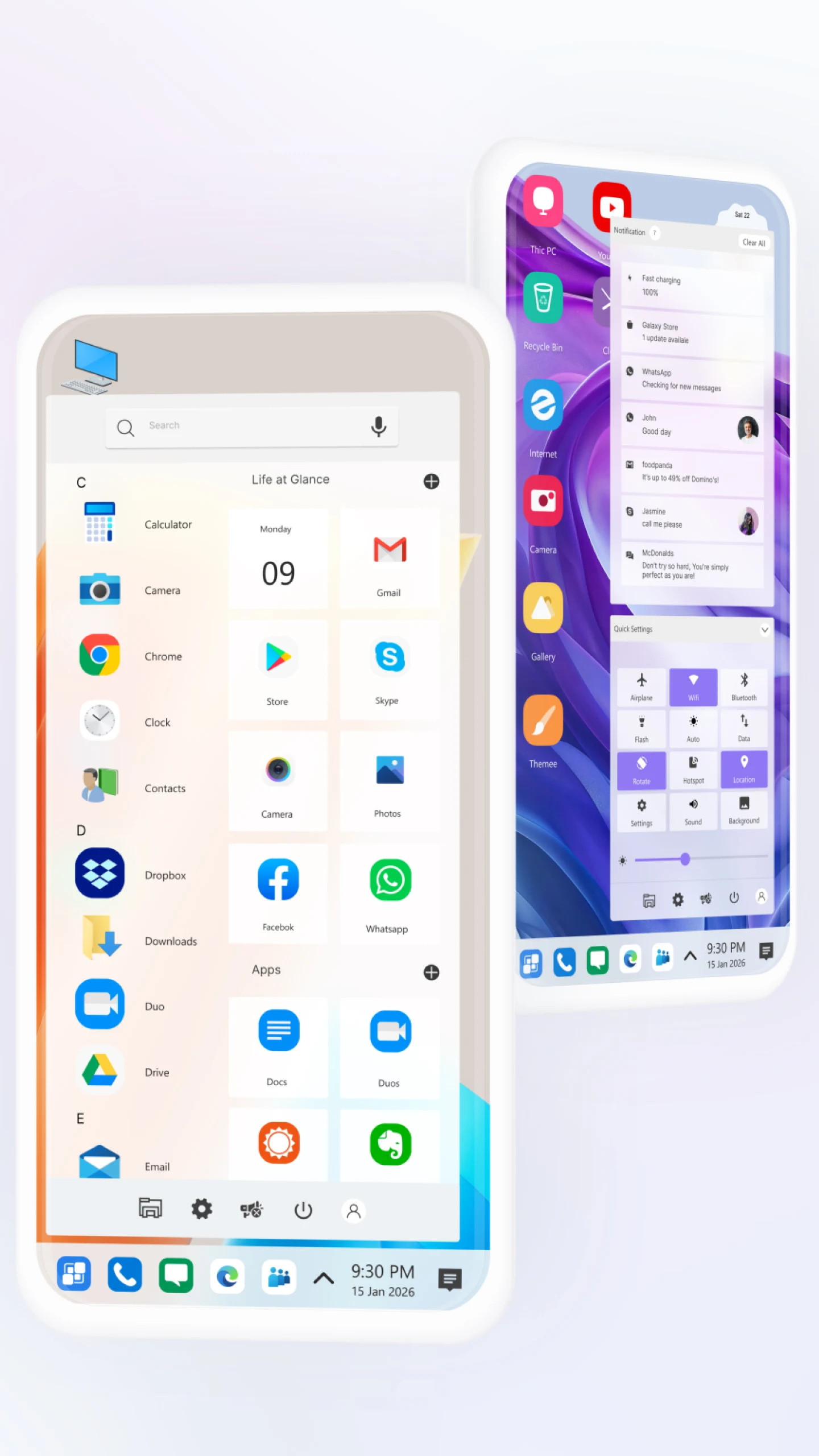
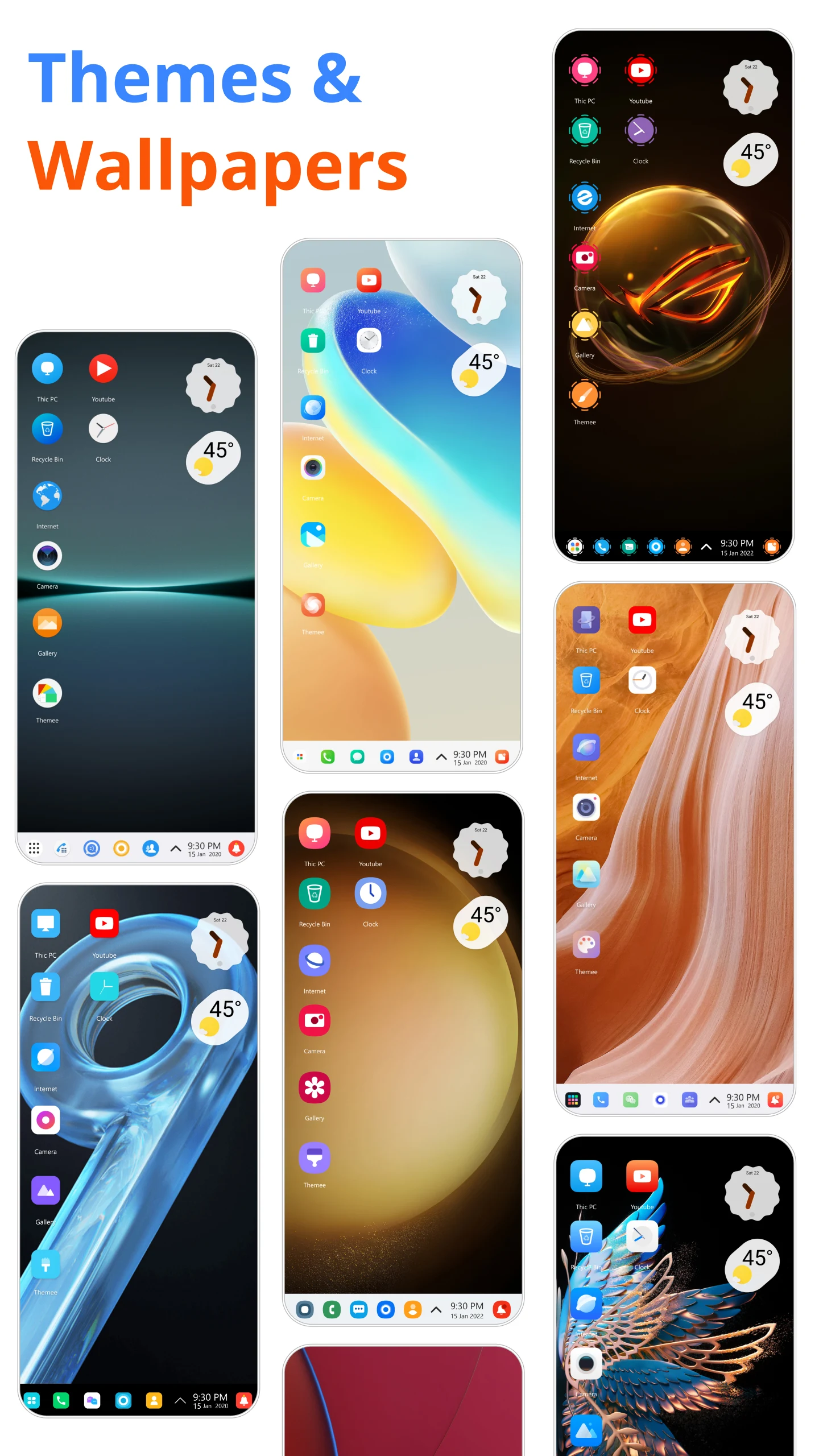
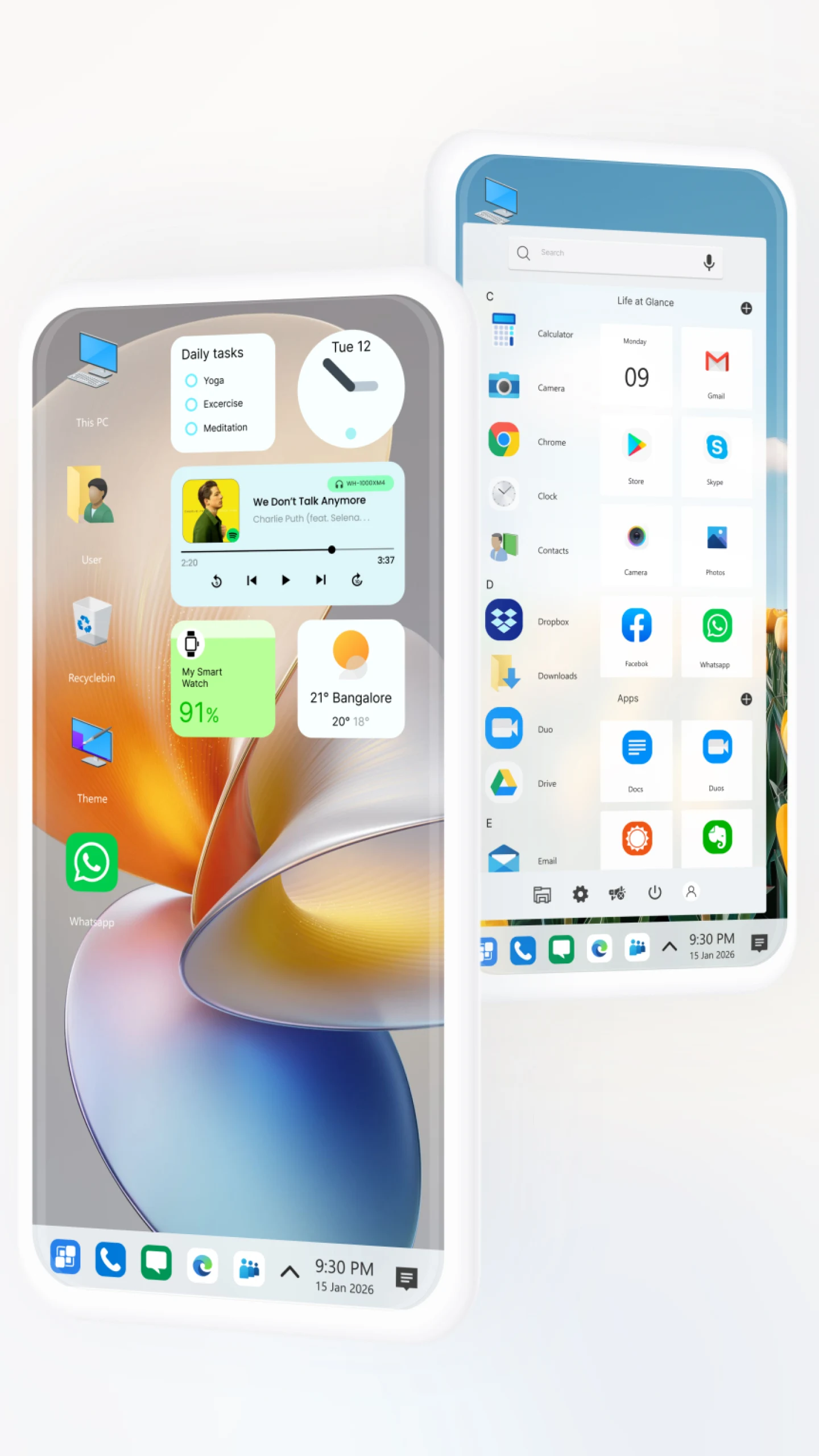
This build provides access to all professional features without requiring a separate subscription or purchase. The Computer Launcher Pro MOD APK enables the complete set of customization tools and visual enhancements that are restricted in the standard version.
What’s Modified in Computer Launcher Pro
- The premium features are fully unlocked, providing access to all professional themes, advanced color options, and layout customization settings.
This build is version 15.4, has a file size of 16 MB, uses the package name com.protheme.launcher.winx2.launcher, and is re-signed, meaning it cannot be installed over an existing copy from the official store.
About Computer Launcher Pro
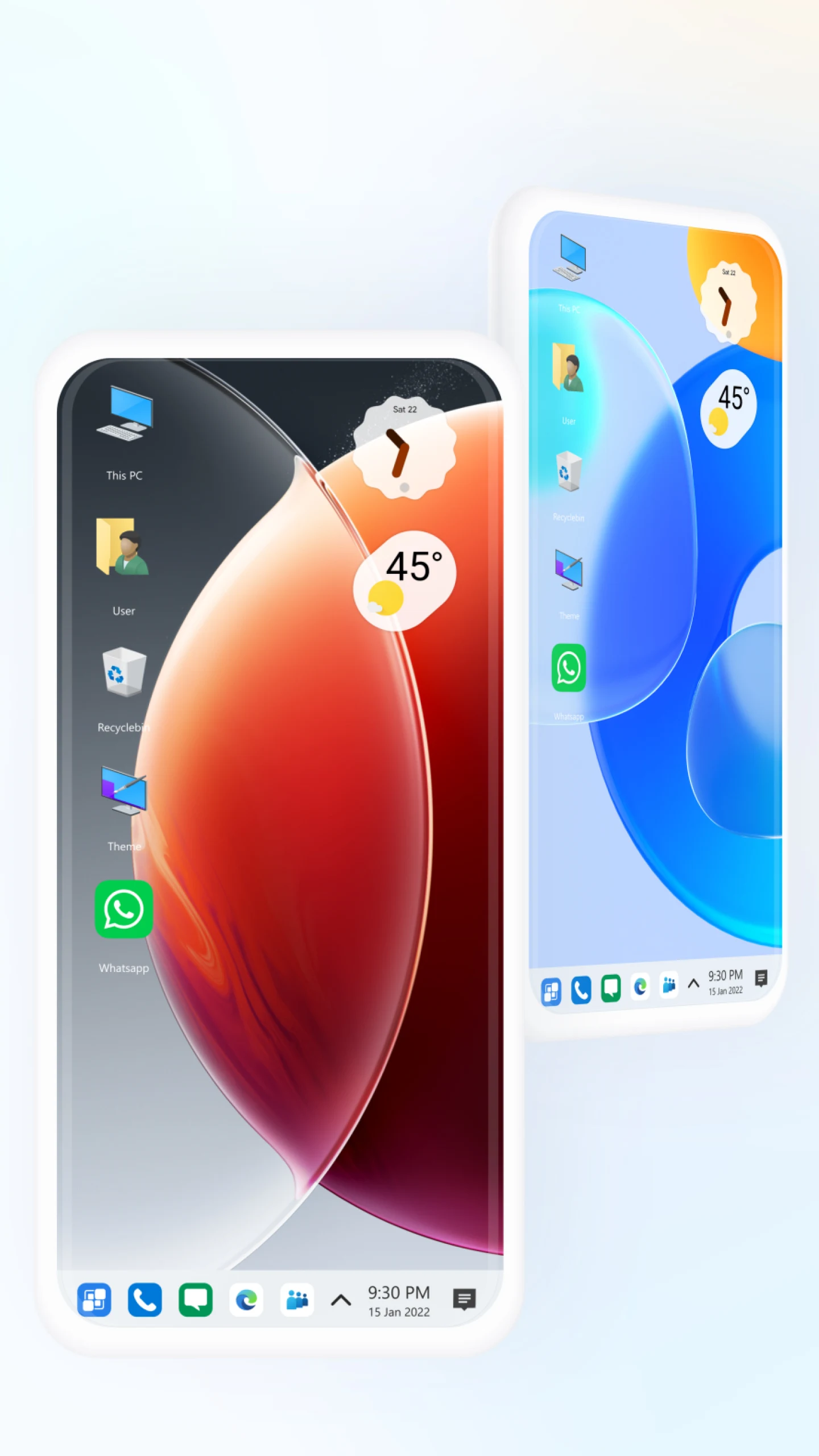
The Computer Launcher Pro MOD APK provides a desktop-like interface within the Android operating system. The main goal of this application is to give the user a layout similar to a Windows PC, comprising of a start menu and taskbar. Using this application gives a more structured and organized layout compared to the normal Android interface. Users are given the option to manage and open applications like a PC by using a taskbar and start menu. This application provides a more systematic and practical interface than normal Android devices by using a taskbar and start menu to manage applications.
The main component of the app is the file manager. With it, users can view the file system of their phone and other storage like a computer. Users can interact with the file system just like they can with a computer. Users can move, rename, and delete files. Other features of the file explorer include selecting multiple files, copying files, compressing files, and creating ZIP folders. Like other Android launchers, Computer Launcher Pro focuses on improving the overall user experience. The launcher performs all the processes related to interacting with the file system, especially when used with other components of the app, inside a background process. As a result, the overall performance impact on the system is decreased while improving the overall battery life.
One unique feature of Computer Launcher Pro is the focus on customization. Users can change the appearance of desktop icons and the taskbar. Users also can change the desktop background and adjust transparency. The app supports high definition (HD) wallpapers to improve the overall look and feel of the user interface. Users can change the theme of the app and launcher to achieve the overall look they want. Like other Android launchers, Computer Launcher Pro focuses on the overall look and feel of the user desktop. To do so, the app offers thousands of wallpapers and themes to achieve the appearance users want. Users can change the positions of desktop items and widgets to achieve the overall look they want.
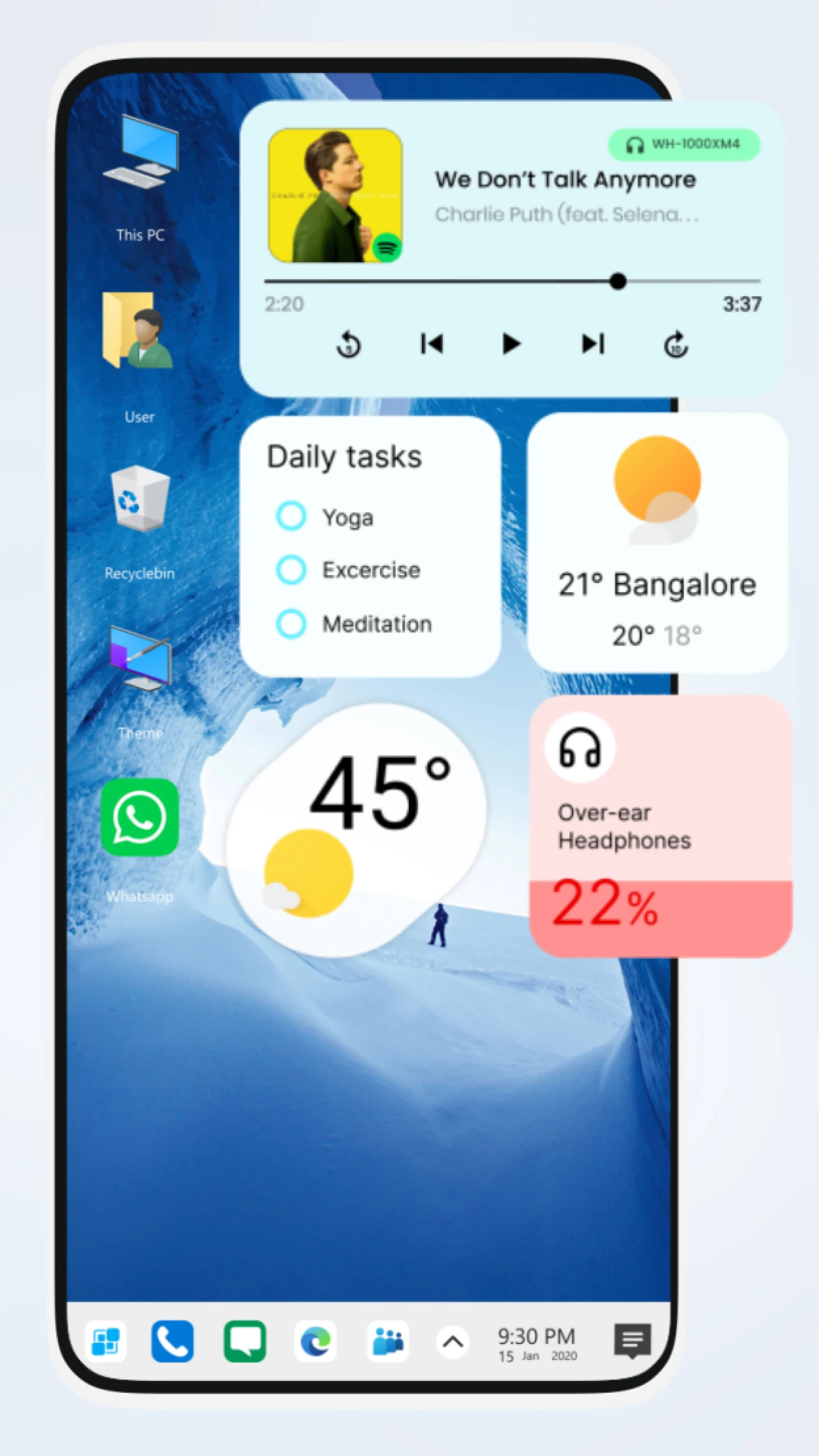
Users can customize their desktop using various clock, calendar, and weather widgets using this application. With this version, users can also customize the size of the widgets, as well as place app shortcuts on their desktop. The launcher offers a folder feature to allow users to organize app shortcuts. To enhance security and customize their desktop environment, users can hide app shortcuts.
The launcher provides users with many features to adjust their desktop. Users can set the desktop notifications to be less disruptive. To customize the desktop further, users can personalize their widgets and icons. If a user is not satisfied with the changes they have made to the desktop, they have the option to revert to the previous changes, and to save the changes they have made for future use.
With worldwide users in mind, the launcher offers a variety of language options and accessibility options. This launcher is designed for all touchscreen devices and is able to provide a computer-like desktop environment. It is designed with the idea of true multitasking. It helps to organize and provide better navigation of the Android operating system. While incorporating a computer like environment to the Android operating system, this launcher helps to accomplish various other things such as providing a more organized environment for students and workers. It has a variety of useful options such as a better file management system and a variety of ways to customize the device as the user sees fit. This launcher provides all of these and more to provide a better user interface.
Key features
- PC-Style Desktop Interface
- Start Menu and App Drawer
- Taskbar with Quick Access Shortcuts
- File Manager Integration
- Custom Themes and Wallpapers
- Drag and Drop Controls
- Widgets Support
- Folder Management System
- Fast Search System
- Smooth Performance Optimization
- Notification Center
- App Hiding and Privacy Tools
- HD Icon Packs Support
- Backup and Restore Layout
- Battery-Friendly Design
- Accessibility and Multi-Language Support
Related MOD APKs
FAQ
Is Premium unlocked in Computer Launcher Pro MOD APK?
This 15.4 version of Computer Launcher Pro includes Premium Unlocked. It works the same as the Pro Themes and Launchers original, with all features available immediately after you install the app.
What is the latest version of Computer Launcher Pro MOD APK?
The 15.4 version matches the Pro Themes and Launchers release from August 26, 2026. We don’t keep older versions here. To update, install this file over the current one. If you get a signature error, uninstall the old app first.
Is Computer Launcher Pro MOD APK safe to download?
This 15.4 Computer Launcher Pro release by Pro Themes and Launchers includes Premium Unlocked. 31 users gave it a 4.6/5 rating. It does not require root. Since Play Protect may flag the install, always download from this page.
Can I use Computer Launcher Pro MOD APK on PC or iPhone?
This Android file cannot be used on an iPhone. To run the 16 MB app on Windows or Mac, use an emulator like BlueStacks or LDPlayer. Just install the software and drag the file in.
Computer Launcher Pro MOD APK V15.4 (Premium Unlocked)
Download (16 MB )You are now ready to download Computer Launcher Pro for free. Here are some notes:
- Please read our MOD Info and installation instructions carefully for the game & app to work properly
- Downloading via 3rd party software like IDM, ADM (Direct link) is currently blocked for abuse reasons.
4.6/5 (31 votes)