Elevate your audio using Flow Equalizer! Amplify your bass, adjust your EQ, and experience deep 3D surround sound. The best sound quality toolkit for your device!
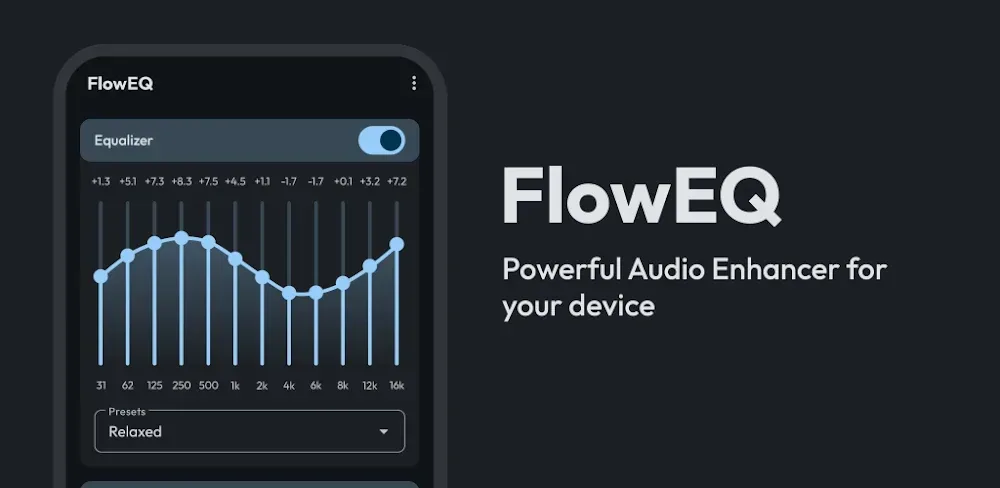

Elevate your audio using Flow Equalizer! Amplify your bass, adjust your EQ, and experience deep 3D surround sound. The best sound quality toolkit for your device!
| App Name | Flow Equalizer: Bass Booster |
|---|---|
| Publisher | Androxus |
| Genre | Music & Audio |
| Size | 9.8M |
| Latest Version | 1.7.1 |
| MOD Info | Premium Unlocked |
| Get it On |

|
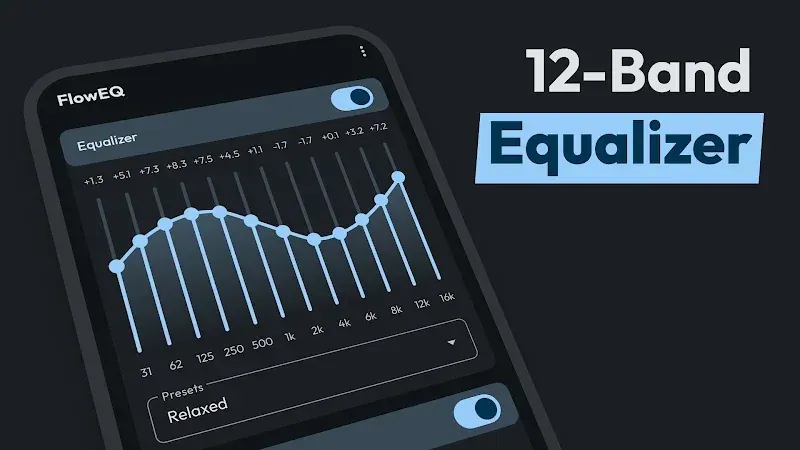
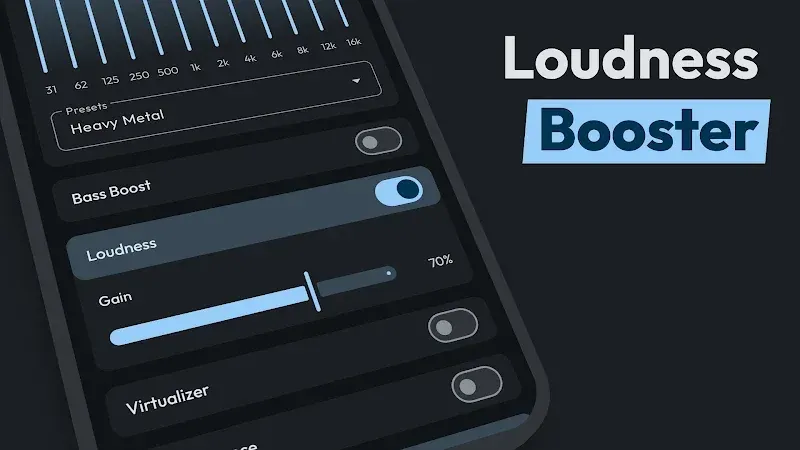
This Flow Equalizer MOD APK unlocks the premium features of the application to provide full access to all audio enhancement tools. It removes the restrictions found in the standard version, allowing for immediate use of every professional sound setting.
This build is version 1.5.8, has a file size of 5M, uses the package name com.floweq.equalizer, and is re-signed, which means it cannot be installed as an update over the official store version.
Flow Equalizer is a utility that applies complex audio signal transformations to the audio output of a phone and extends it beyond basic audio processing to professional level audio processing. It can achieve this through advanced digital signal processing (DSP) techniques. Flow Equalizer is meant for an audience who is discerning about the quality of sound they listen to. This could be for the type of sound they listen to (stereo, sound effects, music etc.), how clear, or how intense they listen to it, and/or how they want to experience sound. Users of Flow Equalizer don’t just want to turn their mobile devices into devices for entertaining, but also into true studio and professional equipment for sound and video editing, mixing, recording, and so on. Complexity of transformation of audio signal is achieved using high order and high complexity DSP algorithms to effect audio post processing, before audio signal reaches the hardware, such that the output is optimized for the audio equipment the user wants to employ.
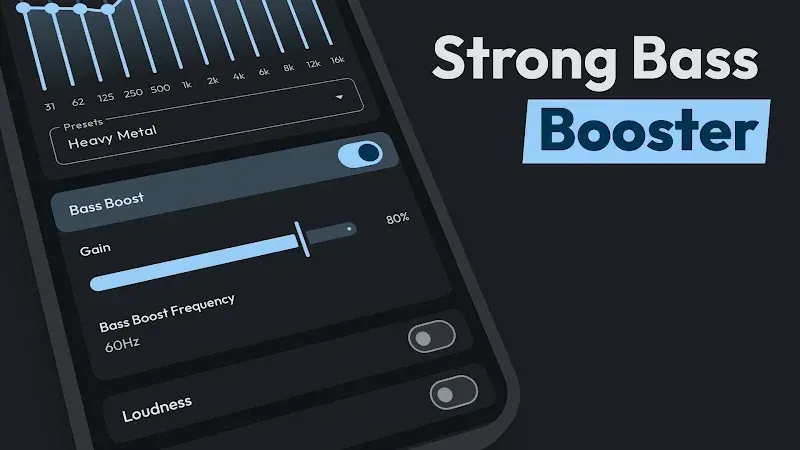
One key element of the application is a 10-band equalizer. Traditional 3-band or 5-band equalizers allow a user to make just a few broad adjustments to the bass, mid, and treble. A 10-band equalizer gives a user the ability to fine-tune a wide range of frequency bands, and thus provide a greater level of control over the audio. The equalizer, in combination with the Bass and FX controls, provide a system to provide deeper low-end frequencies, giving the audio a good thump and a full sound. This is particularly useful to compensate for the frequency response issues of playback devices. The application is designed so that, even when the bass is cranked all the way up, mid-range frequencies do not distort. The output remains full sounding with a good balance across the entire frequency spectrum.
Through advanced virtualization technology, the app develops the concept of 3-D Virtual Surround Sound. The idea is to place the user inside a 3-D sound space, thereby, improving the immersive audio experience for games and movies. The 3D Virtualizer expands the audio field and is much more effective when used with high quality headphones. Spatial audio processing, which is a core component of 3D Virtual Surround Sound, attempts to fill the empty spaces in media to simulate a larger environment and provides a more immersive experience compared to stereo sound. Unlike a home theater system, which simulates a large space, a professional studio, or other space, has the ability to create and simulate audio files to explain or demonstrate what a large, empty space sounds like. Using a mobile device and a good pair of headphones, this app can effectively simulate a surround sound system.
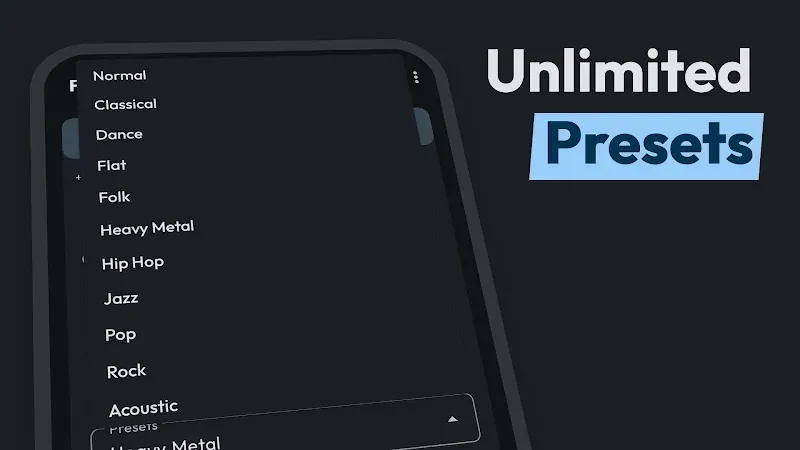
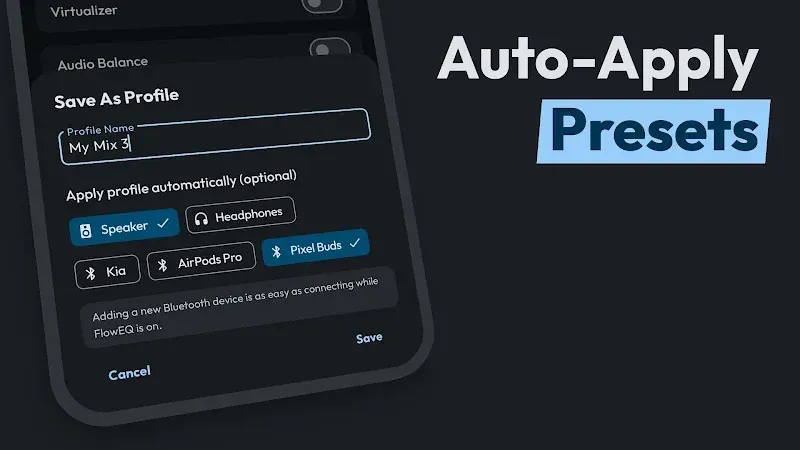
For faster and easier use, the app has an Auto-Preset Detection System. This system automatically detects the genre of a song and applies the corresponding equalizer preset. This means that users no longer need to adjust settings themselves to accommodate the changing genre of the songs in their playlist. The app does that for them. Users can push their device to the limits and amplify the sound using the built-in smart gain technology. The technology provides the best quality even at high volumes and prevents clipping. This technology acts as a protector and a barrier for the hardware. Even at high volumes, this technology ensures the sound is pure and there’s no digital clipping.
The software works behind the scenes with numerous media applications. It allows users to play audio on any media application of their choice, while processing it through the equalizer in real-time. This means users can stream audio through any application they wish, whether it be sound through Spotify or video through YouTube, and can then process it with an equalizer of their choice. The developer has ensured that the equalizer can fit with a multitude of different applications. The developer has ensured the application is simple enough to use for a novice user, while offering features for more advanced users. The application offers a wide array of functions to ensure the user is in control of their sound experience. The flow is simple; user launches media application, user adjusts the equalizer to their liking based on the sound they hear, and repeats. A cool added feature is a sound visualizer. Users can observe the audio frequencies being processed and changed, in real-time.
The app is positioned as an audio revolution for discerning users who want to experience cutting edge audio on their phones. Many audio apps try to create a suite of tools to manipulate sound and ultimately fail because of the trade-offs. This app focuses on sound manipulation and provides a very robust tool set in comparison to other apps. The app is based on the concepts of flow and bass and lets users experience sounds the way the artists intended, while improving it through the use of digital sound enhancement. It provides a sophisticated suite of tools for users who wish to experience the very best sound from their audio hardware. It uses virtualization technology and a 10-band equalizer with bass enhancement to give users full control of their audio. The app gives users a studio quality experience with sound that is enhanced in every way.
Related MOD APKs
Is Premium unlocked in Flow Equalizer: Bass Booster MOD APK?
This 1.5.8 build of Flow Equalizer: Bass Booster includes Premium Unlocked. All other features match the Androxus release, and these modifications become active as soon as you finish the installation.
What is the latest version of Flow Equalizer: Bass Booster MOD APK?
Version 1.5.8 matches the Androxus release from June 25, 2026. We don’t keep older versions here. To update, install this build over your current app; if you see a signature error, uninstall the previous version first.
Is Flow Equalizer: Bass Booster MOD APK safe to download?
This 1.5.8 version of Flow Equalizer: Bass Booster is the Androxus app with Premium Unlocked. 10 users rated it 4.3 here. It does not require root. A Play Protect alert is normal; always download from this page to get this build.
Can I use Flow Equalizer: Bass Booster MOD APK on PC or iPhone?
This Android package will not work on iPhone or iPad. On a computer, you can run the 5M file using an emulator like BlueStacks or LDPlayer; simply install your chosen emulator and then drag this file into it.
You are now ready to download Flow Equalizer: Bass Booster for free. Here are some notes: