Fotor Mod APK is a professional and user-friendly picture editing and graphic design application that helps amateur photographers and designers bring their visions to life.

Fotor Photo Editor v8.3.10.1 MOD APK (Pro Unlocked)
| App Name | Fotor Photo Editor |
|---|---|
| Publisher | Everimaging Ltd. |
| Genre | Photography |
| Size | 290M |
| Latest Version | 8.3.10.1 |
| MOD Info | Pro Unlocked |
| Get it On |

|
The Fotor Photo Editor MOD APK unlocks the Pro features of the application, providing access to all premium editing tools and design assets. This build allows users to utilize the full range of sophisticated effects, templates, and advanced adjustment options without a subscription.
What’s Modified in Fotor Photo Editor
- Pro Unlocked: Grants full access to the complete suite of professional photo-editing tools, premium effects, and design templates that are usually restricted to paid subscribers.
 |
 |
This Fotor Photo Editor MOD APK build is version 8.2.10.1, has a file size of 290M, and uses the package name com.everimaging.photoeffectstudio; the file is re-signed and therefore cannot be installed over a copy from the store.
About Fotor Photo Editor
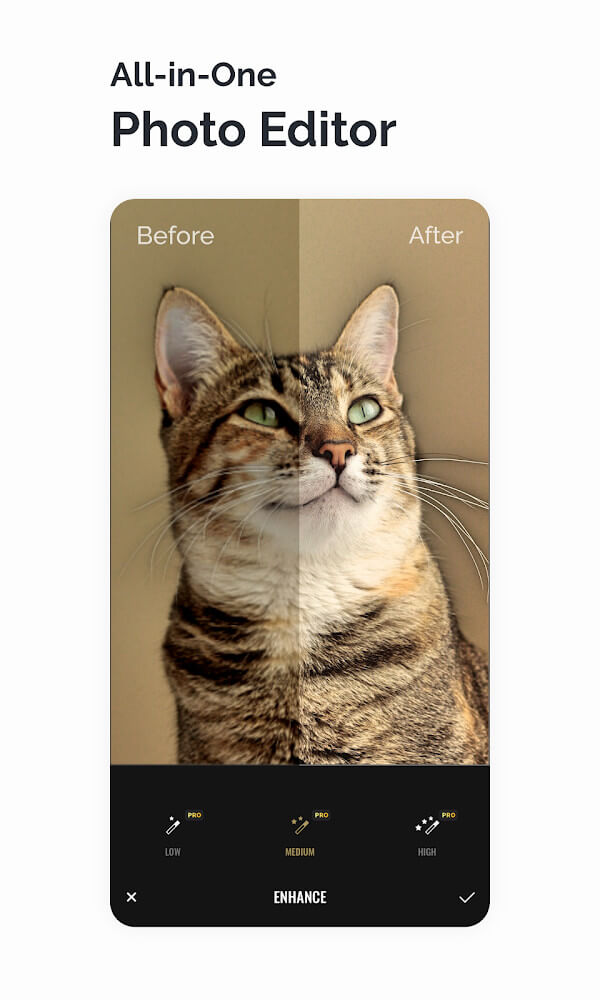
Fotor Photo Editor offers users the opportunity to experience professional photography in an easy-to-use and fun environment. Fotor offers thousands of professional level filters, borders, and lenses. In addition to being able to achieve different historical styles, filters, and boundaries with a simple click, Fotor offers advanced controls like brightness, darkness, and balance of the image. With Fotor users are able to achieve different aesthetics from modern, to vintage 1990s, to black and white photography, and more. What makes Fotor really amazing is that the creators developed an algorithm to allow users to see live previews of all the filters on their image, giving a true representation of what the image will look like with the filter applied. This has allowed thousands of users to achieve professional looking photos without any professional experience. Fotor’s main principle is to provide users with a tool that improves image quality, making it more appealing, instead of a tool that simply leaves an image looking unprofessional with a bunch of odd effects.
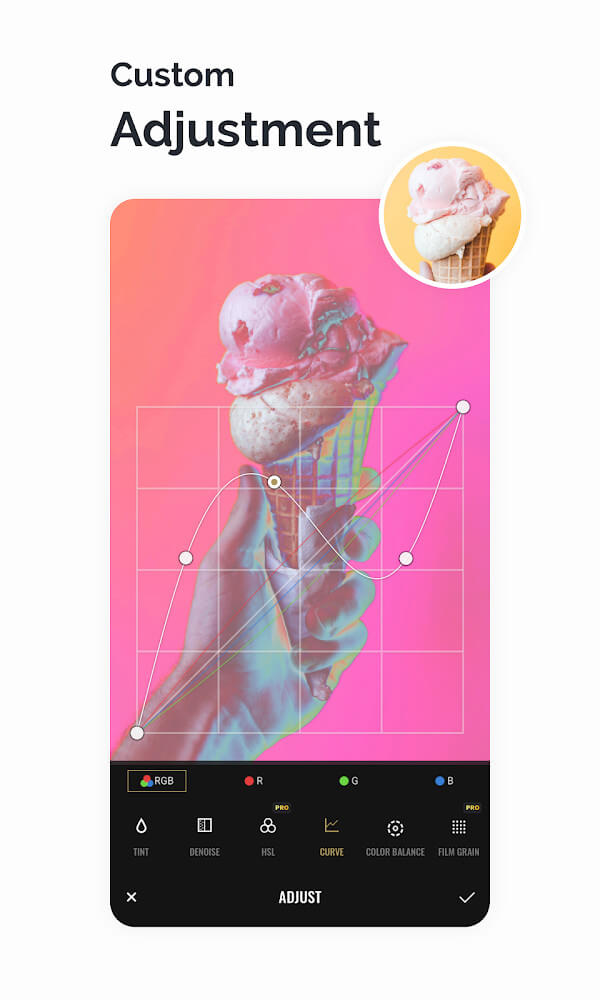
Other than the automatic filters, the app offers many advanced editing tools. These tools include Curve, HSL, Color Balance, Dehaze, and Denoise. Curve editing helps with better tonal range and contrast, HSL enables modification of individual colors, Color Balance helps correct the temperature of the photo, and Dehaze and Denoise help with various issues related to clarity and noise. These tools are very effective and are supported by several other adjustment tools to help modify light and tones. This gives the user the ability to choose between different light tones and shades and go with more mysterious dark tones, if that fits the artistic goal better.
The program also includes features of a Design Maker. There are many ready-made layout templates to choose from. Users can select a template and add it to their project. The templates cover a variety of topics like everyday situations, advertisements, business events, etc. There are a variety of design options, and the templates are fully editable. This is convenient for creating marketing or promotional materials, social media posts, and other graphics. The templates and design materials are updated on a weekly basis to provide users with the latest trends. Along with design tools, the application provides traditional editing features like crop and paste, which helps in easy transition from image editing to creating graphics.
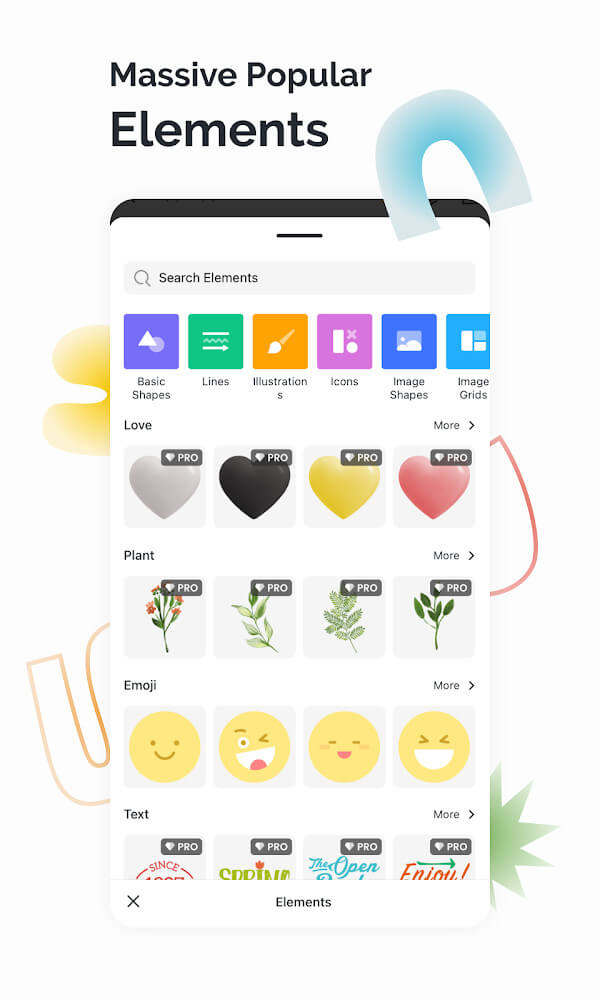
To provide a more complete experience, the app offers thousands of labels as well as numerous graphic elements, including frames, fonts, and backgrounds. There is something for everyone, from those working on simpler designs to people who prefer more complex projects. For constructing advanced designs, the app offers a collection of mosaics and stock photos. The font collection is enormous, and new professional design materials and templates are made available to users each week.
A set of unrestricted tools gives users control over the basic and advanced structural changes to an image. Examples of basic features are cropping photos into a particular shape or size, rotating the photo in four directions, and horizontally and vertically flipping the photo. Beyond these basic features, the app has tools for more advanced features like distortion and stretching. For example, a user can correct structural issues in a photo, like sloping horizons, and alter the focal point of the image to represent a particular idea. With the available perspective adjustment tools, combined with high quality effects and filters, a person can create a unique and artistic photo.
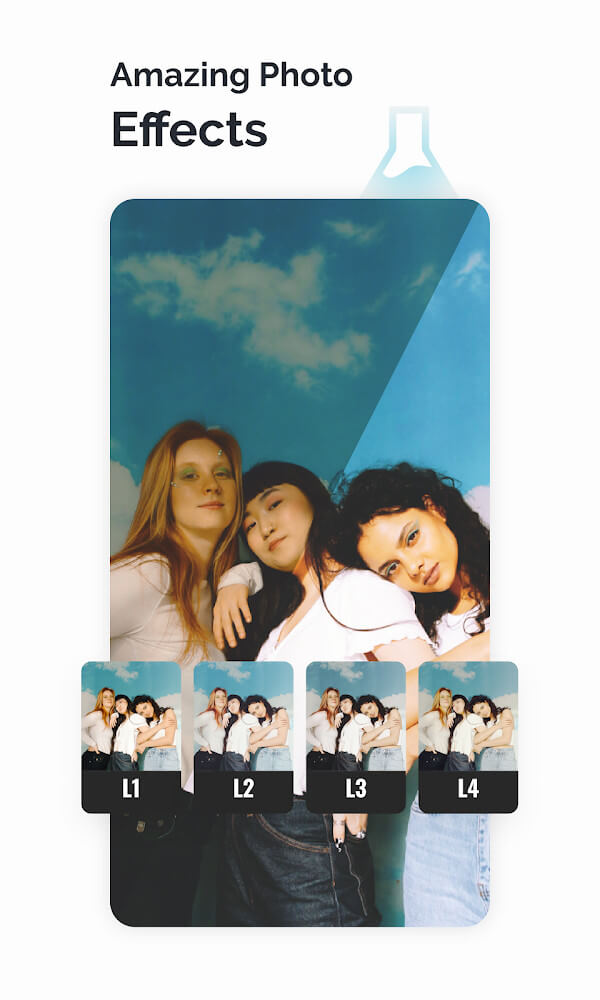
The application provides more than 100 professional effects, including a broad range of actual film simulations, vintage styles, and unique classical effects, that can be easily applied to make photos look more elegant and artistic. Unlike their competitors, these effects describe a style that is rarely seen in other similar apps. More often than not, users prefer these effects to the standard photo filters. Effects are just the beginning. Pro features unlock the sophisticated editing tools and professional design elements such as backdrops and other add-ons essential for completing a project. With all of these available, even someone with zero experience in photography can produce images with a professional touch.
Key features
- Curve, HSL, Color balance, Dehaze, and Denoise tools
- Over 100 professional picture effects and fashionable filters
- Design Maker with templates for advertisements and business
- Label collection with thousands of stickers and expressive elements
- Perspective tools including distortion and stretching
- Weekly updates for templates, frames, and background materials
 |
 |
 |
Related MOD APKs
FAQ
Is Premium unlocked in Fotor Photo Editor MOD APK?
This 8.2.10.1 version of Fotor Photo Editor includes Pro Unlocked. It functions similarly to the Everimaging Ltd. release, with all features available immediately after you finish the installation process.
What is the latest version of Fotor Photo Editor MOD APK?
Version 8.2.10.1 aligns with the Everimaging Ltd. update from August 1, 2026. We don’t keep older versions here. Install this file over your current app to update; if you see a signature error, you must delete the previous version first.
Is Fotor Photo Editor MOD APK safe to download?
This 8.2.10.1 Fotor Photo Editor build from Everimaging Ltd. only adds Pro Unlocked. It has a 3.6 rating from 221 users. It does not require root. A Play Protect warning during setup is normal, so always download from this page.
Does Fotor Photo Editor MOD APK remove the watermark?
This version includes Pro Unlocked. In Fotor Photo Editor, watermark-free export is a premium feature, so check the export screen after you install to verify.
Fotor Photo Editor v8.3.10.1 MOD APK (Pro Unlocked) Download
Download (290M)You are now ready to download Fotor Photo Editor for free. Here are some notes:
- Please read our MOD Info and installation instructions carefully for the game & app to work properly
- Downloading via 3rd party software like IDM, ADM (Direct link) is currently blocked for abuse reasons.
3.6/5 (221 votes)