Dark MOD APK – Icon Pack gives you fun and premium dark icons for a classy mobile aesthetic. This pack has tons of icons (2000+) to achieve dark, sleek, and high contrast designs for your device.
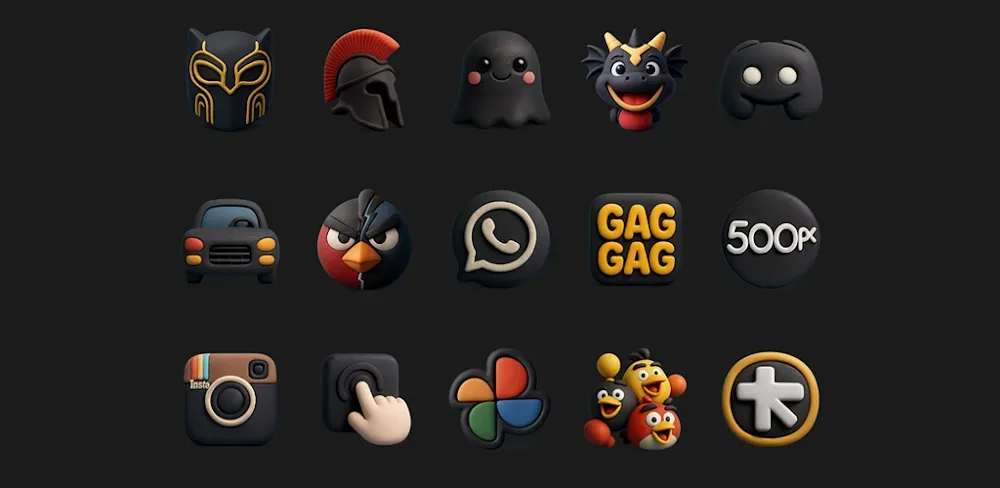

Dark MOD APK – Icon Pack gives you fun and premium dark icons for a classy mobile aesthetic. This pack has tons of icons (2000+) to achieve dark, sleek, and high contrast designs for your device.
| App Name | Funko Dark - Icon Pack |
|---|---|
| Publisher | PhunktasticDesigns |
| Genre | Personalization |
| Size | 92.1M |
| Latest Version | 2.1 |
| MOD Info | Full Version |
| Get it On |

|
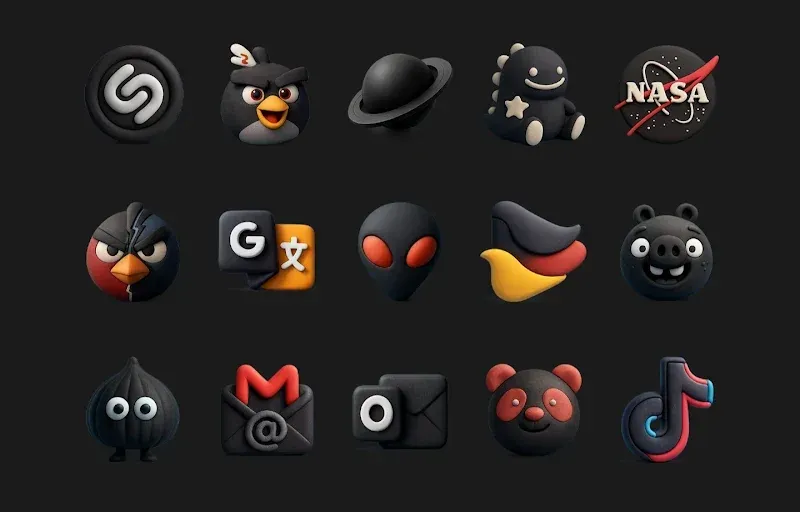
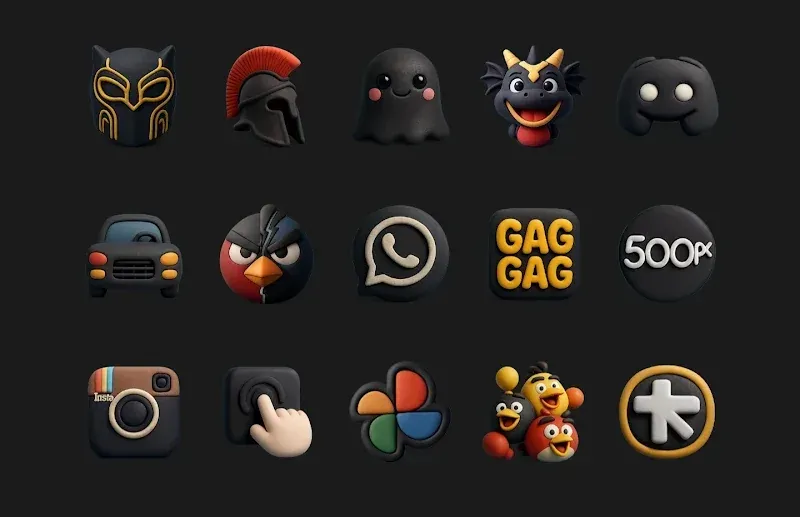
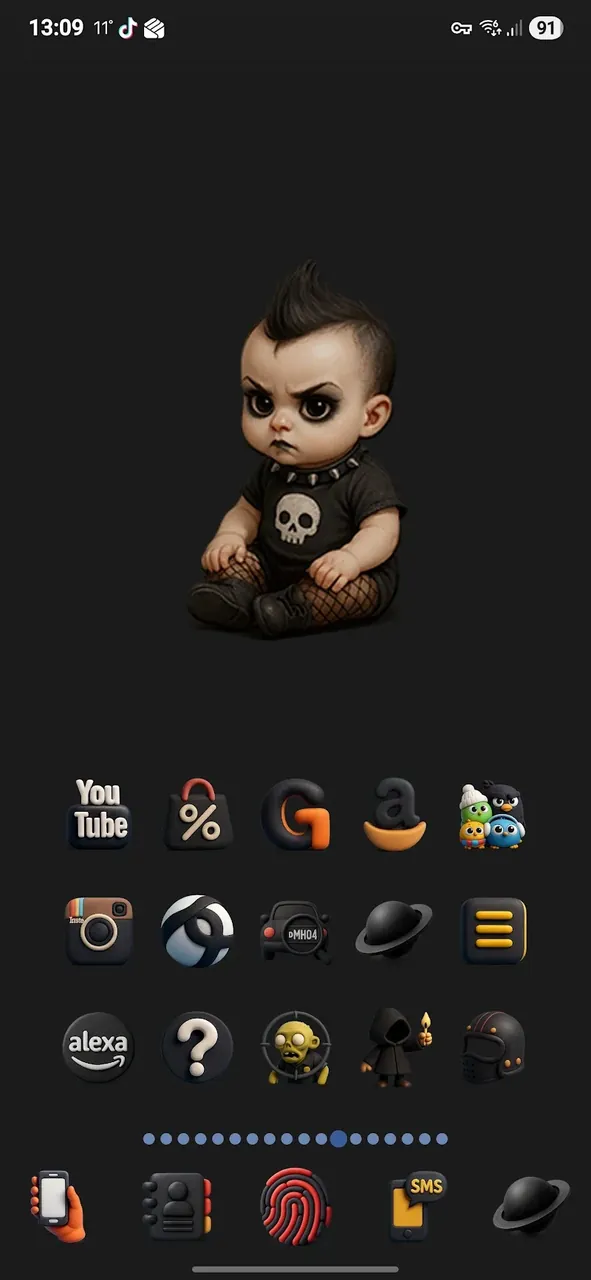
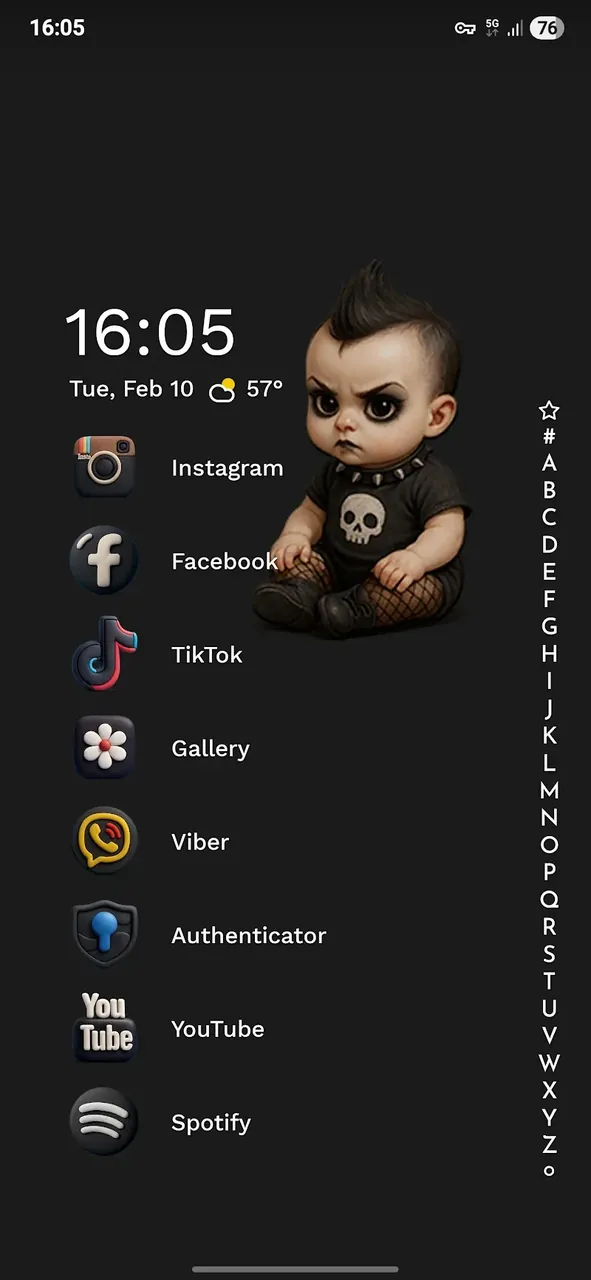
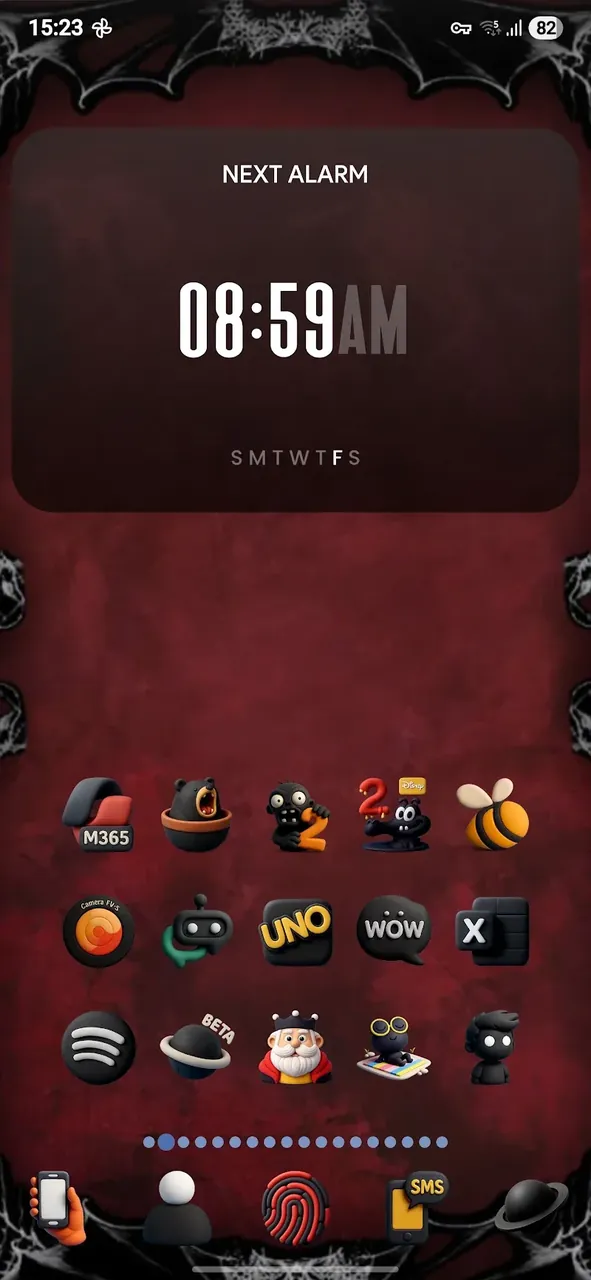
This version of the Funko Dark MOD APK provides the full version of the customization suite, granting immediate access to the entire premium library of icons. It removes the standard restrictions to allow for a complete visual overhaul of the mobile interface without the need for additional purchases.
The current build is version 1.7 with a file size of 70 MB and uses the package name com.funkodark.iconpack; as a re-signed file, it cannot be installed as an update over a version from the official store.
The Funko Dark MOD APK provides an original and intuitive means of customizing a phone, providing a refreshing change from the uninspired, default phone icon look. The design style of this pack is high contrast, clean and minimalist. It’s goal is to create a design that is of high visual impact, and of great functional clarity. By utilizing a deep base style with a dark background (as opposed to a light background), and using bright and saturated colors, application icons are easily readable and ‘pop’ off the screen. It is important to note that this design is not simply a collection of icons, but a full phone makeover. Users have the option to makeover their phone to have a dark mode aesthetic if they’d like. The goal of the developers was to provide a stylish and modern user interface for daily use, that’s both professional and practical.
More than 2,000 high definition icons make up the library. Each icon has a unique design. The variety of designs allows users to appropriately represent all of their apps and utilities. The high definition design of the assets allows them to retain clarity and crispness even when utilized on larger display devices, such as tablets and some high-end smartphones. By replacing the default app icons with these custom icons, users are able to immediately transform their otherwise disordered and unlabeled apps into a neat and organized system. The icons have a compact design which makes them smaller than standard icons yet larger than micro icons. This allows them to retain legibility and beauty at all sizes.
A significant benefit of this icon pack for devices with OLED screens is that, since the icons have a black base, they are extremely effective at reducing battery drain because the black pixels on OLED screens are fully powered down, and as an added benefit, their black base helps blend in with the empty space of OLED screens, creating a nice, seamless, and aesthetic design. A good emphasis on consistency helps tired, and dissatisfied customers of standard themes who just want their phone to look better than everyone else’s. This icon pack also gives them the ability to be distinct in an otherwise homogenous crowd.
Universal Launcher Support is one of the main selling points of this pack. The Funko Dark MOD APK works in conjunction with a custom launcher to instantly change the user interface. This pack provides technology called App Masking. Using this technology, a themed app drawer can be created by giving a uniform appearance to all the applications in the app drawer, including the applications which do not have a custom icon. Other similar packs can potentially leave some applications looking misplaced and out of place in the app drawer. With this technology, the App drawer gives a professional and themed appearance with no outliers.
Customization begins when a user applies a Funko theme. Users can access an icon picker to alter app icons. With this level of detail, a user can design home screens in a variety of ways, limited only by a user’s creativity. Since high-contrast icons are best displayed against a dark theme, it’s best to set a wallpaper to a contrasting color (preferably a sharp color) to let the icons stand out. The pack is incredibly customizable to the point where even the smallest details of the UI can be altered to suit a user’s preference. This level of detail enables users to personalize their phone in a way where no other phone is exactly like it.
The application provides users the opportunity to make their own requests using a simple tool. This tool makes it easy for users to make requests to add icons they want to the collection. When users make a request, they gain access to the requested icon and also contribute to the growth of the design library for the benefit of others. The design team is passionate and frequently incorporates user requests and feedback to new designs. This continuous improvement ensures that the pack meets users’ needs and demands. This collection offers users an opportunity to experience what thousands of other users have enjoyed i.e. a improved mobile experience and getting rid of an untidy interface.
Related MOD APKs
What does Funko Dark – Icon Pack MOD APK unlock?
This Funko Dark – Icon Pack 1.7 build includes the Full Version. It functions like the PhunktasticDesigns original, with features active immediately after installation.
What is the latest version of Funko Dark – Icon Pack MOD APK?
Version 1.7 matches the PhunktasticDesigns release from July 1, 2026. We don’t keep older versions here. Install this file over your current app to update. If you see a signature error, delete the old version first.
Is Funko Dark – Icon Pack MOD APK safe to download?
This Funko Dark – Icon Pack 1.7 file is the PhunktasticDesigns app with the Full Version enabled. 1 users gave it 5 stars here. It does not require root. Ignore Play Protect alerts; always download from this page.
Can I use Funko Dark – Icon Pack MOD APK on PC or iPhone?
This Android file will not work on iPhone. To use the 70 MB APK on a computer, install an emulator like BlueStacks or LDPlayer, then drag this file into the software.
You are now ready to download Funko Dark - Icon Pack for free. Here are some notes: