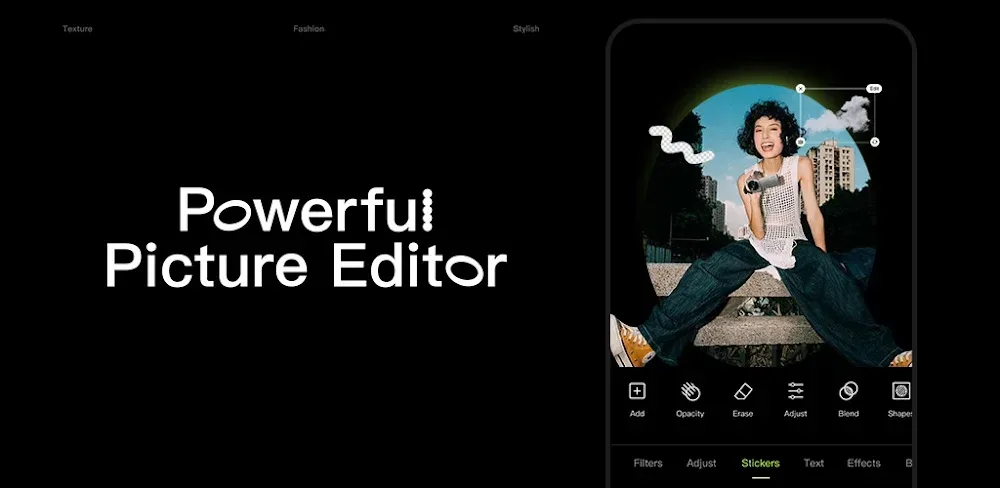
Enhance your photos with Hypic! Experience simple AI photo editing, amazing filters, and realistic portrait touch-ups. Get easy professional quality photo edits!
Hypic Photo Editor v10.2.0 MOD APK (VIP Unlocked)
| App Name | Hypic Photo Editor |
|---|---|
| Publisher | Bytedance Pte. Ltd. |
| Genre | Photography |
| Size | 251.4M |
| Latest Version | 10.2.0 |
| MOD Info | VIP Unlocked |
| Get it On |

|
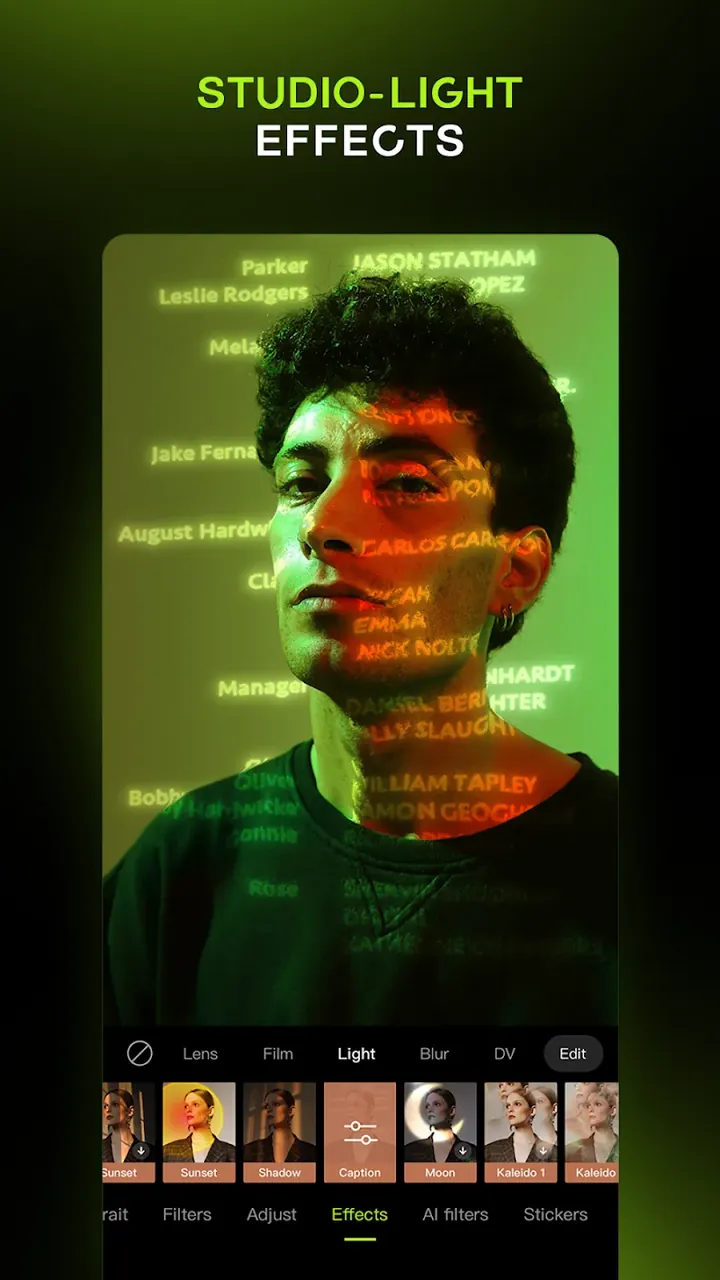
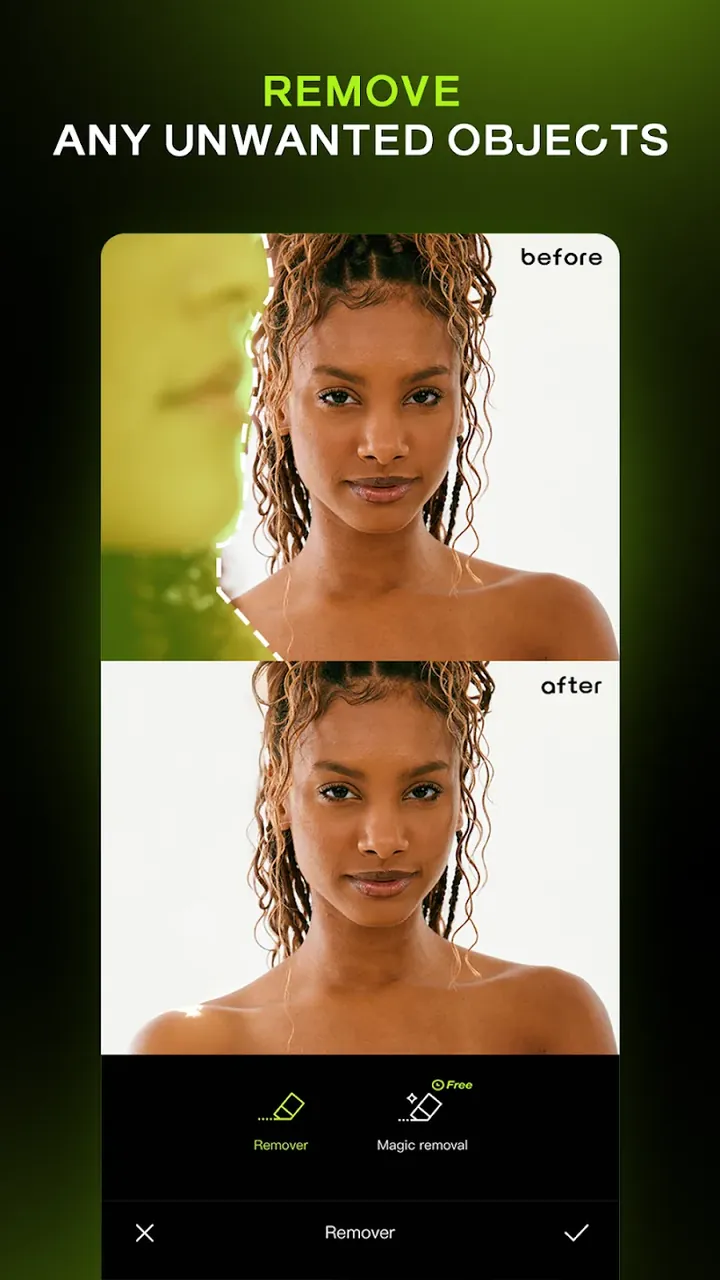
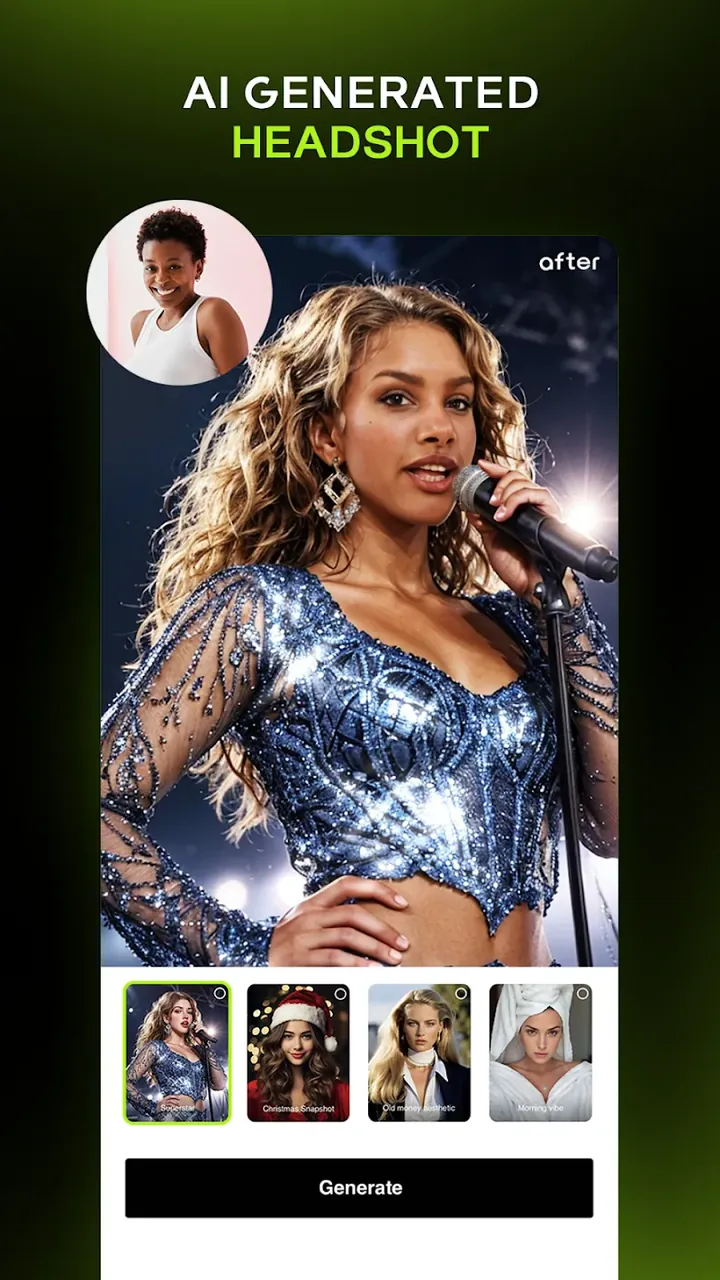
This release provides full access to the premium features of the application. The Hypic Photo Editor MOD APK includes the VIP Unlocked status, enabling the use of all professional filters and advanced retouching tools without a subscription.
What’s Modified in Hypic Photo Editor
- VIP Unlocked: Unlocks all premium features, including exclusive filters, advanced portrait tools, and AI-driven editing capabilities.
Version 9.2.0 has a file size of 251.4M and uses the package name com.xt.retouchoversea; this file is re-signed and therefore cannot be installed over a copy from the store.
About Hypic Photo Editor
Hypic Photo Editor is an app developed by Bytedance Pte. Ltd. that permits users to edit their photos in ways previously only possible on desktop editing programs. The app uses artificial intelligence to help bridge the gap between the quality of cell phone photos and professional photos. Hypic uses a combination of editing tools to help users achieve the look they want without having to worry about the complexity of other photo editing programs. It allows users to make changes they would normally have to make using high-end desktop software. To help give users the most control over their photos, the program uses AI to make adjustments and suggestions based on the needs of the photo. The program also gives users the ability to make these suggestions and adjustments manually. This allows both the amateur photographer and the professional to take the suggestions and give the final say on how the photo looks.
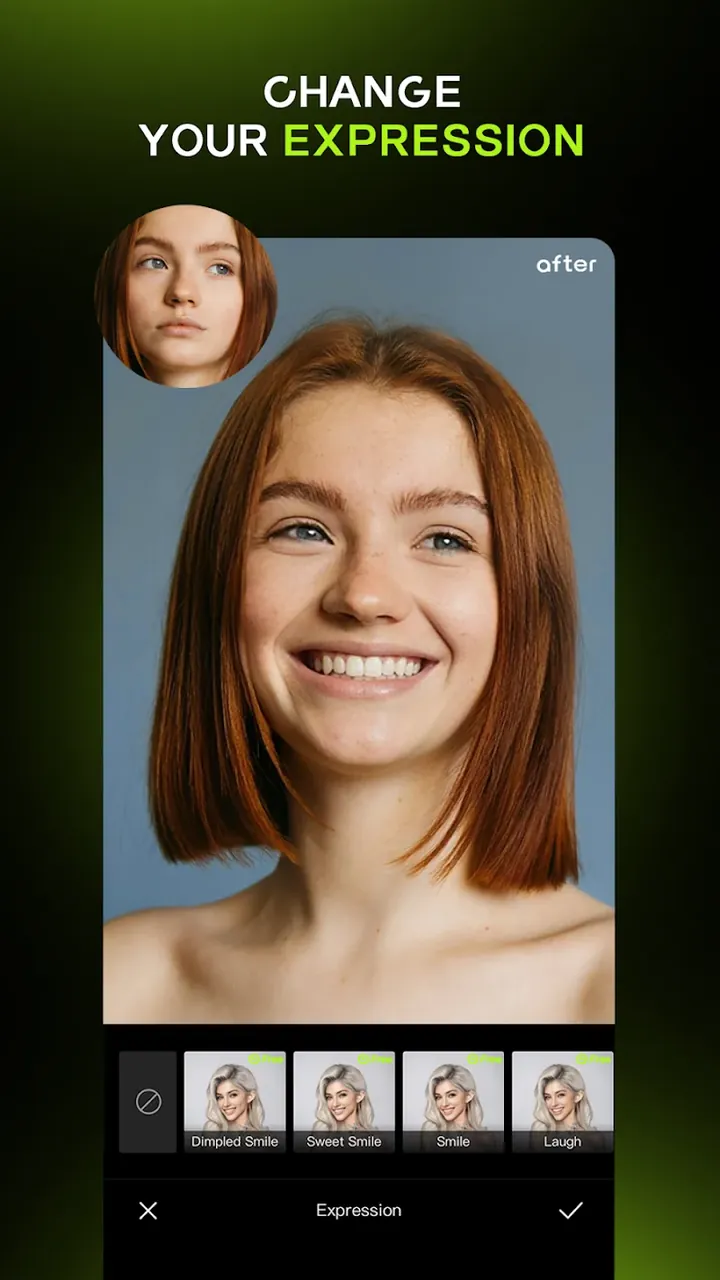
The portrait editing module of the software is designed to assist in meeting the goals of portrait retouching. While other modules of the software focus on other aspects of photographic editing, this module includes tools and filters to enhance facial details. Unlike other photo editing software which provide their users with hundreds of generic and often artificial looking filters, this software allows adjustment of facial details to help achieve a genuine smile for example. The focus of this module is on tools that would help retain the natural look of subjects. The portrait editing module allows users to edit facial details of subjects to reflect their creative ideas. The AI of the module constrains skin to be smooth. The module allows users to focus on the details of subject’s face and to effortlessly achieve professional looking portraits.
Users can quickly improve their photos with basic edits or utilize the app’s artistic styles to develop or edit their photos in ways they might not be able to do on their own. Users can enhance or completely change the style of a photo, editing it to look vintage, cinematic, or even like a cartoon. The app provides different options to enhance or change the clarity and color of a photo. This AI app goes beyond other similar apps to help enhance and edit photos, and provides options to change details and elements that are typically lost or hard to see on a photo captured on a mobile device. With the app, users can edit their photos to show a balanced exposure throughout the entire photo, even editing shadows to have detail where before they had been completely black. The app even allows users to digitally change their own hair color or style, giving users a way to see what a potential new hair style or color might look like on them before actually making the change.
Upon further manual analysis of the images, the application provides tools such as HSL (Hue, Saturation, and Lightness) adjustments, curves, and other technologies to mask, edge, and uniquely define regions of interest. These cutting edge tools allow photo editors the ability to creatively extend beyond the limits of a two-dimensional color, hue, and saturation space of an image. Moreover, photo editors may wish to creatively define regions of interest of an image where adjustments need to be made, and leave the rest of the image untouched. For instance, in a photo of a complicated surrounding, if a user wished to edit only a small area of the photo, tools such as selective masking would allow the user to adjust only that region of interest, leaving the other areas of the photo untouched. The tools and technologies described herein offer a non-permanent, adjustable, and fully editable photo editing system, and allow a user the ability to explore many different variations of a photo without restriction or fear of losing the original quality of the photo. The real-time systems and technologies permit a user to preview and instantly view the many possible photo variations.
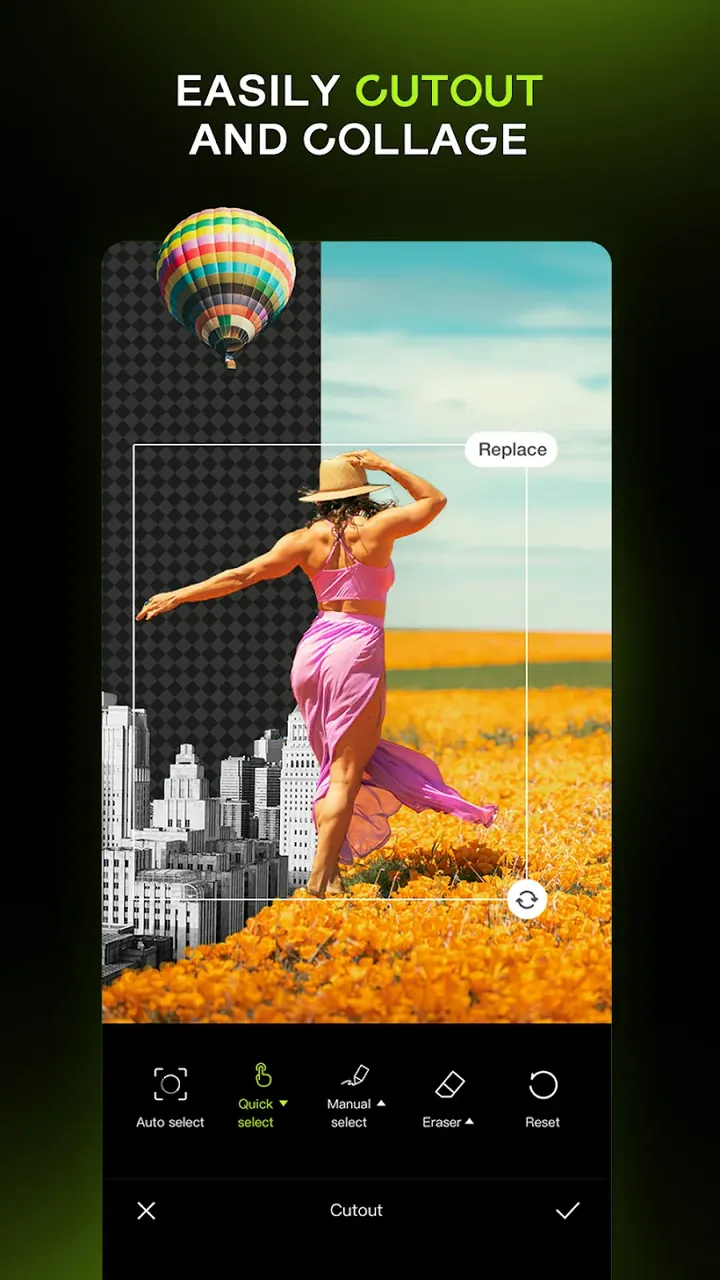
The software is focused on efficiency. One feature, batch photo editing, is focused on editing multiple photos quickly. This feature lets the user edit multiple photos (or an entire album) in the same way. The software is designed to make batch photo editing quick and efficient on mobile devices. One tool, the batch processor, lets users edit hundreds of photos quickly and effectively. The AI Cutout tool removes photo backgrounds and can replace backgrounds with photos, designs, or other media. The tool can automatically crop a photo subject from its background, and the AI is trained to recognize common subjects. This makes the tool useful for editing and cropping backgrounds for various types of photos.
The program provides a feature known as Smart Edit, which is designed to simplify editing for inexperienced users, mainly by automating HSL and curves adjustments. Smart Edit uses program’s AI to analyze photo and set HSL splittings and curves to gain photo clarity and improve colors. The program can be used as an automated camera, or as a program which offers full control to user for photo editing. The program provides many editing tools and features which facilitates thousands of photo editing ideas for users, from virtual hairstyling to batch processing and more. The program provides mobile users editing tools and features which were previously available at professional photography and editing studios. This gives mobile users tools for taking and editing photo to same quality level which previously required costly equipment and professional training.
Key features
- Portrait Photo Editor for contouring and skin enhancements
- Smile enhancement tools
- AI Filters including vintage, cinematic, and cartoon styles
- AI-driven clarity, color, and lighting enhancement
- Shadow detail recovery
- Batch Photo Editing for entire albums
- Virtual Hairstyling and color preview
- AI cutout tool for background removal and replacement
- Smart Edit for automated image fixing
- HSL and curves adjustments
- Selective masking
- Non-destructive editing workflow
- Real-time editor display
- Mobile-optimized batch processing engine
Related MOD APKs
FAQ
Is Premium unlocked in Hypic Photo Editor MOD APK?
This Hypic Photo Editor 9.2.0 build includes VIP Unlocked. It functions like the Bytedance Pte. Ltd. version, with features active once you install.
What is the latest version of Hypic Photo Editor MOD APK?
The 9.2.0 version matches the Bytedance Pte. Ltd. update from August 26, 2026. We don’t keep older versions here. Update by installing this file over your current app; if you see a signature error, uninstall the previous one first.
Is Hypic Photo Editor MOD APK safe to download?
This Hypic Photo Editor 9.2.0 build from Bytedance Pte. Ltd. has VIP Unlocked. 331 users gave it a 4.1/5 rating. It does not require root. A Play Protect warning is expected during installation, so always download from this page.
Does Hypic Photo Editor MOD APK remove the watermark?
This version includes VIP Unlocked. Since watermark removal is a premium feature in Hypic Photo Editor, check the export screen after you install it to verify.
Hypic Photo Editor v10.2.0 MOD APK (VIP Unlocked) Download
Download (251.4M)You are now ready to download Hypic Photo Editor for free. Here are some notes:
- Please read our MOD Info and installation instructions carefully for the game & app to work properly
- Downloading via 3rd party software like IDM, ADM (Direct link) is currently blocked for abuse reasons.
4.1/5 (338 votes)