
This build provides unrestricted access to the application’s premium creative tools by ensuring all Pro Features are unlocked. With the ToonMe MOD APK, users can utilize the full suite of advanced AI rendering styles and professional editing options without the limitations found in the standard version.
What’s Modified in ToonMe
- Unlocks all Pro features to provide access to premium animation styles and advanced artificial intelligence rendering tools.
 |
 |
This ToonMe MOD APK is based on version 0.7.21 with a file size of 35M under the package name com.vicman.toonmeapp, and because it is re-signed, it cannot be installed over an existing copy from the official app store.
About ToonMe
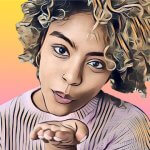
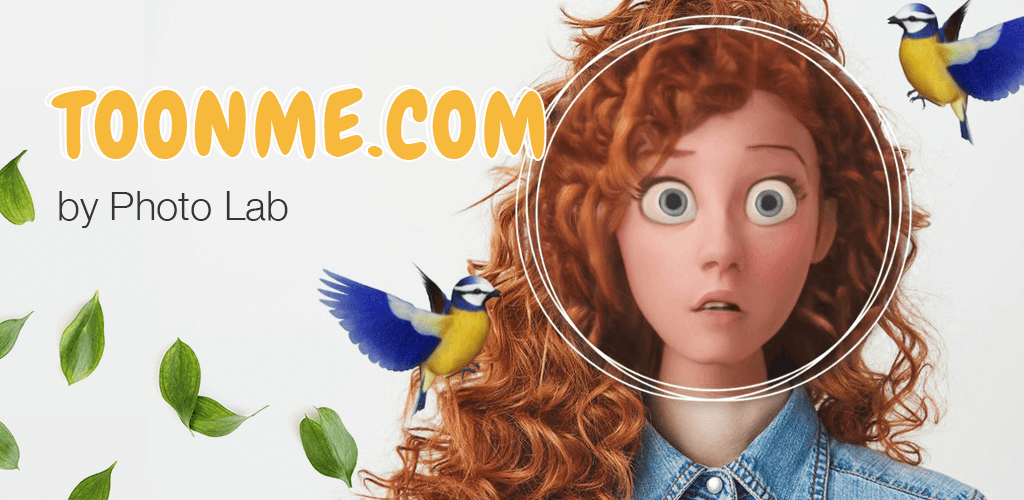
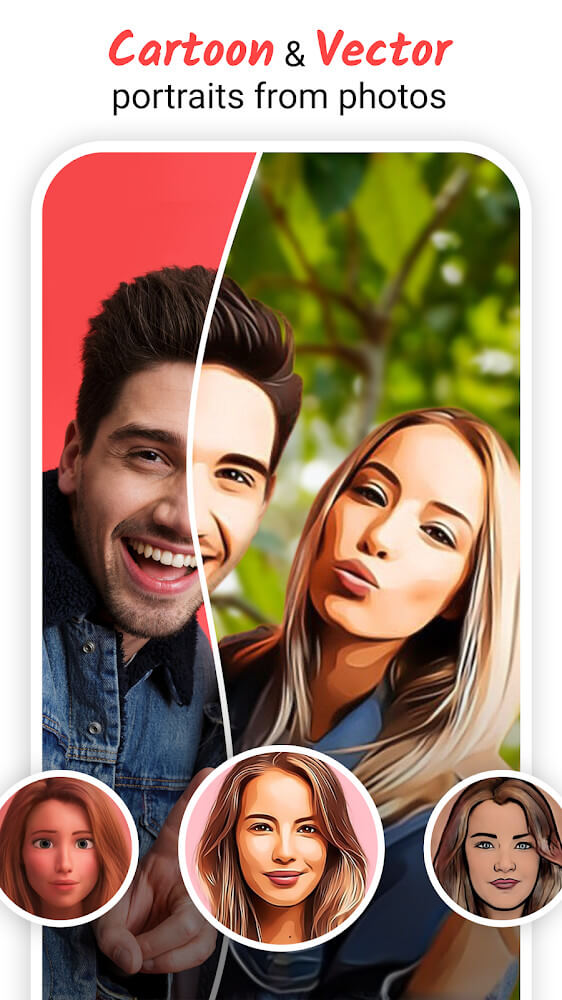
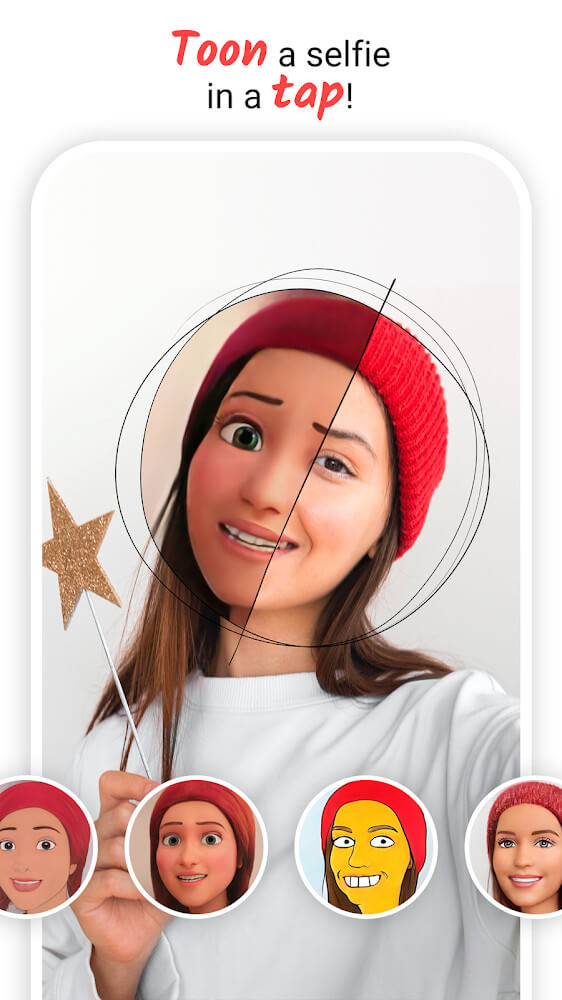
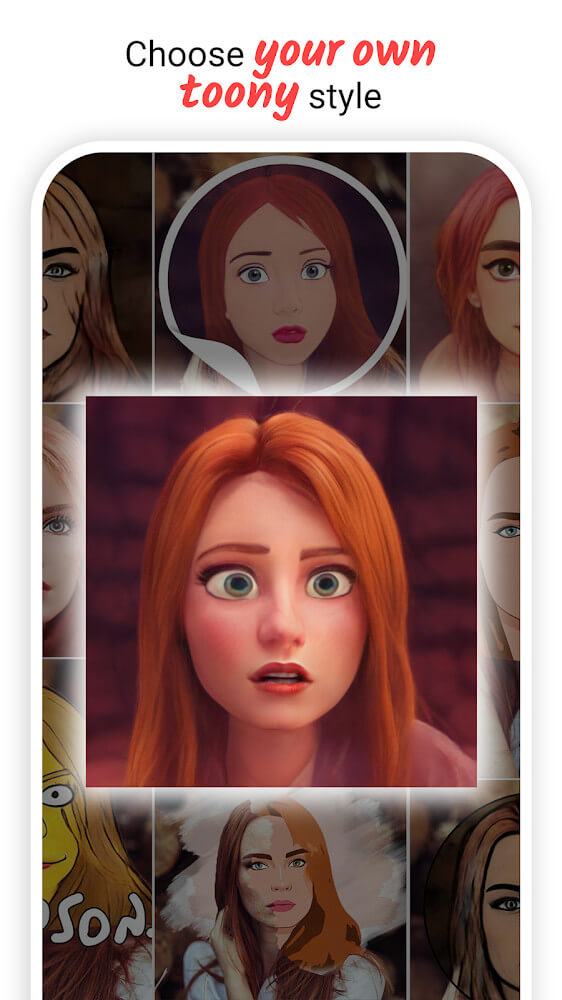
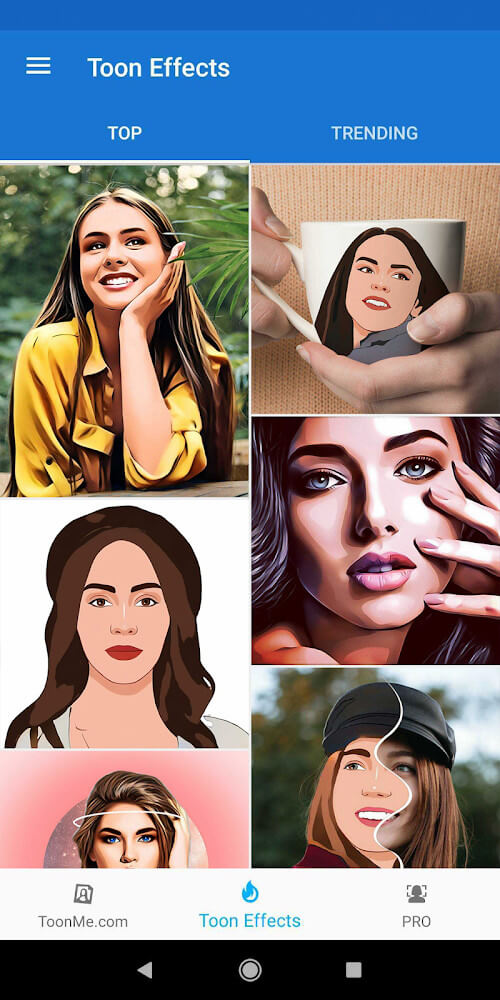
ToonMe is a unique photography application that allows users to convert their photos to cartoons using the same techniques as professional animators. To accomplish this, the application deforms user portraits and draws them using different strokes associated with different styles of animation. This process is made possible by an artificial intelligence (AI) that reviews the unique geometric features of a face, and interprets other visual complexities such as brightness and depth. With this, the application is able to create a cartoon image that is closest to the real life likeness of the user, while interpreting the desired artistic style. One of the interesting features of the application is its ability to work with a wide variety of user photos, regardless of the quality of the light in the environment, the angle the photo was taken, and other factors. The application allows users to interact with the automated process to achieve a final image that best reflects the aesthetic desires of the user.
The application can create video content in real time. While recording, the application can apply filters, layouts and cartoon effects to human faces. The effect happens on a frame-by-frame basis. The software offers numerous magic and entertainment tools that can be added to a video at any time. Users can also draw on the screen or use more than two layouts at a time. This allows for variations and hybrid styles. This is especially useful for creative editing and effects when hanging out with friends.
For users interested in social communication, the app provides a sticker and emote maker. Users can turn their portraits into cartoon characters and digitally use them on various chat platforms via stickers. The emote maker provides the user the freedom to design the emote in the style of the strokes selected for the cartoon transformation of the portrait. After the user makes a style selection, the app saves it to the user’s emote library. Stickers can be imported to various chat apps to share personalized digital expressions in an easy to use format. Users love this feature for exploring different ways to express themselves digitally.
The program doesn’t just alter images like the primary cartoon feature. It offers plenty of photo editing features with a large catalog of different effects and filters that can be edited and applied to photos in real time. This catalog is constantly updated. Users have the ability to instantly pull an element from their device’s gallery to add it to their project. The AI does all of the heavy lifting and allows users to perform these edits quickly and effortlessly. The software is designed to handle thousands of different artistic edits with a huge backlog of filters and effects to apply to photos with a high level of performance and results.
One of the other features offered is full-body transformations where users can change elements beyond their face. For full body transformations, users can become different Disney-inspired characters or different types of 3D animated creatures. The library of elements is based around fairy tales, magic, and other fantasy elements and concepts. The special strokes used during these transformations are designed to make the subject look more attractive or impressive than the reference photo. These features, as well as many of the full body effects, can be easily edited and changed by the user to provide more unique results. This program could easily be considered more of a character creator than a simple photo editor.
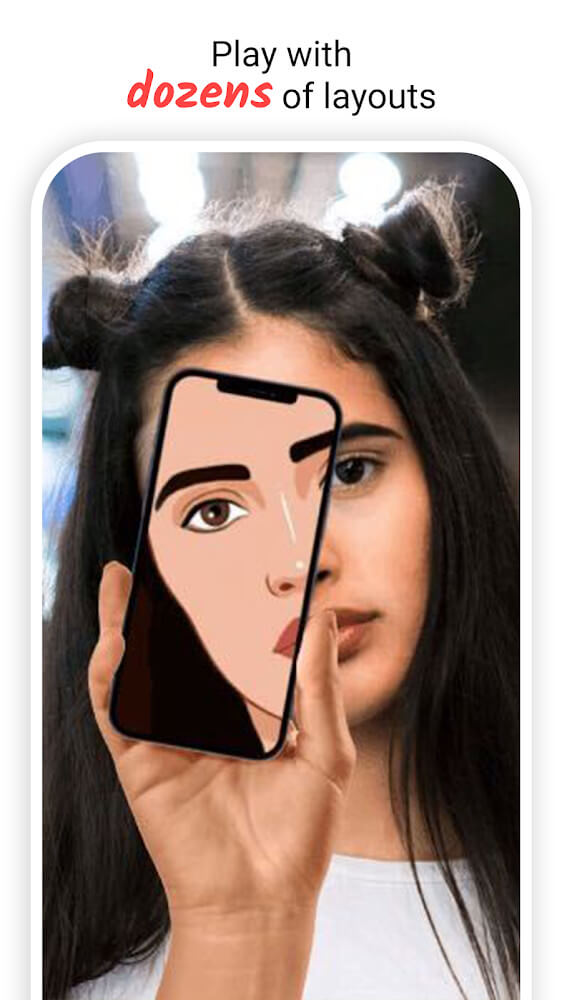
The application provides many customization and personalization options to modify both the output and user experience. A few examples include, but are not limited to, adjusting the display of the user interface and altering the specific operations of the software to fit one’s own unique workflow. The AI engine can be trained to recall certain prompts or behaviors. Along with choosing from a wide variety of drawing styles, users can control the AI’s whole body using various options to create portraits, characters, and designs that are tailored to their creative needs. The ability to edit the display of the interface as well as other, more advanced features, provides users of all levels with the ability to develop their own creative style to best reflect their needs. The options to modify and control the system on a deeper level paired with AI flexibility, style variety, and a vast community of users helps create long lasting impressions, especially when paired with the portrait transformation tool.
Key features
- AI-powered portrait deformation
- Famous cartoon style recreation
- Real-time video cartoon filters
- Frame-by-frame animation tools
- Custom sticker and emote creator
- Full-body cartoon transformations
- 3D costume and princess themes
- Regularly updated effects library
- Multi-layout video recording
- Manual detail editing and AI adjustment
- Direct gallery integration for editing
- Interface and operation customization
 |
 |
 |
Related MOD APKs
FAQ
Is Premium unlocked in ToonMe MOD APK?
This ToonMe (0.7.21) build includes Pro Features Unlocked. It functions like the Linerock Investments LTD release, with all modifications active immediately after installation.
What is the latest version of ToonMe MOD APK?
Version 0.7.21 matches the Linerock Investments LTD release from May 30, 2026. We don’t keep older versions here. Install this file over your current app to update; if you see a signature conflict, uninstall the old build first.
Is ToonMe MOD APK safe to download?
This ToonMe 0.7.21 Photography app from Linerock Investments LTD only adds Pro Features Unlocked. 70 users gave it a 3.5/5 rating. It does not require root. A Play Protect warning during install is expected, so always download from this page.
Does ToonMe MOD APK remove the watermark?
This build has Pro Features Unlocked. Since ToonMe includes watermark removal in its Pro tier, check the export screen after installing to confirm.