Looking to turn your phone into a fancy 3D Scanner? Try the KIRI Engine MOD APK and build fully functional 3D Models! Utilize super high tech AI Photogrammetry, NeRF, and NSR to create the best of the best, realistic models!


Looking to turn your phone into a fancy 3D Scanner? Try the KIRI Engine MOD APK and build fully functional 3D Models! Utilize super high tech AI Photogrammetry, NeRF, and NSR to create the best of the best, realistic models!
| App Name | KIRI Engine |
|---|---|
| Publisher | KIRI Innovations |
| Genre | Photography |
| Size | 105M |
| Latest Version | V4.2.4 |
| MOD Info | Premium Unlocked |
| Get it On |

|
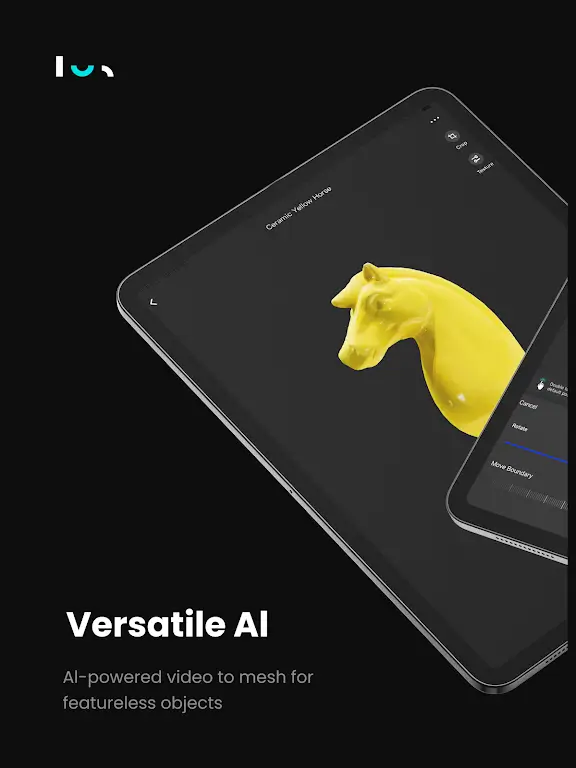
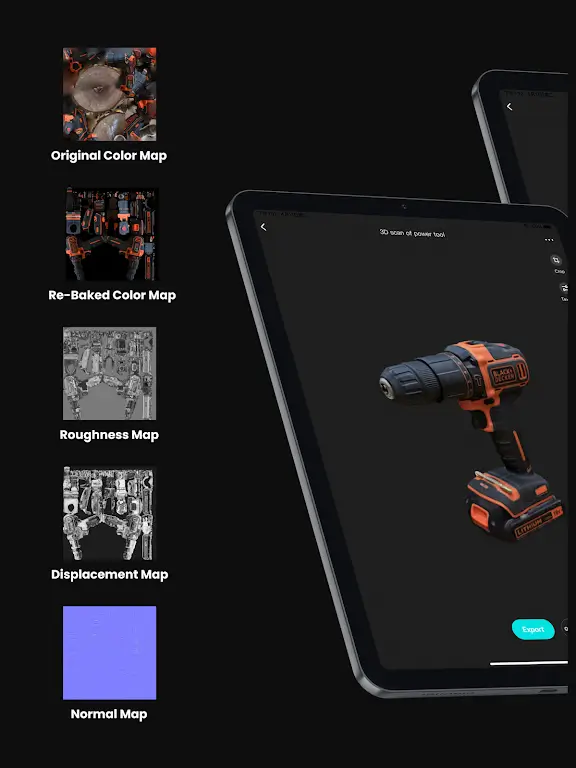
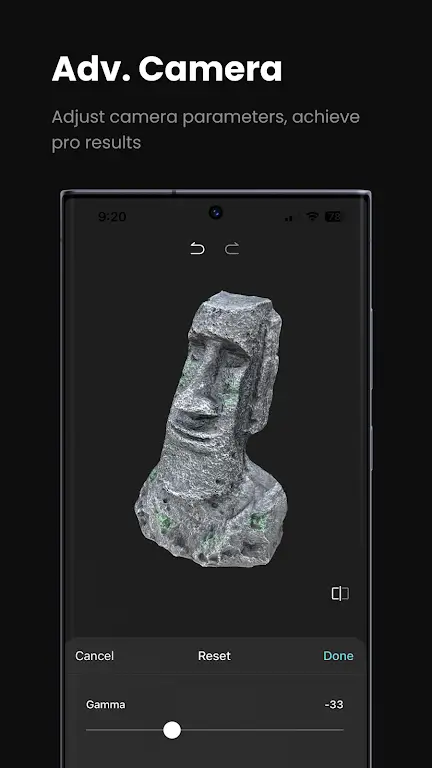
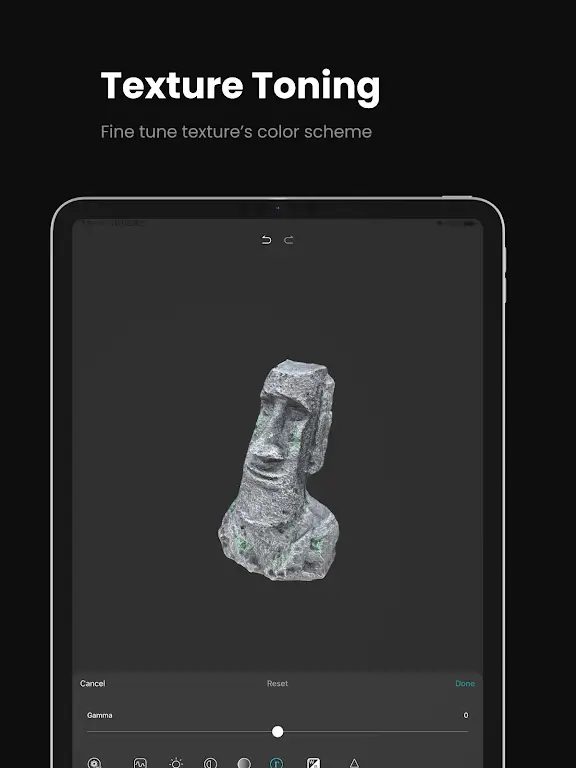
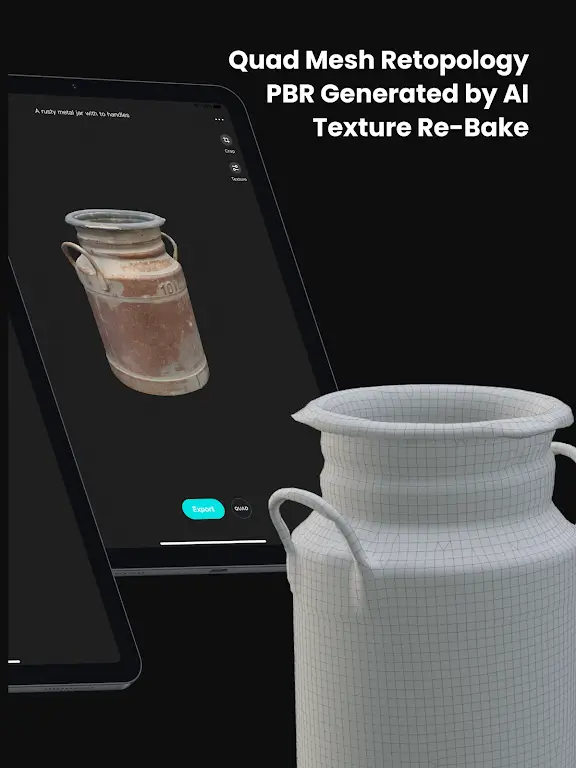
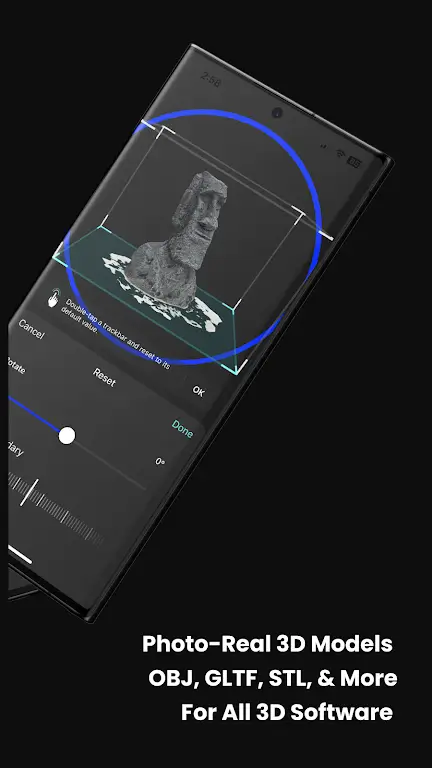
This build of KIRI Engine MOD APK provides a modified experience where premium features are fully unlocked for the user. It removes the standard account restrictions on advanced scanning tools and export options, facilitating a more comprehensive 3D modeling workflow without the limitations of the basic version.
This build is version V4.2.4 with a file size of 105M and package name com.kiriengine.app; it is provided as a re-signed file that cannot be installed over an existing version from the Play Store.
KIRI Engine is a photography app that enables users to capture real-world objects as digital 3D assets. Utilizing specialized AI and photogrammetry, users are able to digitize 3D objects using their phone cameras. These digital assets can be integrated into AR and VR applications as well as prepared for 3D printing. At its core, KIRI Engine uses cloud-based technology to process a series of photographs into a completed 3D mesh. This technology requires remote servers to do the heavy computational work of photogrammetry, which in turn preserves battery and storage space on the user’s device. The application offloads the rendering process to the cloud, allowing the mobile device to perform tasks that typically require a powerful desktop computer.
The application uses a technology called Neural Surface Reconstruction which is a type of 3D scanning that is very powerful and captures complex, shiny surfaces very well.Reflective and shiny surfaces are problematic for photogrammetry, and the inclusion of Neural Reflection Fields allows the program to capture surfaces with photogrammetry that is very challenging. With the use of advaced AI photogrammetry tools, digital models can be created to closely mirror the shape and texture of the actual subject, improving over existing models where artifacts are created from point clouds.
Neural networks help fill in gaps and produce a more pleasing texture instead of noise which is common with point clouds. This improves realism over existing point-cloud methods.
Texturing is a significant component of 3D scanning that goes beyond color mapping. Our software provides advanced texturing functions to generate professional materials. The software includes an automated PBR Material tool. This tool generates high quality textures and normal maps. It simulates the material of the 3D model to react realistically to the lighting conditions to the environments it is placed in, and how light bounces off surfaces. The tool processes the 3D model to reflect real life scenarios, and how light and surfaces interact. Another helpful tool in the processing pipeline, is the AI Object Masking tool. This tool identifies the main subject of the scan and removes background clutter. It masks the background during the first stage of processing, so that the final subject scan is clean, and requires less manual cleanup. The users of the software can adjust the threshold of the mask to capture more, or less of the environment of the subject.
The scanning workflow is split into four steps. The first is The Capture. During The Capture the user walks around the subject and takes a series of photos. Think of it as taking a video of a subject but instead of a series of frames you get a set of stills. This is how you collect your data for reconstruction. After you have collected your data you upload it to the system. After the data is uploaded you enter the second stage of the workflow, Cloud Enchantment. As the name suggests Cloud Enchantment happens in the cloud and involves the system performing photogrammetry calculations to build a mesh. After the cloud has finished processing your data you enter the third stage of the workflow, The Forge. The Forge gives the user complete control over the mesh. This stage of the workflow allows the user to modify the geometry of the mesh, change its scale, and refine it for final use. The last stage of the workflow is Global Export. Global Export allows the user to take their creation and bring it into a professional desktop application for further refinement and integration into larger projects.
The application’s connectivity and compatibility are essential to its use within a professional 3D production pipeline. It can export multiple formats including STL, FBX, GLTF, and OBJ. This means that models made within the app can be easily imported to professional software suites like Blender, Unreal Engine and Unity, and ZBrush. Professional users can opt to use a higher level detail scanning mode in which the system is able to capture up to 200 images to create a mesh, compared to the default mode which can capture up to a maximum of 20 images. This increased image capacity and detail capturing mechanism allows the app to create a digital copy of a real-world object with extreme detail, including those very small elements that can be lost in a conventional 3D copy.
The app can be used in multiple professional fields to digitize real world objects. It can be used to capture and create in-game assets for games, as well as, protect and preserve historical data by digitally capturing and archiving objects in a museum. Mobile 3D scanners are quite expensive, and the app utilizes professional level algorithms to give users the ability to capture and preserve physical objects in a digital format for a variety of uses from creating 3D objects for games, to digitizing historical data for research and preservation. The app makes digitizing and creating 3D content possible, even without the use of high-tech equipment found in professional studios.
Related MOD APKs
Is Premium unlocked in KIRI Engine MOD APK?
This KIRI Engine (V4.2.4) build features Premium Unlocked. It functions like the KIRI Innovations release, with all modifications active immediately after installation.
What is the latest version of KIRI Engine MOD APK?
This V4.2.4 version matches the KIRI Innovations release from June 8, 2026. We don’t keep older versions here. Update by installing this file over your current app; if you see a signature error, delete the old version first.
Is KIRI Engine MOD APK safe to download?
This KIRI Engine V4.2.4 build from MODYOLO is the KIRI Innovations app with Premium Unlocked. 116 users gave it a 3.7 rating here. It does not require root. Expect Play Protect warnings, but always download from this page.
Does KIRI Engine MOD APK remove the watermark?
This version includes Premium Unlocked. Since watermark removal is a pro feature in KIRI Engine, you should check the export screen after you install the app to verify.
You are now ready to download KIRI Engine for free. Here are some notes: