Become a music organization pro with MediaMonkey MOD APK. Enjoy wireless library syncing, metadata control, and optimal playback quality. Get your hands on this APK now!
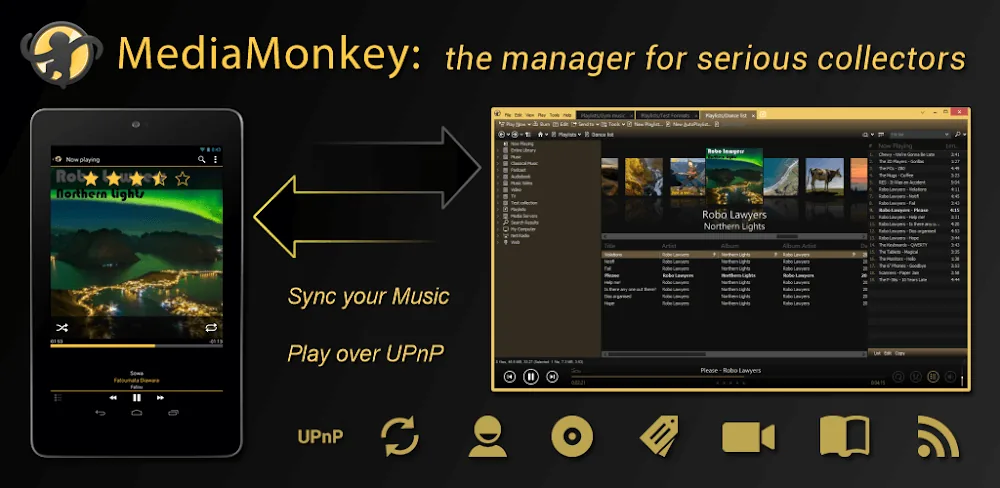

Become a music organization pro with MediaMonkey MOD APK. Enjoy wireless library syncing, metadata control, and optimal playback quality. Get your hands on this APK now!
| App Name | MediaMonkey |
|---|---|
| Publisher | Ventis Media |
| Genre | Music & Audio |
| Size | 29M |
| Latest Version | 2.1.2.1316 |
| MOD Info | Premium Unlocked |
| Get it On |

|
MediaMonkey MOD APK Review
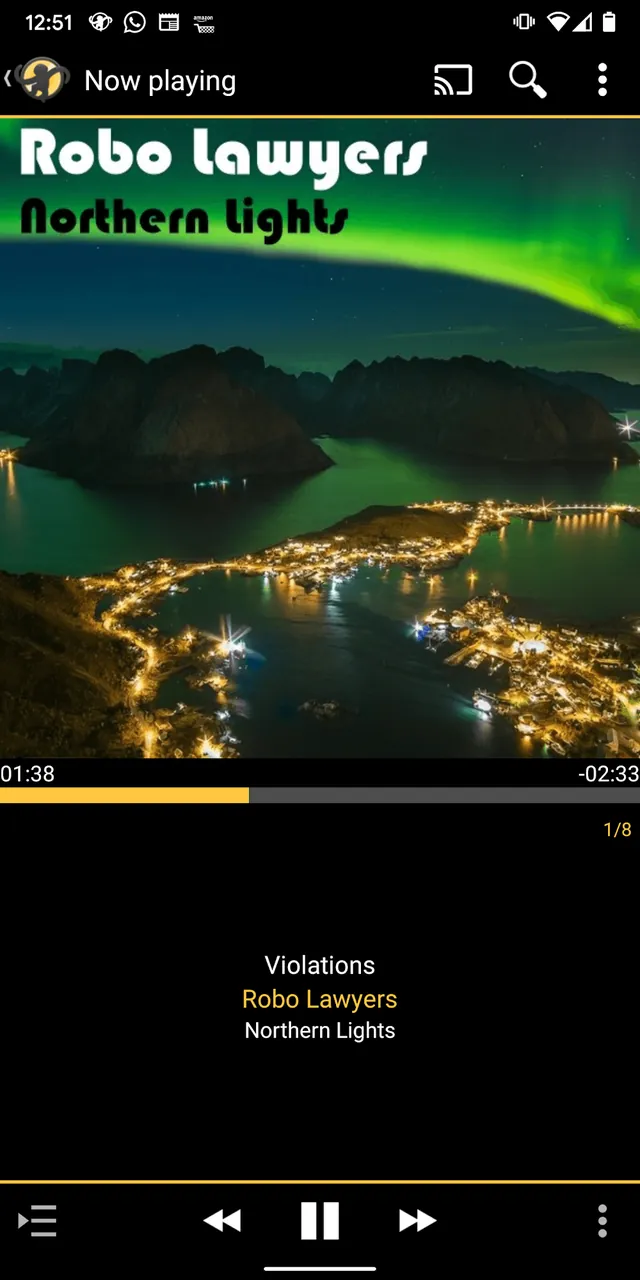
MediaMonkey MOD APK helps you better manage your music library, and bring your media collection to the next level. Perfect for serious music lovers, whether you have more than a casual interest in music or are a full-blown audiophile, MediaMonkey MOD APK can help you manage and enjoy your media. They help you enjoy high-quality media on all your devices with no more transferring media files the old fashioned way.
What You Get with MediaMonkey MOD APK
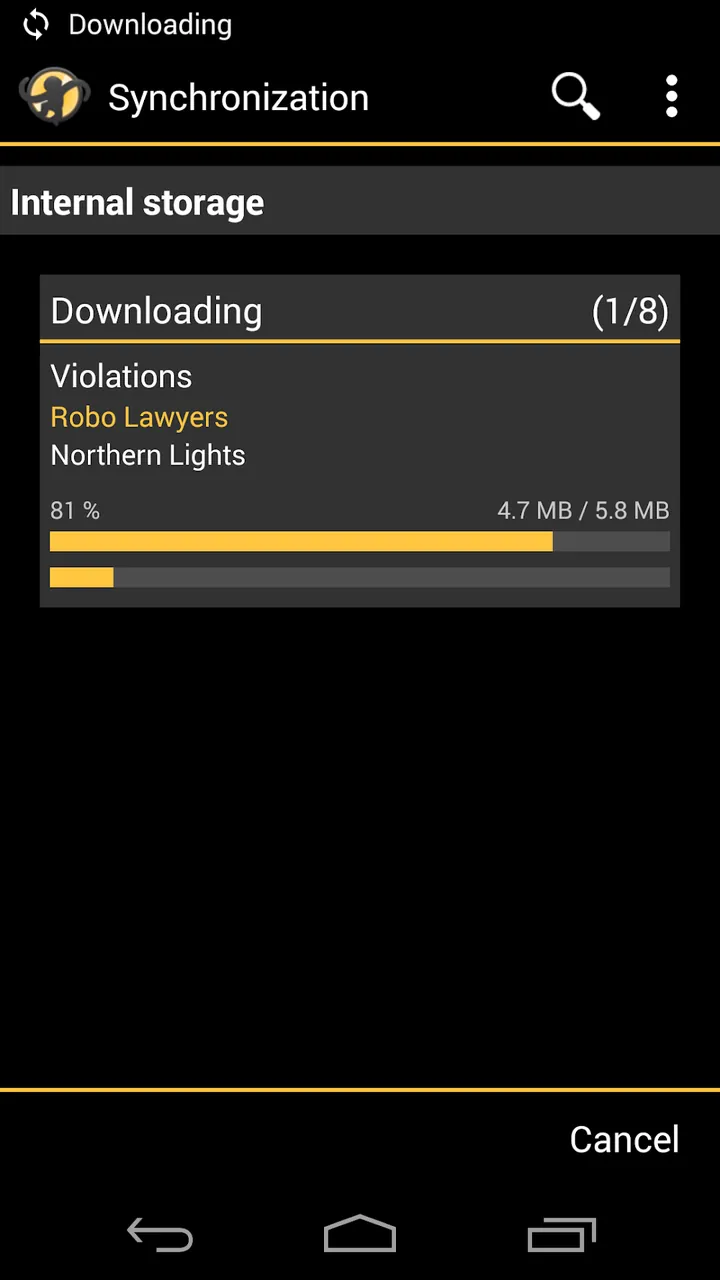
Wireless Sync: The makers of MediaMonkey MOD APK offer wireless syncing of your Android media library to MediaMonkey for Windows. That’s tracks, playlists and even your play history will be updated over Wi-Fi with no need for a USB to be used.
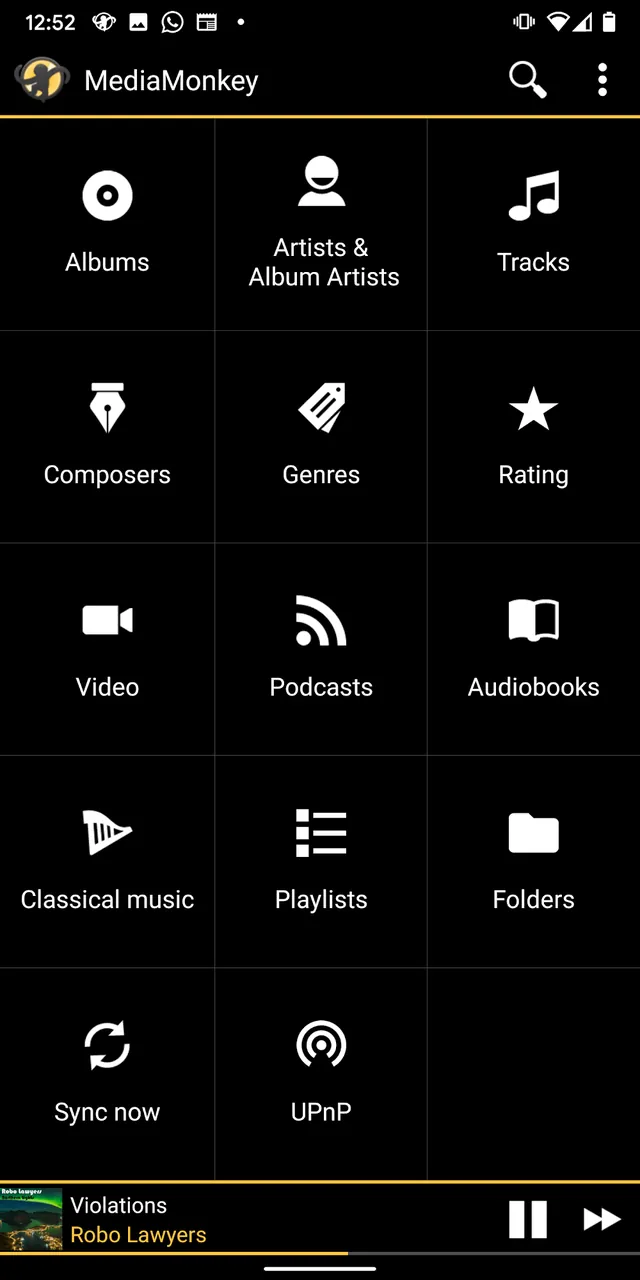
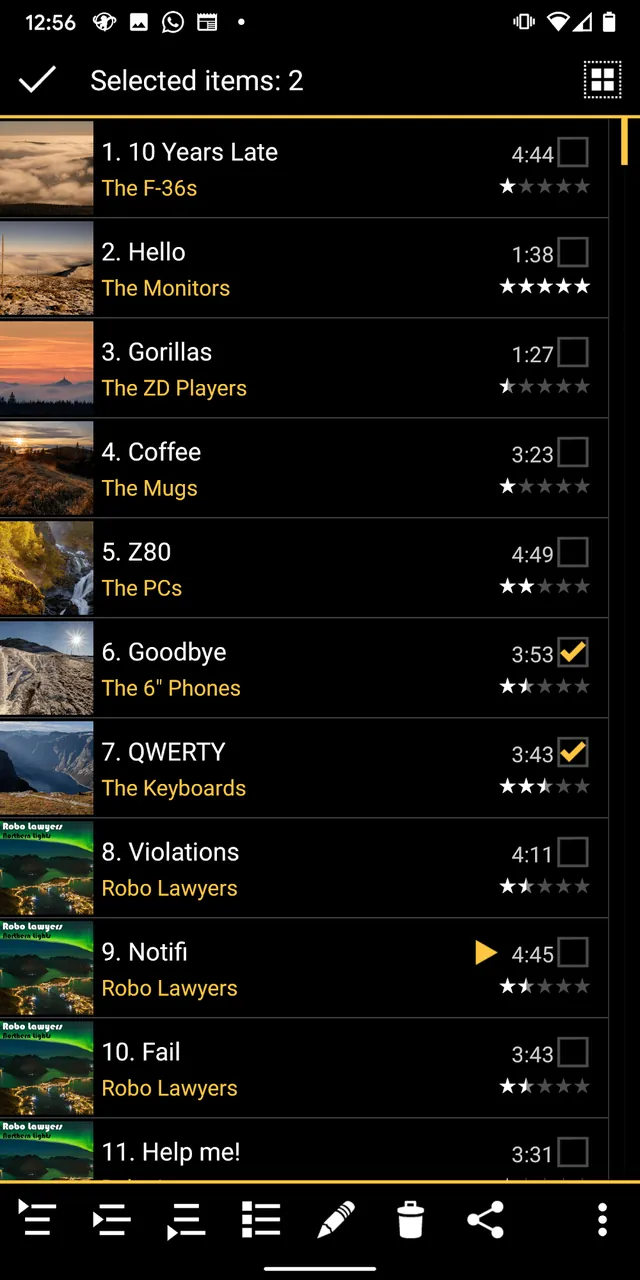
Smart Library Organization: Use even more extensive library organization with Music, Video and Podcast files. If you need to find a specific track, you can do so with filtering by artist, genre, year and rating.
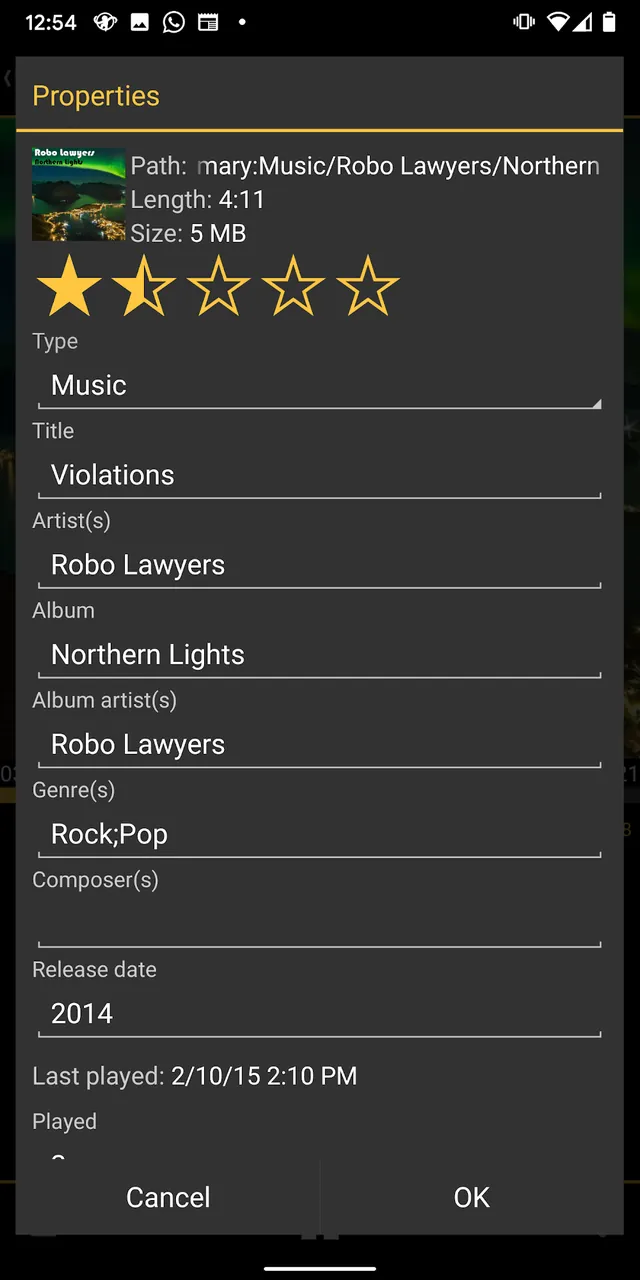
Full Control of Metadata: You can customize your libraries even more with full control of data tagged to files. You can even manage and edit album art, track info and even add and edit lyrics in the app.
Audio Enhancement Tools: Use a built in 5 band graphic equalizer tool, volume normalization and crossfading to add professional quality audio to your media.
Universal Casting Support: You can happily convert your music into films or enjoy listening to it in your home theater. MediaMonkey MOD APK makes it easy to connect to and stream your media to any applicable hardware using Chromecast, UPnP, and DLNA.
User Experience and App Mechanics:
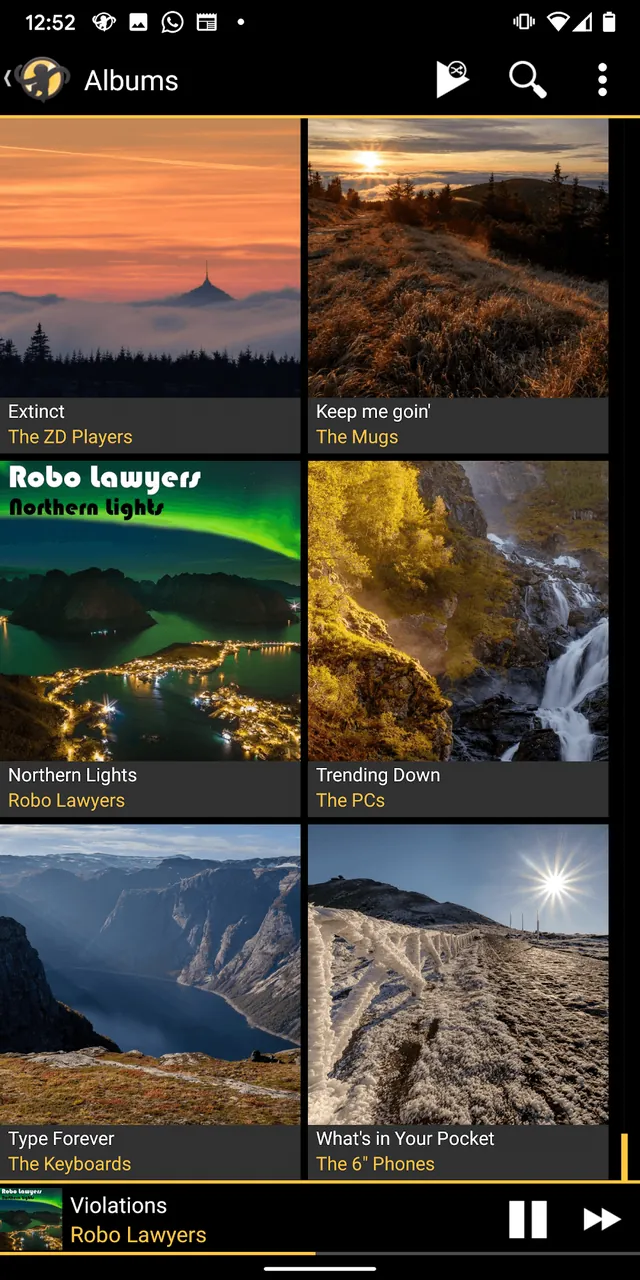
This app streamlines the media management experience and eliminates unnecessary waiting time no matter what functionality you are using. When you first open MediaMonkey MOD APK, you see a dashboard that shows the media you’ve collected, and you can quickly navigate to the folders you need, be it a collection of your artists or your most recent and top rated additions.
The best functionality that MediaMonkey MOD APK has to offer is the syncing process. When you connect your computer to your mobile device, you can create a desktop library with a collection of your nested playlists and notes on your device. If you need to amend your media, add or change a track number, or other similar tasks, you can do so with the manual tag editor. The syncing process is the best way to keep everything accurate.
Whether you are listening with the best speakers or a great set of headphones, the audio engine makes sure that you enjoy distortion free sound. To top off the great audio experience, this app also has a useful timer for sleep sessions, along with an easy to navigate folder browsing system. This app is great for listening to media on the go, and even has built in bookmarks for your audiobooks and podcasts to ensure you don’t lose your place.
Conclusion:
More than simply a music player, MediaMonkey MOD APK is the ultimate full-featured music player system in your digital life. MediaMonkey gives power back to users over their media with more depth and features than standard players. With features like wireless sync and advanced audio customization, MediaMonkey gives the user the ultimate audio experience. Download MediaMonkey MOD APK and change your mobile device to the best media player system. Your music deserves more. Show them with MediaMonkey MOD APK!
You are now ready to download MediaMonkey for free. Here are some notes: