Enhance your Android phone even further with NoThink Widgets for KWGT MOD APK! Put your personal stamp on the home screen with different, exciting, and completely customizable designs.
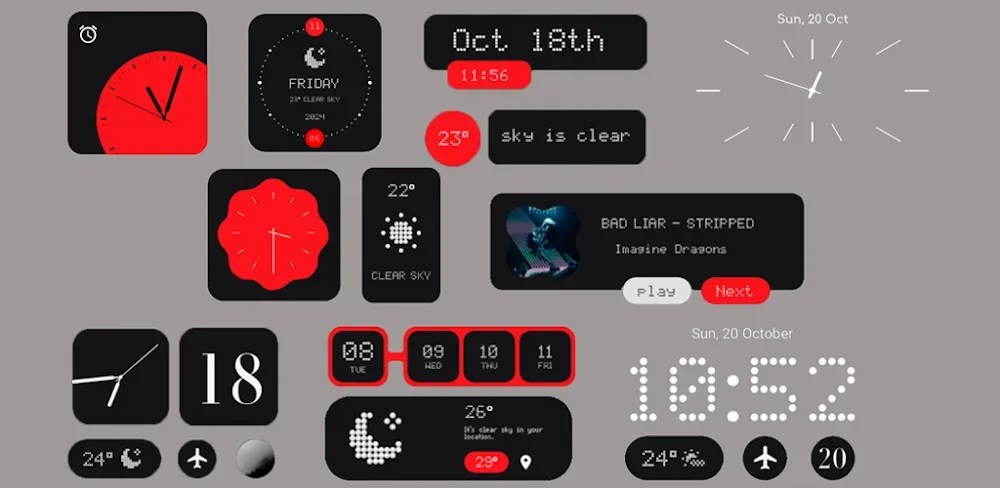

NoThink Widgets for KWGT v1.2 APK (Full Version)
| App Name | NoThink Widgets for KWGT |
|---|---|
| Publisher | AppixoStudio |
| Genre | Productivity |
| Size | 65M |
| Latest Version | 1.2 |
| MOD Info | Full Version |
| Get it On |

|
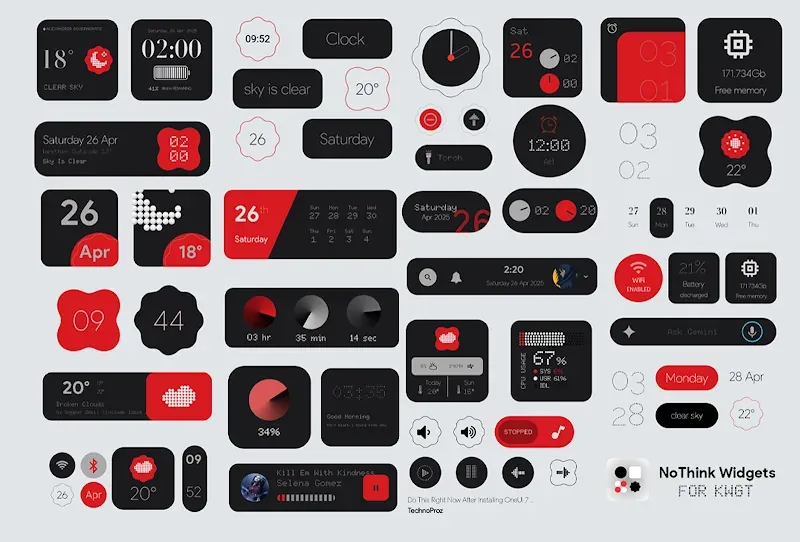
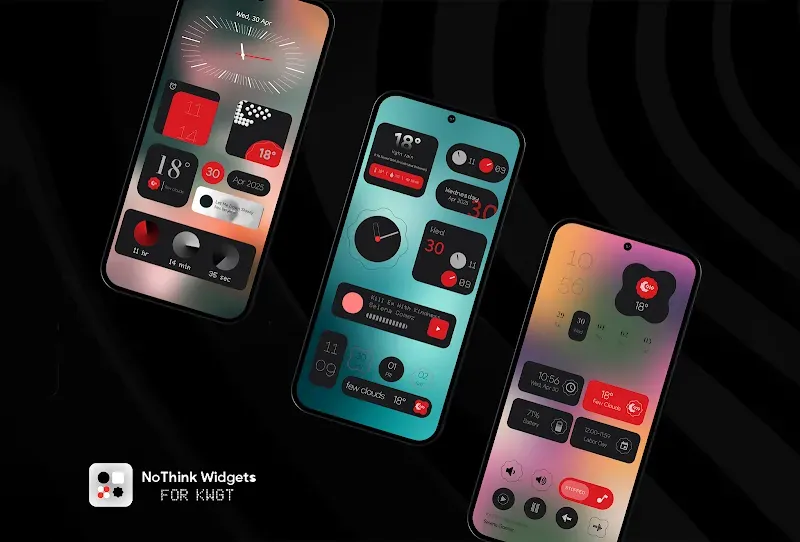
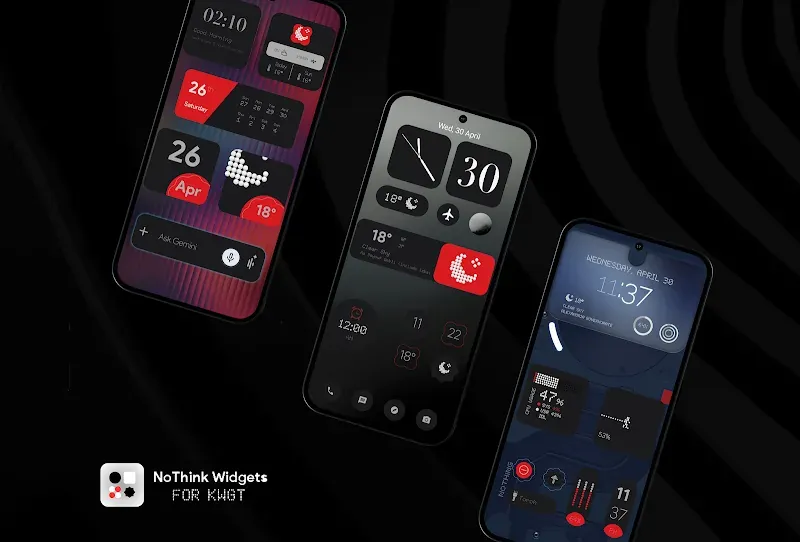
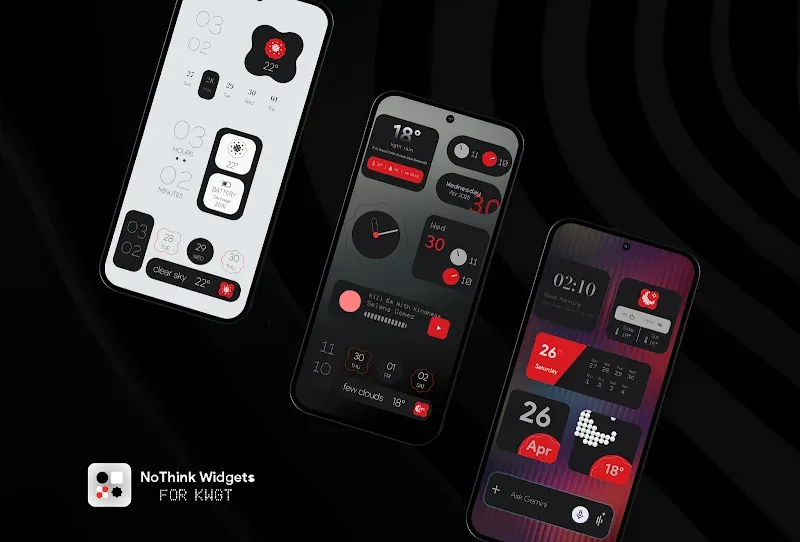
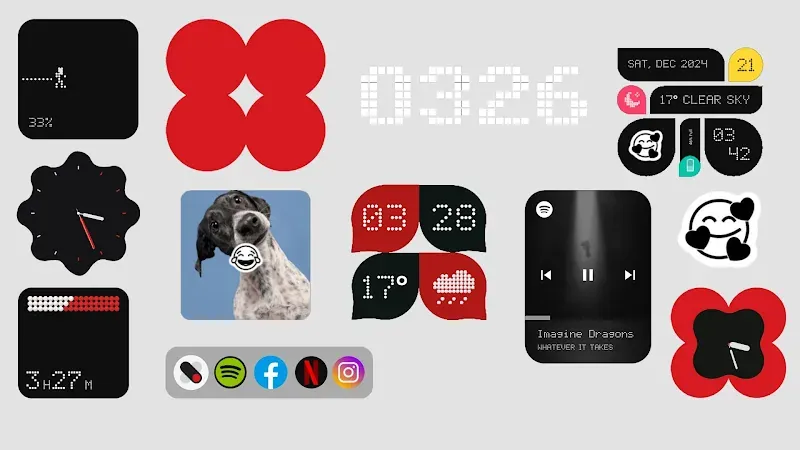
Are you looking for a way to get a more personal user experience than what the default Android interface can give you? Look at this: NoThink Widgets for KWGT MOD APK is the customization package that can transform how you use your phone, pretty much putting the whole aesthetic of your phone into your own hands. This is not just a pack of tools to put widgets on your phone. This is what you want to start taking control of how your phone looks.
NoThink Widgets for KWGT MOD APK provides you with a ton of different widgets to help you create everything from simple to complex tool layouts on your device. Our goal is for your device to match your style with sleek layouts. We want your device to feel premium with the layouts we provide for you.
Main Features
– Interactive Interfaces: Getting bored of just looking at your default phone interface? Our modes are designed to provide you with a modern interface and a new way to interact with your home screen.
– Auto-Fit: So tired of having to move and resize things to fit? Us too! This tool will detect what you want to put where and how to best fit it to the screen. So you can put things where you want and not worry about how it’ll look.
– Light & Dark Modes: Adapter to your system settings for a match no matter what time of day.
Every aspect is crafted with a professional eye for detail. Visual balance makes use of spacing and color theory in concert with typography in order to create a premium interface that is pleasing to the eye.
Design as you wish by changing colors, fonts, shapes and more to suit your wallpaper and icon packs to your exact specifications.
We know that every person is unique, and so are their needs. Change how the app will respond to touch in order to suit your style.
How to Use NoThink Widgets:
Making desired changes to your home screen has never been easier. Make sure that both the Kustom Widget Maker and the Kustom Widget Maker Pro Key are installed on your device. Next, long press on your home screen and select a KWGT widget of any size. Tap the widget to bring up the editing screen. From there, browse the NoThink collection and select your design. Once you’ve selected your design, use the KWGT editor Globals and Layer tabs to resize the widget and ready it for your color preferences. One touch is all it takes to create your own design on the device. NoThink Widgets collection has been designed to change the way you interact with your customized device.
Conclusion:
Why put up with a plain interface? NoThink Widgets for KWGT MOD APK offers you everything you need to customize your home screen how you want. This is the top choice if you want amazing layout styles and well-designed user friendly tools. Get NoThink Widgets for KWGT MOD APK right now to start the customization and get the Android interface you’ve always wanted. Because your interface should obey your preferences!
NoThink Widgets for KWGT v1.2 APK (Full Version)
Download (65M)You are now ready to download NoThink Widgets for KWGT for free. Here are some notes:
- Please read our MOD Info and installation instructions carefully for the game & app to work properly
- Downloading via 3rd party software like IDM, ADM (Direct link) is currently blocked for abuse reasons.
4.3/5 (3 votes)