

This Photo Lab PRO MOD APK provides a patched version of the photography tool that functions without external modification tools like Lucky Patcher or a modded Play Store. The build has been optimized for performance through resource cleaning and the removal of unnecessary background components.
What’s Modified in Photo Lab PRO
- The application has been patched to function without the need for root access, Lucky Patcher, or a modded version of the Google Play Store.
- Unwanted permissions, receivers, providers, and services have been disabled or entirely removed from the application manifest.
- Graphics have been optimized and zipaligned while resources were cleaned to ensure faster loading times.
- All debug code has been stripped from the package to reduce overhead and file size.
- The build includes full multi-language support for a global user base.
- Support is included for various screen DPIs ranging from 120dpi to 640dpi to ensure compatibility across different hardware.
- The original package signature has been changed.
 |
 |
Version 3.13.76 comes in a 22M file with the package name com.vicman.photolabpro and uses a modified signature, meaning this Photo Lab PRO MOD APK build will not install over the official version from the store.
About Photo Lab PRO
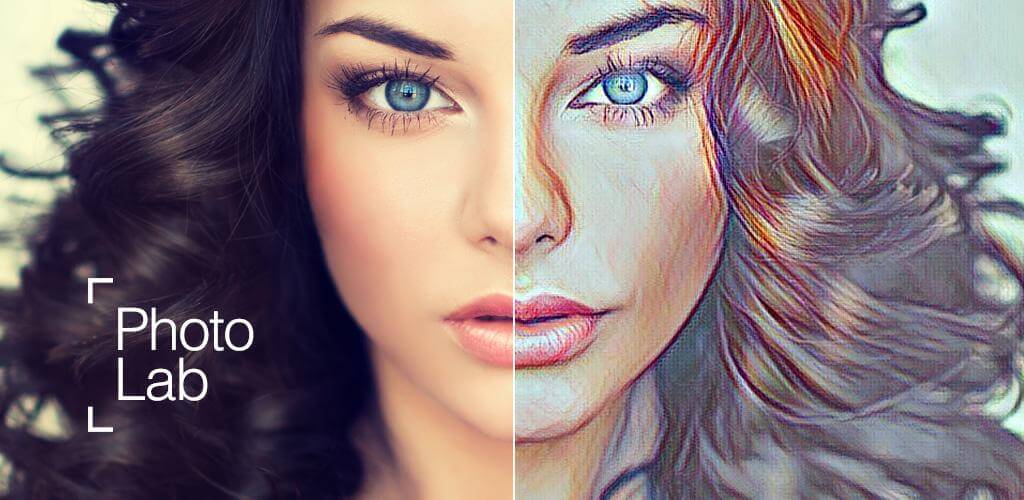
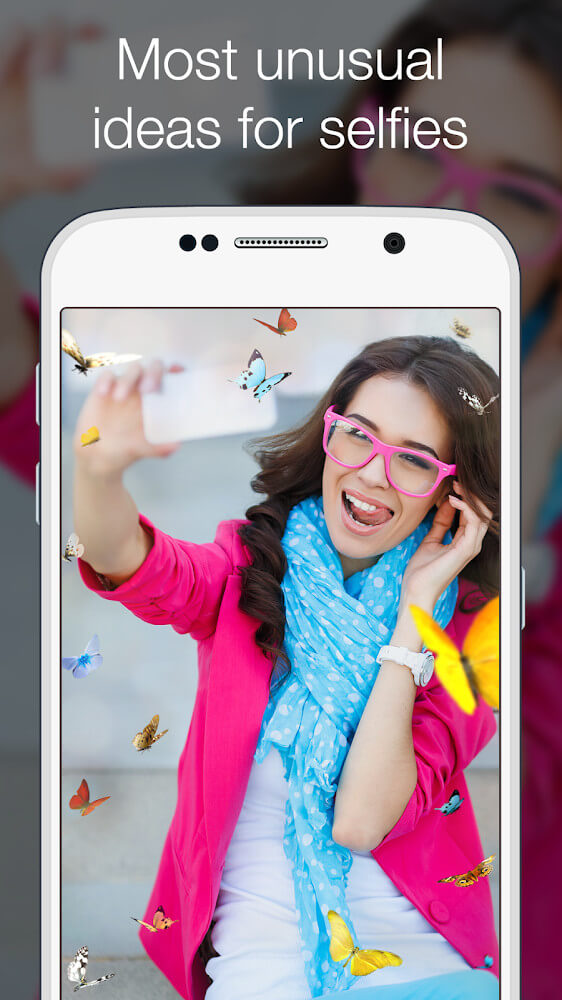
The intent of Photo Lab PRO is to offer users a specialized tool for generating artistic images. Users can apply various effects and explore creative suggestions. The software is an editing suite for mobile, where users can use effects, filters, and visual frames to edit any image stored in the device’s gallery. The main goal of this application is to facilitate editing on-the-go so users can publish better looking images. Photo Lab PRO enables users to see a clear edit from the original, unedited pictures, so users can understand how much interaction they need in order to post pictures to their social accounts. By using the tools and features provided in this application, users can create professional looking images from average pictures.
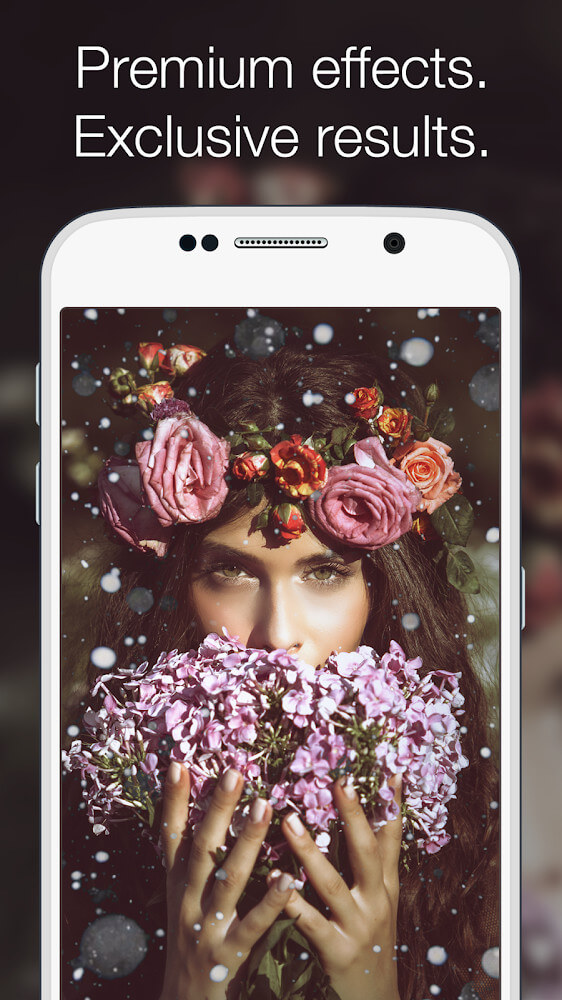
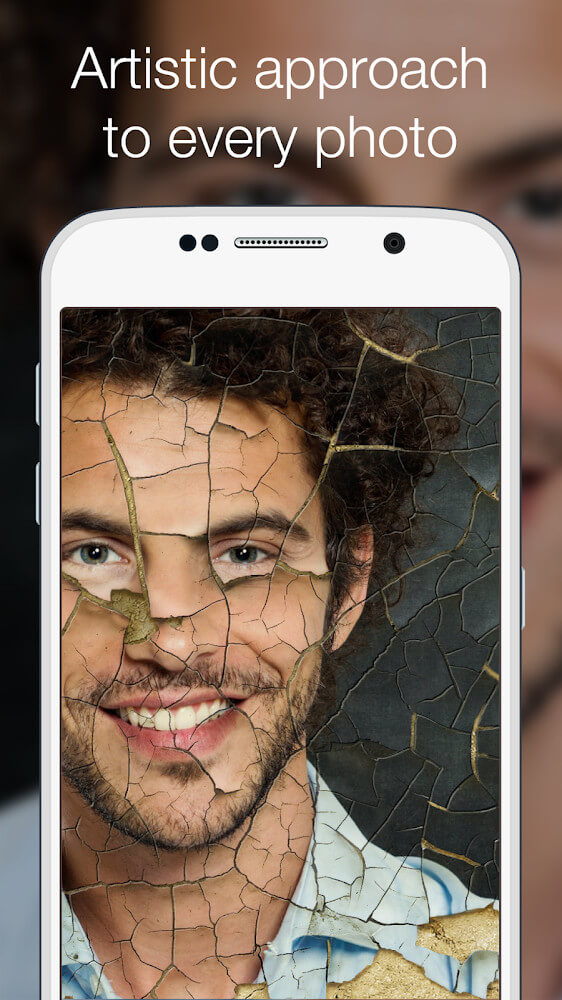
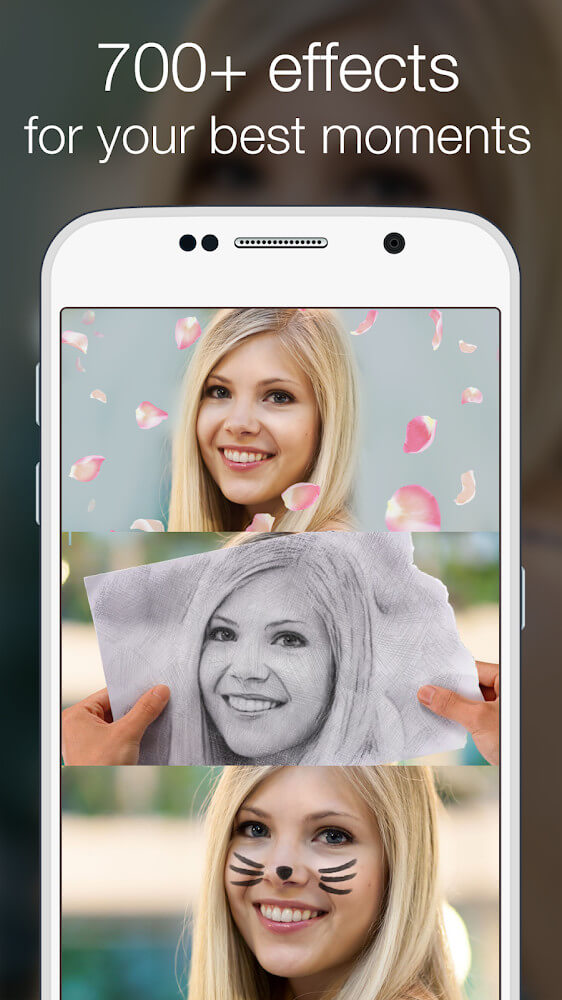
The main aspect of editing software is an array of filters. While filters use color adjusting as a basis, they can go further to enhance the photo and give it artistic flair, whether it’s making a photo look like it was taken on film, or possibly even a physical painting. Uniqueness in filters is designed for those that enjoy tinkering around with multiple filters and ways to enhance photos and see what different filters can capture for mood and photo impact. The array of genres for filters helps mold images for exceptional photography outside of the mobile photography norm. Photos can either be enhanced to have high contrast, or to have a painterly aesthetic and blur some of the original details. Users can determine what filters best serve their photos while achieving their desired look and photograph style.
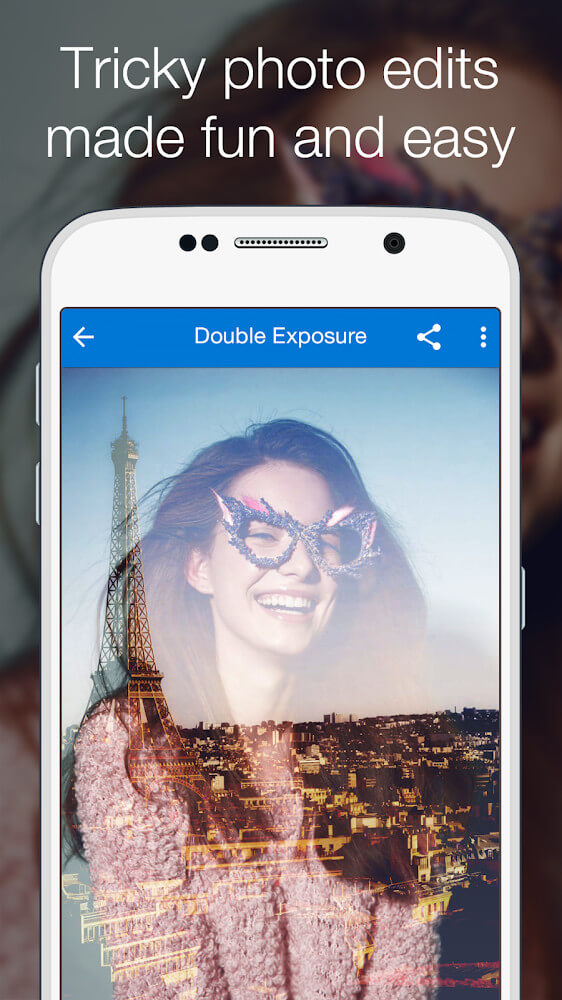
The application contains a filter library where users can choose from a wide range of frames and overlays for further photo customization. This library helps users with more advanced photo editing techniques such as double exposure. To achieve this technique, simply blend a portrait with any other stylish photo. The application simplifies this technique since it offers all the required tools within the application. Photos can have their colors changed and effects applied to create interesting compositions. Frames and overlays provide a versatile platform to users who want to let their creativity run wild with edits beyond just the basics. Once you get the hang of blending various images, high degrees of creative expression come easy, leading to an output with composites of professional quality.
The software lets users tell stories with images through collages. After using different effects in the app to take and edit multiple photos, a user can easily put these photos together in one frame. These collages work best to put together multiple photos of the same event or moment. Once created, collages take up a spot in the user’s personal collage library. Once in the library, the user can share the collage to their favorite social media app, or perform further edits. This program allows users to take multiple frames and combine them in one creative project. It helps the user organize a series of images in one area and illustrates the connection between the images.
 |
 |
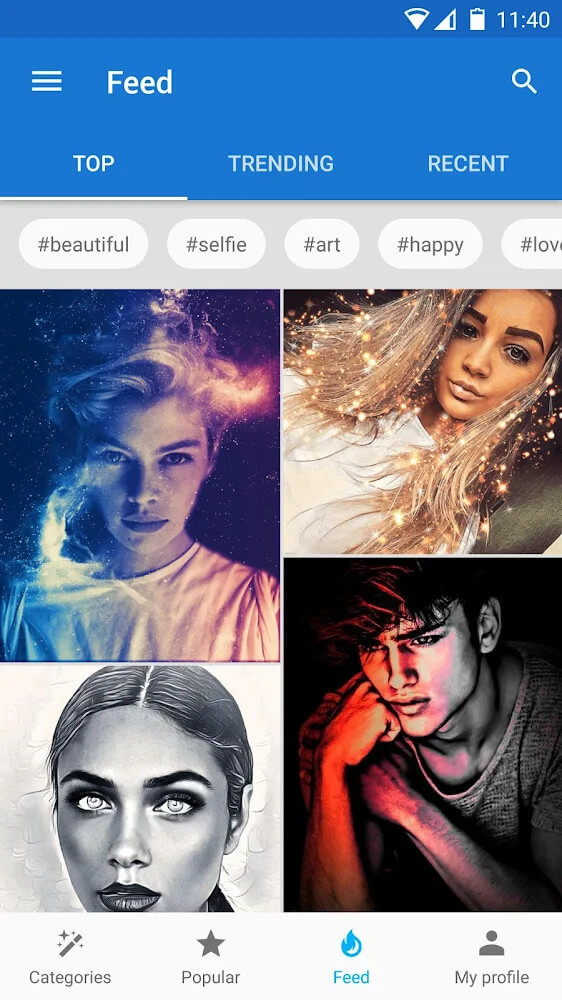
To help users save time when combined manually, the app has a feed section. This section contains images edited by app users. Users can browse through the feed to see different editing styles or results that they personally find appealing. The feature encourages users to apply the editing effects on the feed to their photos. The feature doesn’t recreate an identical copy of the feed images, it provides the user with the flexibility to fine-tune the appearance to their personal taste. The app’s community edits provide a means for the users to get inspired and also helps the users understand the variety of ways the tools can be utilized.
Other than blending photos and adjusting layers, the software can also include text design and message features. With this feature, users have the option of making specialized holiday cards for specific dates. Users can choose from many backgrounds and select the appropriate photo and combination to make the card. Text features allow users to give meaning to the photos and express messages with the help of pictures. An editable version of the text can be sent to family and friends once a design is finalized and approved. This editing feature can be useful to a great extent with the other active editing tools to give both personal messages and pictorial messages to the recipient.
Key features
- Artistic effects and suggestions
- Film and painting style filters
- Custom photo frames
- Double exposure blending
- Multi-image collages
- Community feed for effect discovery
- Text and message overlays
- Portrait blending tools
 |
 |
Related MOD APKs
FAQ
What does Photo Lab PRO MOD APK unlock?
This Photography app, Photo Lab PRO (3.13.76), has been Patched. All other functions match the Linerock Investments LTD release, with changes active immediately after you install it.
What is the latest version of Photo Lab PRO MOD APK?
This 3.13.76 build matches the Linerock Investments LTD release, updated April 5, 2026. We don’t keep older versions here. Install this over your current app to update; if a signature conflict occurs, uninstall the old version first.
Is Photo Lab PRO MOD APK safe to download?
This Photo Lab PRO 3.13.76 build is the Linerock Investments LTD app with Patched modifications. 148 users gave it a 4 rating. It does not require root. Expect a Play Protect warning during installation; always download from this page.
Can I use Photo Lab PRO MOD APK on PC or iPhone?
Because this is an Android package, it cannot be installed on iPhone or iPad. Run the 22M APK on a computer using an emulator like BlueStacks or LDPlayer by dragging the file into it.