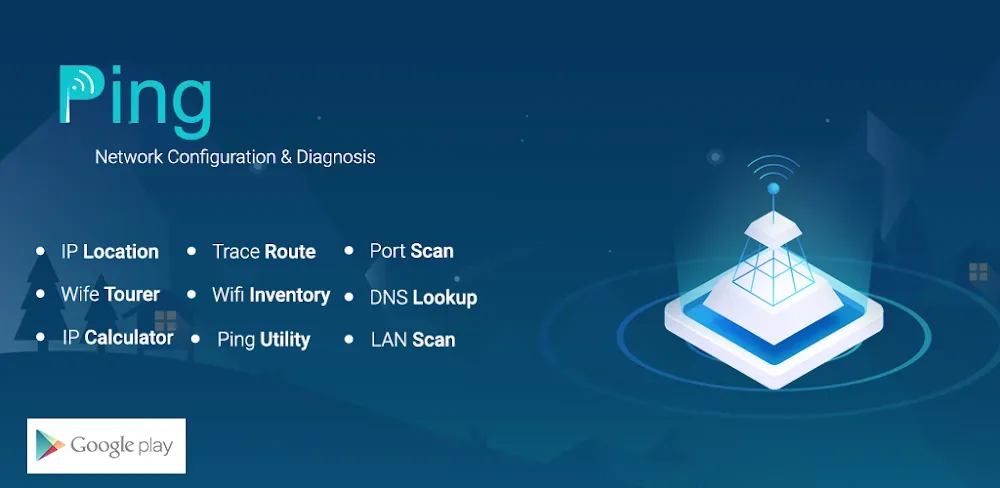
Boost your Wi-Fi and optimize your network with Ping Tools! Real-time mapping, port scanning, and security insights for a faster, lag-free connection today!
Ping Tools Network & WiFi v1.10 MOD APK (Premium Unlocked)
| App Name | Ping Tools: Network & Wifi |
|---|---|
| Publisher | JVR Developers |
| Genre | Tools |
| Size | 65M |
| Latest Version | 1.10 |
| MOD Info | Premium Unlocked |
| Get it On |

|
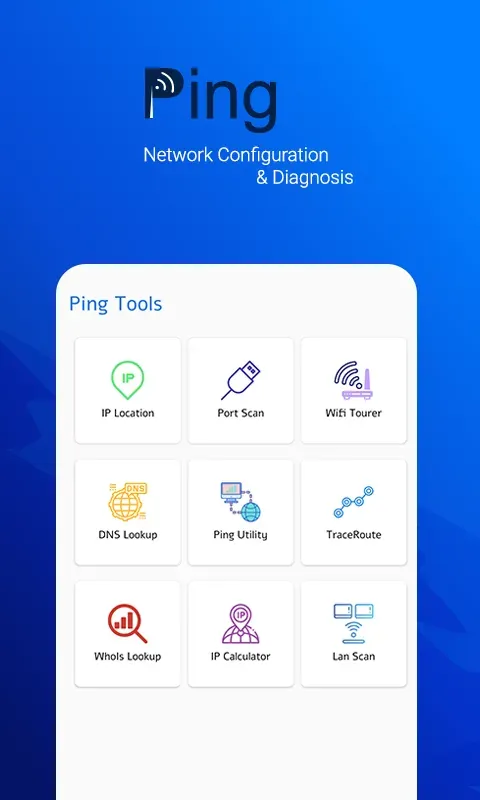
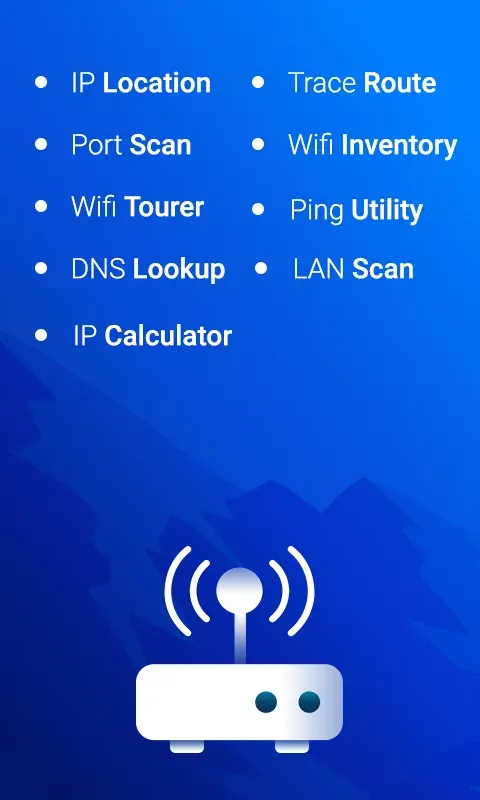
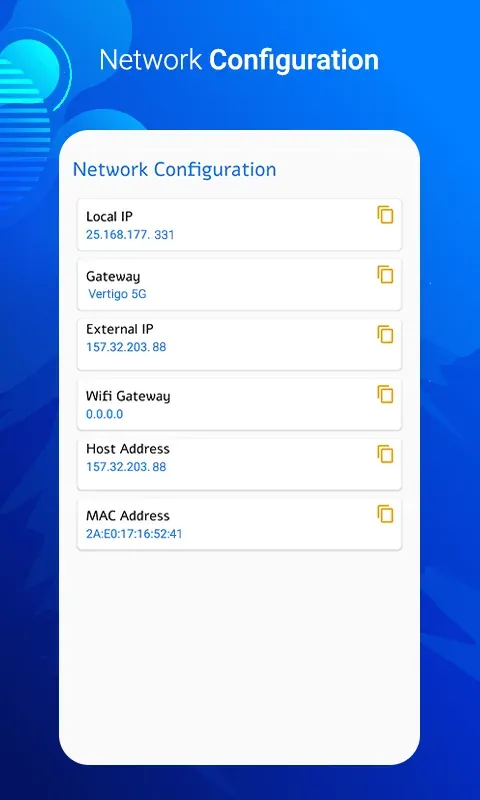
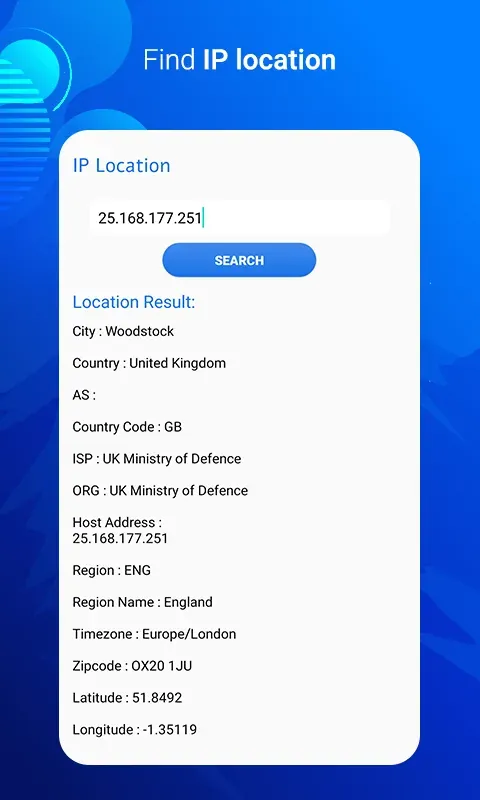
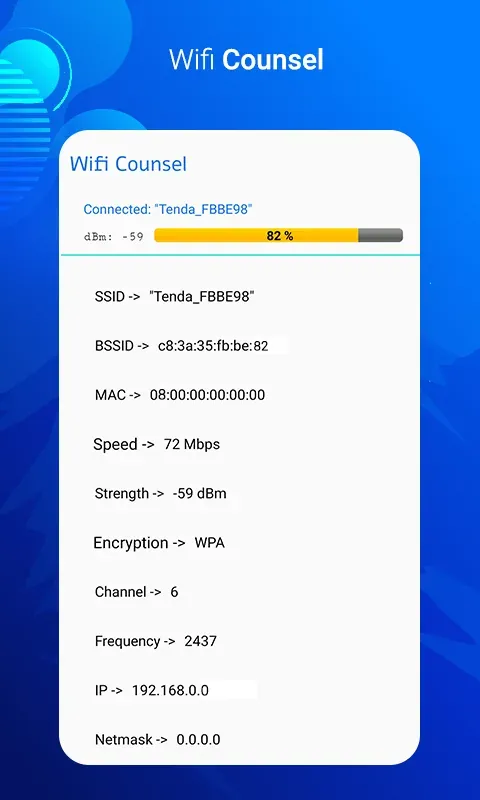
This version of Ping Tools MOD APK provides access to the premium features of the application, removing the standard limitations found in the base build. It allows users to utilize the full suite of professional network management and diagnostic tools without additional restrictions.
What’s Modified in Ping Tools
- The premium features of the application are unlocked, providing full access to all diagnostic and optimization utilities.
This build is version 1.8 with a file size of 65M and uses the package name com.jvr.pingtools.bc; it is a re-signed file and cannot be installed over a copy downloaded from the official store.
About Ping Tools
Ping Tools MOD APK is the most advanced local network & internet utilities pack. Manage your internet connection & local networks like a professional. Understand the bottlenecks on your network & find out how to optimize your signal. Some network conditions can affect your productivity & entertainment and Ping Tools is the only app that helps you with that. It goes beyond the basic settings of Wi-Fi & mobile connection. With a boat load of advanced features it gives you access to a plethora of data to help maximize your digital experience.
Ping Tools helps you visualize your connection using Real-Time Network Mapping. This provides interactive & live graphs that show connection quality. While gaming, this helps instantly show lag sources (whether it’s the server or your connection). It continuously provides data to validate connection stability & help users make adjustments for the best performance.
The Detailed Device Insight module provides visibility into devices connected on the local network. This module provides an in-depth analysis of devices connected on the local network including device name, local IP address, MAC address, and manufacturer. This level of transparency helps to locate malicious insiders and unauthorized users within the network. Being able to pinpoint which devices are connected to the network, how they are communicating on the network, and how much bandwidth they are utilizing helps network administrators to better secure their digital environment and helps to free up bandwidth for other services.
More advanced diagnostics such as port scanning and a smart diagnostic engine are included for more in-depth troubleshooting. The port scanner helps to locate and identify open ports and potentially vulnerable configuration issues. The smart diagnostic engine automatically probes the current connection to locate and identify DNS issues and resolve IP conflicts. The port scanner coupled with the smart diagnostic engine allow the user to quickly perform audits to locate and resolve common configuration errors that impact performance and data throughput.
These features allow users to perform network audits on the go which typically require desktop based software. Also included are built in audit logs to help track historical audit activity.
The application uses low-level networking protocols to communicate with routers and servers. It performs ping tests using ICMP packets. It performs a traceroute to find the path that a given packet will take to get to a given destination. Using this information, it can help find where delays in the network are occurring and provide a visualization of how data travels. It can also help users in optimization of their Wi-Fi by using a built in Wi-Fi Analyzer. The analyzer can give the signal strength in decibels (dBm). Users can use this information to find the least congested Wi-Fi channels in their area and set their router to the Wi-Fi bands to reduce interference from other Wi-Fi signals.
The tool also includes a module to monitor the security of the user’s connection. The application can alert the user of possible security risks and determine who is attempting to connect to the user’s network. The application can also provide a boost to the speed of the user’s connection by automatically setting the connection to use the best available DNS servers. Using deep packet inspection the application can also provide a connection health score. It suggests possible optimizations to the connection. All this is to give the user a complete set of tools to have an optimal, fast, and reliable connection.
Key features
- Real-Time Network Mapping
- Detailed Device Insight
- Advanced Port Scanning
- Instant Issue Detection
- Enhanced Security Monitoring
- Troubleshooting Speed Boost
- Wi-Fi Analyzer
- Traceroute
- ICMP Packet Testing
- DNS Optimization
Related MOD APKs
- Deleted Contact Recovery
- App Info Checker
- MovieBox ID: Watch Movies, TV Series, K-Dramas & Anime for Free
- KWGT Kustom Widget Pro
FAQ
Is Premium unlocked in Ping Tools: Network & Wifi MOD APK?
This 1.8 version of Ping Tools: Network & Wifi features Premium Unlocked. It functions like the original JVR Developers app, with all modifications active immediately after you finish the installation process.
What is the latest version of Ping Tools: Network & Wifi MOD APK?
This 1.8 release matches the JVR Developers build from June 24, 2026. We don’t keep older versions here. Update by installing this file over your current app; if you see a signature error, delete the old version before you reinstall.
Is Ping Tools: Network & Wifi MOD APK safe to download?
This 1.8 Ping Tools: Network & Wifi build from JVR Developers includes Premium Unlocked. 1 users gave it a 5/5 rating. It does not require root. Ignore Play Protect warnings during setup, but always download from this page to ensure you have this specific file.
Can I use Ping Tools: Network & Wifi MOD APK on PC or iPhone?
This Android file cannot run on iPhone. To use the 65M APK on a computer, install an emulator like BlueStacks or LDPlayer, then drag the file into the program to start the installation.
Ping Tools Network & WiFi v1.10 MOD APK (Premium Unlocked)
Download (65M)You are now ready to download Ping Tools: Network & Wifi for free. Here are some notes:
- Please read our MOD Info and installation instructions carefully for the game & app to work properly
- Downloading via 3rd party software like IDM, ADM (Direct link) is currently blocked for abuse reasons.
5/5 (1 vote)