Try out Pixlab MOD APK to take your creativity to the next level! Add your photos and edit them professionally using stylish effects and stickers with plenty of visual styles. Get started making your art now!
Try out Pixlab MOD APK to take your creativity to the next level! Add your photos and edit them professionally using stylish effects and stickers with plenty of visual styles. Get started making your art now!
| App Name | Pixlab |
|---|---|
| Publisher | Lyrebird Studio |
| Genre | Photography |
| Size | 51M |
| Latest Version | 3.0.0 |
| MOD Info | Pro Unlocked |
| Get it On |

|
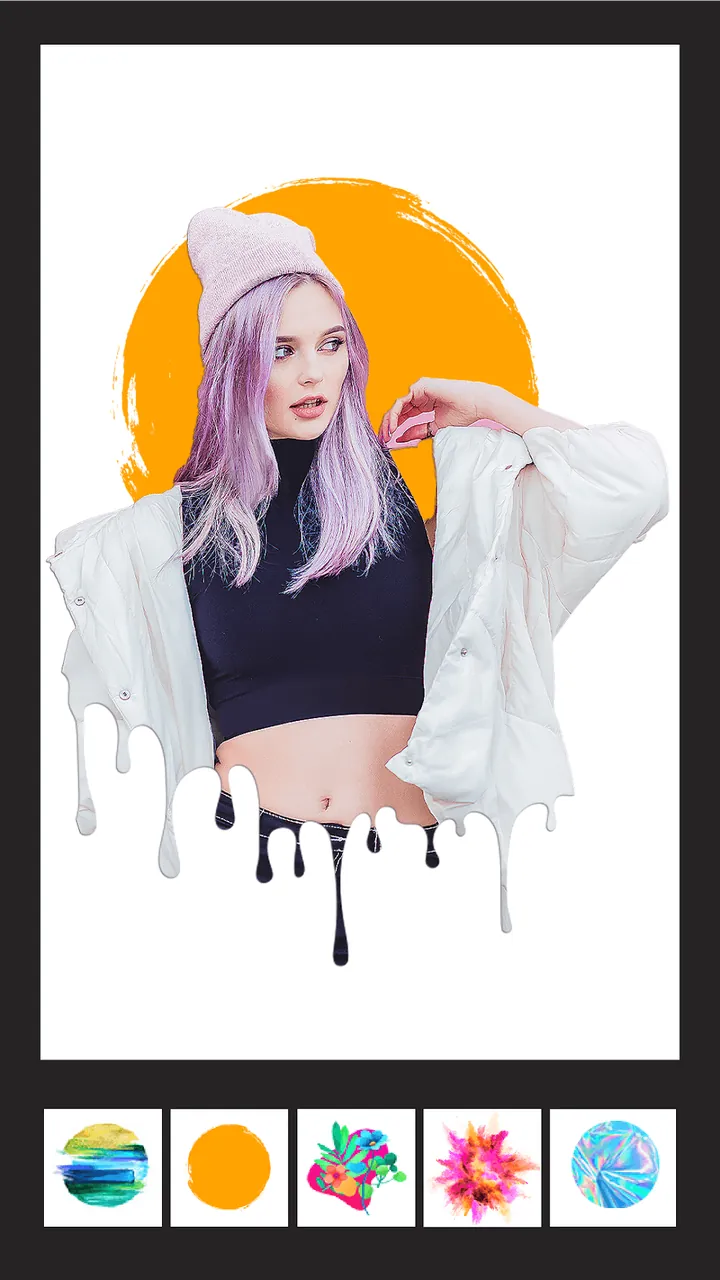
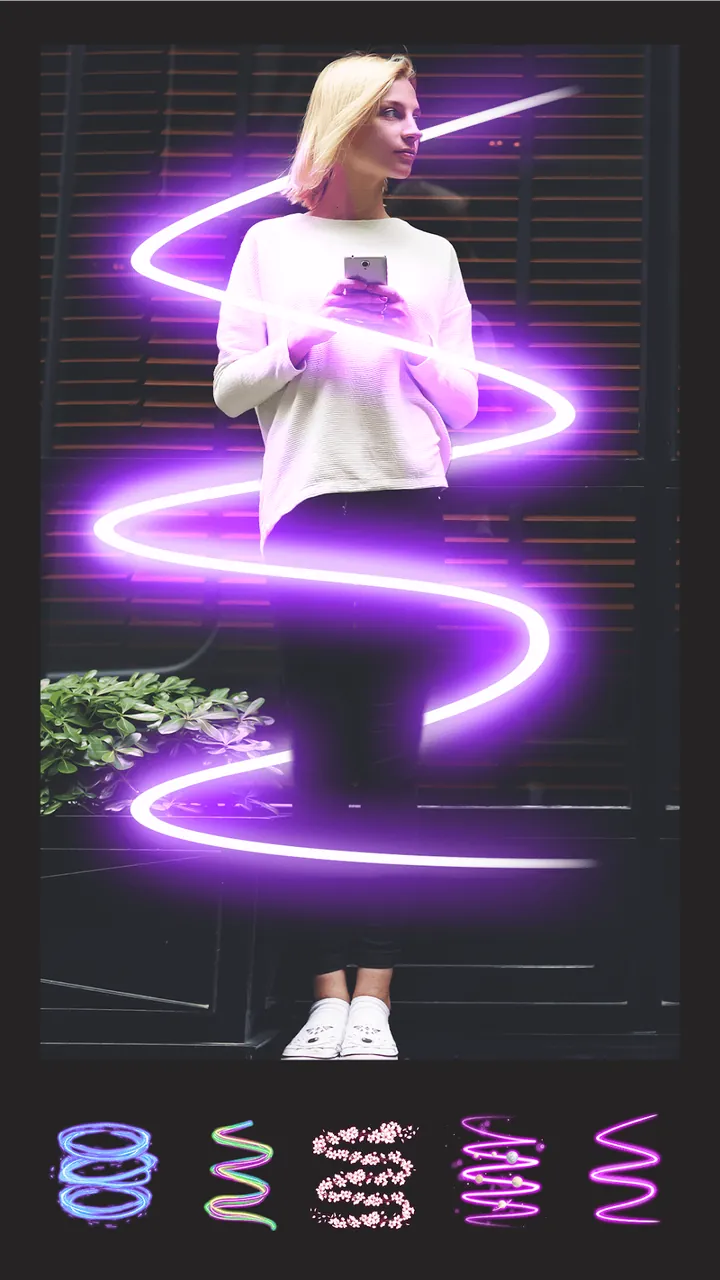
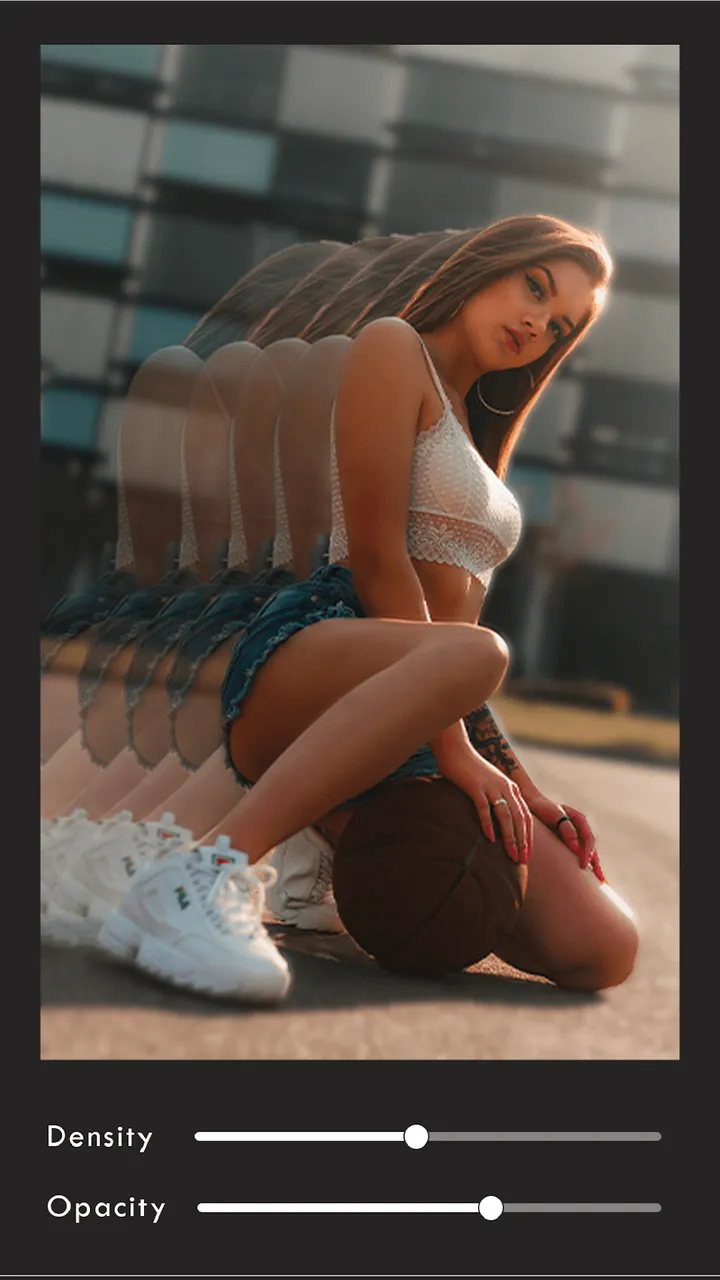
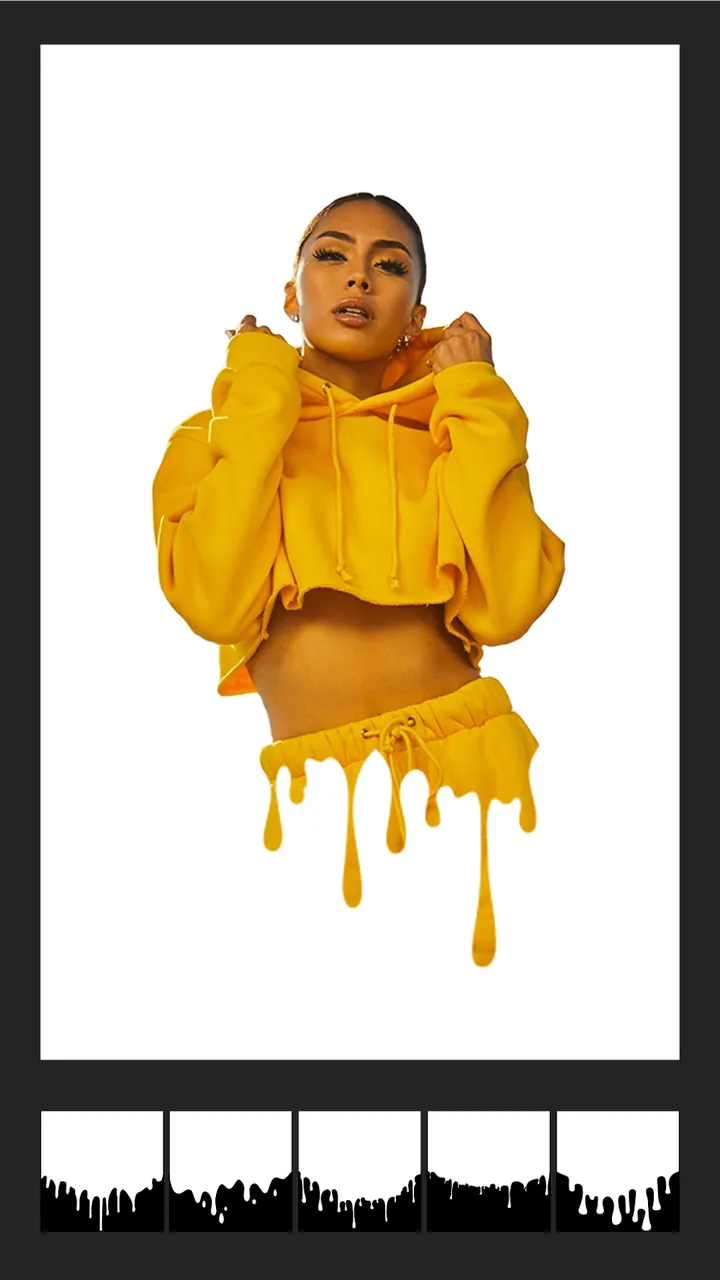
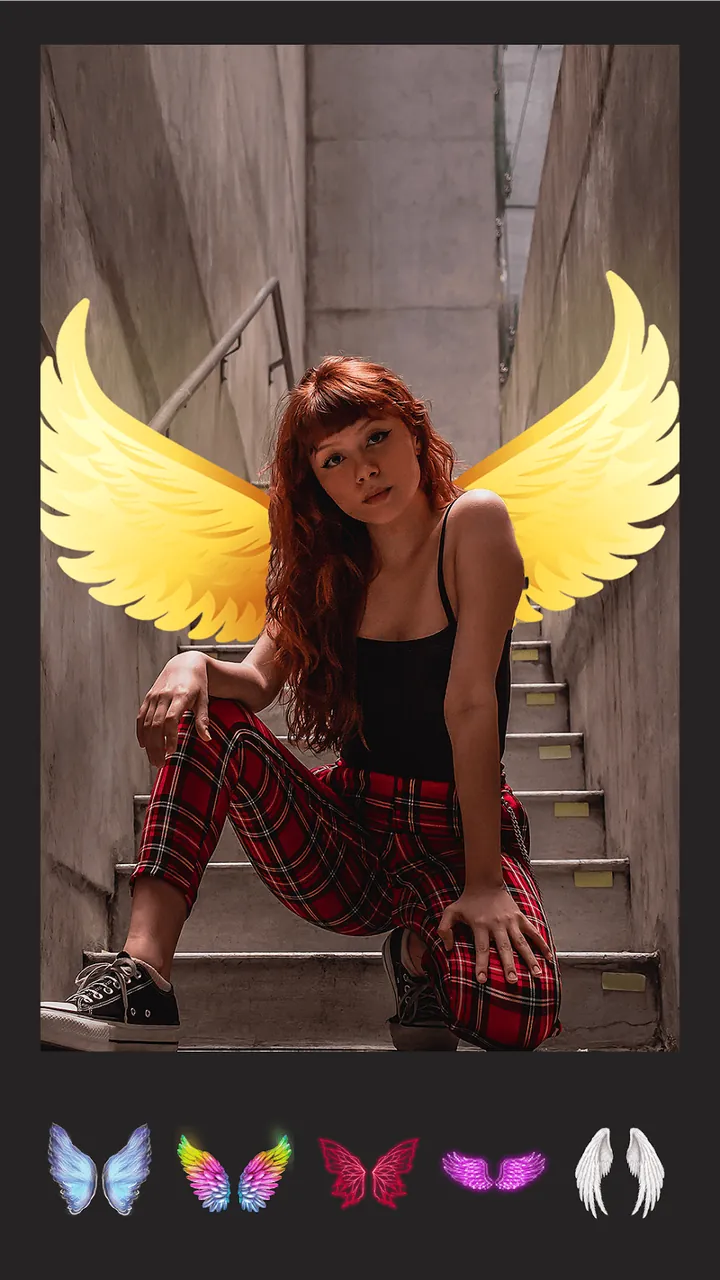
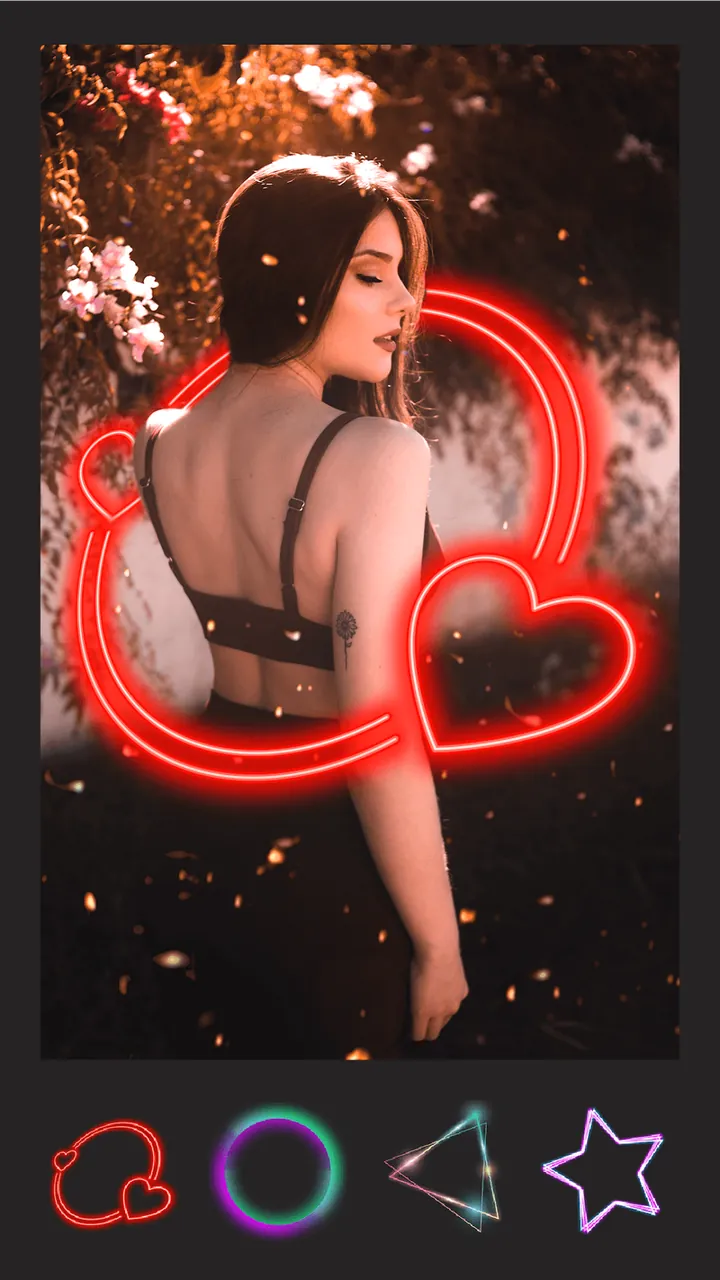
This release provides a Pro Unlocked version of the application, removing the limitations found in the standard version. By using Pixlab MOD APK, users gain immediate access to the full suite of premium digital artistry tools and advanced editing features.
This build is version 3.0.0, has a file size of 51M, and uses the package name com.lyrebirdstudio.magazine; it is a re-signed file that cannot be installed over an existing version from the Play Store.
Pixlab MOD APK is photography and digital artistry app that is geared towards both simple edits and elaborate projects. The app aims to fill in the gap between simple mobile photo filters and powerhouse desktop editing suites. It offers several tools to facilitate image and illustration manipulation. Consequently, it is appropriate for a wide range of users from those wanting to elevate their social media with better pictures to seasoned digital creators seeking to produce professional standard work. Above all, the developers want to simplify mobile digital creation and encourage the notion that an inexpensive smart phone can be an editing suite. The app is aimed at users wanting to get past simple mobile photo filters. It wants to aid users in uncovering the full potential of mobile photography and help bridge the gap between simple mobile photography and desktop editing suites. It is intended for people of all skill levels and offers tools to liberate imagination and unrestricted digital creation.
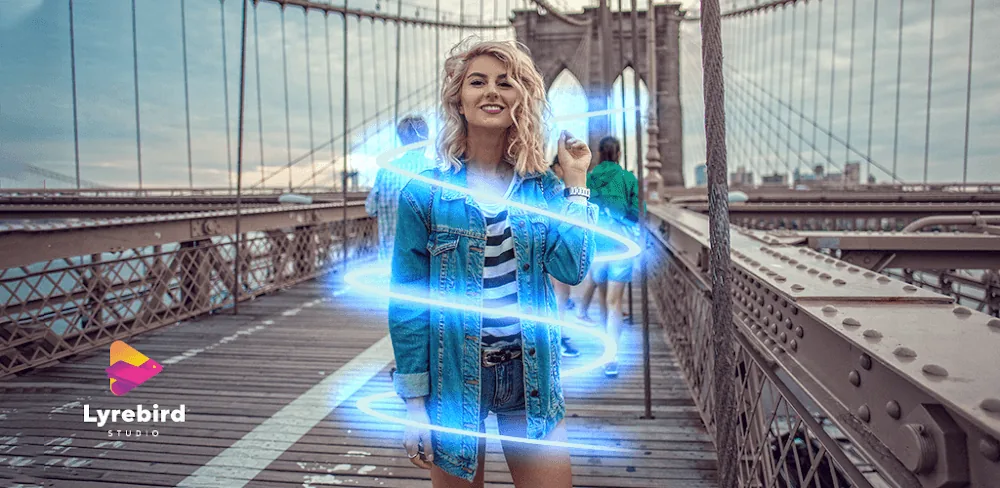
Users can create photos of various styles, from vintage to modern, with effects offered by Pixlab. Its effects library helps capture photo editor users’ attention, especially if the editor provides tools to combine multiple effects and add layer overlays. A beauty filter is provided to quickly create enhanced portraits and selfies. The feature is equipped with options to digitally enhance and modify portraits by smoothing the skin, applying digital masks of animal faces and/or changing the photo subject’s appearance to a cartoon style. Ultimately, an advanced level of personalization is offered to help users strengthen their digital identity. Finally, Pixlab helps users create engaging content, according to the latest trends. Users can experiment with numerous effects and overlays to add creative flair to their photos. If you want to create futuristic, nostalgic or other style photos, Pixlab can help. These functions are free to use through Pixlab MOD APK.
The app provides users with various typography tools based on their interest in messaging and content creation. The app’s font generator features thousands of fonts that users can use to create distinct text messages and visual elements for stories and posts. Users are provided with tools to integrate various custom text messages with stickers to create visually appealing content. Additionally, users have access to an array of sticker graphics, which cover a plethora of feelings, emotions, and other topics. Users are also able to integrate text messages with stickers to create graphics. Users can use the tips and tricks provided by the app to create designs in a more refined manner. The app focuses on graphic customization and high-quality typography to assist users with expressing their unique digital identity and helping users more effectively communicate their ideas through digitized visuals. The stickers are regularly replaced to include what’s in vogue.
Another essential element of the program is the high-resolution collage maker. Similar to the memory maker, this tool enables users to integrate a greater number of memories into a single layout. Users are provided a wide number of grid styles and frames to organize their photos. This tool is optimized for social media. The collage maker maintains high-resolution, and thus, the detail of the images is not lost when multiple pictures are combined. The main objective of the developer of this application is to provide maximum possible variety in the layouts so that users have enough scope to be creative to best capture and present an event or to make thematic collections of images. Accordingly, the developer offers a wide range of frames and layouts in the application. As mentioned, the tool is primarily geared for social media, and with the extensive frames and layouts, the users of the application can “pop” their favorite memories to the online world. Making collages with a variety of frames is simple and requires no graphic design skills.
The editing process is designed to be simple and fast. In the beginning, the user has the option to either import a photo, or take a photo using the app’s FX camera. This FX camera allows users to take a photo, and edit it in real time, with different effects. Once a photo is loaded, the app has multiple automatic systems that will enhance the image based on things like lighting and saturation. While the app automatically adjusts things like lighting and saturation, the user can then begin adding artistic elements like filters and overlays. The app allows the user to be as artistic as possible by automatically doing the technical aspects of photo editing. The app is designed for speed. It is designed to to fit the needs of people who need to be efficient and produce a high volume of content for different social media platforms.
Following edits, photos are processed through a proprietary rendering system to maximize image quality and minimize processing time. Export options specifically configured for social media outlets like Instagram and TikTok are available in the app. The system takes care of rendering and optimization, allowing the user to focus on the artistic aspects of the project. The app provides a major convenience for users who produce digital media and need to post regularly on social media. The app provides a complete solution for the creative process, from the initial photo capture, through edits, to the final step of exporting the photo in high quality for the world to see.
Related MOD APKs
Is Premium unlocked in Pixlab MOD APK?
This 3.0.0 version of Pixlab features Pro Unlocked. It functions similarly to the Lyrebird Studio release, with all modifications active immediately after you complete the installation.
What is the latest version of Pixlab MOD APK?
Version 3.0.0 is the latest Lyrebird Studio build, updated June 12, 2026. We don’t keep older versions here. Install this file over your current app to update; if you see a signature error, delete the old version first.
Is Pixlab MOD APK safe to download?
This Pixlab 3.0.0 build on MODYOLO from Lyrebird Studio includes Pro Unlocked. 1 users gave it a 5/5 rating. It does not require root. Ignore Play Protect warnings during setup, but always download from this page.
Does Pixlab MOD APK remove the watermark?
This version features Pro Unlocked. Since watermark removal is a premium feature in Pixlab, you should check the export screen after you install the app to verify.
You are now ready to download Pixlab for free. Here are some notes: