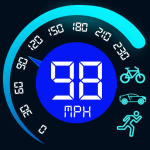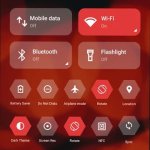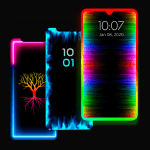

The Ultra Volume Control Styles MOD APK provides full access to the Pro features of the application, removing restrictions on premium styles and advanced customization options. Users can utilize all available sound panel themes and layout settings that are typically locked in the standard version.
What’s Modified in Ultra Volume Control Styles
- Pro Unlocked: All premium volume panel styles and advanced customization tools are available for use without in-app purchases.
 |
 |
 |
This build of Ultra Volume Control Styles MOD APK is version 3.8.9 with a file size of 21M and package name com.treydev.volume; as a re-signed file, it cannot be installed over an existing version from the official store.
About Ultra Volume Control Styles
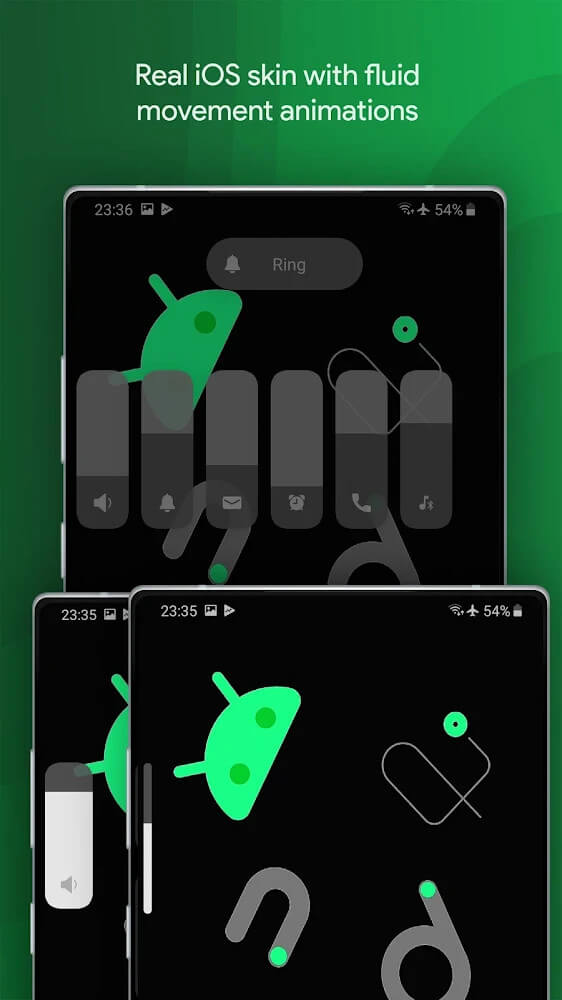
Ultra Volume Control Styles provides users with a wide variety of volume control styles and customizations, offering a strong case to replace the default Android volume interface. The developer heavily emphasizes personalization, offering a broad range of styles to break away from the monotonous, static design styles of most default Android distributions. With Ultra Volume Control Styles, users are presented with many unique skins for their sound panels, and are thus, able to personalize the look of their most frequently used system controls. The developer’s goal is to reward users for their repetitive interaction with old and boring system interfaces and to replace outdated, unresponsive designs with something that is modern and fresh, and integrated properly into the OS. The application focuses on smoothness with its transitions and animations, so that adjusting audio levels and other interfaces becomes a pleasurable and integrated part of the OS. The developer aims to differentiate their sound control panels from the generic manufacturer presets.
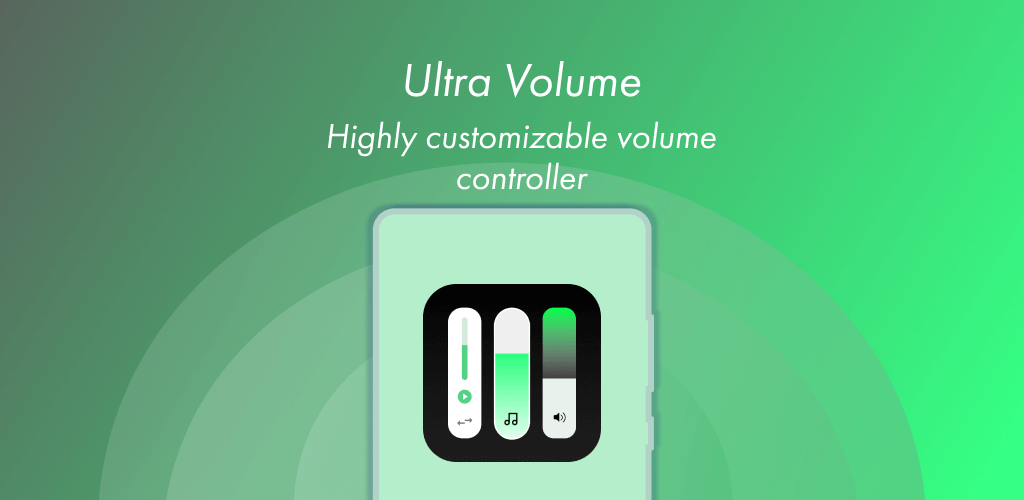
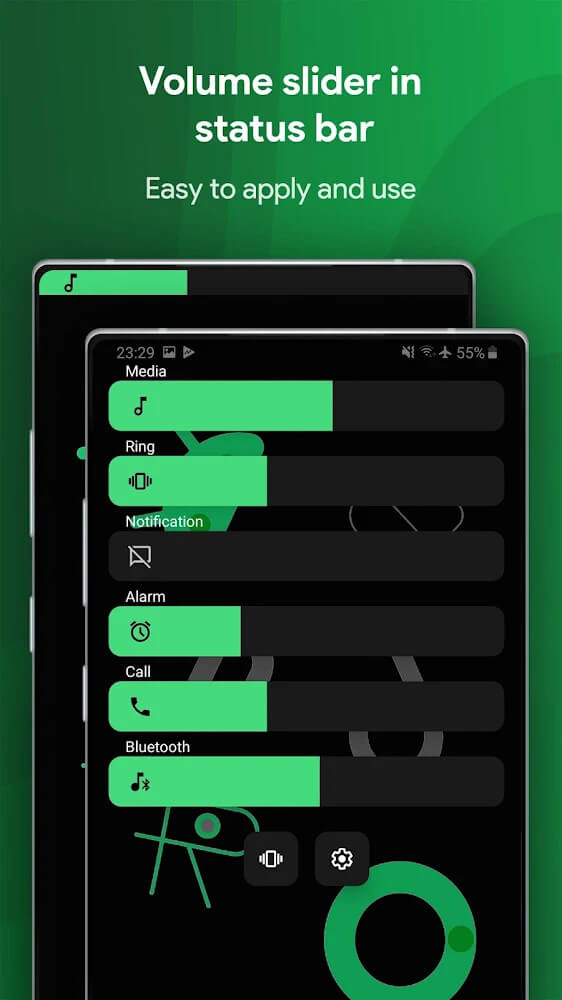
The application is built around 9 sliding bars. Sliding bars, in place of traditional knobs, offer greater flexibility over media volume adjustment. The sliding bars cover a broad range of audio outputs that a user might need to adjust throughout the day, including alarms, notifications, and system sounds. Users no longer have to dig through many layers of system settings to reach various audio output levels. Now all audio levels are conveniently in one place. Users have the ability to adjust the sliders and set levels to their preference. This simplifies the control adjustment process and gives the user a greater sense of control over how they interact with their device. The designers of this application utilized modern design philosophies and interactions to produce a slick, easy to use interface that allows users to quickly adjust audio levels on their device.
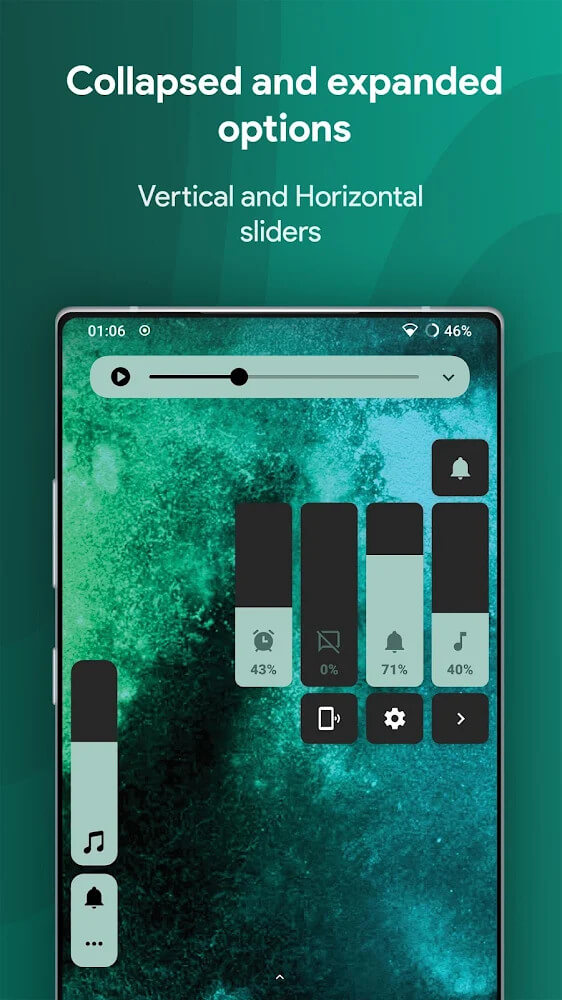
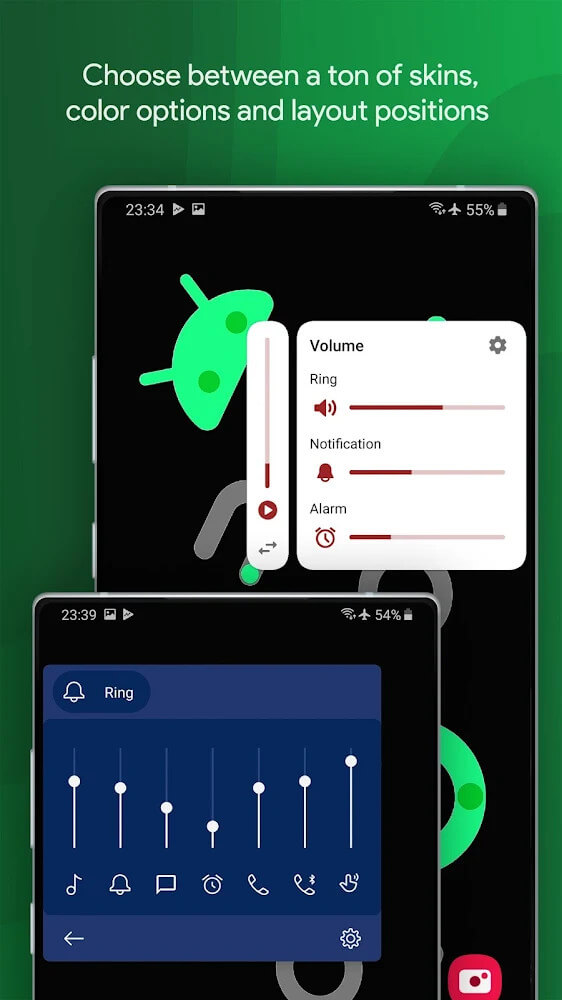
past changes to only swap colors and skins of the volume sliders, this app has given us the ability to edit the physical layout of the control panel. This gives users the ability to modify bars on their screen based on their preferences and the dimensions of their devices. For users of larger devices, they can place controls closer to their thumb for effortless one-handed operation. Further, the app enables the selective display of essential bars. This means a user can hide unnecessary sliders to gain extra screen real estate, if they only find themselves adjusting media and ringtone volume for example. On the flip side, users can also choose to display more essential bars than the default 8. The app gives users the ability to measure and modify every aspect of the user interface, to a degree, that it encourages users to show their artistic and creative side.
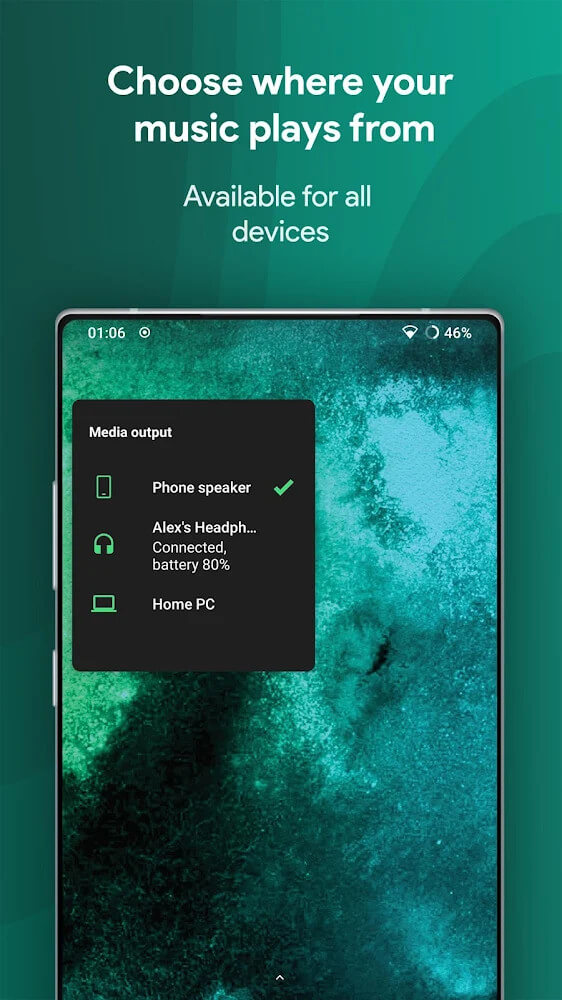
A feature of the application makes it simple to select output media from the volume panel, something of a utility for people who use external audio hardware often. This feature allows users to view their connected devices and switch the audio stream to those devices with a few taps. This saves the user the hassle of going to Bluetooth settings or other media players to manage where sound is being played. In addition, the application provides utility in the form of volume control and gives users options for configuring an alarm that goes off when the decibel level reaches a threshold. When the threshold is crossed, the device vibrates to alert the user that sound may be at a level that can permanently damage the user’s hearing. The application approaches volume management in a creative way and goes beyond the constraints of simple UI modification.
The program places a priority on efficiency with swift swipe gestures. The purpose is to allow for a faster interaction model than utilizing physical knobs. This is also faster than searching through deeper menus in a user’s device settings. The developers believe they have created a swiping mechanism that is remarkably smooth and fast. The intention of the creators is to have users save time with this program and focus on more valuable and relevant activities. The program makes use of gesture based control, giving users the ability to make adjustments quickly and precisely. The inclusion of swipe gestures in the control of audio ensures that the interaction model is fast and provides a more fluid experience when interacting with sound controls on a mobile device. This concept of integrating swipe gestures in sound controls is designed to be fast and easy to use throughout the application. The goal of the application is to provide users with a more pleasurable and effortless experience with audio controls on their mobile device.
Key features
- Multifunctional audio control panel
- Nine different sliders for various audio streams
- Customizable size and position for control bars
- Media output selection for connected devices
- Volume limit vibration alerts for hearing safety
- Swift swipe gesture controls
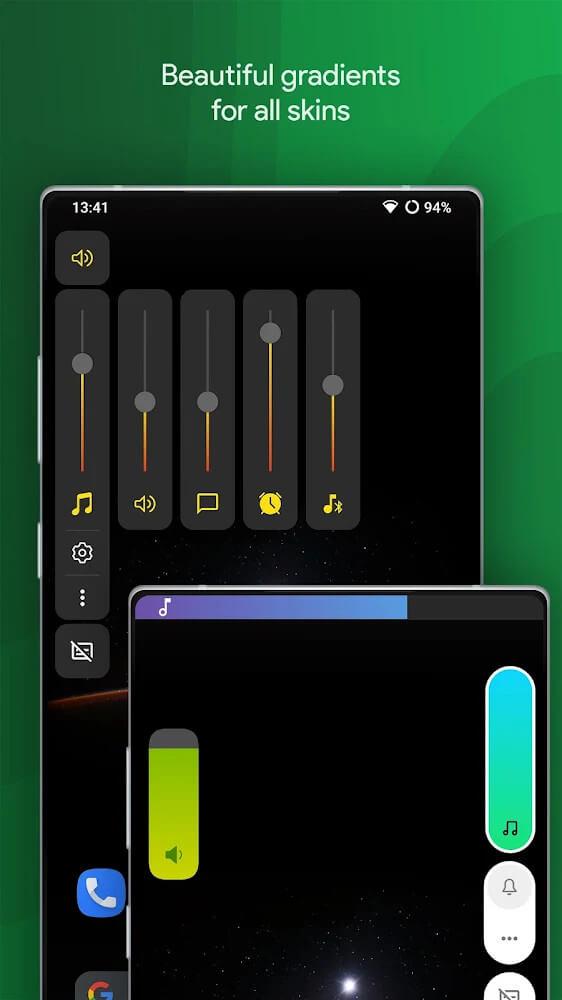
- Unique sound panel styles and themes
 |
 |
 |
Related MOD APKs
FAQ
Is Premium unlocked in Ultra Volume Control Styles MOD APK?
This Ultra Volume Control Styles 3.8.9 build includes Pro Unlocked features. It functions exactly like the ZipoApps release, with all modifications active immediately after installation.
What is the latest version of Ultra Volume Control Styles MOD APK?
Version 3.8.9 is the current release from ZipoApps, dated June 1, 2026. We don’t keep older versions here. Update by installing this file over your current app. If you see a signature error, delete the previous version before trying again.
Is Ultra Volume Control Styles MOD APK safe to download?
This Ultra Volume Control Styles 3.8.9 version on MODYOLO is the ZipoApps app with Pro Unlocked access. It has a 4.4/5 rating from 19 users. It does not require root. Play Protect warnings are expected, so always download from this page.
Can I use Ultra Volume Control Styles MOD APK on PC or iPhone?
This Android package won’t install on an iPhone or iPad. To use the 21M file on a computer, run an emulator like BlueStacks or LDPlayer. Install the emulator, then drag the APK file into it.