Virbo lets Videomakers create Eye-catching VIDEOS FAST using Animated professional AVATARS, Photo Animation, and MULTINGUAL options. Start CREATING today!
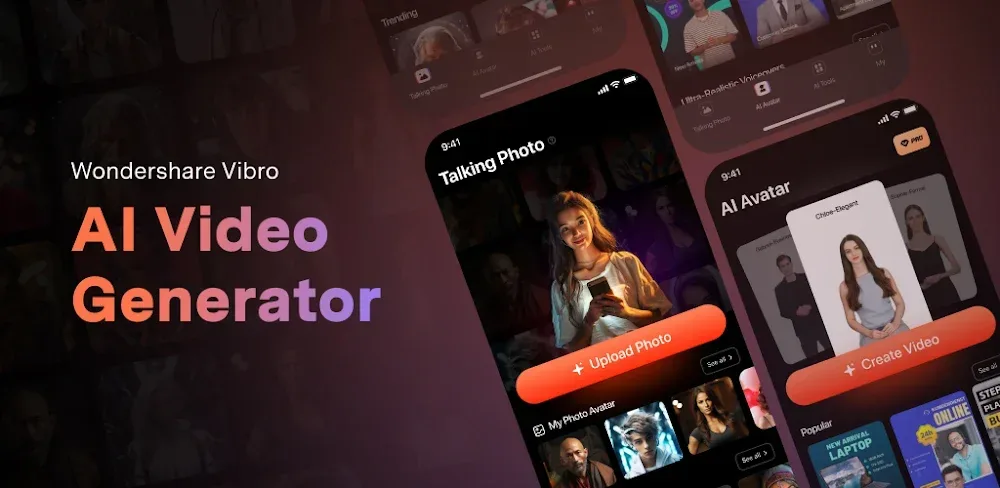

Virbo lets Videomakers create Eye-catching VIDEOS FAST using Animated professional AVATARS, Photo Animation, and MULTINGUAL options. Start CREATING today!
| App Name | Virbo - AI Video Generator |
|---|---|
| Publisher | WONDERSHARE GLOBAL LIMITED |
| Genre | Video Players & Editors |
| Size | 65M |
| Latest Version | 3.0.14 |
| MOD Info | Premium Unlocked |
| Get it On |

|
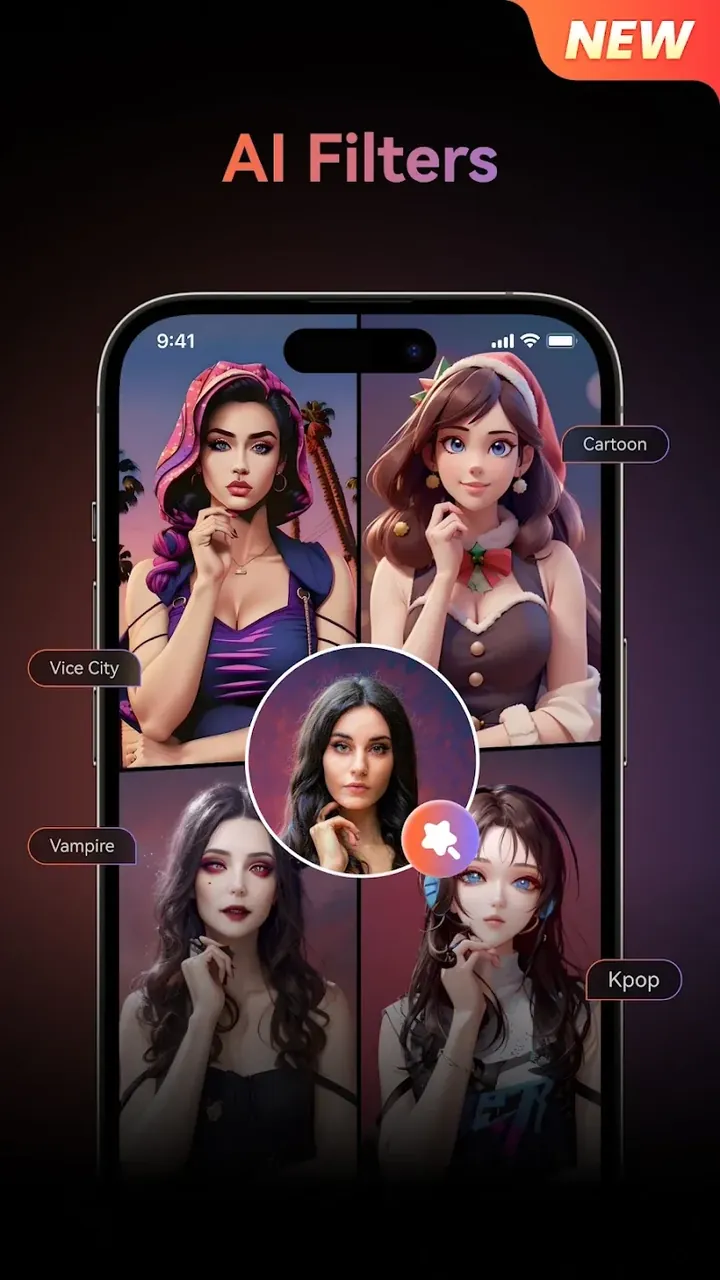
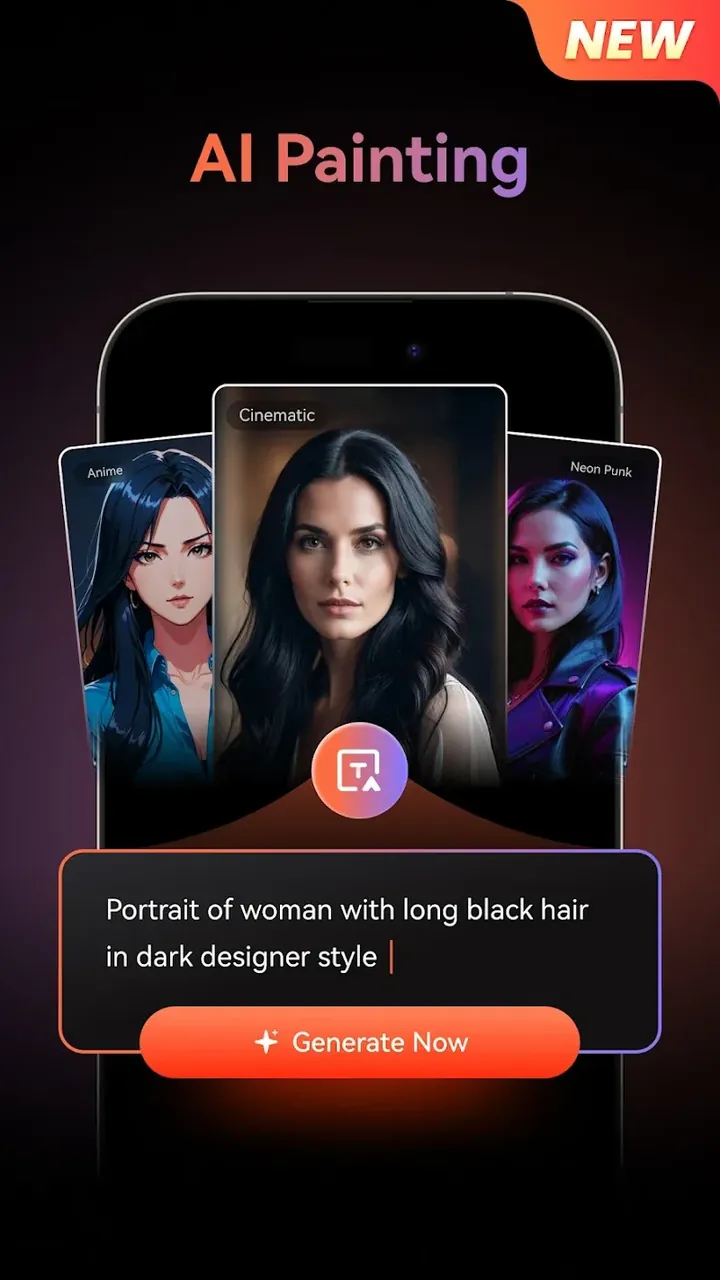
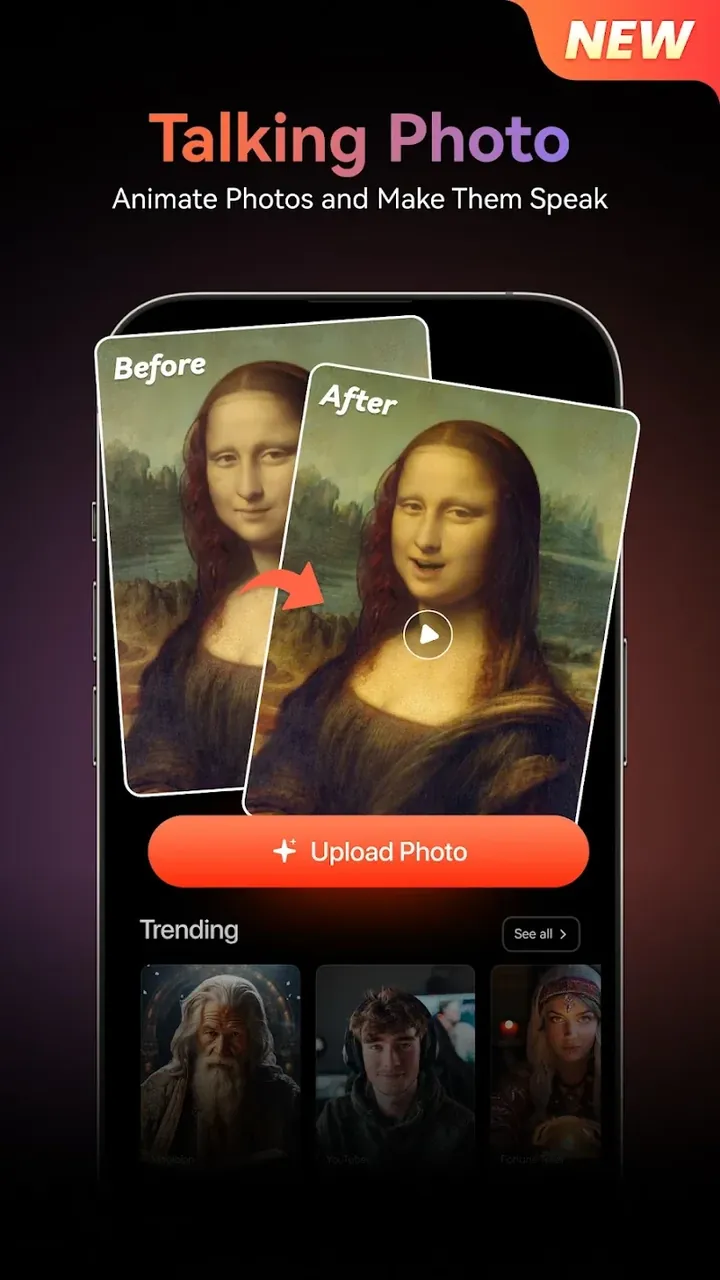
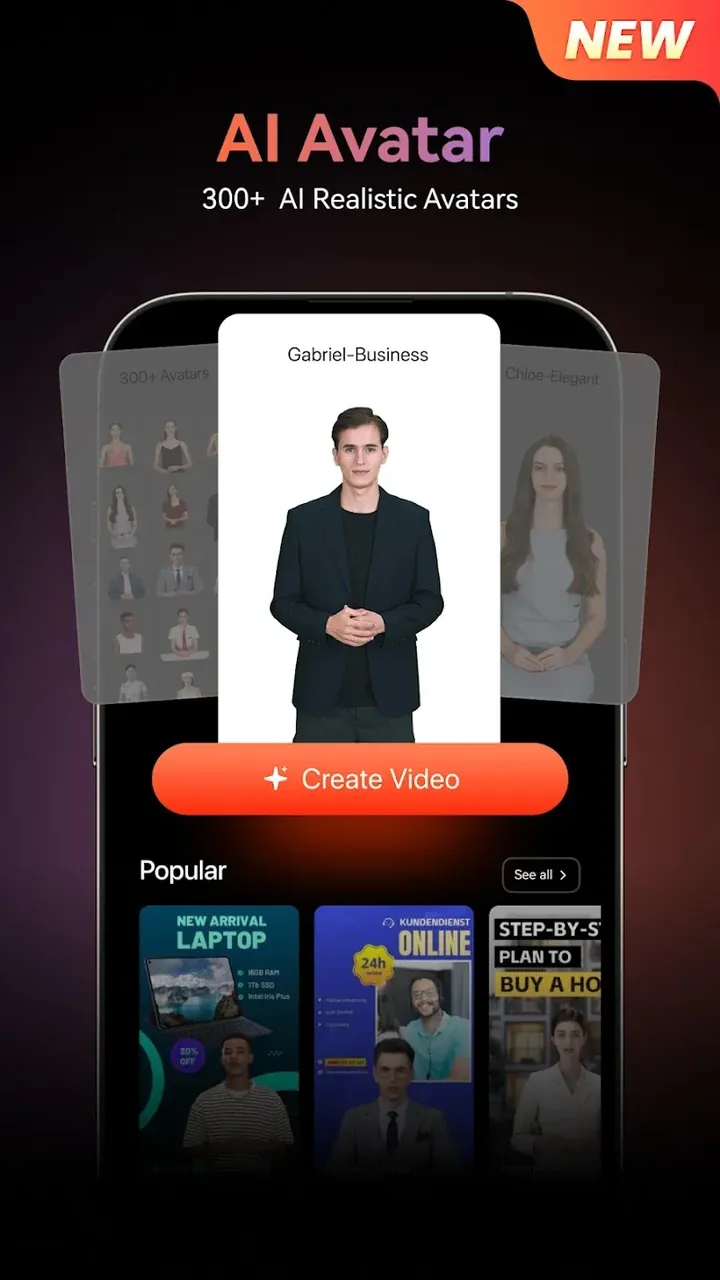
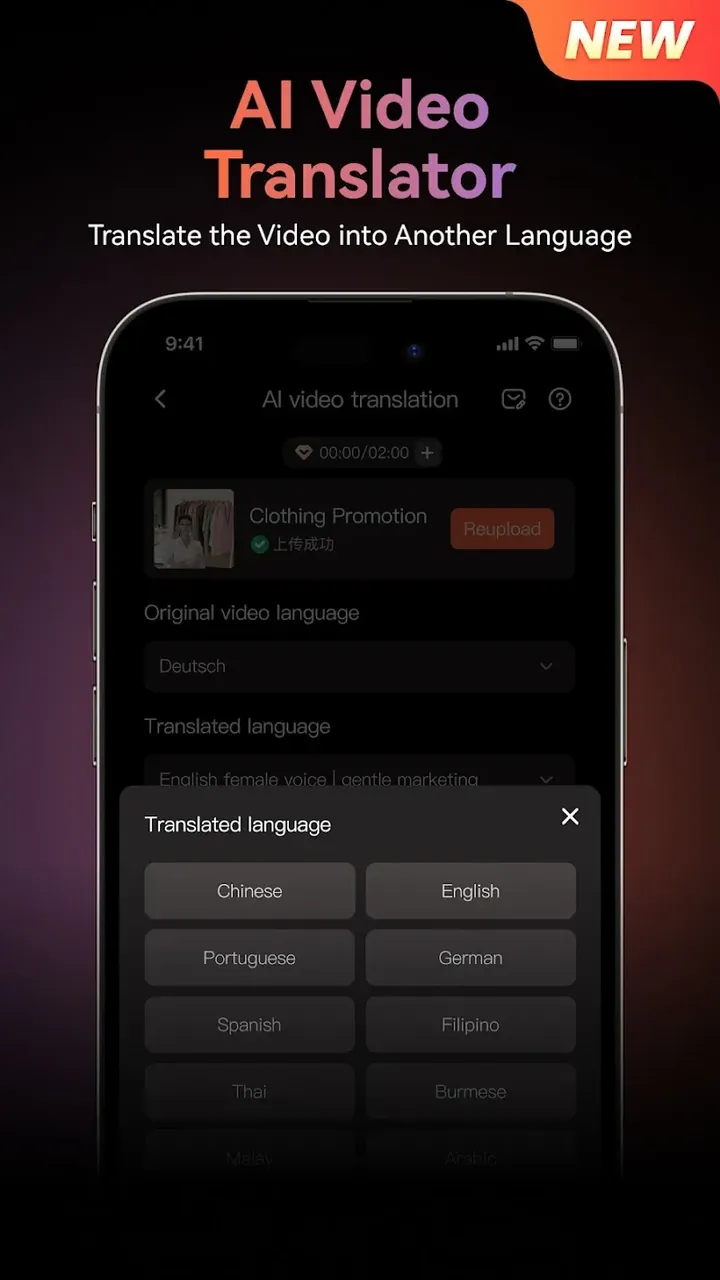
This Virbo MOD APK provides a premium unlocked experience, allowing users to access the full suite of professional video generation tools and digital avatars. The modification enables the use of advanced features that are typically restricted in the standard version of the application.
This build is version 3.0.14 with a file size of 65M under the package name com.virtual.video.i18n, and it is a re-signed file that cannot be installed as an update over a version downloaded from the official store.
VIRBO – AI Video Generator creates marketing and sales content easily from scripts. It allows users to move their video ideas quickly from a script to a produced video. Customers can use the service to create videos to post to social media to showcase their brand or message. It simplifies video production, allowing users to focus on the message and brand they want to create, instead of focusing on the video production.
The application has an AI Video Generator mechanic, which shortens the production time by creating videos from scripts. This mechanic works similarly to other AI video generators, where users type their ideas and the mechanic creates a video by adding stock footage and editing it. This mechanic provides numerous command prompts to simplify the production process even more. While this mechanic removes the wait times associated with manual video editing, it lacks the intuitiveness to create a coherent and complete video. Users can enact commands like “speak the video script and finalize the presentation” to create a presentation video, or give commands like “give an introductory speech” to create an introduction video. Users can order digital humans to act as the face of the video to create professional presentations. The mechanic gives commands to simplify video production and content creation, and acts as a human spokesperson to enable digital content to have a human spokesperson.
There is also an AI feature called AI in Motion. Like AI in Video, this feature uses artificial intelligence and machine learning to enable the creation of videos in a variety of ways including basic image and GIF creation. It includes magic photo effects that add movement to still photos. To enable the use of the videos in a global environment, the application includes a global support feature that removes language barriers. Thus, with the application businesses can communicate their messages in different global regions without the typical friction of having to translate and re-record videos to be appropriate for the target audience.
The application also enables users to create the auditory portion of a video using the feature Voice Your Video. To create the emotion in the script, the users have the ability to add voice-overs using various AI voices and sound effects. Users also have the ability to choose the most appropriate voice for their audience. Users can get organized and think structurally about their creative process for the video, using the feature Tailor Your Template. As mentioned earlier in regards to creating the video, the template are tailored and organized for various purposes such as marketing videos and social media posts.
The workflow inside the app is designed for speed. The core functionality is technically complex and intertwined. Users first have to select how they want to create their script: with the help of a still image, or from a clean slate. They type their message in a text box, and the app analyzes the context and tone to suggest the best visual flow for the video. Users are then free to modify the flow with various tools. After, users are presented with AI avatars, or representations of a person, for users to determine the best visual representation for the voice in the video, and the tone of the flow.
After the settings are finalized, the user clicks the generate button. The app’s engine processes the information to create a high-definition video. Even after the video is created, the app gives users editing tools to modify the video to their liking. This further cements the app as a powerful personal production assistant. Users are allowed to be as creative as they want with the tools to generate, edit, modify, and fine-tune content for as long as they want. With the advanced AI features, users are able to produce a higher volume of content at a faster rate.
Related MOD APKs
Is Premium unlocked in Virbo – AI Video Generator MOD APK?
This Virbo – AI Video Generator 3.0.14 version features Premium Unlocked. It functions like the WONDERSHARE GLOBAL LIMITED original, with all modifications active immediately after installation.
What is the latest version of Virbo – AI Video Generator MOD APK?
Version 3.0.14 matches the WONDERSHARE GLOBAL LIMITED release last updated on June 10, 2026. We don’t keep older versions here. Update by installing this file over your current app; if you see a signature error, uninstall the old one first.
Is Virbo – AI Video Generator MOD APK safe to download?
This Virbo – AI Video Generator 3.0.14 file is the WONDERSHARE GLOBAL LIMITED app with Premium Unlocked. 340 users rated it 3.7/5. It does not require root. Expect a Play Protect warning, so always download from this page.
Does Virbo – AI Video Generator MOD APK remove the watermark?
This version includes Premium Unlocked features. Because Virbo – AI Video Generator bundles watermark removal with Pro, check the export screen after you install the app to verify it.
You are now ready to download Virbo - AI Video Generator for free. Here are some notes: