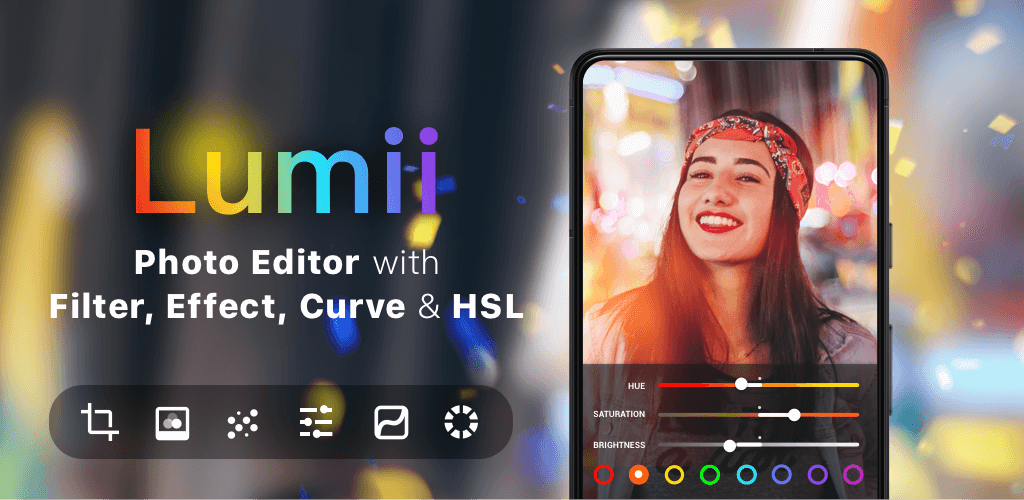


The Lumii MOD APK provides a Pro Unlocked version of the photography application, granting access to all premium editing features and filters. This modification ensures that advanced tools typically restricted to paid users are available for use in this specific build.
What’s Modified in Lumii
- Pro Unlocked: This build provides full access to all premium filters, effects, and advanced editing tools without requiring a separate subscription.
 |
 |
This build is version 3.033.213 with a file size of 34M and package name photo.editor.photoeditor.filtersforpictures; it is a re-signed file and therefore cannot be installed as an update over a copy downloaded from the official store.
About Lumii
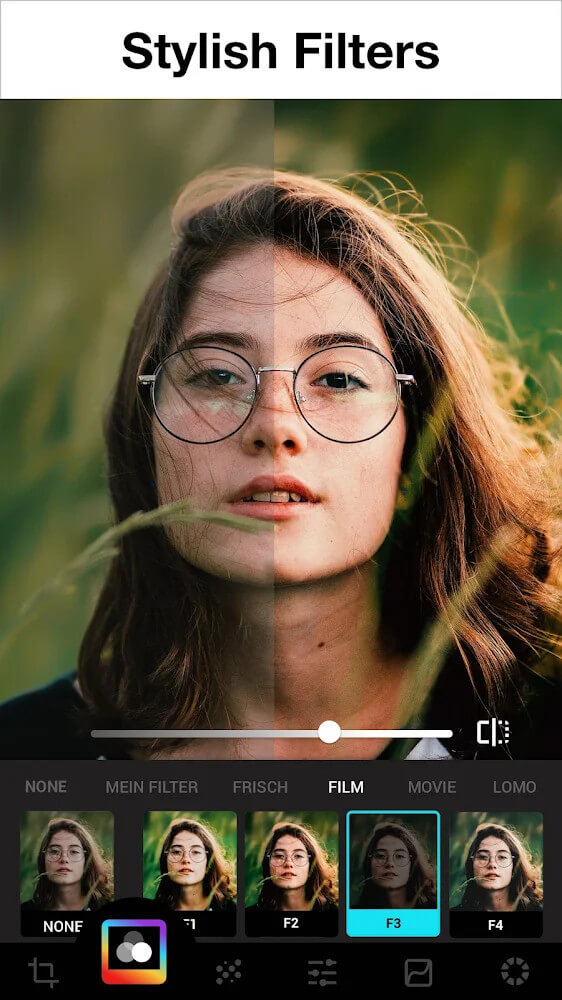
Lumii is an image editing app that caters to both beginners and professionals. The goal of the app is to let users edit photos to meet their requirements before sharing or posting photos to other social platforms. The app contains 100+ color filters that fall under different categories including LOMO, Film, Retro, Food, Landscape, Classic, Inner Page and others. These unique color filters help users make color corrections and solve color deficiencies that users’ devices may have. Aside from the preset filters, users have the option of manually making filter edits in order to create a specific aesthetic. Each day, the app provides a new filter to help users be on-trend and have different ways to edit photos.
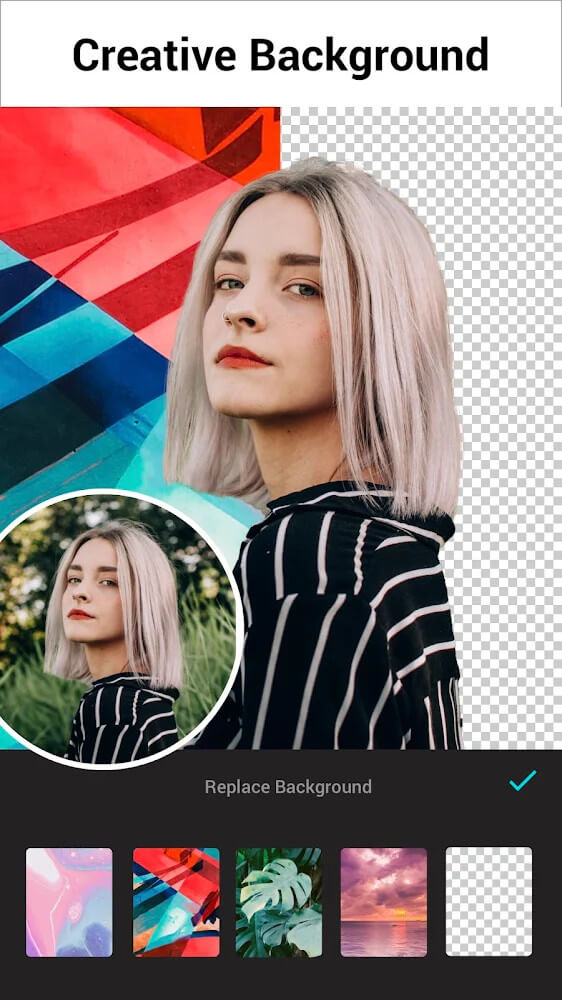
This application leverages artificial intelligence to manipulate complex subjects and backgrounds. This technology has the capability to place the main subject of an image, whether it be a person or object, in front of a background of their choosing. With the subject isolated from the background, users have the ability to place an artificial background, and even blur the background, to add effects to their image. Manipulating images in this manner usually requires a detailed knowledge of photo editing and a thorough understanding of what effects to add to an image. This application does this automatically. Users can create images with effects that they would usually not be able to create on their own. This application attempts to remove the barrier of complex editing and give the average consumer the ability to create professional looking images with minimal effort.
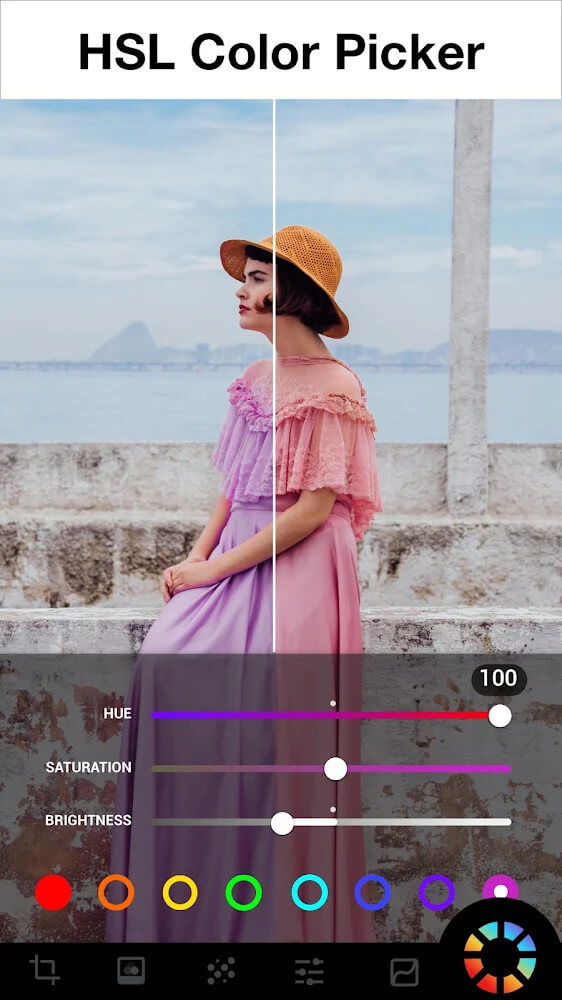
This application offers a professional level double exposure blend correction and editing tool. Like the other photo editing tools offered by the application, this tool is intended to empower the average mobile editor to easily create professional looking images that contain aspects of photo editing that would normally be complicated and time consuming to create. The application also offers a professional level HSL color tool to edit and manipulate images at a professional level.
New users can benefit from simple editing tools such as adjusting photos for brightness, adding or removing highlights and shadows, adding warmth or exposure, and increasing or decreasing sharpness. More advanced features of the app let users edit their pictures using the HSL (Hue, Saturation and Luminance) tool and a double exposure feature. Users can see a thumbnail of the picture being edited and are provided with a series of icons to assist them in making adjustments. Novice users can use these tools to edit pictures for contrast and exposure and make other basic adjustments. More advanced users can edit pictures for style by using effects and filters.
 |
 |
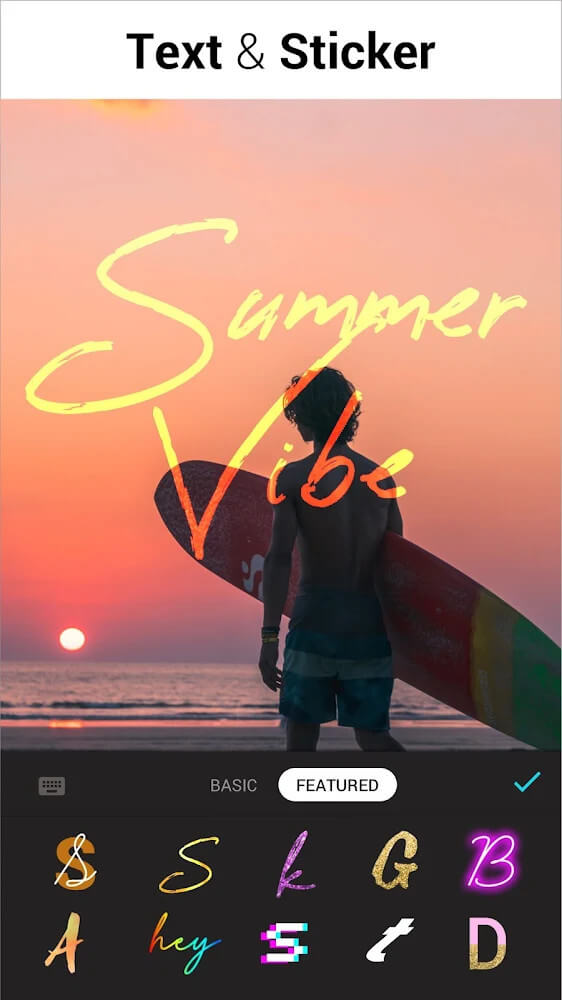
An important feature of the application is the ability to integrate text to media. The application offers a text tool which allows users to input messages directly via the keyboard. Once the text is added, the application allows users to edit the text in several different ways, including the font style and size. The text can be edited to overlay photographs to create designs.
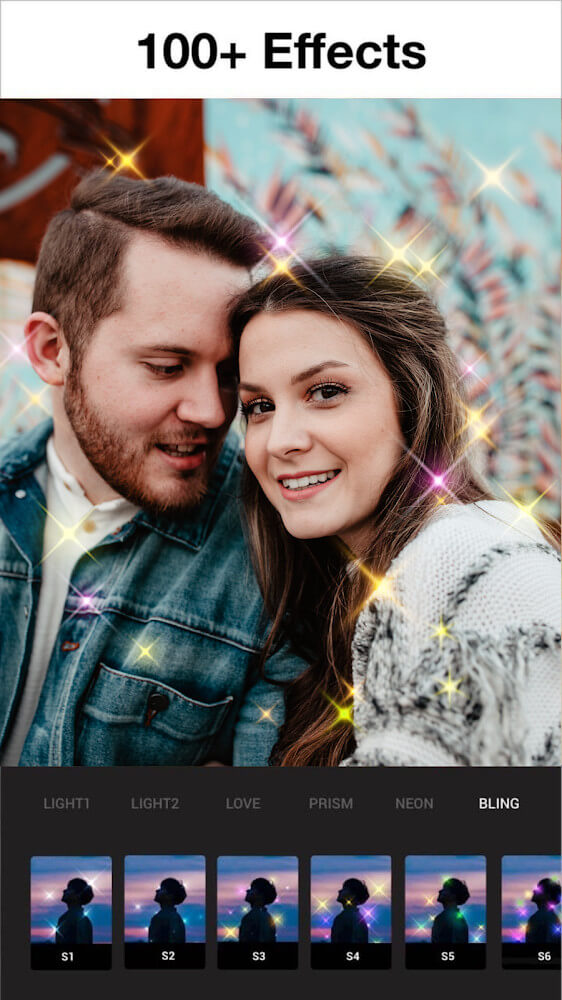
The application offers a variety of photographic effects that can be combined with filters to change the overall look and feel of an image. Some of the effects include fictitious weather conditions and lighting. These effects make it possible for the user to be creative when adjusting and enhancing photographs. It can provide the appearance of various atmospheric conditions including smoke or dust. Photographers can use the application to develop ideas and produce creative photography.
Edited images are organized using an in-app image library and storage system. Users can further organize images by saving edited images into albums. Users can create as many albums as they’d like to help them further organize images by a theme. The in-app organization system helps users speed up their workflow by eliminating the need to search through thousands of images on their device. Thousands of images can quickly add up if a user is taking pictures of a subject from numerous angles or in different lighting, for example. The workflow system is further designed to help users edit images swiftly, access a multitude of features, and adjust images to their exact specifications.
Key features
- LOMO Filter
- Film Filter
- Retro Filter
- HSL Color Mode
- Double Exposure Blend Correction
- AI Background Separation
- Background Blurring
- Adjust Brightness
- Highlights Adjustment
- Contrast Adjustment
- Shadows Adjustment
- Warmth Adjustment
- Exposure Adjustment
- Sharpness Adjustment
- Special Fonts
- Themed Albums
- Lighting Effects
- Weather Effects
 |
 |
Related MOD APKs
FAQ
Is Premium unlocked in Lumii MOD APK?
This build of Lumii (3.033.213) features Pro Unlocked. It functions similarly to the InShot Inc. release, and these modifications become active as soon as you finish the installation.
What is the latest version of Lumii MOD APK?
The current 3.033.213 build matches the InShot Inc. release from August 17, 2026. We don’t keep older versions here. Update by installing this file over your current app; if you get a signature error, uninstall the old version first.
Is Lumii MOD APK safe to download?
This Lumii 3.033.213 file is the InShot Inc. app with Pro Unlocked modifications. 38 users gave it a 4/5 rating. It does not require root. Play Protect might show a warning, so always download from this page.
Does Lumii MOD APK remove the watermark?
This build provides Pro Unlocked. Since Lumii includes watermark removal in its premium tier, check the export screen after installation to verify the feature is active.