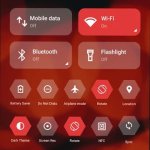
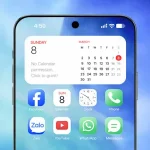
Elevate your screen with OnePro Dark! 3,800+ minimalist OneUI 7 icons and 300+ AMOLED wallpapers for a premium, sleek, and synchronized dark mode experience.
OnePro Dark - Icon Pack v2.5.9 APK (Full Version)
| App Name | OnePro Dark - Icon Pack |
|---|---|
| Publisher | Eatos |
| Genre | Personalization |
| Size | 59.9M |
| Latest Version | 2.5.9 |
| MOD Info | Full Version |
| Get it On |

|
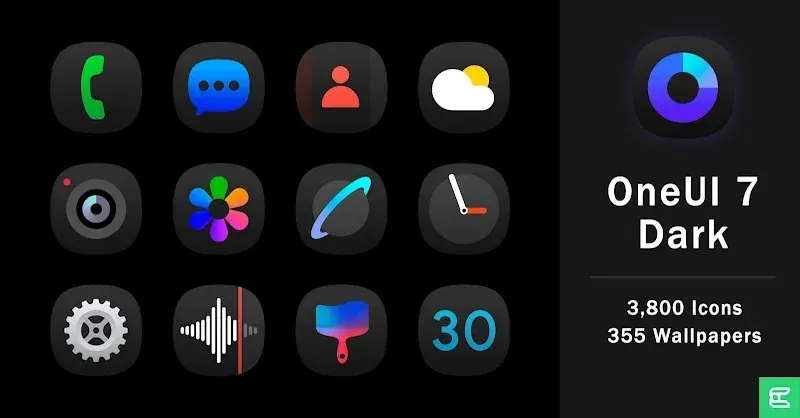
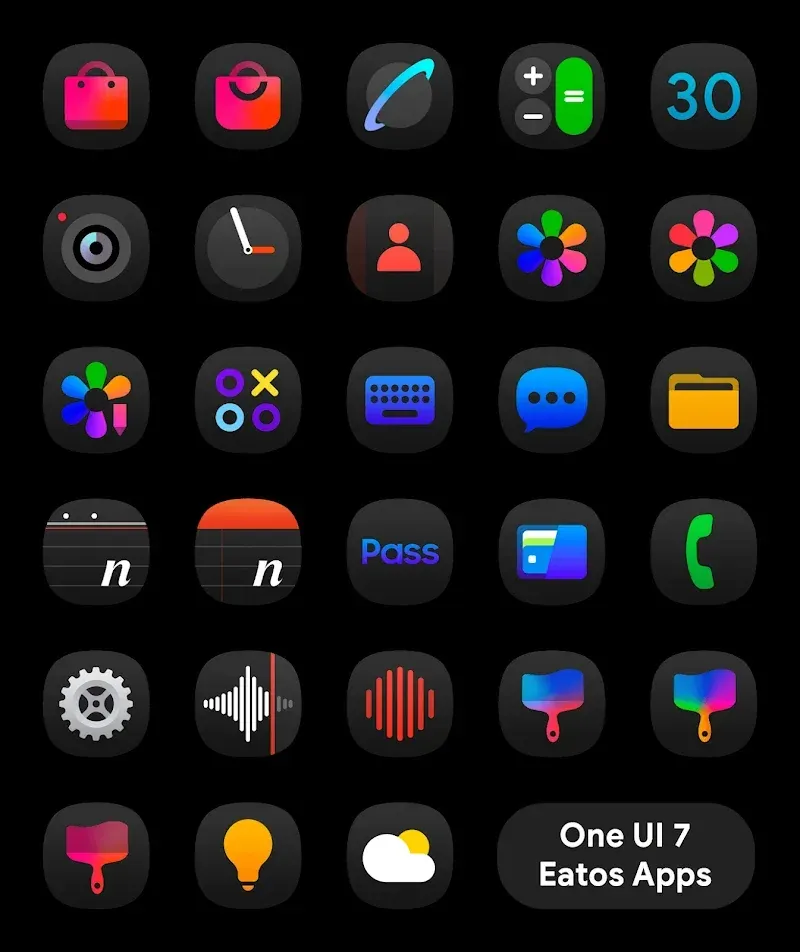
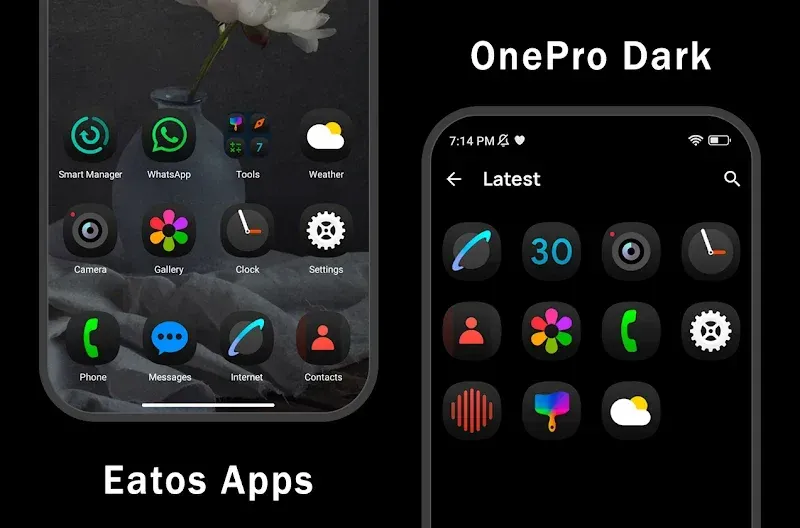
The primary change in this build is the activation of the full version features. OnePro Dark MOD APK allows for the use of all premium assets and customization tools that are normally restricted in the standard release.
What’s Modified in OnePro Dark
- This build unlocks the full version of the application, providing access to the complete library of icons and wallpapers.
Version 1.5.5 has a file size of 25M and uses the package name com.eatos.onedarkpro; please note that this is a re-signed file and cannot be installed as an update over a version from the official store.
About OnePro Dark
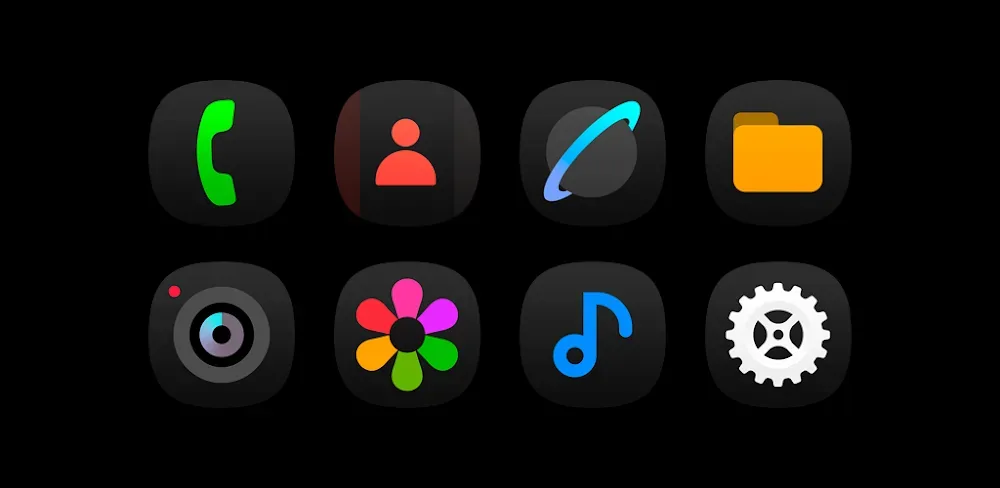
OnePro Dark MOD APK is designed to provide a specific visual transformation for Android devices, drawing heavily from the OneUI 7 design language. This aesthetic focuses on smooth curves and a modern iconography style that aims to create a professional and cohesive user interface. The primary goal of this pack is to offer a dark-themed environment that is particularly effective for users who prefer minimalist setups or devices with AMOLED displays. By utilizing a strict dark-mode design philosophy, the icons are intended to reduce eye strain while maintaining a high-end feel throughout the entire operating system. This consistency is achieved by applying a uniform style across all graphical elements, ensuring that no single icon feels out of place within the broader theme.
The application provides an expansive library of over 3,800 high-definition icons, each meticulously crafted to ensure visual clarity and consistency across the app drawer. This large number of assets is intended to cover a wide range of applications, including the most popular social media platforms, productivity tools, and gaming apps. The design of each icon follows the latest design trends, incorporating smooth edges and modern shapes that reflect current mobile interface standards. This comprehensive coverage ensures that the app drawer maintains a uniform look, preventing the visual clutter that often occurs when standard icons are mixed with themed ones. The high-definition nature of these icons means they remain sharp even on high-resolution screens, providing a crisp appearance across various home screen layouts.
Beyond the icons themselves, the package includes a curated selection of over 300 high-resolution wallpapers. These wallpapers are specifically selected to complement the dark-themed icons, helping them stand out against the background. The gallery is designed to provide a variety of options that fit the minimalist and professional aesthetic of the icon pack. Each wallpaper is intended to work in tandem with the dark icons to create a deep, immersive visual experience. This synergy between the background elements and the foreground icons is a central part of the application’s approach to personalization, allowing users to build a complete theme rather than just changing individual graphics. The collection is specifically designed to make dark icons pop, enhancing the overall professional feel of the device.
To facilitate the application of these visual changes, the app includes a built-in dashboard that allows for instant theme application. It supports a wide variety of major third-party launchers, such as Nova, Apex, Action, and Go, among others. This compatibility ensures that users can apply the icons regardless of their preferred home screen environment. The dashboard acts as a central hub for managing the icon pack, providing a simple way to navigate the thousands of available assets. By integrating directly with these launchers, the application simplifies the process of refreshing the user interface, making it possible to change the entire look of a device with minimal manual configuration. This seamless integration is intended to make the customization process smooth and enjoyable for all users.
The application also features several utility tools designed to improve the user experience during the customization process. A smart search and preview tool is included, which allows users to find specific icons by name and see how they will appear on the home screen before they are applied. For applications that do not yet have a themed icon, a built-in request tool is provided. This feature allows users to notify the developer of missing apps, which helps prioritize future additions to the icon library. Additionally, the pack includes dynamic calendar support, where the calendar icon changes its appearance based on the current date, adding a functional and living element to the home screen setup. These mechanics ensure that the interface remains functional and fresh over time.
The overall philosophy behind the app is to offer a complete UI overhaul rather than a simple set of graphics. The library is intended to grow over time through regular updates that add new icons and wallpapers to keep pace with new app releases and evolving design trends. This approach ensures that the icon pack remains relevant as the user’s app collection changes. By focusing on the futuristic look of OneUI 7 and maintaining a professional design standard, the pack provides a way for users to achieve a sophisticated and modern look on any compatible Android device. The result is a blend of simplicity and professional design that transforms the standard interface into a more refined digital environment, providing endless possibilities for home screen customization.
Key features
- Massive Icon Library with over 3,800 high-definition icons
- OneUI 7 Inspired Aesthetics featuring smooth curves
- Premium Wallpaper Gallery with over 300 high-resolution options
- Comprehensive App Coverage for social media, productivity, and gaming
- Built-in dashboard for instant application to major launchers
- Smart Search and Preview tool for finding specific icons
- Icon Request Tool for notifying developers of unthemed apps
- Dynamic Calendar Support with icons that change based on the date
- Consistent Dark Style designed to reduce eye strain
Related MOD APKs
- iGlassOS Dark – Icon Pack
- OneGlass 8 (Color) – Icon Pack
- OneGlass (Dark) – Icon Pack
- OneGlass 7 – Icon Pack
FAQ
What does OnePro Dark – Icon Pack MOD APK unlock?
This 1.5.5 build of OnePro Dark – Icon Pack provides the Full Version. It functions like the Eatos original, and these features are active immediately after installation.
What is the latest version of OnePro Dark – Icon Pack MOD APK?
Version 1.5.5 matches the Eatos release from June 12, 2026. We don’t keep older versions here. Update by installing this build over the current one; if Android reports a signature conflict, uninstall the old version first.
Is OnePro Dark – Icon Pack MOD APK safe to download?
This OnePro Dark – Icon Pack 1.5.5 release is the Eatos app with the Full Version enabled. 288 users rated it 3.8/5. It does not require root. Play Protect warnings are expected; always download from this page.
Can I use OnePro Dark – Icon Pack MOD APK on PC or iPhone?
This file won’t work on iPhone or iPad. To use the 25M APK on a computer, install an Android emulator like BlueStacks or LDPlayer, then drag the file in.
OnePro Dark - Icon Pack v2.5.9 APK (Full Version)
Download (59.9M)You are now ready to download OnePro Dark - Icon Pack for free. Here are some notes:
- Please read our MOD Info and installation instructions carefully for the game & app to work properly
- Downloading via 3rd party software like IDM, ADM (Direct link) is currently blocked for abuse reasons.
3.8/5 (288 votes)