Download the Glassy Colors Icons MOD APK and change the way your phone looks for the better. This app brings you the best of beautiful glass style icons, HD wallpapers, and lots of updates every week.
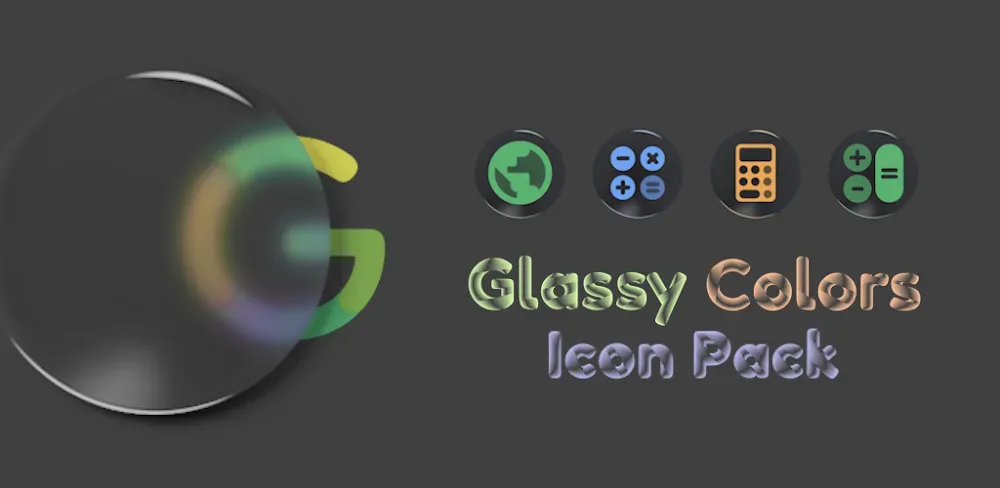
Download the Glassy Colors Icons MOD APK and change the way your phone looks for the better. This app brings you the best of beautiful glass style icons, HD wallpapers, and lots of updates every week.
| App Name | Glassy Colors Icons |
|---|---|
| Publisher | PashaPuma Design |
| Genre | Personalization |
| Size | 87.5M |
| Latest Version | 1.4.5 |
| MOD Info | Full Version |
| Get it On |

|
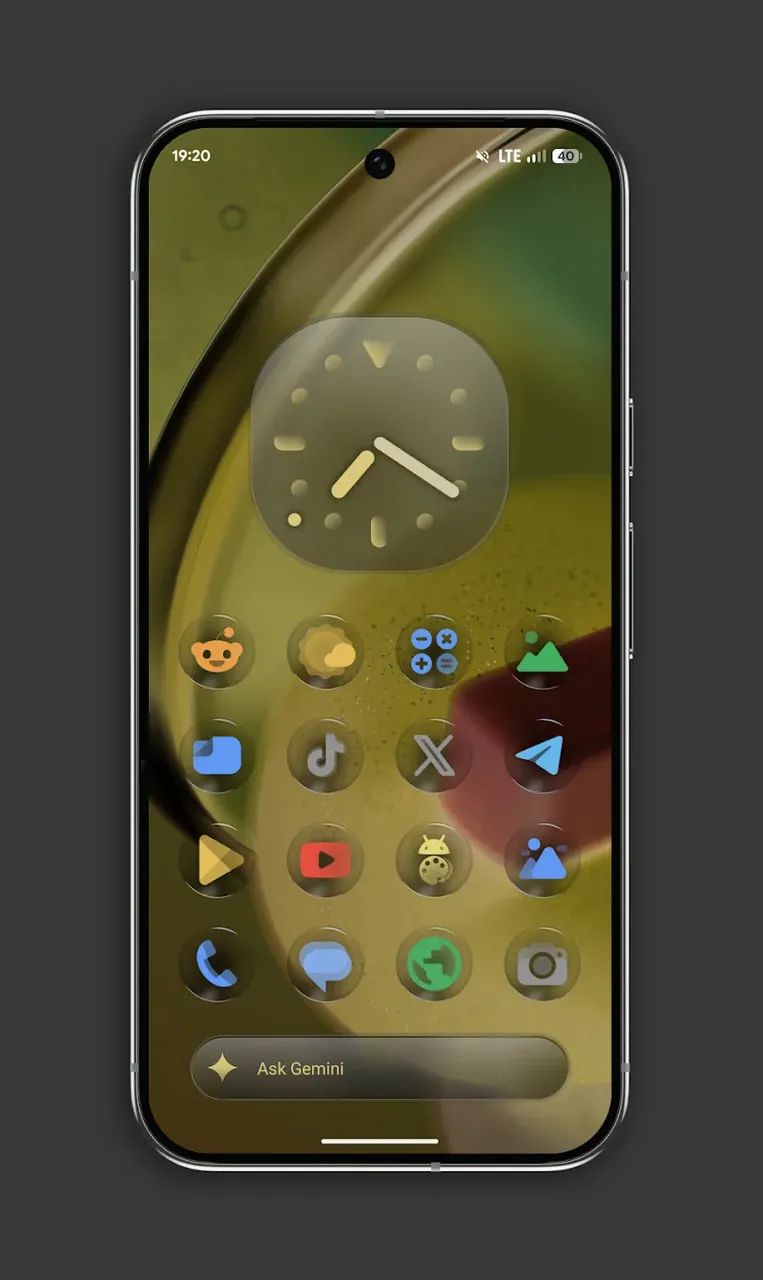
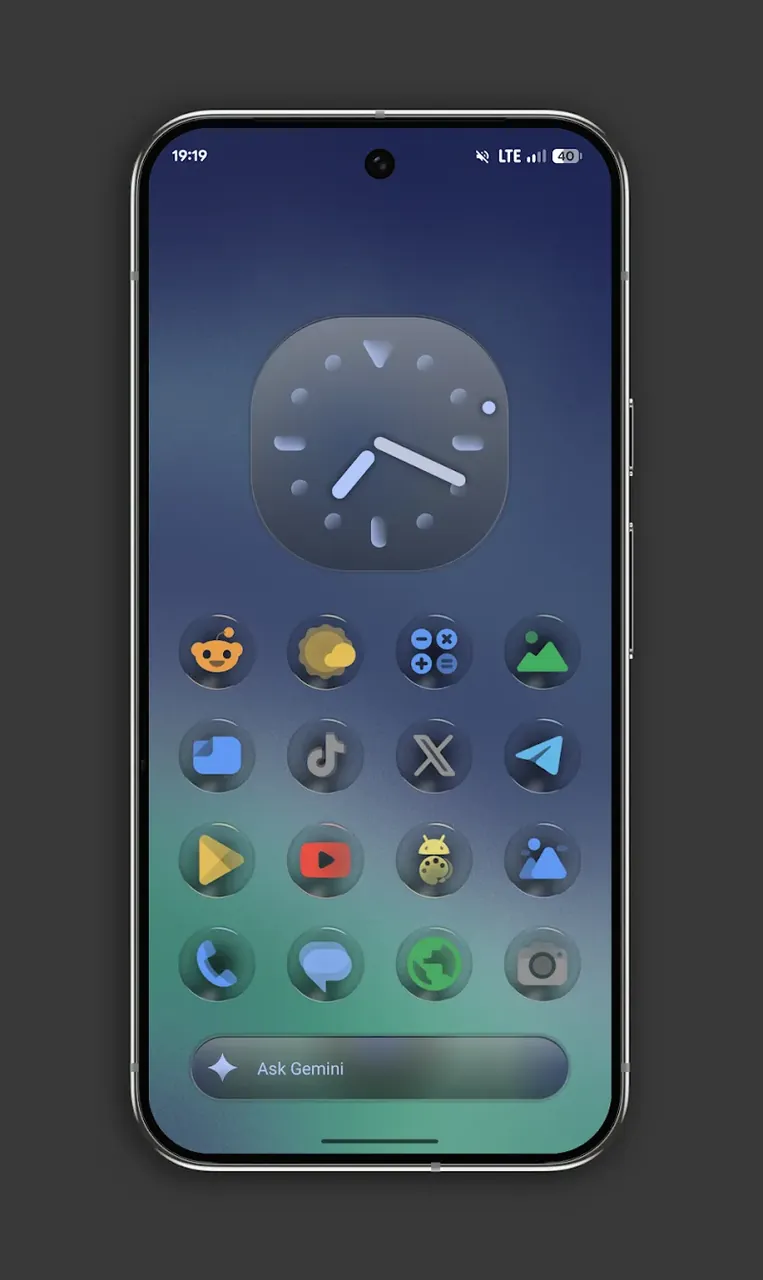
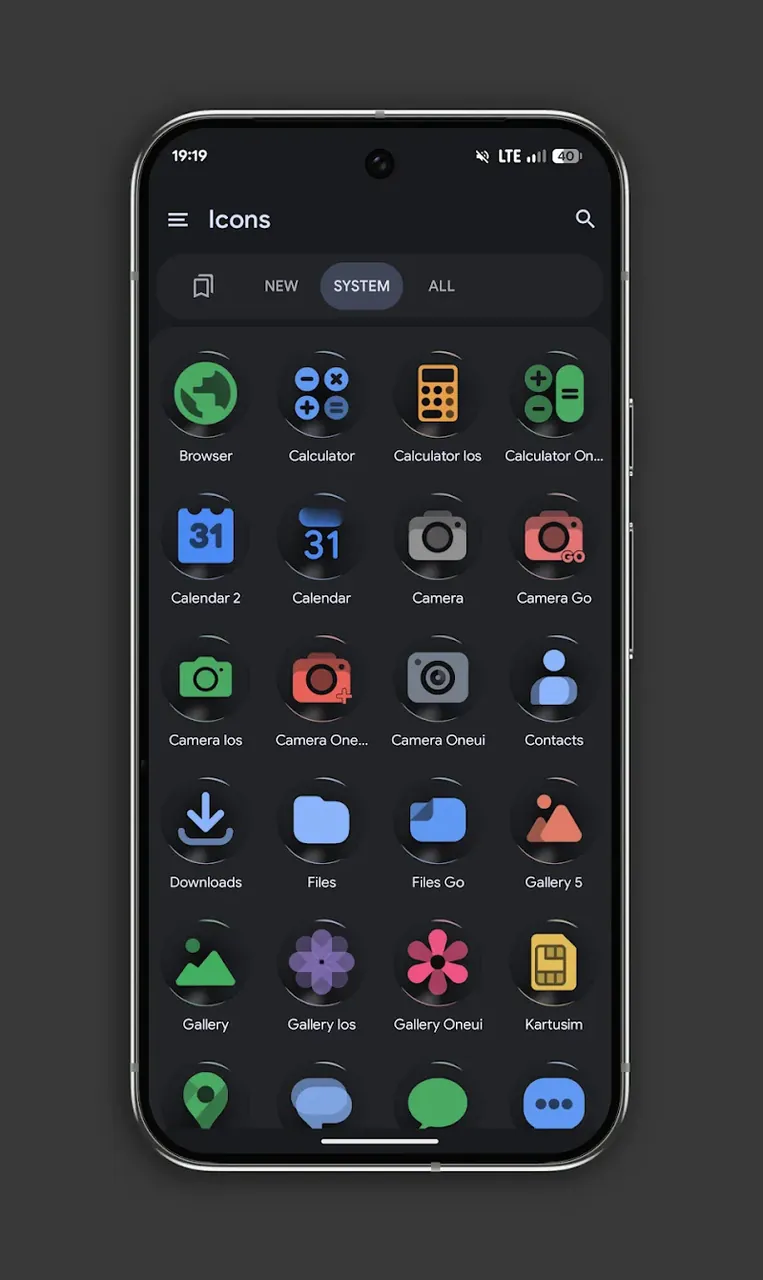
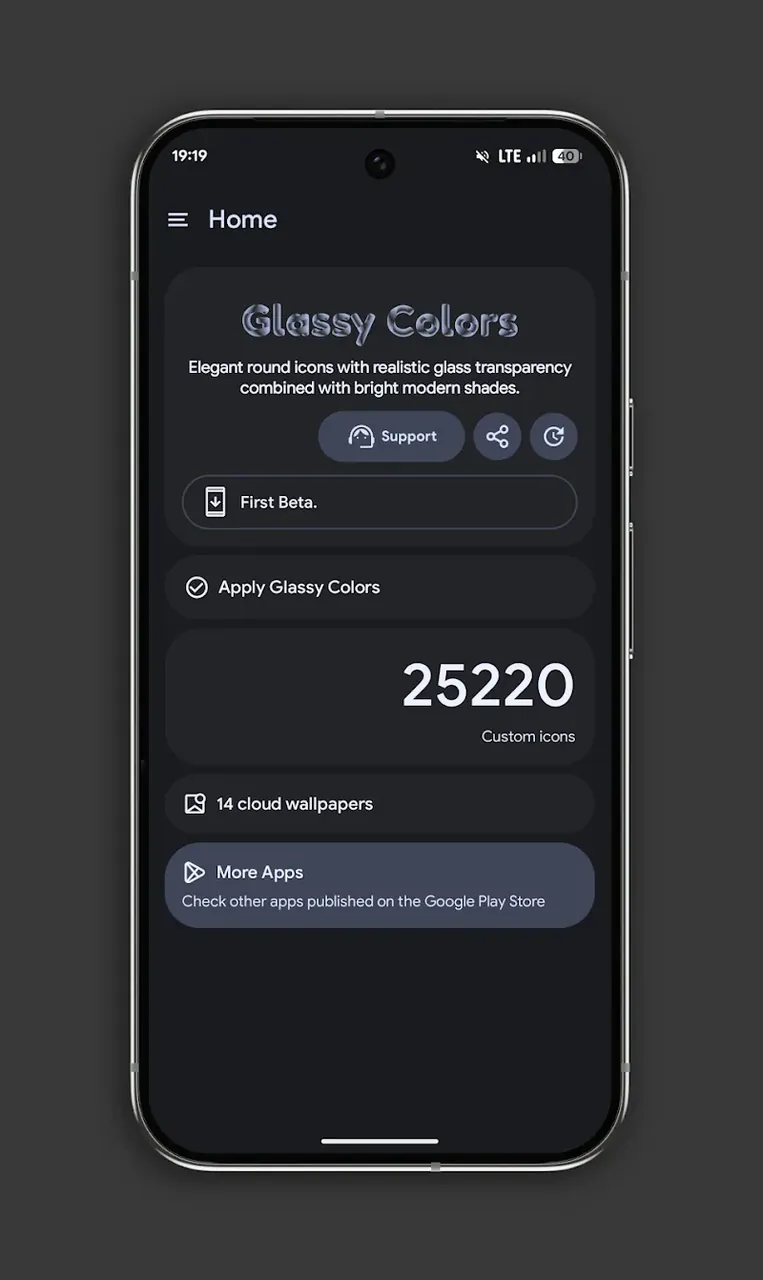
This build provides access to the complete set of assets and features within the application. The Glassy Colors Icons MOD APK unlocks the full version to ensure all icons and wallpapers are available to the user immediately.
This build is version 1.3.0, has a file size of 80 MB, and uses the package name com.pashapuma.glassy.colors; the file is re-signed and therefore cannot be installed as an update over an existing copy of the application from the official store.
The main goal of this personalization software is to modernize the design of mobile interfaces. The Glassy Colors Icons MOD APK has a strong focus on modern design trends of mobile interfaces and user experiences, using transparency and color. The icon library contains over 1,500 different icons, which are all individually created to be of high quality and provide visual detail. Unlike flat, opaque icons, glassy icons have a sense of depth and textures, which give designs a polish that is typically missing. With this personalization software, users can change the visual presentation of their devices, and give it a more modern, polished, and artistic touch.
There are designs for different types of apps in the icon library. There are glassy designs for different social media, messaging, and productivity apps. The collection also includes designs for a variety of utility apps, which allows users to incorporate a glassy design for even the most basic system tools. Covering this much territory gives users the ability to completely change their desktop and home screen to a glassy design. Because each icon is individually created, complex logos can also be altered and personalized to give a glassy design and flow throughout the device.
High-quality backgrounds are an important element of any good icon pack, and this app provides artistic wallpapers for that purpose. Wallpapers in this app are in high definition and are intended to strengthen the visual impact of the glassy icons. The development team aims to strike a balance of color and contrast for backgrounds, in order to ensure that the transparent parts of the icons do not loose their visual appeal. Users can find several artistic styles in the wallpapers gallery, such as abstract styles, and styles with more deliberate structure. The app developers have focused to provide an icon pack where the icons and the backgrounds are in visual harmony to each other. This makes the mobile screen an attractive piece of digital art.
For ease of use, the app provides a number of user-centric features, including an advanced search feature. The search feature helps users to locate specific icons by name or category, and is particularly helpful because there are more than 1500 icons in the pack. The app also suggests icons, based on the current chosen icons, to the user. It helps users to maintain visual harmony and attractiveness of the mobile screen. The user can also organize icons into folders, and assign wallpapers based on preferences, if needed. The app supports the most popular Android launchers and helps in one-tap application to provide an attractive interface.
This app goes beyond the typical mobile customization by offering a few more options for those people that like to manually tweak the system. For instance, you can create your own custom interface by selecting your own icons and wallpapers. You can take things a step further and personalize every single detail of your home screen. This includes adjusting the transparency of your icons, the spacing between icons, and the wallpapers that you use to ensure that your home screen looks exactly how you want it to look.
The devs of this app also prioritize performance and are constantly improving the app to better reflect users wants and needs. For instance, the app has a strong battery optimization feature that lets users browse through the app’s HUGE icons and wallpapers library without consuming too much battery. The customization process is very smooth and efficient. The app also has a request system that is used to identify the most popular icons. Users can vote for the icons that they wish were available in the app. Since apps are consistently being released and user preferences are changing, this app remains valuable in tweaking mobile experiences for users.
Related MOD APKs
What does Glassy Colors Icons MOD APK unlock?
This Glassy Colors Icons 1.3.0 build includes the Full Version. It functions like the PashaPuma Design release, with all modifications active immediately after installation.
What is the latest version of Glassy Colors Icons MOD APK?
Version 1.3.0 matches the PashaPuma Design release from June 12, 2026. We don’t keep older versions here. Install this file over your current app to update; if you see a signature error, uninstall the previous version first.
Is Glassy Colors Icons MOD APK safe to download?
This Glassy Colors Icons 1.3.0 build is the PashaPuma Design app with the Full Version enabled. 1 users gave it 5/5 stars. It does not require root. Ignore Play Protect warnings and always download from this page.
Can I use Glassy Colors Icons MOD APK on PC or iPhone?
This Android file won’t work on iPhone. To use the 80 MB file on a computer, install an emulator like BlueStacks or LDPlayer, then drag the package into the window to set it up.
You are now ready to download Glassy Colors Icons for free. Here are some notes: