With Macrorify Mod APK, image and text recognition capabilities are included in the auto clicker.


Macrorify v1.6.0.2 MOD APK (Premium Unlocked)
| App Name | Macrorify |
|---|---|
| Publisher | KoK-CODE |
| Genre | Tools |
| Size | 12M |
| Latest Version | 1.6.0.2 |
| MOD Info | Premium Unlocked |
| Get it On |

|
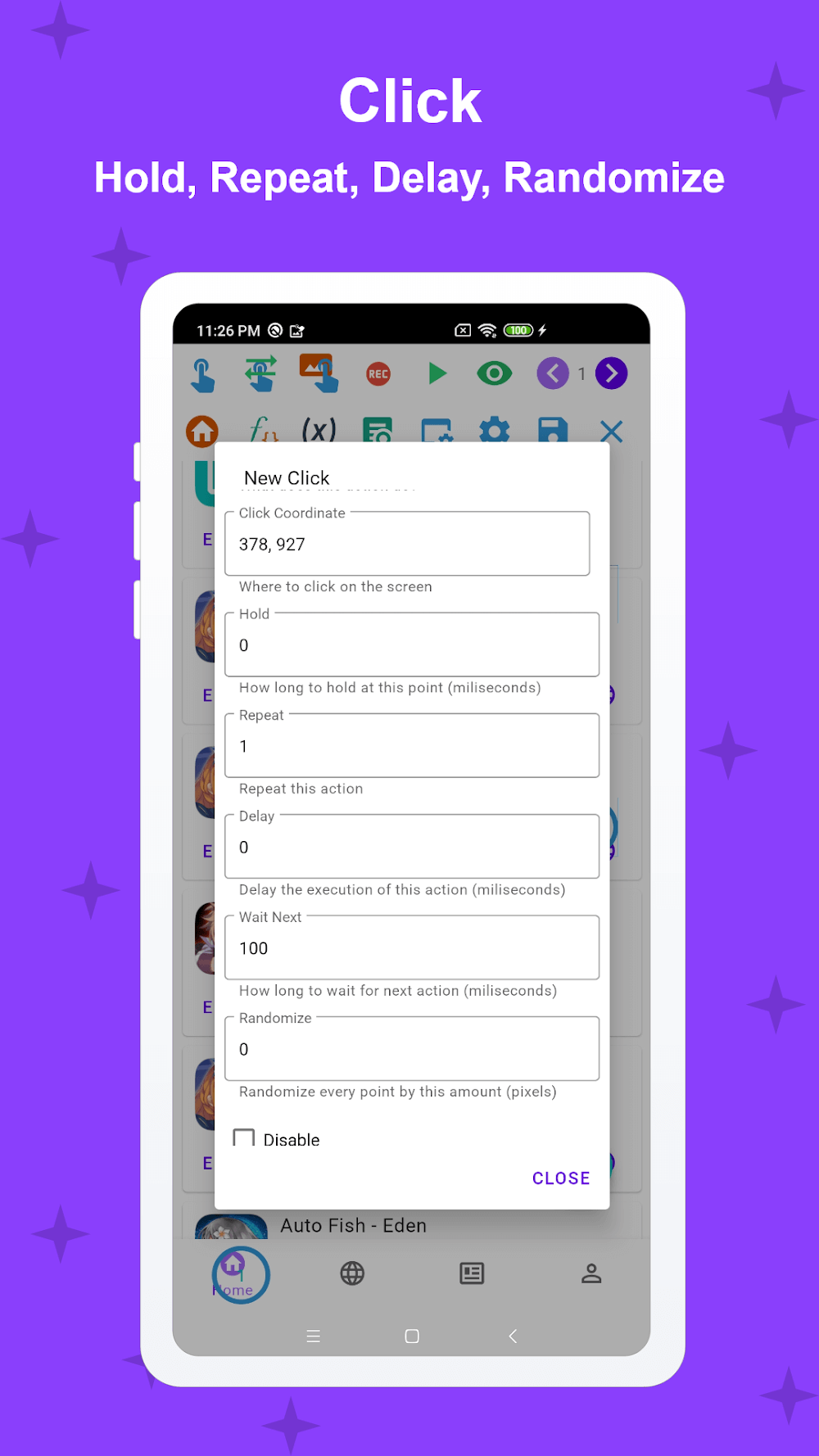

The Macrorify MOD APK provides access to the premium features of the application. This modification unlocks the full functionality that is usually restricted to paid users.
What’s Modified in Macrorify
- Premium Unlocked: All premium features within the application are available for use without a subscription.
This build of Macrorify MOD APK is version 1.6.0.2, has a file size of 12M, uses the package name com.kok_emm.mobile, and is re-signed, meaning it cannot be installed over an existing version from the official store.
About Macrorify
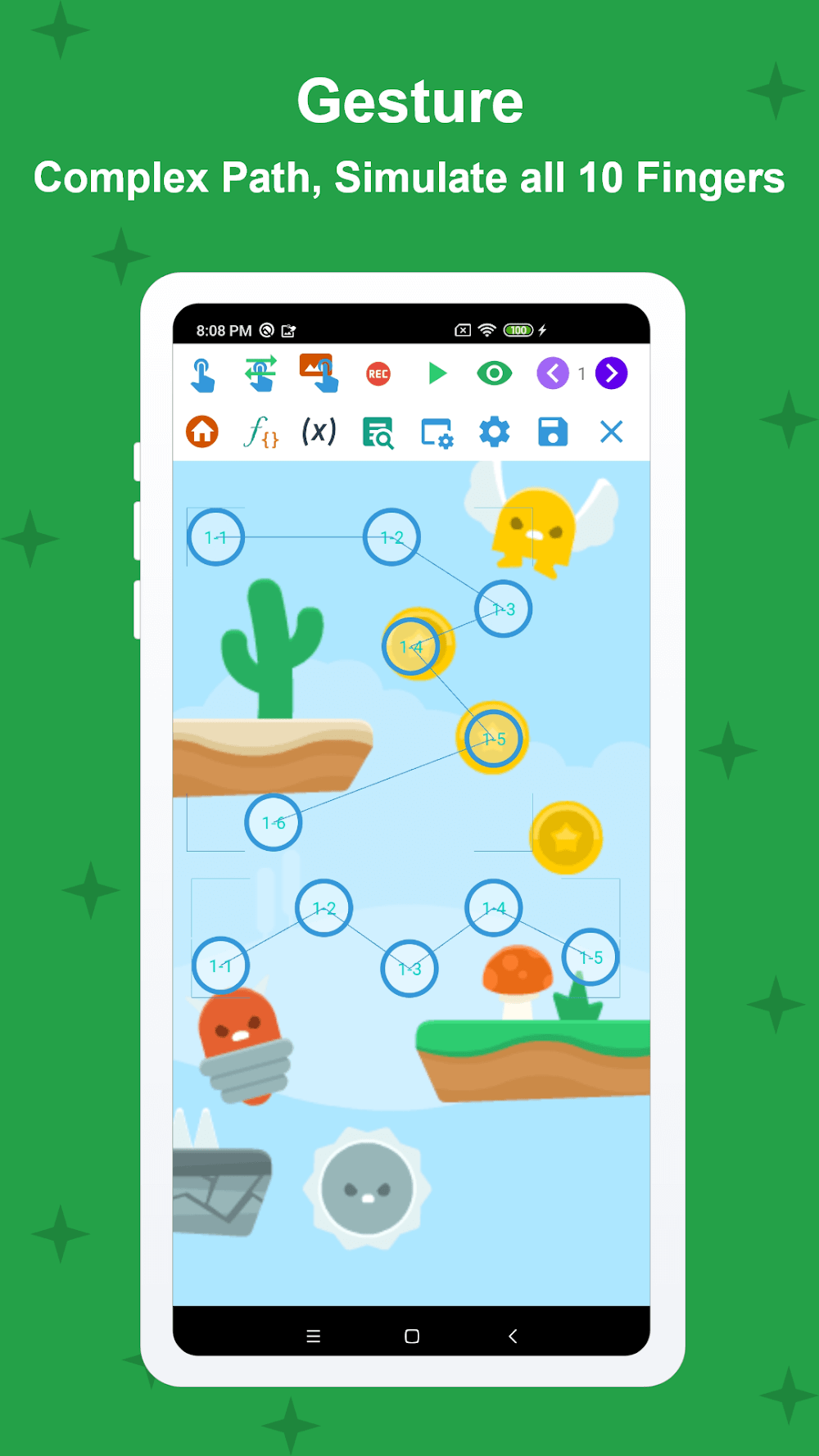
Macrorify is an automation app that uses android accessibility services to perform various input actions. Currently, it is used to automate repetitive tasks in mobile gaming. The application provides a control panel that is used to start, stop, or pause automation scripts. It has a touch actions module that implements various touch actions (i.e. single click, long press, double click, drag and drop, etc.) andmulti-touch actions (i.e. pinch, stretch, rotation, etc.) that are generally used to interact with touch screens. Each touch action can be set to repeat for an defined duration (i.e. constant, slow, fast). The module also has a feature that sets a timeout after which the action is automatically repeated. The user interface is built in such a way that the user can design a touch action layout that is most convenient for them. The app also provides extensive support for multi-touch actions and can interpret user input for all ten fingers. This is useful for games that require user to provide all ten fingers inputs simultaneously.
The application offers a recording and playback function to save user interactions and create macros. Recordings can be edited and combined to create more sophisticated automation. Users have controls to adjust the speed and timing of individual actions and automation. The application provides a feature to break up the mechanical nature of automation by introducing randomness to recorded touch actions. Randomness is introduced to recorded actions and interactions, and it is used to replace varying touch coordinates. Recordings can be freely edited to introduce randomness, and to alter and combine in any order. To facilitate the users’ needs to automate more sophisticated tasks, recordings can be edited and combined to create more complex macros. Users need not record complete tasks from the beginning to alter and combine macros.
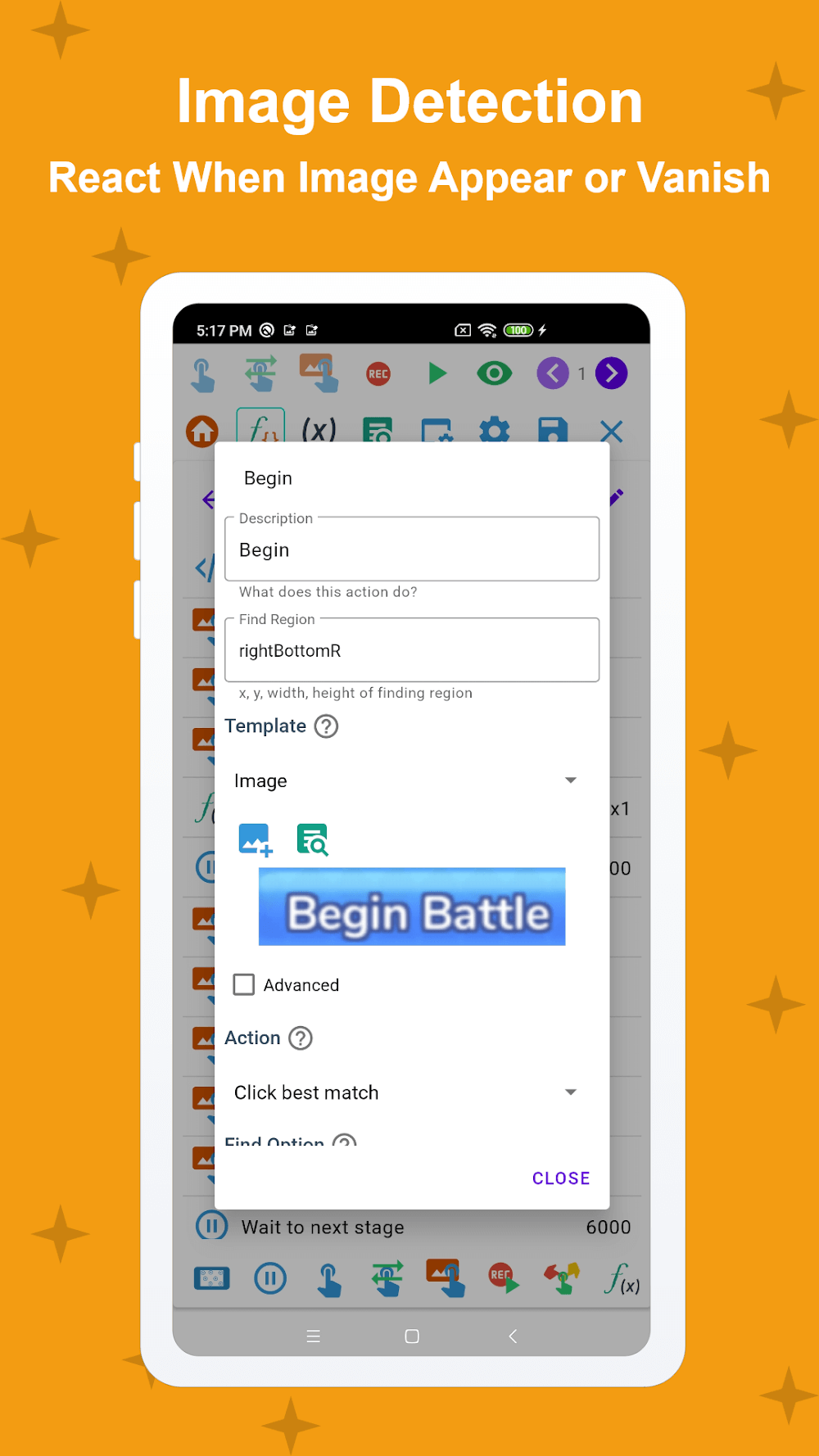
The software’s ability to interpret and understand images is perhaps its strongest suit. This allows it to automate a wide array of tasks. Images can be loaded into the software as triggers. The software can be programmed to perform an action when a loaded image is identified in a target screen. Likewise, the software can be programmed to perform an action when a loaded image is no longer identified in a target screen. The software’s ability to understand images can be extended to understand images in a sequence. Using the sequential images, the software can be programmed to perform a macro to wait for the appearance of an image and then perform an action upon the image going out of view. The software also allows users to incorporate text into a macro in a similar way that they would incorporate an image. The text recognition tool helps to facilitate macro automation by incorporating text in place of images or buttons. The software’s capability to integrate both text and image detection creates a strong foundation for understanding the state of the screen.
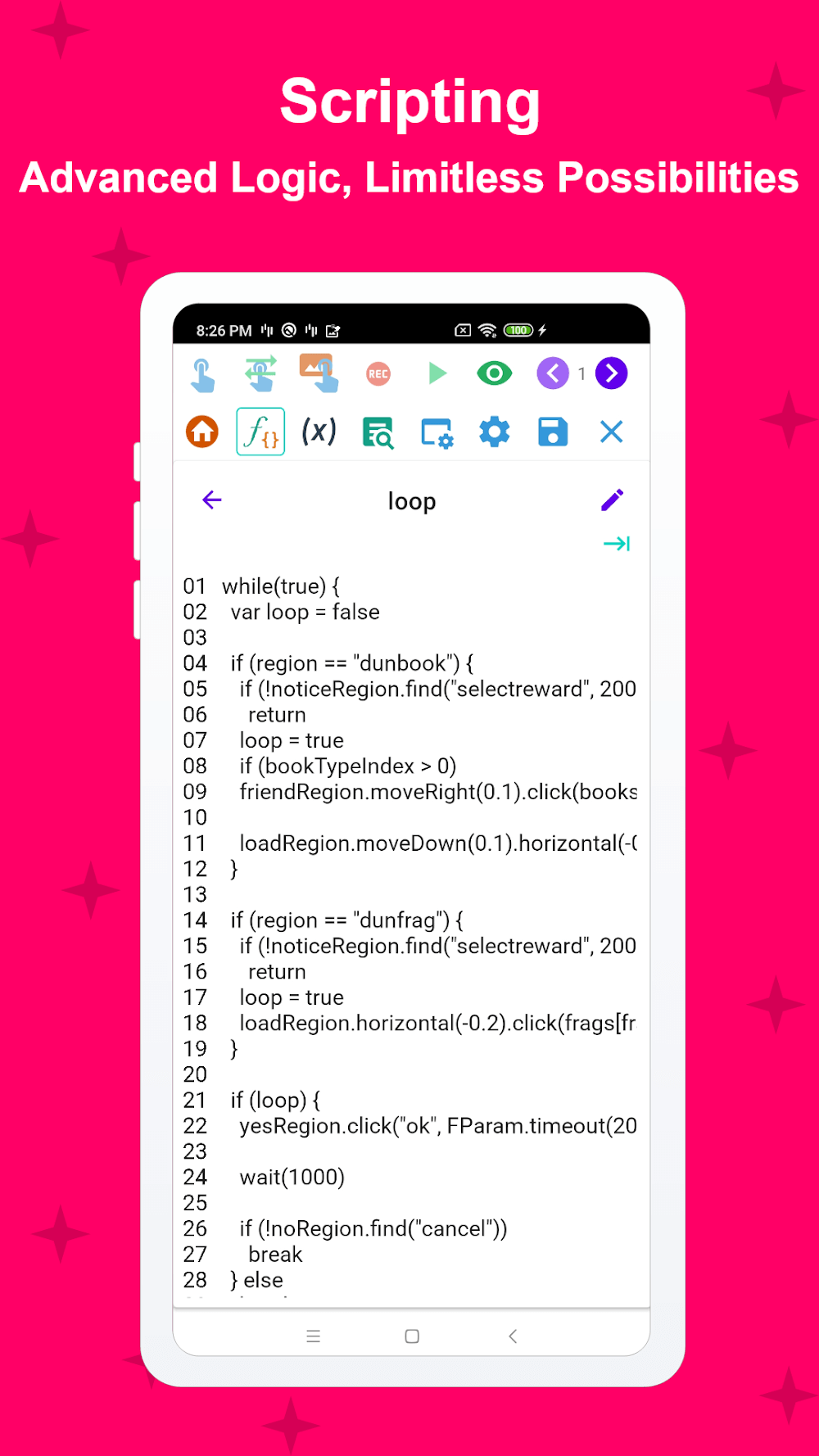
Users who wish to perform more complex automated actions can utilize EMScript. Compared to other macro creating applications, EMScript is somewhat unique in that it employs a programming language for its macros, and as such, can represent more advanced logic. This is in stark contrast to other applications which rely solely on a graphical user interface. When logic and conditional statements become involved, the control and flexibility of a programming language become valuable. The application also provides the opportunity for users to develop their own customized graphical user interfaces. Here, users can construct their own personalized button and control layouts, and integrate these to perform macro functions and/or provide feedback on the status of ongoing macros. The developers of the application acknowledge that macro software has a learning curve and assume that users will progress from employing basic touch recording to writing more complex macros with the application’s scripting language. As such, the application attempts to provide features for users at all levels of experience with the software.
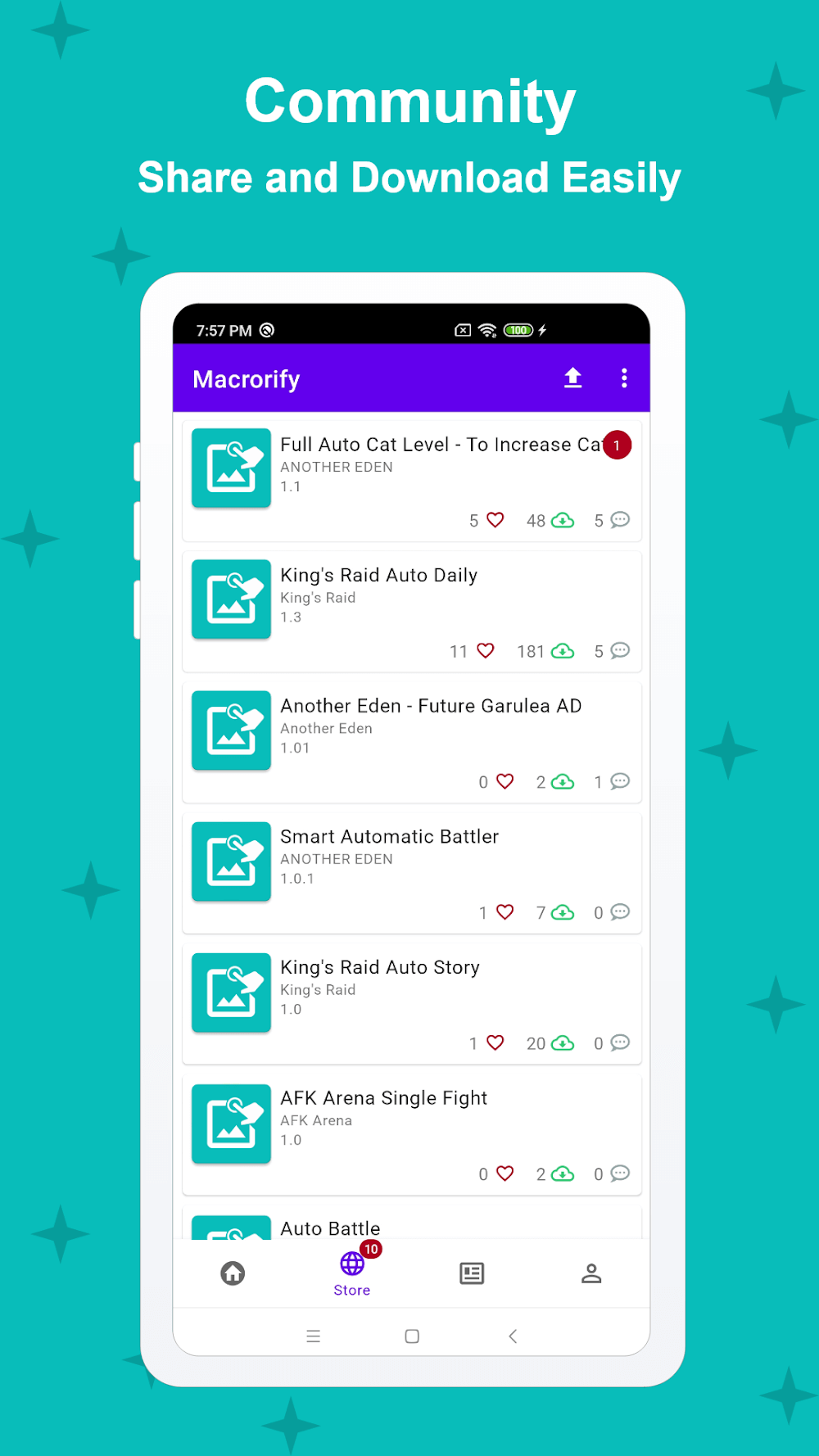
This software offers a Macro Store right out of the box and a high level of compatibility with different types of Android. The Macro Store is a user-driven software store where users can post macros for various gaming and PC interaction tasks. Users can find and use macros for different tasks and games without having to create the macros themselves. Top macros are posted to the Macro Store, and users are rewarded for their submissions. The automation software operates on all Android devices starting from KitKat and on Android emulators. The user interface is easy to use and allows users to easily configure different types of touch-based computer interactions. The software works without requiring the Android operating system to be modified, and as a result, it can be used with standard, not rooted, Android devices. The software allows users to perform automation tasks across various Android devices.
Key features
- Swipe and click actions
- Long clicks and double clicks
- Drag and drop gestures
- Squeeze and zoom multi-touch
- Record and playback system
- Image Recognition triggers
- Text Recognition (OCR)
- EMScript scripting language
- Built-in Macro Store
- Custom user interface creation
Related MOD APKs
- MovieBox ID: Watch Movies, TV Series, K-Dramas & Anime for Free
- KWGT Kustom Widget Pro
- SnapTube
- Terabox
FAQ
Is Premium unlocked in Macrorify MOD APK?
This version of Macrorify (1.6.0.2) includes Premium Unlocked. It behaves like the KoK-CODE original, and you can access the modified features as soon as you install it.
What is the latest version of Macrorify MOD APK?
Version 1.6.0.2 matches the KoK-CODE update from August 17, 2026. We don’t keep older versions here. Update by installing this file over your current app. If you see a signature conflict, delete the old version first.
Is Macrorify MOD APK safe to download?
This Macrorify 1.6.0.2 file is the KoK-CODE app with only Premium Unlocked modified. 344 users gave it a 3.5/5 rating. It does not require root. A Play Protect warning during install is expected, so always download from this page.
Can I use Macrorify MOD APK on PC or iPhone?
This Android app will not install on your iPhone or iPad. To use the 12M file on a computer, use an emulator like BlueStacks or LDPlayer. Install the emulator first, then drag the file in.
Macrorify v1.6.0.2 MOD APK (Premium Unlocked) Download
Download (12M)You are now ready to download Macrorify for free. Here are some notes:
- Please read our MOD Info and installation instructions carefully for the game & app to work properly
- Downloading via 3rd party software like IDM, ADM (Direct link) is currently blocked for abuse reasons.
3.5/5 (344 votes)